
How to Set Up a Custom Caller ID for Your Business? 8 Simple Steps
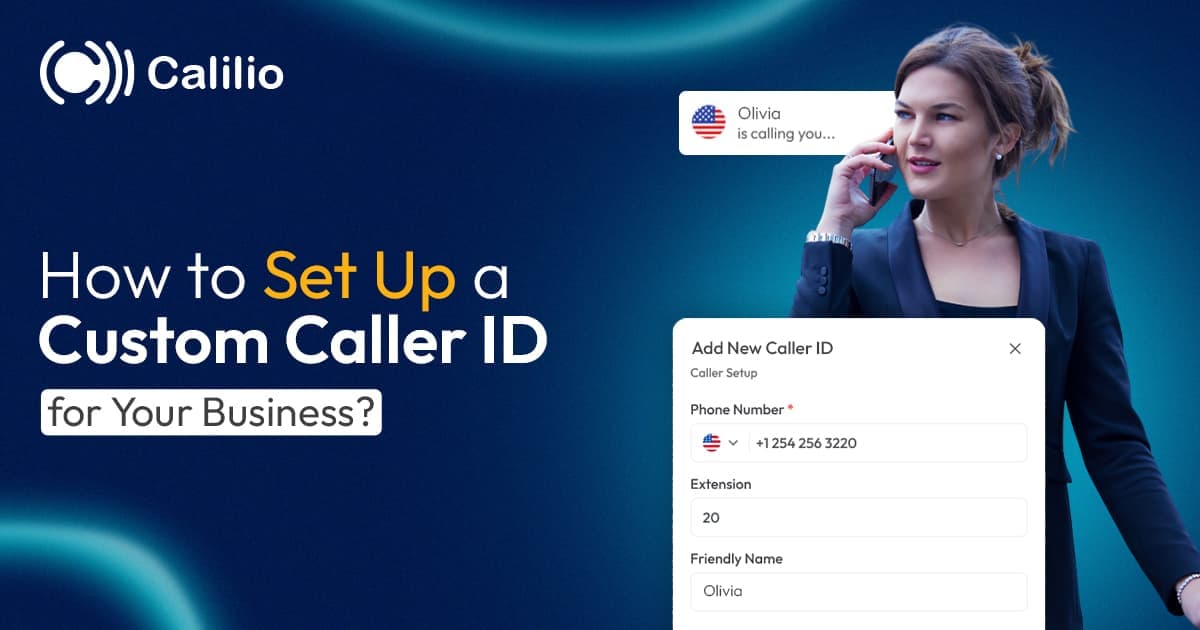

During an outbound call, if your business line shows up as an unknown number on the customer’s phone, you’re more likely to be ignored, assuming it’s an unsolicited or spam call. This results in missed calls, lost opportunities, and potentially diminished trust.
Fortunately, you can solve this easily with a custom caller ID. This feature lets you display your business name or a recognizable number, ensuring customers know it’s you calling. It’s a simple yet effective way to increase response rates and present your business as professional and trustworthy.
In this article, we’ll explain what a custom caller ID is, why it’s essential for your business, and how to set it up. We’ll also share best practices to help you maximize its effectiveness and avoid common pitfalls.
Key Highlights:
Custom caller ID lets you display your business name or a recognizable number instead of an unknown or personal number.
Caller ID increases call answer rates, builds trust with customers, enhances professionalism, and helps prevent calls from being ignored or marked as spam.
Custom caller ID may display incorrectly due to delays in updates, outdated data appearing, being flagged as spam by carriers, or truncation due to character limits on caller ID names.
To set up caller ID effectively, use your official business name, maintain consistency across all business lines, avoid abbreviations or personal names, and ensure your caller ID is accurate and regularly updated.
What is Custom Caller ID?
A Custom Caller ID is a feature in Voice over Internet Protocol (VoIP) systems that allows businesses or individuals to customize caller ID information displayed on the recipient’s phone during an outbound call.
Instead of showing a personal or private number, you can display an official business number, a local area code, or even your company name. The name displayed is known as the Caller ID Name (CNAM), which is separate from the phone number itself and is used by carriers to show your business identity on the recipient’s screen.
This setup protects employee privacy while making your calls easily recognizable and trusted, helping to improve answer rates and reinforcing your business’s professional image.
Why Does Your Business Need a Custom Caller ID for Outbound Calls?
Implementing a custom caller ID makes your outbound calls more recognizable and increases the chances of getting answered. It strengthens trust, presents your business professionally, and reduces the risk of your calls being marked as spam.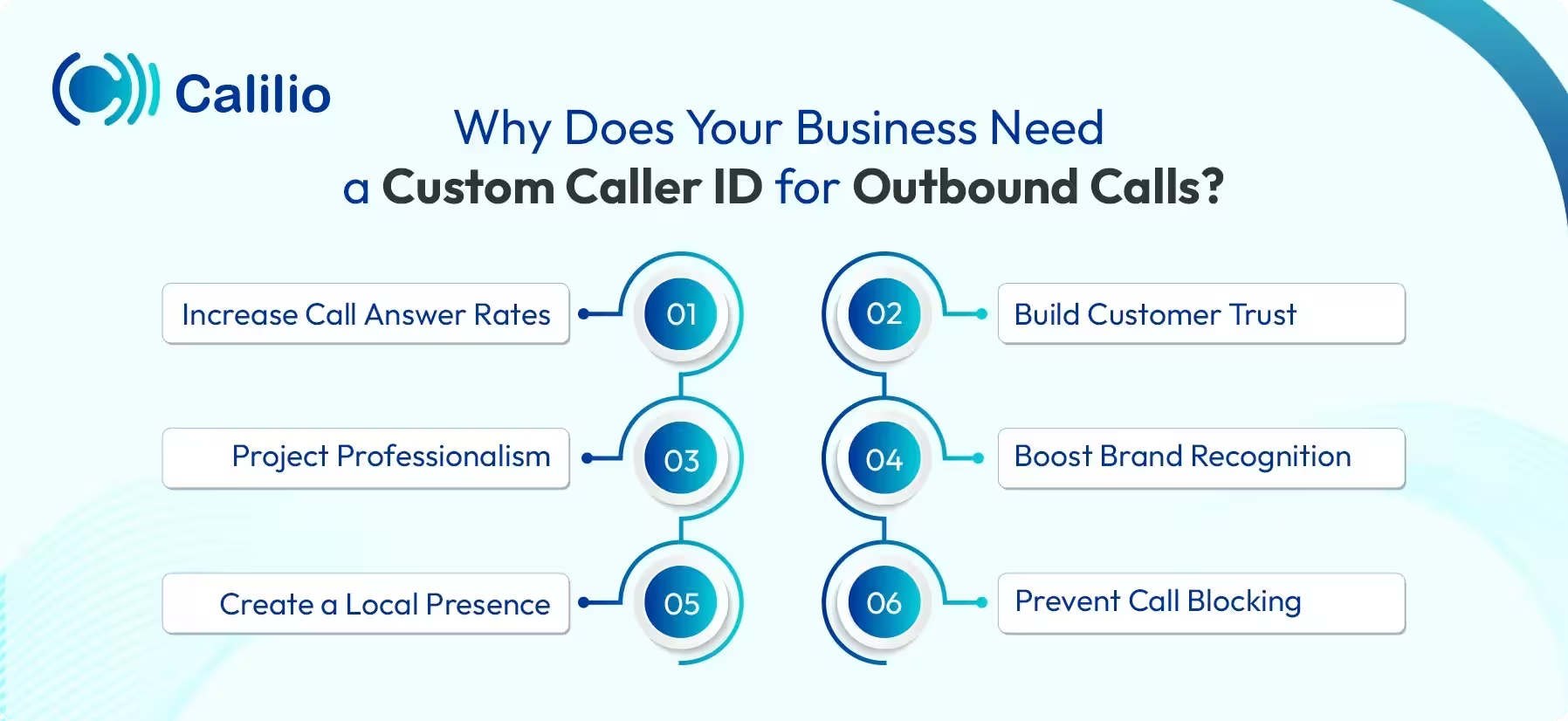
- Increase Call Answer Rates: A custom caller ID displays a clear and recognizable number, which encourages customers to answer. When people see a number they trust, they feel more confident picking up the call.
- Build Customer Trust: Displaying a clear business name or number signals that the call is legitimate. Customers gain confidence knowing they’re speaking with a verified business.
- Project Professionalism: A custom caller ID allows your business to appear more professional and reliable. It gives your calls a polished look, especially for small businesses seeking to boost their credibility.
- Boost Brand Recognition: A custom caller ID helps your business name or number appear consistently with every outbound call. This repeated visibility helps customers remember your brand more easily and strengthens long-term recognition.
- Create a Local Presence: You can display a local number for different regions, making your business seem more trustworthy and approachable. Customers are more likely to answer calls from numbers tied to their area.
- Prevent Call Blocking: A verified caller ID lowers the chance of your number being flagged as spam on specific networks. It ensures your calls get through and reach your customers without unnecessary blocks or filters.
How to Set Up a Custom Caller ID for Your Business
To customize your caller ID, simply log in to your VoIP provider’s dashboard, go to settings, and select the number you wish to configure. From there, you can add your desired caller ID name or number and verify your number to complete the setup.
The exact steps may vary depending on the provider, but the general process is similar.
Here’s how to set up a custom caller ID for your business with Calilio:
Boost Your Call Answer Rates with a Custom Caller ID from Calilio
Best Practices for Setting up Your Business Caller ID
To make the most of your custom caller ID, use your official business name and keep it consistent across all lines. Also, avoid abbreviations, acronyms, or personal names to ensure clarity and build trust.
Use Your Official Business Name
Always display your official business name in the CNAM. Avoid using vague terms like “Info,” “Support,” or individual employee names, as these can confuse recipients and make your business appear unprofessional. Also, keep the name short (under 15 characters) to ensure proper display across networks and devices.
Register with A2P 10DLC
For calls and texts to US mobile numbers, register your number through A2P 10DLC. This ensures that your number is recognized as legitimate, reduces the chances of it being flagged as spam, and improves call and message deliverability. It also keeps your business aligned with carrier and FCC regulations.
Use Local Numbers Whenever Possible
Local area codes are more familiar and trustworthy to recipients than toll-free or random VoIP numbers. Whenever possible, acquire numbers from the cities or regions where your customers are located. This increases answer rates, as people are more likely to pick up calls from their local areas.
Maintain Consistency Across All Lines
Ensure that the same caller ID name is used across all business numbers and departments. A unified, consistent caller ID reinforces your brand, makes your business instantly recognizable, and helps customers instantly recognize your calls.
Be Accurate and Transparent
Always ensure that the caller ID reflects accurate and truthful information about your business. Never misrepresent your business or impersonate another entity. Misleading caller IDs violate the Truth in Caller ID Act, which can result in fines and damage to your brand’s reputation.
Set a Default Caller ID Name
Configure a default CNAM for all outbound calls to maintain uniform branding. Make sure to use the same name registered during the A2P 10DLC registration to ensure proper approval and display. Moreover, regularly monitor your caller ID reputation and update it if you rebrand or change your contact number, to maintain accuracy and reliability.
Common Issues with Custom Caller ID
While a custom caller ID is a helpful feature, it also has challenges like slow updates, limited character space for names, and the risk of showing wrong or outdated information. In some cases, calls can be flagged as spam, altered by the recipient’s carrier, or blocked if the number is already in use.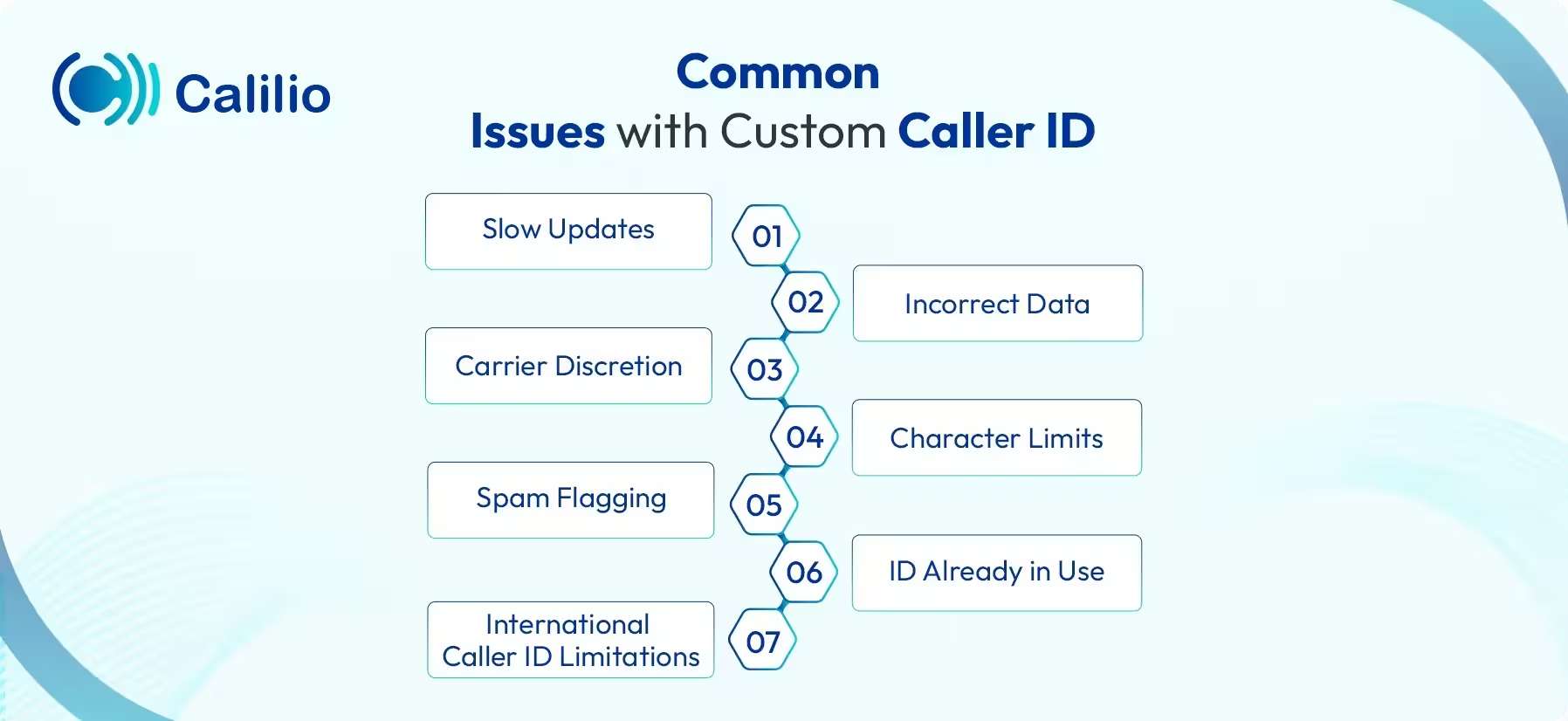
- Slow Updates: It can take days for a new custom caller ID to update across various carrier databases, leading to delays in displaying the correct caller ID.
- Incorrect Data: Outdated or incorrect information in carrier databases can cause the wrong name or number to display.
- Carrier Discretion: Sometimes the recipient's carrier may modify or mark the call as spam, even if the caller ID data is correct.
- Character Limits: Caller ID names are often limited to 15 characters, which can cause truncation if your business name exceeds the limit.
- Spam Flagging: If carriers detect high call volumes, unregistered numbers, or inconsistent activity, your number may be labeled as spam.
- ID Already in Use: If the custom caller ID is already in use by another user, it may be unavailable for your business.
- International Caller ID Limitations: Caller ID display varies by country. Some regions only support number display and cannot show the caller's name.
Conclusion
A custom caller ID is essential for businesses aiming to improve customer engagement and increase call answer rates. By displaying a business name or a recognizable number, you make it easier for customers to trust your calls and reduce the chance of being ignored.
With Calilio, you can set up a custom caller ID so your business number appears on outgoing calls. Call masking allows you to use different business numbers for departments or regions while keeping personal phone numbers private.
Summarize this blog with:
Frequently asked questions
How long does it take to set up a custom caller ID?
Setting up a custom caller ID usually takes just a few minutes. However, it may take a few hours to 72 hours to fully update across all carriers. In some cases, it may take longer, as the time frame depends on the provider and the recipient’s carrier getting the updated information from the national database.
Can I change my custom caller ID information later?
Does a custom caller ID work on all devices and networks?

Still have questions?
Can’t find the answer you’re looking for? Please chat with our friendly team.
Stay in the loop
Get the latest call insights, trends, and updates delivered straight to your inbox.
By subscribing, you agree to receive updates from Calilio.
You can unsubscribe anytime.
Enter the World of AI Business Phone System with Calilio
Improve your business operation with Calilio's advanced virtual phone system. Join today for a better way to connect.