
 +
Integrate Calilio With Pipedrive CRM for Smarter Sales Calls
Connect Calilio's AI-powered phone system to Pipedrive. Every call, text and voicemail is logged on the right Pipedrive contact, complete with recordings, AI summaries, sentiment and transcripts. Your pipeline stays current without anyone typing a thing.
Plans from $12/month · 14-day money-back guarantee
- 16 events synced
- AI summaries and transcripts
- No duplicate contacts
16 Events, Synced Automatically
Everything your team does in Calilio shows up in Pipedrive, from the call itself to the conversation insights.
One Call, One Activity, Fully Enriched
Calilio opens a single Pipedrive activity when a call starts and keeps adding to it, from the first ring to the AI insights that arrive after you hang up. No duplicates, nothing scattered.
A call activity is opened on the matching contact.
The agent who picks up is set as the activity owner.
Direction, duration and timestamps are written and the activity is closed.
The audio is attached to the same activity.
A short summary of the conversation is added.
Positive, Neutral or Negative, ready to filter on.
The full transcript is saved as a file and a note.
Right Where Your Team Works
Nothing new to learn. Calilio puts every detail into the Pipedrive records your sales team already uses.
The record of the call: direction, outcome, owner, duration, recording link, AI summary, sentiment and tags.
Matched by phone number. New callers are added and labelled Source: Calilio.
Call recordings, voicemail audio, transcripts and MMS media, attached to the call and contact.
Missed calls and voicemails create a callback activity, so no lead goes cold.

Built to Protect Your CRM Data
Calilio adds to your records without overwriting what your team has curated.
Your Pipedrive contact data wins by default. Calilio only writes back to the fields you choose to allow.
Updating contacts from Calilio is switched off until you turn it on, field by field.
Deleting a contact in Calilio only flags it in Pipedrive. Permanent deletion is an opt-in setting.
Activities, notes and files stay in Pipedrive, and new data is added to them rather than replacing what is there.
Connect Pipedrive in Five Steps
Choose the plan that fits your team.
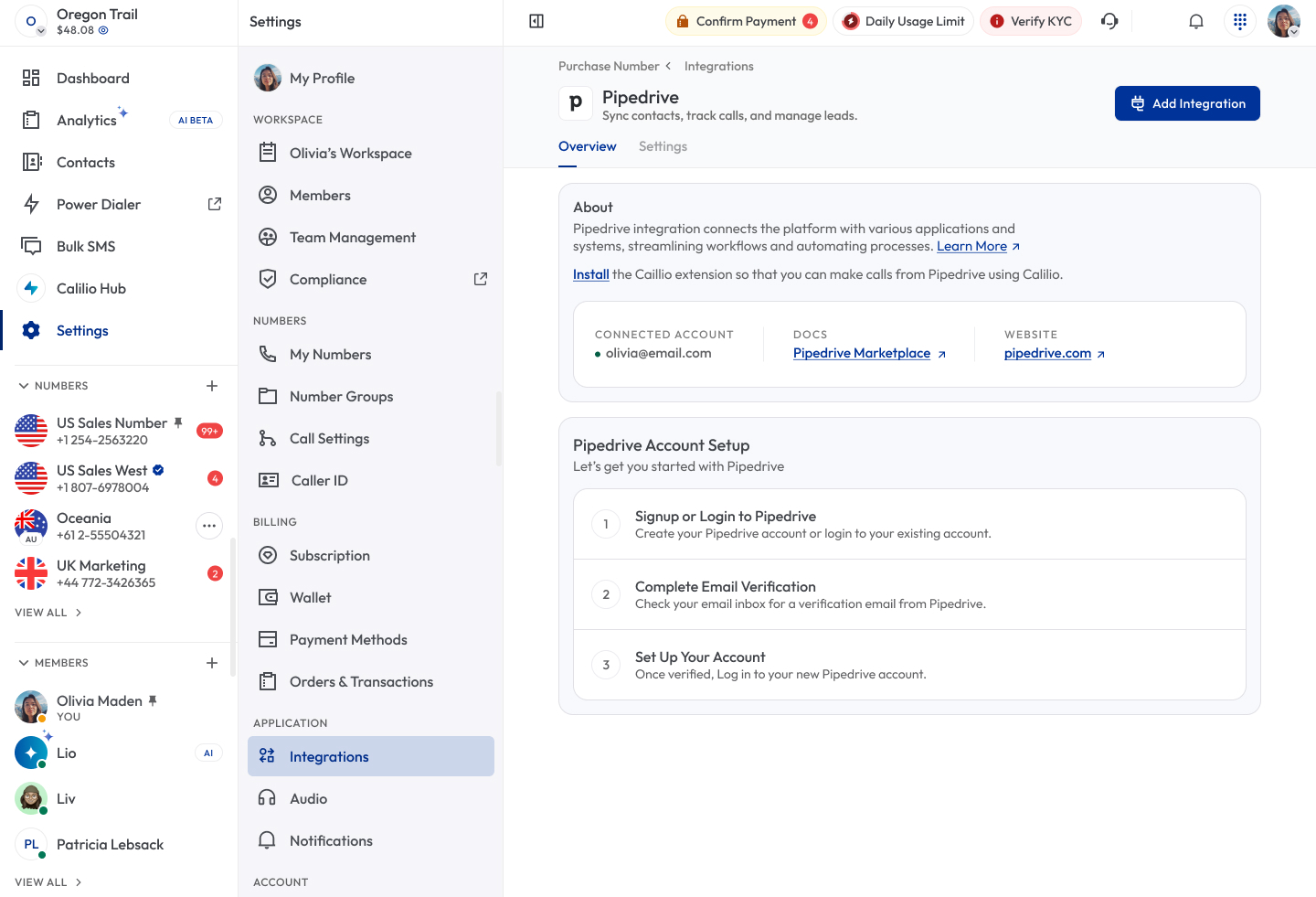
In Calilio, go to Settings and choose Pipedrive.
Enter your Pipedrive login details.
Approve access and complete the installation.
Use Calilio's features right inside Pipedrive.
Made for Every Team
Click to call from Pipedrive and let every call log itself, so reps spend more time selling.
Use call logs to see which campaigns bring in strong leads.
Pull up the full call history before you reply, for faster and better-informed service.
Connect More of Your Tools
Frequently Asked Questions
No. Calilio searches Pipedrive by phone number before creating anything. If two contacts share a number, calls link to one of them and the pair is flagged for you to merge.