Top 10 Mobile Apps for Businesses to Boost Productivity in 2026


In today’s fast-paced business environment, staying connected, responding quickly, and keeping work moving forward are essential. However, managing everything from a desk isn’t always practical. Whether you’re traveling frequently, leading remote teams, or making decisions on the go, relying only on desktop-based tools can slow productivity and limit flexibility.
This is where mobile apps come in. Business mobile apps enable teams to communicate, manage tasks, track projects, handle payments, and access important data anytime, from anywhere. Instead of solving just one problem, these apps support multiple business functions, from collaboration and customer management to finance, file storage, and reporting.
In this article, we’ll explore the 10 best mobile apps for business that help simplify daily operations, save valuable time, and improve team coordination, so your business can stay productive wherever work happens.
Highlights:
Mobile apps for companies allow business owners and teams to manage day-to-day tasks such as communication, payments, customer management, project tracking, file storage, and reporting.
The best phone apps for your business include Calilio, Dropbox, Slack, Asana, and Square, which help manage tasks, collaborate seamlessly, and organize workflows effectively.
When choosing mobile apps for your business, identify your specific needs, evaluate the available features carefully, and consider feedback from other users.
Why are Mobile Apps Essential for Modern Businesses?
Mobile apps are essential for businesses because they help enhance team collaboration, improve customer engagement, and boost overall efficiency and productivity.
- Enables Remote Work: Business mobile apps allow teams to collaborate from anywhere, access essential documents, and track progress in real time. It supports remote or hybrid work without compromising efficiency.
- Improves Customer Engagement: Businesses can interact directly with customers using business mobile apps, offering personalized services, instant support, and timely updates. It helps build trust and strengthens client relationships.
- Cost Efficiency: By automating tasks, reducing paperwork, and improving coordination, mobile apps for business help save on operational costs. It enables businesses to handle message scheduling, invoicing, and customer communication directly from a mobile app, reducing the need for additional staff and resources.
- Enhanced Security: These apps offer advanced security measures to protect sensitive data, transactions, and communications. This ensures that both companies and clients can trust that their information is secure and well-protected.
- Scalability: Mobile apps expand with your business, enabling you to add new features, users, or integrations seamlessly. It ensures operations grow efficiently without disrupting existing systems.
Top 10 Mobile Apps for Your Business
Calilio, Microsoft OneDrive, Slack, Square, Microsoft Teams, Google Calendar, Zoho CRM and LinkedIn are the top mobile apps for business that help companies manage tasks, collaborate with teams, store and share files securely, and simplify day-to-day operations.
1. Calilio: Best Business VoIP & Communication App
Calilio is one of the best mobile apps for business that provides a cloud-based business phone system, designed to simplify and improve business communication. This VoIP (Voice over Internet Protocol) platform allows businesses to make and receive calls over the internet, manage voicemails, and stay connected across multiple devices. It also provides advanced features like call analytics, call routing, and Interactive Voice Response(IVR), which improve operational efficiency and customer interactions.
With Calilio, businesses can buy new virtual phone numbers or port existing numbers from 100+ countries, making it easy to establish a professional local or global presence. By centralizing all communication on one platform with secure data handling, it helps improve workflows, customer interactions, and boost productivity for businesses of all sizes.
Features
- Inbound and outbound calling
- Call routing
- Interactive Voice Response (IVR)
- Call analytics and reporting
- Call recording
- Power dialer
Pricing
Plan | Price (Per User/Month for Yearly Subscription) |
| Standard | $12 |
| Premium | $28 |
| Enterprise | Custom |
2. Slack: Team Messaging & Collaboration App
Slack is a leading mobile app that simplifies team communication and collaboration. It allows teams to create organized channels for projects or departments, conduct voice and video calls, and share files within a centralized, easy-to-access platform. Team members can stay connected and informed, whether they work remotely or in the office.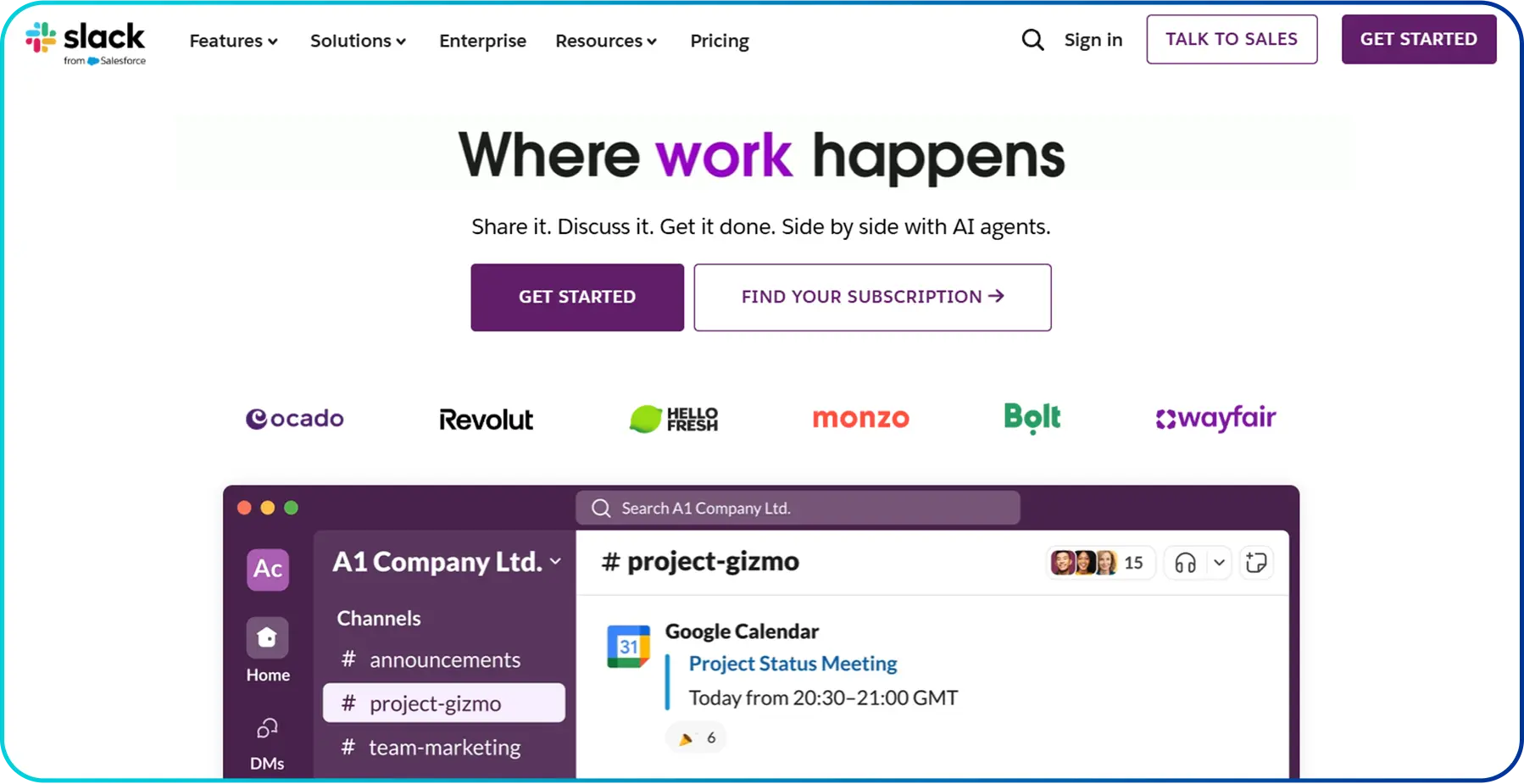 Slack integrates with over 2,600 apps, including Microsoft 365, Google Workspace, and Zoom and helps teams automate workflows and manage tasks. Moreover, its AI-powered tools, such as Slack AI and Agentforce, summarize conversations, highlight key action items, and provide contextual guidance to improve productivity.
Features
- Organized channels for projects, departments, or topics
- Voice and video calls with real-time collaboration
- Secure file sharing and centralized communication
- AI assistance through Slack AI and Agentforce
- External collaboration with Slack Connect
- Enterprise-grade security and compliance
Pricing
Plan | Price (Per User/Month) |
| Free | - |
| Pro | $4.38 |
| Business+ | $9 |
| Enterprise+ | Custom (Contact Sales) |
3. Microsoft OneDrive: Cloud Storage & File Sharing
Microsoft OneDrive offers a mobile app that lets teams securely store, access, and share files across all devices. It ensures that important documents, photos, and data are always synced and available, enabling smooth collaboration whether working in the office or remotely.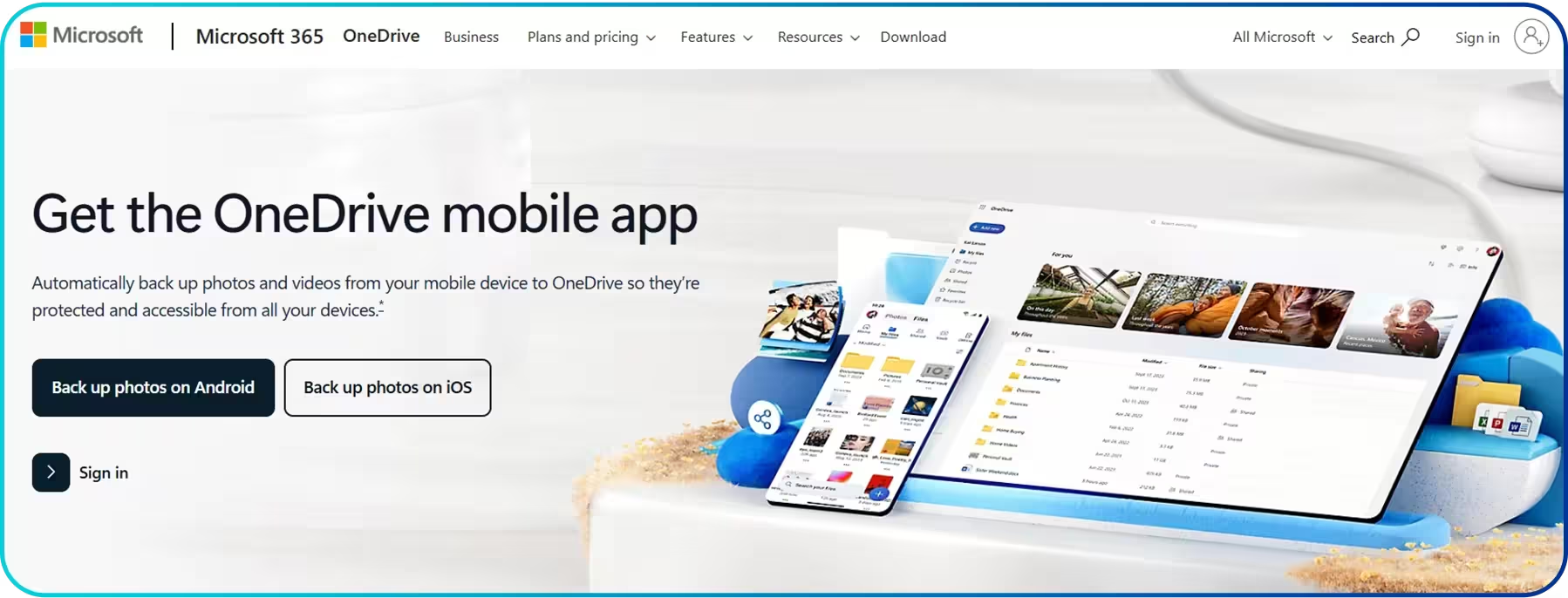 By integrating with Microsoft 365 apps like Word, Excel, PowerPoint, and Teams, it allows real-time collaboration on documents and projects. Furthermore, businesses can control access permissions, track file versions, and recover accidentally deleted files and safeguard data with built-in ransomware protection.
Features
- Real-time collaboration and co-authoring
- File sharing with customizable permissions
- Version history and easy file recovery
- Automatic backup for folders, files, and photos
- Access and manage files on desktop, web, and mobile
Pricing
Category | Plan | Price (Per Month) |
| Individuals | Microsoft 365 | $0 |
| Microsoft 365 Basic | $1.99 | |
| Microsoft 365 Personal | $9.99 | |
| Microsoft 365 Family | $12.99 | |
| Business | Microsoft 365 Business Basic (With Teams) | $6 |
| Microsoft 365 Business Standard (With Teams) | $12.50 | |
| Microsoft 365 Business Standard (Without Teams) | $5 | |
| Microsoft 365 Business Basic (Without Teams) | $4.40 |
4. LinkedIn: Best Business Networking App
LinkedIn is one of the most powerful mobile apps for business networking and professional growth. It enables business owners, professionals, and teams to connect with industry peers, potential clients, and decision-makers worldwide. By using professional profiles and company pages, businesses can highlight their expertise, services, and achievements, helping build credibility and trust.
Features
- Professional profiles and company pages
- Job posting and recruitment
- Direct messaging and professional groups
- Industry insights and news
Pricing
Category | Plan Name | Pricing (Per Month, Billed Annually) |
| Career | Free LinkedIn (Basic) | $0 |
| Premium Career | $22.59 | |
| Small Business | Linkedln | Free |
| Premium Business | $50.84 | |
| Premium Company Page | Custom | |
| Sales Solutions | Core | $101.69 |
| Advanced | $169.49 | |
| Advanced Plus | Request Demo | |
| Recruiters & HR | Recruiter Lite | $1,679.88/year |
| Recruiter (Full) | Contact Sales |
5. Microsoft Teams: Communication & Collaboration App
Microsoft Teams is a leading collaboration and communication platform for businesses of all sizes that helps improve productivity and teamwork. It combines chat, video meetings, file sharing, and task collaboration in one centralized workspace, making it easy for teams to work efficiently from anywhere. Businesses can also create dedicated channels for teams, projects, or specific topics, keeping conversations organized and easy to find. The platform integrates with Microsoft 365 apps such as Word, Excel, PowerPoint, and OneDrive, enabling real-time file sharing and collaboration. It also provides built-in security and compliance features that help to protect sensitive data.
Features
- Chat and instant messaging
- Video and audio meetings
- File sharing and collaboration
- Integration with Microsoft 365 apps
- Task and project management tools
- Secure access and data encryption
- Customizable channels and workflows
- Cloud-based access across devices
Pricing
Category | Sub-Category | Team | Plan Name | Price (/User/Month, Billed Yearly) |
| Business | Business Plans | With Teams | Microsoft 365 Business Basic | $4 to $6 |
| Without Teams | Microsoft 365 Business Basic | $6.40 to $9.29 | ||
| Teams Phone Add-on | _ | Microsoft Teams Phone Standard | $10 to $13 | |
| Teams Room Add-on | _ | Microsoft Teams Rooms Basic | $0 to $ 40 | |
| Enterprise | Enterprise Plan | With Teams | Microsoft Teams Enterprise | $8.55 to $57 |
| Without Teams | Microsoft 365 E3 (No Teams) | $27.45 to $48.45 | ||
| Teams Premium Add-on | _ | Microsoft Teams Premium | $10 | |
| Teams Phone Add-on | _ | Microsoft Teams Phone Standard | $10 to $34 | |
| Teams Room Add-on | _ | Microsoft Teams Rooms Basic | $0 to $40 |
6. Google Calendar: Scheduling & Time Management
Google Calendar’s mobile app for businesses is designed to streamline scheduling and improve team productivity. It allows users to create and edit events, set reminders, schedule meetings, book meeting rooms, and share calendars with teams, ensuring smooth coordination. It also integrates with Gmail, Google Meet, and other Google Workspace apps, enabling seamless communication and collaboration across devices.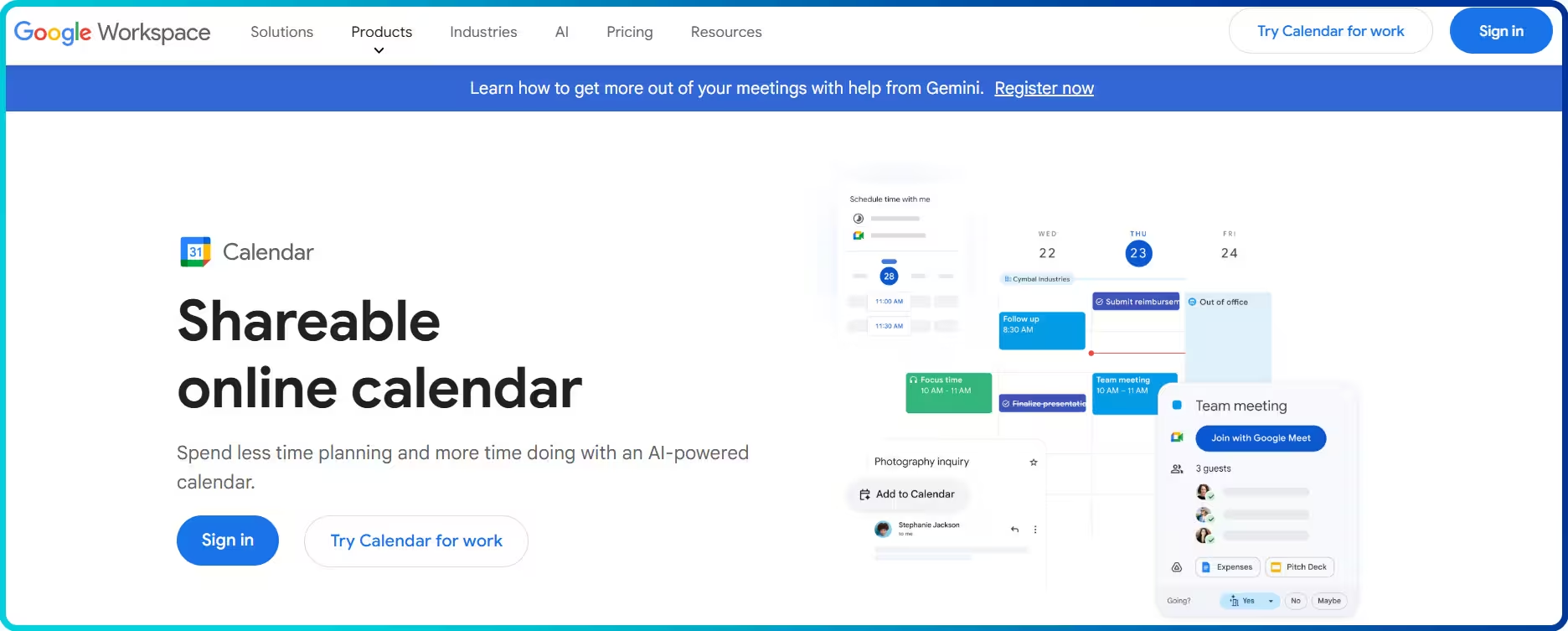
Features
- Event creation and editing with reminders
- Shared team calendars for collaboration
- Events from Gmail for automatic scheduling
- Time zone management for global teams
- Notifications via email or mobile push
- Privacy settings to control calendar visibility
Google Workspace Pricing (Includes Google Calendar)
Plan | Price (USD/User/Month) | Includes Google Calendar? |
| Starter | $7.56 | Yes |
| Standard | $15.12 | Yes |
| Plus | $26.40 | Yes |
| Enterprise | Custom (Contact Sales) | Yes |
Note: Pricing may vary based on the number of users, region, and billing cycle, and some features may be available for a limited promotional period. Starter, standard, and plans support up to 300 users, while the enterprise has no user limit.
7. Square: For Payments & Point-of-Sale
Square is a leading mobile app for business that combines payment processing and operational management. Businesses can accept in-store, online, and contactless payments, including credit/debit cards, cash, and digital wallets, ensuring fast and secure transactions for every customer. Features
- Point of Sale (POS) system
- Inventory management
- Invoicing and billing
- Real-time reporting and analytics
- Square AI insights
Pricing
Plan | Pricing (Per Month/Location) |
| Square Free | $0 |
| Square Plus | $49 |
| Square Premium | $149 |
| Square Pro | Custom |
8. Zoho CRM: Customer Relationship Management
Zoho CRM is one of the best mobile apps, built to help organizations manage sales, marketing, customer support, and overall customer relationships from a single platform. Its mobile app allows teams to capture leads, track deals, update customer records, schedule tasks, and communicate with prospects in real time, making it easier for businesses to stay productive even when working remotely.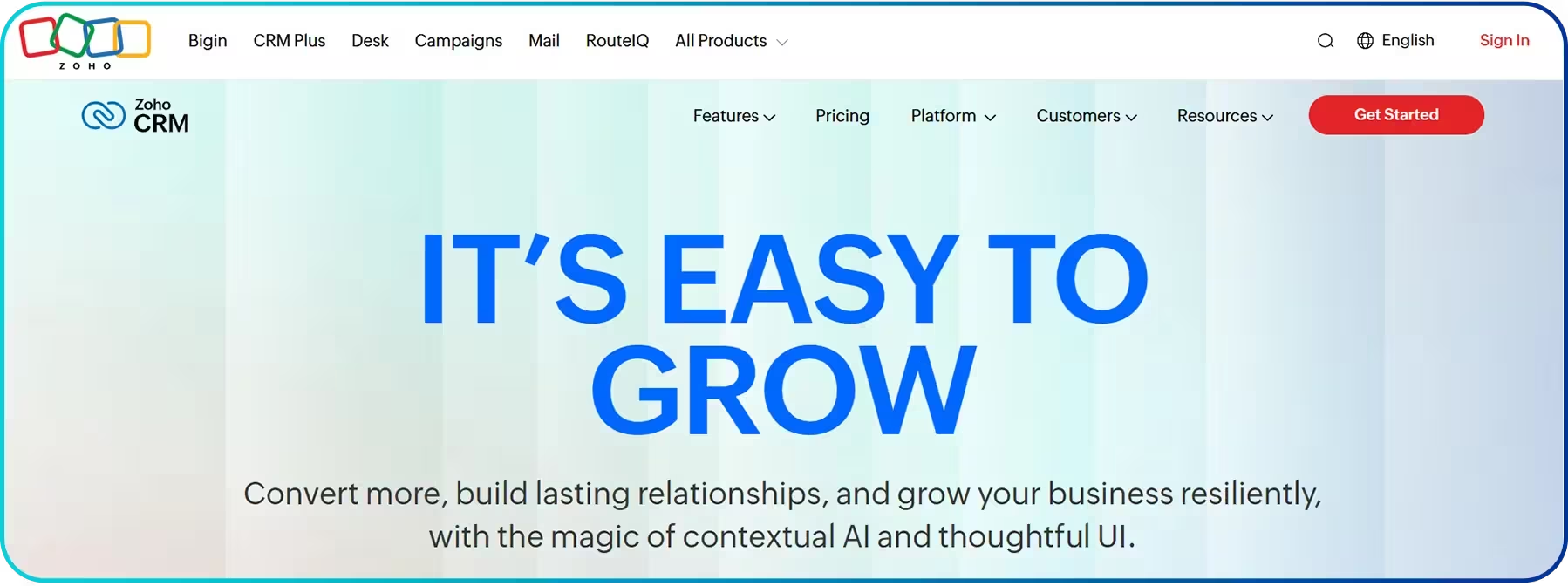
Features
- Lead and contact management
- AI Agents for sales
- Forecasting
- Notifications and reminders
- Multi-channel communication support
Pricing
Plan | Pricing (Per User/Month) |
| Free | - |
| Standard | $20 |
| Professional | $35 |
| Enterprise | $50 |
| Ultimate | $65 |
9. Asana: Project & Task Management
Asana is a project management solution that offers a mobile app, helping teams plan, organize, and track work efficiently. It centralizes tasks, projects, and workflows in a single platform, ensuring deadlines are met, responsibilities are clear, and team collaboration runs smoothly.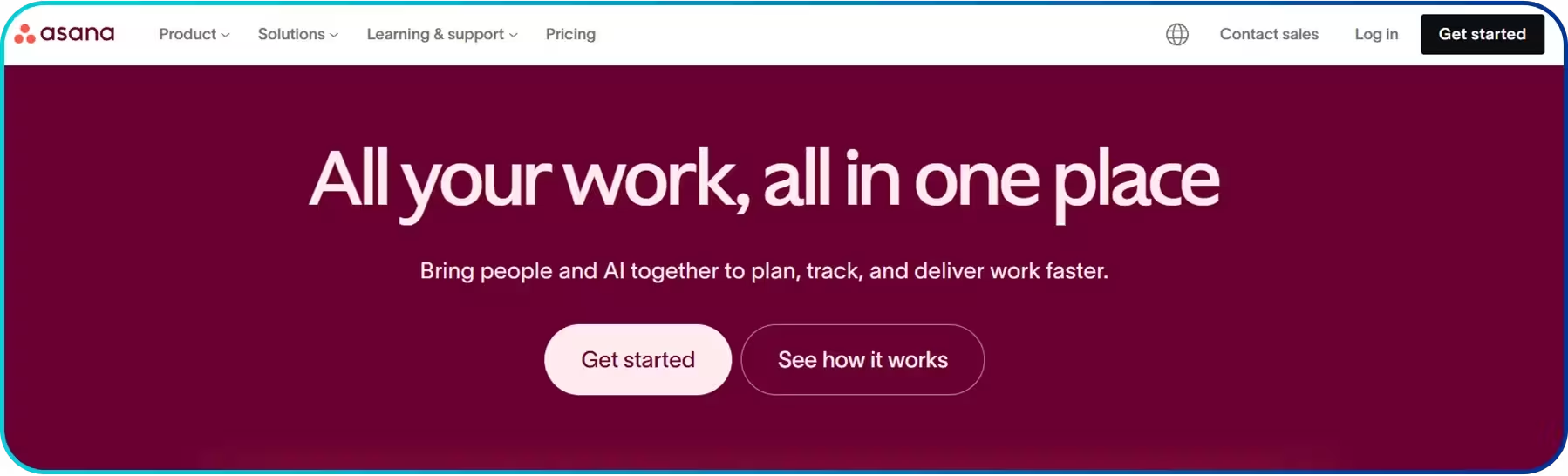 Features
- Charts customization
- Audit log API
- Asana AI
- Automatic guest removal
- Project dashboards
- Charts template library
- Advanced search
- Allow guests to be invited from a trusted domain
- 24/7 support
- Custom role-based access controls
Pricing
Plan | Price (Per User/Month Billed Annually) |
| Personal | Free |
| Starter | $10.99 |
| Advanced | $24.99 |
| Enterprise | Custom |
| Enterprise+ | Custom |
10. Dropbox: Best Cloud Storage & File Sharing App
Dropbox’s mobile app helps teams securely store, organize, and share files from anywhere. It enables real-time collaboration on documents, PDFs, videos, and creative assets. Its cloud storage options allow businesses to transfer large files up to 100 GB per transfer quickly and securely.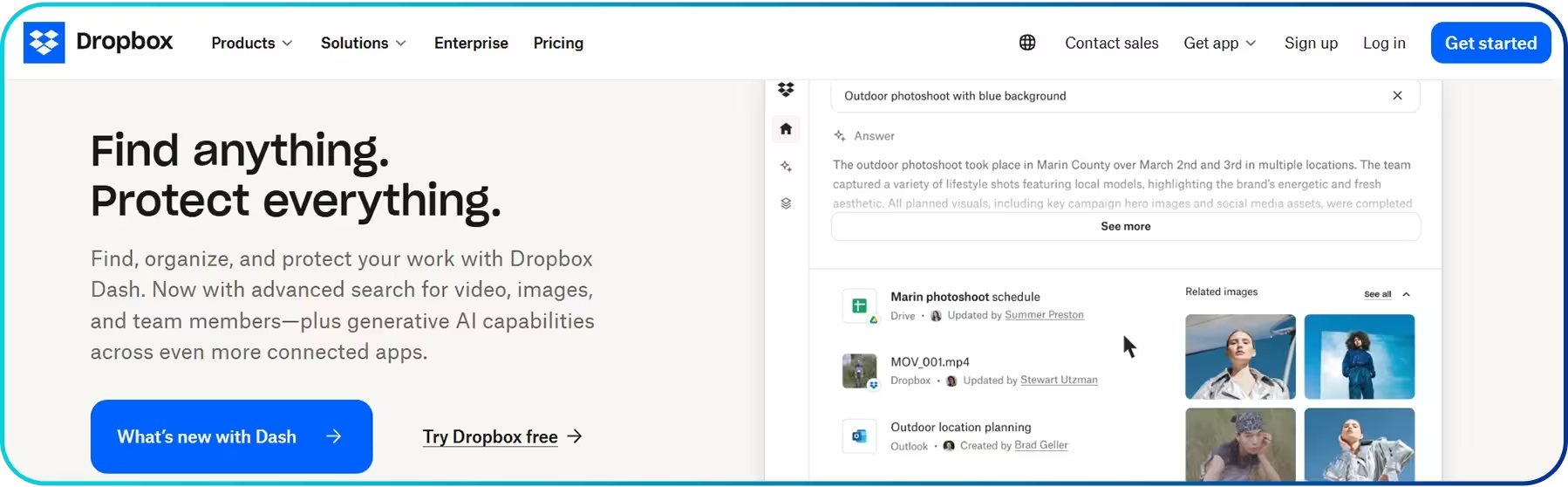 Features
- Audit logs with file event tracking
- Annotate and sign PDFs
- End-to-end encryption
- Watermarking
- Multi-factor authentication
- Document scanning
- Account recovery and version history
- Connect unlimited devices
Pricing
Plan Name | Pricing/Month |
| Plus (Individual) | $9.99/user |
| Professional (Individual) | $16.58/user |
| Standard (Team) | $15/user |
| Advanced (Companies) | $24/user |
Simplify Business Communication and Manage Customer Calls Effortlessly with the Calilio Mobile App
How to Choose the Right Mobile Apps for Your Business?
To choose the right mobile apps for your business, start by identifying your specific needs. Then, look for apps that are easy to use, integrate smoothly with existing systems, offer strong security features, and fit within your budget.
- Assess Your Business Needs: Identify the specific tasks or processes that need improvement or automation, such as sales call tracking, communication, project management, or file sharing.
- Ease of Use: Choose apps that are easy for your team to learn and adopt. This allows teams to understand and use its features without extensive training or technical support, ensuring smooth adoption and minimum downtime.
- Integration with Existing Systems: Select apps that integrate smoothly with your existing tools, such as email, CRM, cloud storage, or messaging platforms.
- Security Features: Look for apps that offer strong security measures such as encryption, secure login, and data protection.
- Pricing and Value: Consider the cost of the app and compare the features it provides, ensuring your investment delivers maximum efficiency, productivity, and return on investment without unnecessary expenses.
- Customer Support and Reviews: Review user feedback and assess the quality of customer support services to ensure timely assistance is available for troubleshooting, updates, and guidance.
Conclusion
Choosing the right mobile apps for your business means investing in tools that support your goals, simplify everyday tasks, and help teams work more efficiently. From project management and file sharing to scheduling and customer engagement, the right apps keep business operations organized and accessible, no matter where work happens.
That said, every business has different needs. While some teams prioritize collaboration or workflow management, others require a dependable communication solution to stay connected with customers and internal teams.



Summarize this blog with:
Frequently Asked Questions
How do mobile apps benefit a business?
Mobile apps help businesses streamline operations, improve customer engagement, and boost productivity. It also enables real-time communication, easy access to data, automation of tasks, and better decision-making, increasing efficiency and revenue.
Are there free mobile apps suitable for business use?
Is it safe to use mobile apps for business?
How often should businesses update their mobile apps?
Do mobile apps require training for employees?

Still have questions?
Can’t find the answer you’re looking for? Please chat with our friendly team.
Stay in the loop
Get the latest call insights, trends, and updates delivered straight to your inbox.
By subscribing, you agree to receive updates from Calilio.
You can unsubscribe anytime.
Enter the World of AI Business Phone System with Calilio
Improve your business operation with Calilio's advanced virtual phone system. Join today for a better way to connect.