- Partners
- Contact Us
- Log in
Virtual Team Communication | Improve Collaboration in Remote Work


Many businesses today have transitioned to working remotely. While this working model suits the modern workspace, it also brings its own set of challenges. Misunderstandings, delayed responses, and scattered communication often happen when teams lack clear guidelines. These issues can slow down progress, create confusion, and hurt team morale if not managed well.
That’s why effective virtual team communication is so important. It helps teams stay aligned, work smoothly, and build strong connections, no matter the distance.
This article offers a complete overview of virtual team communication, covering its importance, common challenges, essential tools, and practical tips to help your remote or hybrid team stay connected and productive.
Key Highlights:
Virtual team communication supports collaboration when teams are not in the same physical location.
Virtual teams communicate through instant messages, video meetings, and shared systems to stay coordinated.
Effective communication reduces confusion, keeps remote and in-office employees aligned, and helps teams work smoothly across different time zones.
With the right tools in place, regular meetings and check-ins, a remote team can manage time zone differences, isolation, and agent availability.
What is Virtual Team Communication?
Virtual team communication refers to the exchange of information, ideas, and feedback among team members distributed in different geographical locations. Instead of face-to-face interaction, conversation happens through internet communication such as messaging, online calls, and video conferencing.
These channels enable remote, hybrid or global teams to coordinate tasks, share updates, and solve problems without being in the same physical space.
Why Effective Communication Matters in Virtual Teams?
Team communication is important in virtual teams to help teams stay connected, avoid misunderstandings, and work smoothly across remote and hybrid setups. Clear communication keeps everyone informed, aligned, and focused, which enhances teamwork.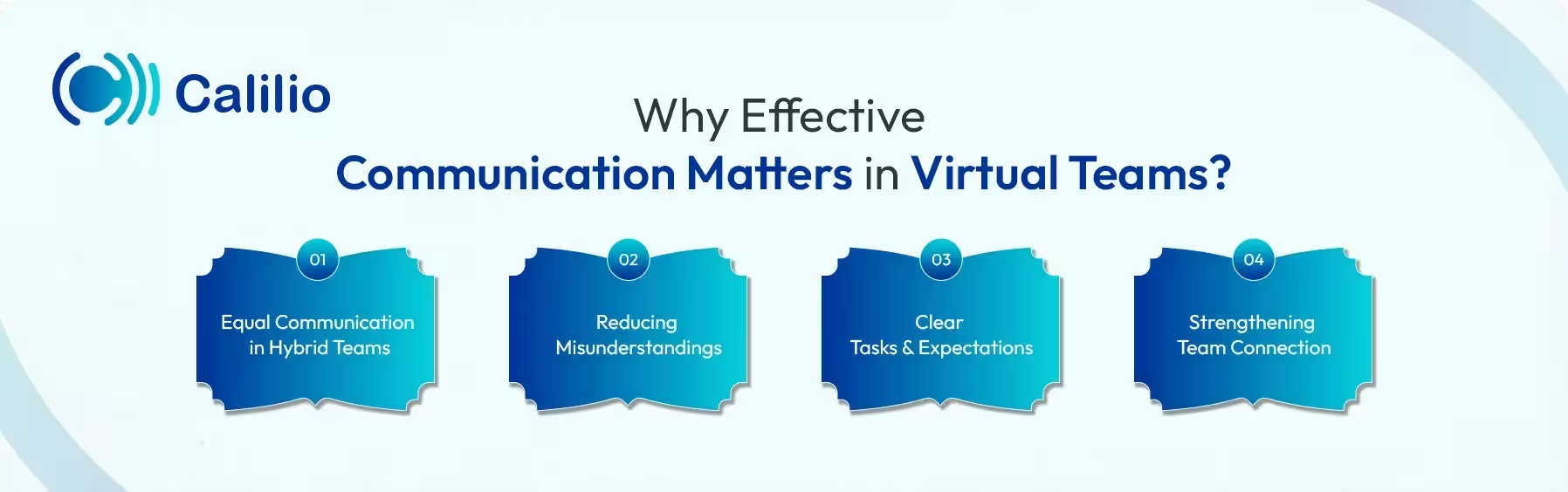
Equal Communication in Hybrid Teams
In hybrid teams, some people work remotely while others work from the office. Good communication ensures everyone receives the same information at the same time, preventing gaps between remote and in-office employees.
Reducing Misunderstandings
Effective communication helps reduce confusion, avoid mistakes and repeated questions by explaining tasks and updates clearly from the start.
Clear Tasks and Expectations
Regular communication helps team members understand their tasks, deadlines, and priorities. When work instructions are shared clearly, people can perform at their best.
Strengthening Team Connection
Strong virtual team communication helps people feel connected despite physical distance. Regular communication allows team members to share ideas, updates, and feedback, keeping collaboration active and meaningful.
What are the Types of Virtual Team Communication Tools?
Virtual teams rely on different types of messaging, video conferencing, project management, social media, and virtual phone systems to stay connected across different locations and time zones.
1. Instant Messaging Tools
Instant messaging tools help teams communicate and stay connected through texts. Popular tools for instant messaging for business include Microsoft Teams, Slack, and Google Chat. They are especially useful for remote teams to share short updates, ask questions, and send reminders.
2. Video Conferencing Platforms
Video conferencing tools allow virtual teams to meet face-to-face in an online setting. Platforms such as Zoom, Microsoft Teams, and Google Meet are commonly used for team meetings, one-on-one discussions, training sessions, and reviews in a remote work setup.
3. Project Management Tools
Project management tools help teams organize tasks and track progress in one place. Managers especially use these tools to assign work, set deadlines, and monitor updates while keeping communication linked to specific projects.
4. Virtual Phone System
A virtual phone system lets team members make and receive calls over the internet using any device: laptops, smartphones, or desktops. Additionally, it comes with different types of call management features, such as call transfer, shared inboxes, and visual voicemail, that enhance team collaboration while keeping the team connected through a single dashboard.
5. Social Media Tools
Social media tools are sometimes used for informal communication within virtual teams. Platforms like Facebook Workplace and LinkedIn help teams share announcements, celebrate achievements, and maintain engagement. While not ideal for daily task coordination, they help build team culture and keep everyone connected.
How to Choose the Right Virtual Team Communication Tools?
You must choose virtual team communication tools based on how the team works every day. They should be easy to use, support messaging, calls, and meetings, work on all devices, and stay reliable and secure so the team can communicate clearly without interruptions.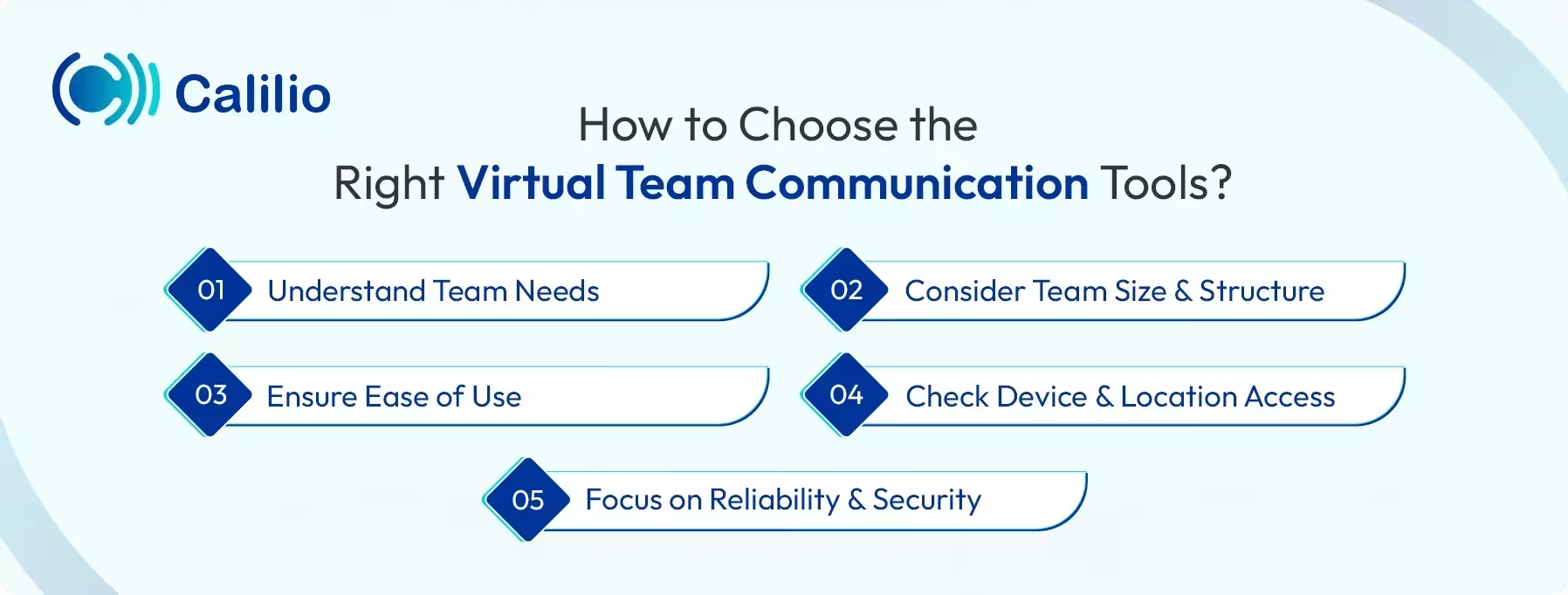
- Understand Team Needs: Start by identifying how your team communicates daily. Some teams need quick messaging, while others rely more on meetings or detailed updates. Choosing tools that match real needs improves communication in virtual teams.
- Consider Team Size and Structure: Small teams may work well with simple tools, while larger teams may need platforms that support groups, channels, and role-based access.
- Ensure Ease of Use: Tools should be easy to set up and simple to use. When a system feels complicated, team members may avoid using it.
- Check Device and Location Access: Choose tools that work across devices and locations. Team members should be able to communicate from desktops, laptops, or mobile devices without limitations.
- Focus on Reliability and Security: Reliable tools reduce disruptions during work. Strong security features protect conversations and shared data, which is important for teams handling sensitive information.
Manage Internal Messaging and Shared Numbers from a Single Platform with Calilio’s Remote Office Phone System for Virtual Teams
What are the Common Challenges in Virtual Team Communication?
Common virtual team communication challenges include team members feeling isolated, delays caused by different time zones, and distractions while working remotely. It can also be hard to know who is available at a given time, which can slow collaboration and create confusion within virtual teams.
1. Remote Teams Feeling Isolated
Remote team members often work alone without any social interactions. Over time, the isolation can cause team members to lose motivation to work and engage with other team members. This weakens virtual team communication and limits collaboration across the team.
2. Time Zone Differences
Time zone differences can be tricky when your team is spread across the globe. While you're starting your day, someone else might be logging off. This means replies can take hours, and it can be difficult to find a good time for meetings. Sometimes, team members may need to join outside their usual work hours, which affects productivity and work-life balance.
3. Distractions in Remote Work
Remote team members often work from home, where the environment may not be quiet. Noise, personal tasks, and interruptions reduce focus during calls and chats. These distractions may lead to missed messages and miscommunication within the teams.
4. Confusion About Availability
In virtual teams, team members cannot easily see who is working at the moment. Someone may be offline, in a meeting, or busy with another task. This causes delayed replies and repeated follow-ups. As a result, virtual team communication slows down, and tasks take longer to complete.
Best Practices for Effective Virtual Team Communication
Good communication in virtual teams depends on using the right tools for the right tasks, keeping meetings regular and focused, and making sure everyone can easily find the information they need. Also, consider the time zones when scheduling work and create a space for casual chats or check-ins.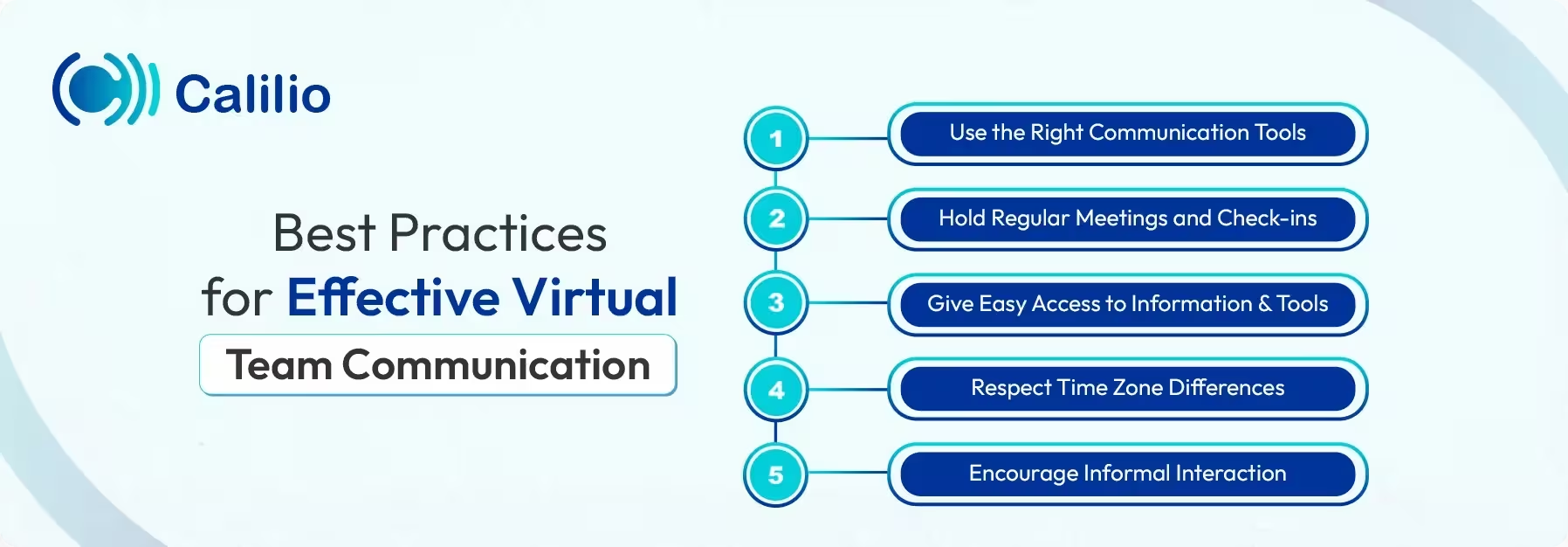
1. Use the Right Communication Tools
Choose communication tools based on how the team works. Pick chats for quick updates, calls for urgent matters, and meetings for discussions. Using the appropriate medium for each context ensures clarity.
2. Hold Regular Meetings and Check-ins
Schedule regular team meetings and one-on-one check-ins. These meetings are useful for sharing updates, clarifying tasks, and addressing issues early. Regular interaction also helps reduce isolation and strengthens virtual team communication.
3. Give Easy Access to Information and Tools
Store documents, updates, and resources in shared platforms. The easy access minimizes repetitive inquiries and prevents friction caused by communication gaps. You can also create a shared SMS inbox for improved collaboration. For instance, if a remote agent receives a call from a customer, other team members can instantly view the client’s previous message history through the shared inbox. This helps the agent respond accurately.
4. Respect Time Zone Differences
When working across different time zones, it’s important to be mindful of everyone’s schedule. Avoid setting meetings that fall outside someone's normal working hours. Use shared calendars to find overlapping times and plan ahead. This keeps things fair and helps the whole team stay productive.
5. Encourage Informal Interaction
Create space for casual chats and interactions. Informal communication builds trust and helps remote team members feel connected. This, in turn, forms strong relationships that make virtual team communication more open and effective.
Conclusion
Virtual team communication plays a major role in how well remote and hybrid teams perform. Collaboration is essential, not just for sharing updates, but for making decisions, solving problems, and keeping everyone aligned. However, team collaboration is only as effective when the right tools are used.
There are many tools built for virtual team communication: project management apps, instant messaging tools, a virtual phone system, and video conferencing platforms. Among these, the virtual phone system offers one of the most useful options. It helps keep communication clear, organized, and accessible across devices and locations.
For instance, Calilio's remote office phone system offers a shared telephony platform for your virtual team. It comes with features like number sharing for remote collaboration and internal team messaging to stay connected. Plus, its call analytics tool helps supervisors to track how each team member performs, no matter where they're working from.



Summarize this blog with:
Frequently Asked Questions
What causes miscommunication in virtual teams?
Miscommunication usually happens when messages aren’t clear, lack context, or get delayed due to time zone differences. Distractions at home and using the wrong tools can also lead to confusion and missed details.
Is video communication necessary for virtual teams?

Still have questions?
Can’t find the answer you’re looking for? Please chat with our friendly team.
Stay in the loop
Get the latest call insights, trends, and updates delivered straight to your inbox.
By subscribing, you agree to receive updates from Calilio.
You can unsubscribe anytime.
Enter the World of AI Business Phone System with Calilio
Improve your business operation with Calilio's advanced virtual phone system. Join today for a better way to connect.