
Hosted IVR: How It Works & When Businesses Should Use It

Today’s customers want fast service. And, in many cases, they prefer solving issues themselves rather than speaking to a live agent. To meet these expectations, businesses use IVR systems to route calls and handle common queries automatically.
But traditional IVR systems come with significant drawbacks. They often require expensive hardware, on-premise installation, and ongoing maintenance. As call volume grows, these systems are also prone to outages.
Hosted IVR removes these limitations by running on the provider’s servers. There’s no hardware to manage, and it’s easier to scale and update. The service provider handles all maintenance, updates, and backend operations.
In this guide, you’ll learn what hosted IVR is, how it works, its key features, benefits, limitations, and how to set it up for your business.
Key Highlights:
A hosted IVR is a cloud-based phone menu system that guides callers and routes calls without requiring on-site hardware.
It offers an online IVR builder, multi-level menus, real-time routing rules, business hours settings, and instant updates through a web interface.
Businesses need a hosted IVR when call volumes rise, callers face long waits, or agents spend too much time on repetitive tasks.
Setting up a hosted IVR involves choosing a provider, connecting a number, designing the menu, adding prompts, and setting routing rules.
A hosted IVR delivers the best experience when the menu is simple, easy to navigate, and aligned with your callers’ needs.
What is Hosted IVR?
A hosted IVR is an IVR (Interactive Voice Response) system that runs on a service provider’s servers instead of your own hardware. It’s a cloud-based phone system feature that interacts with callers based on voice prompts or keypad input. You configure everything through an online dashboard, and it works with your existing phone system.
The service provider maintains all the technical infrastructure, while you only control the call flow from an online dashboard. You can update menu options, change voice prompts, or modify routing rules at any time. This flexibility makes it easy to manage caller interactions and scale your phone system as your business grows.
How Does Hosted IVR Work?
A hosted IVR uses a cloud-based system to guide callers through a structured phone menu that runs on your provider’s servers. When someone calls your business number, the system plays voice prompts, collects their input, and routes the call based on the rules you set.
Here’s the step-by-step working process of a hosted IVR system:
- Caller Dials Your Business Number: A customer calls your phone number that connects to the hosted IVR system.
- IVR Answers the Call Automatically: The system greets the caller with a recorded message.
- System Presents Menu Options: The caller hears options like “Press 1 for Sales, 2 for Support” or similar choices based on your setup.
- Caller Provides Input: The caller uses keypad tones or voice commands (if available) to select from the available options.
- Routes Calls to the Right Destination: The IVR forwards the call to the correct department, queue, or extension, based on the caller’s input. Some systems can also use ACD (Automatic Call Distribution) to route callers based on agent skills, availability, or caller needs.
- Logs Data and Refines the Flow: The system records call details, menu choices, and outcomes after the call. You can use this data to refine call flows and improve customer experience.
Key Features of a Hosted IVR System
The key features of a hosted IVR system include web-based IVR design, layered menu structures, and routing rules that direct callers based on pre-determined conditions. It also consists of the tools to update prompts, set business hours, and adjust menu paths instantly through a simple online dashboard.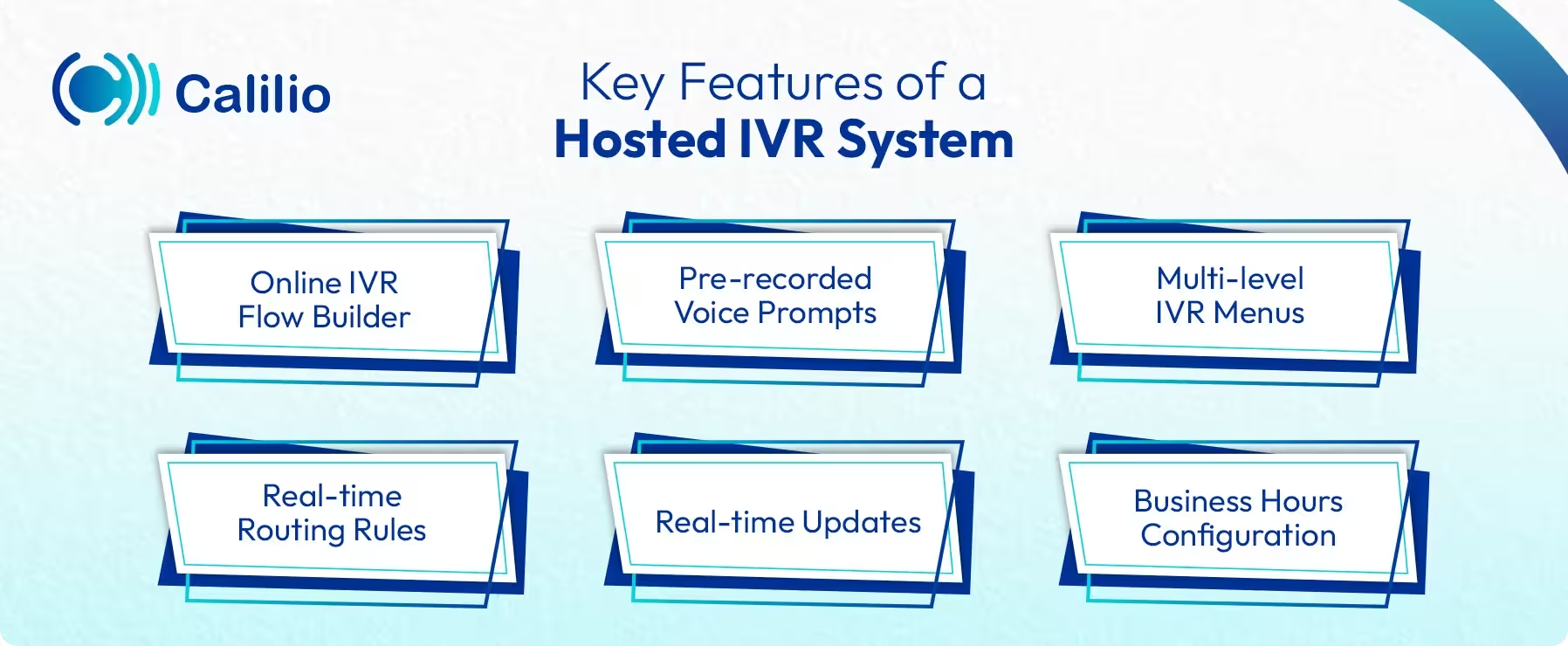
- Online IVR Flow Builder: You can design or edit your IVR menus, submenus, and routing paths from a web-based interface.
- Pre-Recorded Voice Prompts: You can upload or record clear voice messages to greet callers and present menu options professionally.
- Multi-Level IVR Menus: Hosted IVR supports layered menus, allowing callers to navigate through different options step by step.
- Real-Time Routing Rules: The system routes calls based on your configured conditions, such as department, availability, or time of day.
- Real-Tme Updates: Changes made in the dashboard appear instantly, so you can adjust your system whenever needed.
- Business Hours Configuration: You can set active and off-hour rules to manage calls differently after your working hours.
What are the Benefits of a Hosted IVR System for Businesses?
Hosted IVR is easy to set up and cost-effective as it runs on the provider’s servers with no hardware to install or maintain. It also improves call handling with flexible routing, easy scalability, and consistent support for remote or multi-location teams.
I. Easy Setup and No Hardware Required
A hosted IVR runs on the provider’s servers, so your business does not need to install or maintain physical equipment. This reduces setup time and allows your team to start managing calls quickly.
II. Lower Operational Costs
Since the service provider handles infrastructure, you avoid high maintenance and upgrade expenses. You only pay for the service, making it cost-effective for both small and large teams.
III. Easy Scalability as Business Grows
You can add new menus, routing rules, or departments to the system as your needs increase. This makes the hosted IVR system suitable for growing teams without requiring any new hardware.
IV. Better Call Handling
A hosted interactive voice response system routes callers to the correct department without manual assistance. The system helps manage high call volumes by distributing callers to different departments.
V. Supports Remote and Multi-Location Teams
Hosted IVR works from a central online system, so the routing structure and call flow remain the same for the teams in different locations. This creates a consistent experience for callers and keeps your operations aligned, no matter where your agents work from.
VI. Improved Self-Service Options
Callers can complete basic tasks like accessing different data from the system, checking balances, or making payments without human assistance. This not only reduces the workload on your support team but also improves customer satisfaction.
Limitations of Hosted IVR for Businesses
Hosted IVR solutions come with some challenges, such as limited control over servers, restricted customization options, and potential performance issues during busy hours. Also, some service providers may offer advanced features only on higher-tier plans.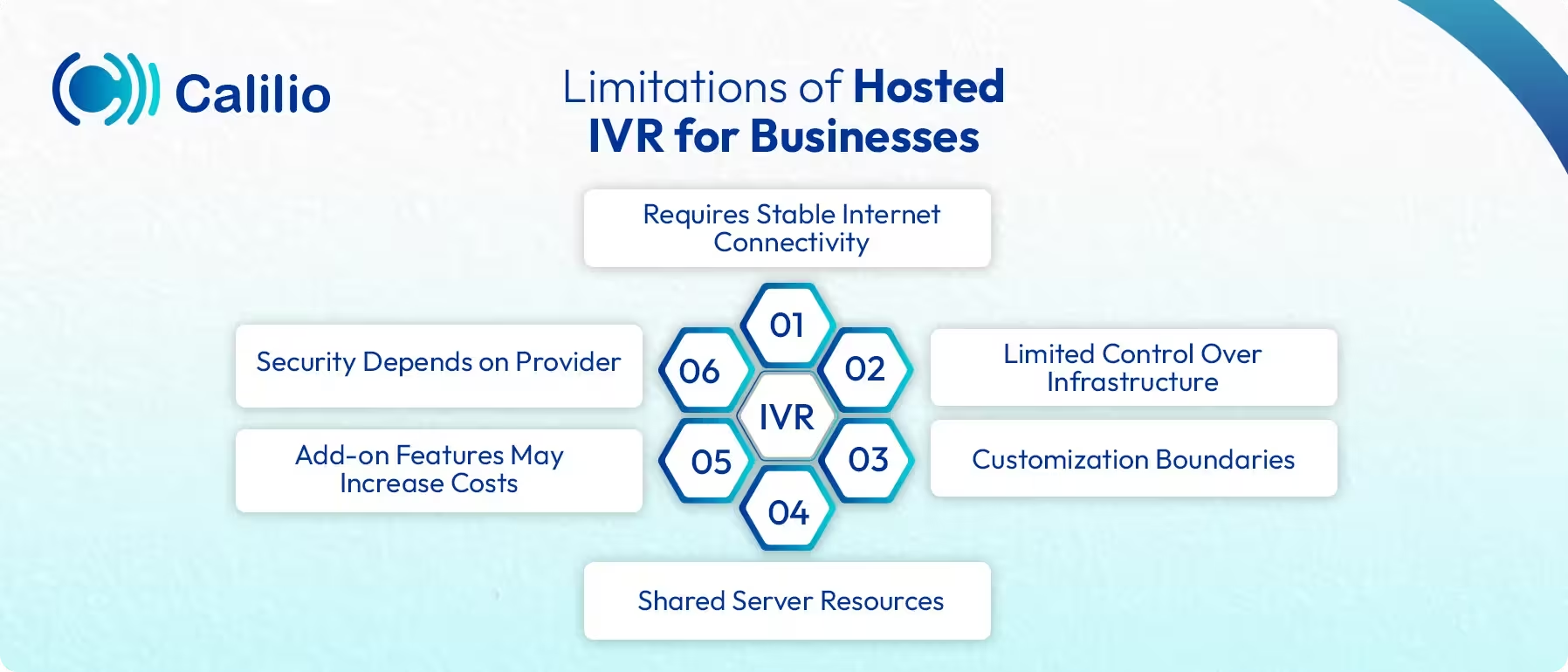
- Requires Stable Internet Connectivity: Since the system operates online, poor internet quality can affect call flow and menu performance.
- Limited Control Over Infrastructure: Your provider manages the servers, so you must rely on their uptime, maintenance, and technical response time.
- Customization Boundaries: Some hosted IVR solutions offer fixed templates or routing options that may not support highly complex call flows.
- Add-on Features May Increase Costs: Advanced options such as speech recognition or analytics may require higher-tier plans or additional fees.
- Security Depends on Provider: Your data protection depends on the vendor’s policies and compliance.
How Can Your Business Identify the Need for a Hosted IVR Solution?
Your business likely needs a hosted IVR if your callers have to deal with long wait times, frequent call transfers, or slow responses during peak hours. It’s also time to implement it if your agents are spending too much time on routine tasks, or if you’re looking to cut on hardware cost, while maintaining reliable customer support after business hours.
Common signs that your business needs a hosted IVR solution:
- Your team is struggling to handle increasing call volume.
- Callers wait too long or get transferred repeatedly before reaching the right department.
- Your agents spend an overly long time handling simple, repetitive requests, like store hours, payments, appointments, and order updates.
- You want to reduce hardware costs and avoid maintaining on-site phone equipment.
- Your support hours vary, and you need a system that handles after-hours calls.
How to Set Up a Hosted IVR System?
To set up a hosted IVR system, choose a reliable provider, connect the system with a new or existing virtual number. Then, create your IVR menu, voice prompts, greetings, and define routing rules. Finally, test the system before going live.
- Step 1: Select a reliable cloud-based IVR software solution that meets your business needs.
- Step 2: Purchase the service and log in to your account’s control panel.
- Step 3: Pick a new virtual phone number or connect your existing one to your hosted IVR system.
- Step 4: Use the platform's call-flow builder to visually design IVR menu structure, submenus, and routing paths.
- Step 5: Upload or record greetings and menu instructions for guiding callers through each option.
- Step 6: Configure the routing logic. Set the rules for sending calls to different agents or a recorded message.
- Step 7: Test the flow with sample calls to ensure every menu option, queue, and prompt works as expected.
- Step 8: Launch the system once you are confident in its performance.
Simplify Call Routing with Calilio’s Hosted IVR Services
Best Practices for Implementing Hosted IVR
To implement hosted IVR effectively, keep the menu simple, avoid too many navigation layers, and use short, clear instructions. For better results, include skill-based routing, offer a quick option to speak with an agent, and schedule regular system updates to maintain performance.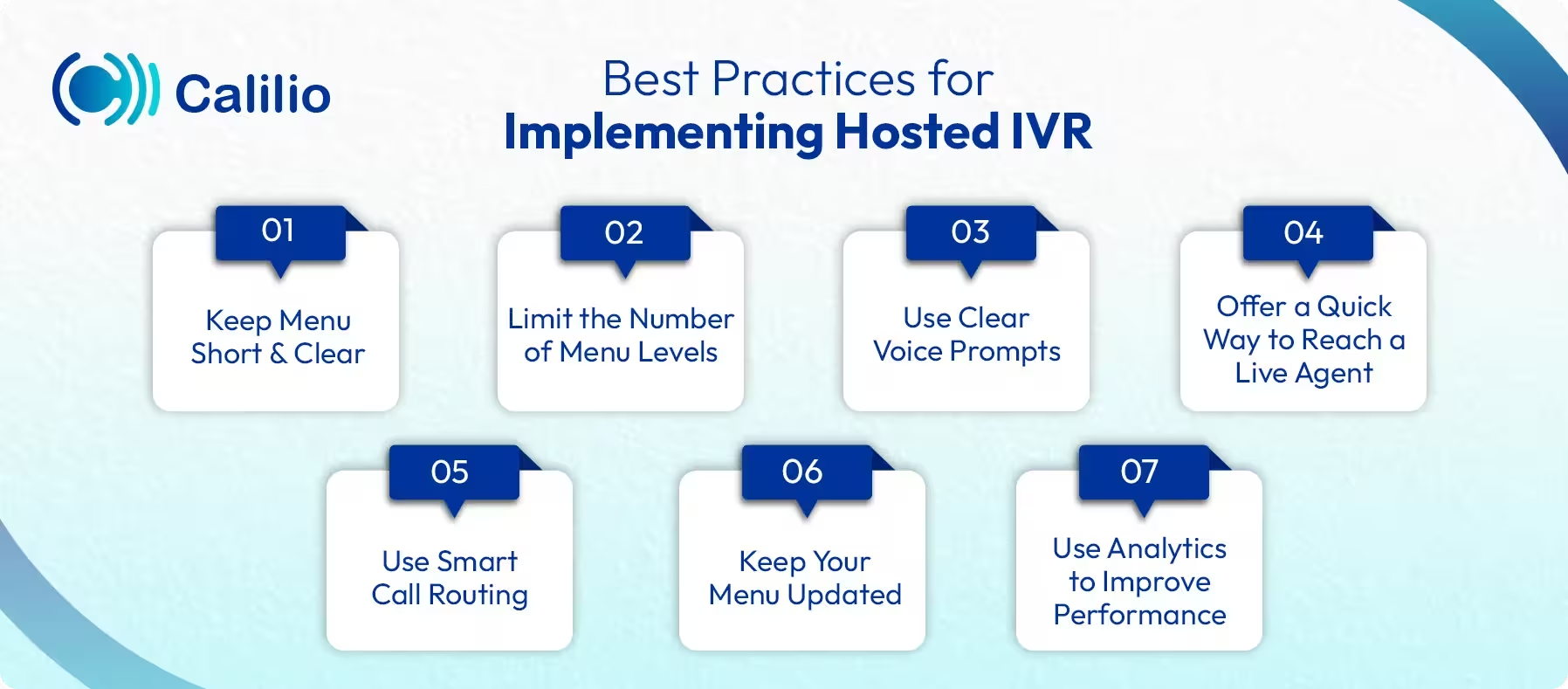
- Keep Menu Short and Clear: Use simple language and avoid long menus. Limit the main menu to 4–5 choices, so callers don’t feel overwhelmed.
- Limit the Number of Menu Levels: Try not to create deep menus. Too many layers make navigation confusing and increase call drop rates.
- Use Clear Voice Prompts: Ensure prompts are short and easy to understand. Clear instructions help callers choose the right option the first time.
- Offer a Quick Way to Reach a Live Agent: Always include an option to speak to a real person. It prevents caller frustration for complex issues.
- Use Smart Call Routing: Route calls by skill, department, or priority. A well-structured hosted IVR system reduces wait times and improves resolution rates.
- Keep Your Menu Updated: Review your IVR flow regularly. Update prompts and routing rules when your business adds new services or departments.
- Use Analytics to Improve Performance: Regularly monitor and track drop-off points, commonly used options, and routing efficiency to adjust your system based on real data.
Conclusion
Hosted IVR gives businesses a smarter way to manage calls without the cost or complexity of on-premise systems. It helps you guide callers, reduce wait times, and automate routine tasks while keeping your phone operations flexible and easy to update.
If you’re looking for a simple yet powerful hosted IVR system, consider Calilio’s cloud-based phone system. It allows you to build IVR flows visually and update them anytime with ease. You can route the callers to the correct agent or let the IVR handle common queries like business hours, payment status, or order tracking, all by itself without human intervention. It also supports multilingual prompts to serve customers across different languages and regions.
Summarize this blog with:
Frequently Asked Questions
Everything you need to know about Calilio. Can't find your answer? .
Hosted IVR runs on the provider’s cloud with no on-site hardware, while traditional IVR requires physical equipment and manual maintenance within your own office.
Stay in the loop
Get the latest call insights, trends, and updates delivered straight to your inbox.
By subscribing, you agree to receive updates from Calilio.
You can unsubscribe anytime.
#1 Cloud Phone System for
|
Improve your business operation with Calilio's advanced virtual phone system. Join today for a better way to connect.