- Partners
- Contact Us
- Log in
What is a Call Group? How Does It Improve Your Customer Service?

Every call matters for a business. A missed call can mean a lost lead, an unanswered customer query, or a missed opportunity to build trust. Yet during busy hours or with limited staff, many businesses struggle to answer every incoming call on time.
A call group helps solve this problem by routing a single incoming call to multiple team members instead of just one person. This increases the chances of the call being answered quickly, reduces wait times, and ensures workloads are shared evenly across the team. As a result, businesses can deliver better customer service without overwhelming individual agents.
In this article, we’ll explain what a call group is, how it works, and why it matters for modern businesses. We’ll also explore its key benefits, common use cases, setup steps, and best practices to help you manage incoming calls more efficiently.
Key Highlights:
A call group routes incoming calls in a single business number to multiple agents, ensuring the call gets answered quickly.
It reduces wait times, missed calls and repeat calls during busy hours and improves customer service.
Sales teams, customer support, and remote teams use call groups to manage high call volumes through one shared business number.
Businesses can choose a simultaneous, sequential, or round-robin ringing strategy to ring multiple devices in a call group.
What is a Call Group?
A call group is a feature in a business phone system that directs incoming calls to multiple devices in a set order or simultaneously, so the calls can be answered quickly by the first available person, reducing wait times and missed calls.
By distributing calls across a group instead of a single line, teams can maintain a steady call flow, keep response times consistent, and handle higher call volumes without overwhelming one person.
What are Call Group Ringing Patterns?
The most common types of ringing patterns in a call group include simultaneous ring, sequential ring, and round-robin ring. These patterns define how calls are delivered to members of a call group, like who gets to answer the call first, how long each person’s phone rings, and how the system moves the call if no one answers it.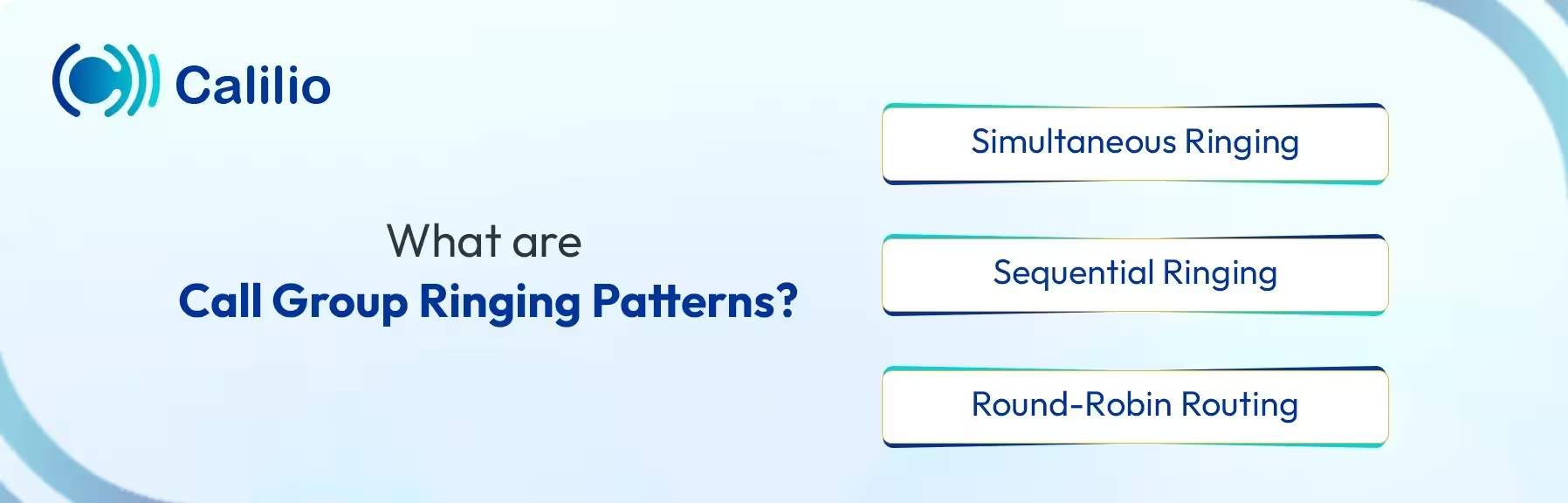
Simultaneous Ringing
In this ringing pattern, all the agents’ devices ring at the same time for an incoming call. Any available agent can pick up and handle the call. It is ideal for businesses that prioritize quick response, First Call Resolution (FCR), and lower wait times.
Sequential Ringing
With sequential ringing, all connected devices/numbers will ring one at a time in a predefined order. If the first person does not answer the call, then it moves to the next. It is suitable for businesses that prefer a structured and organized call flow.
For example, a call may first ring a team member’s desk phone. If there is no answer, it can then route to that person’s mobile phone. If the call is still unanswered, it moves to the next designated agent.
Round-Robin Routing
Round-robin routing sends calls to agents one by one in a fixed sequence. Each new call goes to the next person in the list, rather than always starting with the same agent. This pattern helps maintain a smooth call flow by spreading calls evenly across the group.
For example, consider a call group with three agents: Agent A, Agent B, and Agent C. The first incoming call is routed to Agent A, the next call goes to Agent B, and the third call reaches Agent C. After that, the system starts again with Agent A. If one agent is busy or unavailable during their turn, the call is automatically sent to the next available agent.
How Does a Call Group Work?
A call group works by routing an incoming call to a group of multiple phone lines or extensions based on predefined rules. When a customer calls your business, your predetermined rule will decide which individual or group will answer the call.
- Incoming Call: A customer calls the main business phone number.
- Call Routing: The system routes the call to the assigned group instead of a single line.
- Distribution Logic: The system routes the call to the group using a selective method, such as round-robin, sequential, or simultaneous ringing.
- Answer or Fallback: If an agent answers the call, the call connects right away. However, if a call is not received within a particular time, the system follows a fallback rule, such as sending the call to voicemail, another group, or an external number.
Why Call Groups Matter for Modern Businesses
A call group ensures that every call is answered and the issue is solved by the agent on the first attempt. It improves customer experience while also supporting agent productivity by preventing staff burnout with a distributed workload.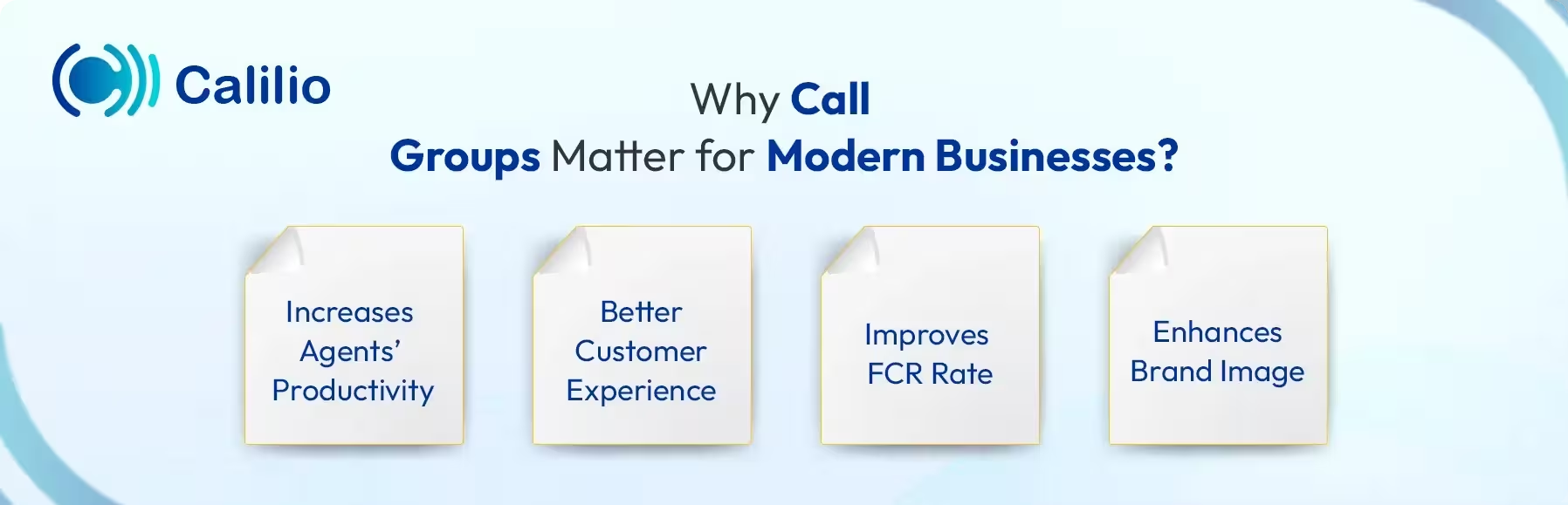
1. Increases Agents’ Productivity
The call is routed to the designated group, instead of overloading one agent. This balanced approach helps agents manage their time and handle calls without stress, which ultimately impacts agent performance and productivity.
2. Better Customer Experience
Nothing is more frustrating to a customer than not getting an answer to their calls; it may cause them to lose interest instantly. Call group routes the call to multiple agents and ensures customers get their queries answered as soon as possible.
3. Improves FCR Rate
Call groups ensure the caller is answered on the first attempt. Also, they are often set up with agents who share specific skills or handle similar issues, so calls are routed to the most relevant group from the start. It means the customer queries are often solved during the first conversations, without the need for follow-up calls.
4. Enhances Brand Image
When a call is connected quickly to a live agent instead of waiting or hearing voicemails, the caller feels valued and taken seriously. Calls handled smoothly through a calling group show that the business respects the caller’s time, which leaves a positive impression after every interaction.
Use Cases of a Call Group
Call groups are widely used by sales teams to handle inbound leads and customer support teams to manage service requests. They are also effective for remote or distributed teams, as calls can be routed to agents working from different locations using the same business number.
- Sales Teams: A calling group helps sales teams answer lead calls quickly. This improves the chance of having a conversation with a lead before they lose interest.
- Customer Support: A call group ensures every call lands on a skilled, available agent who can provide an immediate solution. So, customers don’t need to wait a long time to get their queries resolved.
- Remote Teams: It allows remote team members to receive calls from a shared business number, no matter where they work. Calls can be routed to available agents on their preferred devices, helping distributed teams stay connected and respond to callers without delays.
How to Set Up a Call Group?
To set up a call group, start by selecting a business phone system with a call group feature and getting a dedicated business number. Then, assign specific team members to the group, share the phone number, choose the ringing pattern, and establish clear rules for unanswered calls.
- Choose the Phone System: Select a phone system that offers the call group feature as part of its service. Register and log in to the service.
- Select Your Business Number: Pick a business number. It will be the entry point for all the calls.
- Add Team Members: Add users and create a call group that receives the call. Assign the phone number you purchased to all the team members.
- Select the Routing Method: Choose a ringing pattern that aligns with your business goals, whether you need all agents to be notified at once for speed, or to follow a specific order.
- Set Rules for Unanswered Calls: If your agents are unavailable to pick up the call, you need to prepare fallback measures. So, set rules for exactly what happens if calls get unanswered. You can typically send them to voicemail.
- Test and Activate the Call Group: Finally, test calls to confirm everything works as expected. Once verified, activate the call group to handle the calls.
What are the Best Practices for Managing a Call Group?
Managing a call group is more effective when roles are clear, call routing is optimized for your business needs, team availability is regularly updated, and fallbacks are in place to avoid missed calls.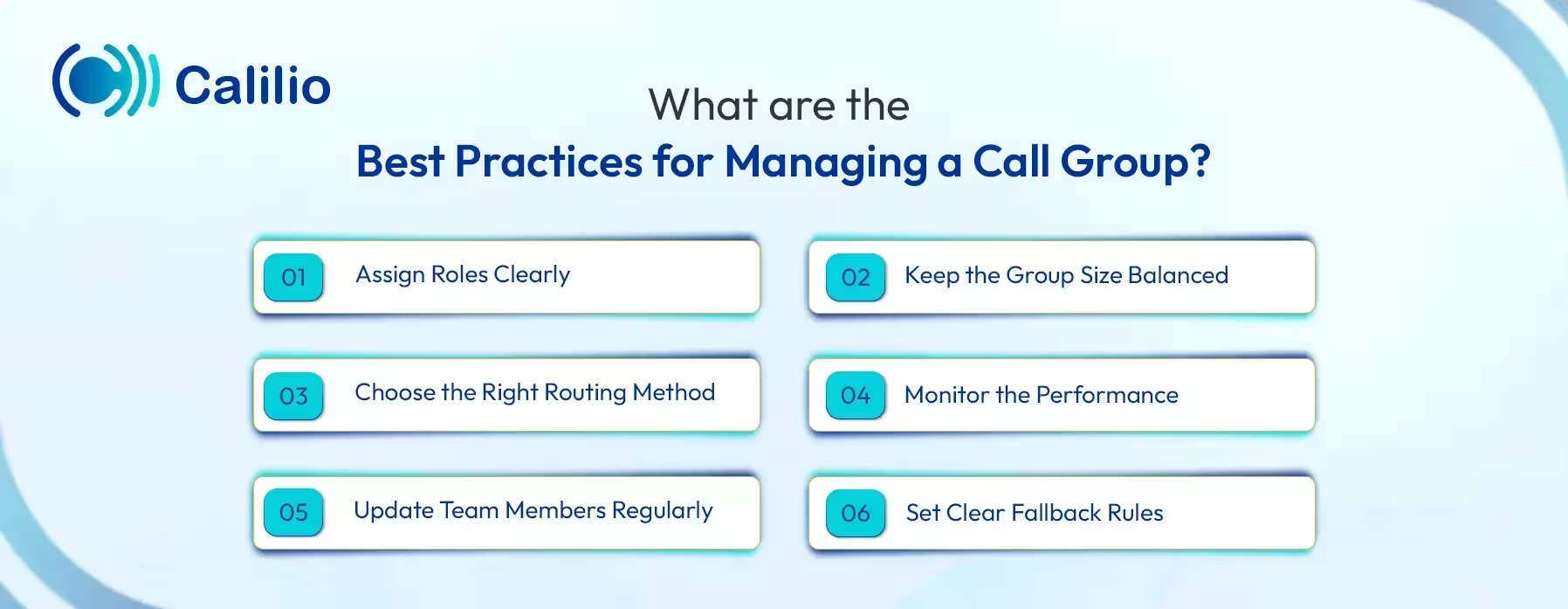
1. Assign Roles Clearly
Add the team members based on their skill level so that customer issues can be clearly identified and solved on the first attempt, rather than doing follow-ups. For example, the tech expert should be assigned to the tech support team instead of the front desk.
2. Keep the Group Size Balanced
A well-balanced calling group ensures calls are shared evenly among the teams. Maintaining a sufficient number of team members in a single group ensures they are occupied in their work without much idle time or being overwhelmed by the calls.
3. Choose the Right Routing Method
Choose the suitable routing method for your business. For urgent matters, Simultaneous Ringing is ideal as all the agents' device rings at the same time, which ensures that no lead calls are missed, but if you need to distribute the call evenly, go for Round Robin or Sequential Ringing.
4. Monitor the Performance
Keeping track of the call group performance helps to know if the workload is evenly distributed or not. Furthermore, reviewing metrics such as answered calls, Average Wait Time (AWT), and missed calls also helps identify peak hours. With this information, you can adjust staffing levels and routing rules to keep call handling smooth and improve overall productivity.
5. Update Team Members Regularly
There may come a situation where one team is understaffed while the other has a surplus of members. In this situation, you need to reassign the member in a way that doesn’t disrupt the workflow of the team.
6. Set Clear Fallback Rules
Decide where the call should go if agents are unavailable to answer the call. Rather than losing a lead to a hangup, it is better to set a rule of fallback, like forwarding the call to other numbers or voicemail.
Conclusion
A call group makes it easier for businesses to handle calls without stress. Instead of sending every call to one person, the system shares calls across a team using ringing patterns like ringing everyone at once or passing calls in a set order. This way, callers connect with someone quickly, wait times stay short, and agents do not feel overwhelmed during busy hours.
Now, the next step is choosing a phone system that helps you use call groups effortlessly. Calilio's cloud phone system comes with a phone number sharing feature, allowing you to create a call group and assign one business number to it. Incoming calls ring on all connected devices, and any available agent can pick up the call. Supervisors can also listen to calls made through these shared numbers, track call activity, and review call reports to understand outcomes, agent workload, and productivity.

Summarize this blog with:
Frequently asked questions
Do call groups work for remote or distributed teams?
Yes, call groups work well for remote teams. All the agents from different locations can receive the call while using the same business phone number.
How is a call group different from call forwarding?
Will callers know they are calling a group instead of one person?

Still have questions?
Can’t find the answer you’re looking for? Please chat with our friendly team.
Stay in the loop
Get the latest call insights, trends, and updates delivered straight to your inbox.
By subscribing, you agree to receive updates from Calilio.
You can unsubscribe anytime.
Enter the World of AI Business Phone System with Calilio
Improve your business operation with Calilio's advanced virtual phone system. Join today for a better way to connect.