
Medical Office Phone System: Use Cases, Benefits & Top Providers

Medical offices handle a constant flow of patient calls every day. Appointment requests, follow-ups, test result questions, and urgent concerns often arrive at the same time. A basic phone setup cannot keep up with these demands, which can impact patient care.
A modern medical office phone system solves these issues by organizing how calls flow through the organization. It helps clinics route calls correctly, manage high call volumes, and support both in-office and remote staff.
In this guide, we explain what a medical office phone system is, why it matters for healthcare practices, and which features support daily operations. You will also learn best practices, common use cases, and how to choose the best phone system for your medical office needs.
Key Highlights:
A modern medical office phone system is a HIPAA-compliant telephony system that helps clinics manage patient calls and keep communication organized across teams.
It reduces missed calls, improves patient experience, supports remote staff, ensures HIPAA-compliant communication, and lowers operational costs.
Essential features include IVR, call routing, call queues, voicemail-to-email, call recording, business hours control, and HIPAA compliance.
Calilio, RingCentral, and Nextiva are leading options that offer secure, cloud-based communication for healthcare teams.
What is a Medical Office Phone System?
A medical office phone system is a communication system designed to manage patient calls in clinics, hospitals, and healthcare practices. It is a HIPAA (Health Insurance Portability and Accountability Act)-compliant system that handles incoming and outgoing patient calls, routes calls to the right staff, and supports routine tasks like appointment booking, follow-ups, and urgent inquiries.
Unlike basic phone lines, modern medical office phone systems work on Voice over Internet Protocol (VoIP) technology and support multiple users, shared numbers, and smart call handling. They help healthcare teams stay reachable, reduce missed calls, and keep communication organized across front desks, care teams, and remote staff.
What are the Benefits of a Medical Office Phone System?
A medical office phone system helps reduce missed calls, improve patient experience, and boost staff efficiency by using tools like call queues, shared numbers, and IVR. It also ensures HIPAA compliance, supports remote teams, and lowers operating costs with its cloud-based communication solution.
- Fewer Missed Calls: A medical office phone system uses call queues, Interactive Voice Response (IVR), and smart call routing to make sure incoming calls are answered or directed to the right staff member. This helps reduce missed patient calls, shortens wait times, and ensures appointment requests and urgent inquiries are handled promptly.
- Faster Call Handling: A reliable phone system for medical office routes calls based on purpose, such as appointments, billing, or urgent care. Also, IVR menus guide callers to the right option, allowing staff to respond faster without unnecessary transfers.
- Better Patient Experience: With clear phone greetings, organized call flows, and shorter wait times, the phone system ensures patients receive consistent communication. This helps patients feel heard and supported.
- Improved Staff Efficiency: A centralized medical practice phone system lets staff manage calls, voicemails, and notes from one dashboard. This reduces manual work, limits errors, and helps staff focus on patient support instead of call juggling.
- Support for Remote and Hybrid Teams: Cloud-based and VoIP phone systems for healthcare allow calls to ring on mobile devices or desktops. Staff can answer patient calls from any location while keeping the office number consistent.
- HIPAA-ACommunication: Reputable healthcare phone systems follow HIPAA guidelines by protecting call data, recordings, and patient information through secure access controls and encrypted communication.
- Lower Operating Costs: A cloud-based medical office phone system runs over the internet, reducing hardware costs and long-term expenses. Clinics can scale the system as needed without major investments.
Common Use Cases of Medical Office Phone Systems
Medical office phone systems are commonly used for scheduling patient appointments, handling calls from patients and healthcare providers, and managing patient inquiries efficiently. They also ensure quick emergency communication and support internal coordination among healthcare staff for efficient patient care.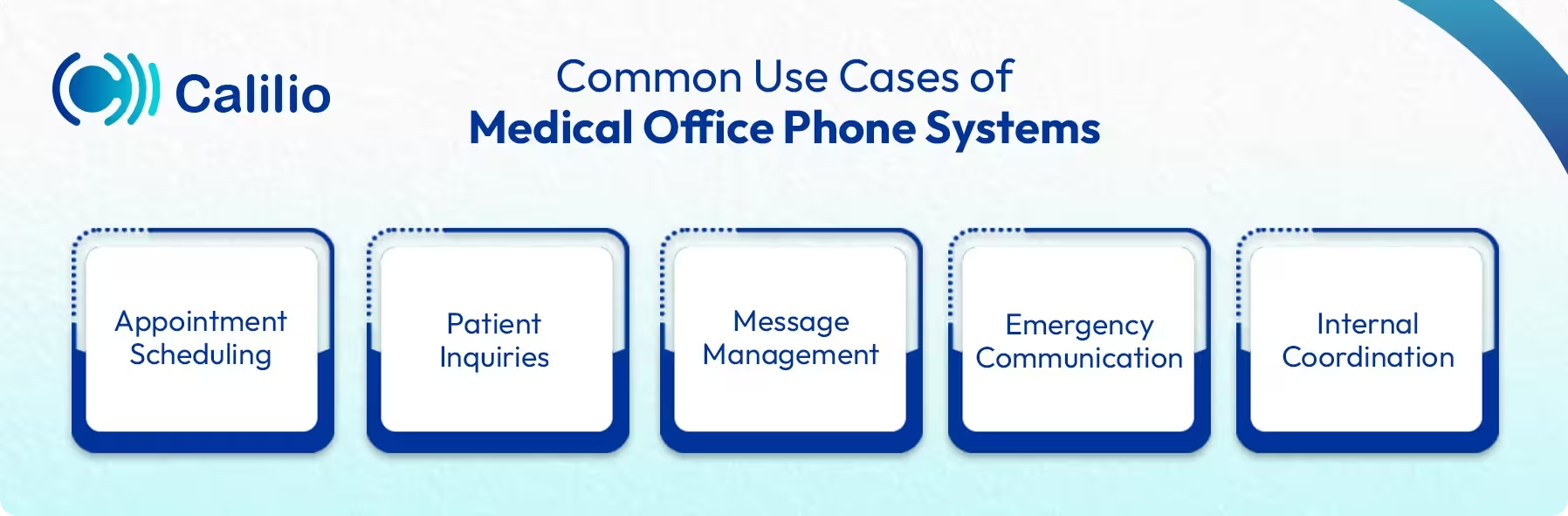
- Appointment Scheduling: The phone system allows patients to book, confirm, reschedule, or cancel appointments. Automated reminders can be sent to reduce no-shows.
- Patient Inquiries: Patients can call for information about office hours, doctor availability, insurance coverage, and other general inquiries. The system can route these calls to the appropriate staff member, improving response time.
- Message Management: Medical staff can manage incoming messages, ensuring patients get timely follow-up for requests like prescription refills, test results, or referral inquiries.
- Emergency Communication: In urgent situations, having a direct line to the doctor or emergency contact ensures fast action. Many phone systems provide priority call handling for emergencies.
- Internal Coordination: Doctors, nurses, and administrative staff often need quick communication to manage patient care. A modern healthcare phone system supports this with direct extensions, smooth call transfers, and internal messaging.
Must-Have Features in a Medical Practice Phone System
A reliable medical practice phone system should include features like IVR, call routing, call queues, voicemail-to-email, call recording, business hours controls, and HIPAA-compliant communication.
I. Interactive Voice Response (IVR)
An IVR system guides callers to the right department through a simple voice menu. Patients can choose options for appointments, billing, refills, or nurse support without waiting for a receptionist. This reduces hold times and keeps calls organized during busy hours.
II. Call Routing and Forwarding
Smart call routing sends each call to the right person or team based on rules you set. For example, appointment calls can be routed to the scheduling desk, while urgent queries can be forwarded to on-call nurses.
III. Call Queue Management
Medical offices often face peak calling hours. During such periods, call queues hold callers in line, share wait-time updates, and distribute calls evenly across staff. This prevents missed calls and reduces frustration for patients waiting for help.
IV. Voicemail and Voicemail-to-Email
Patients may call after hours or when staff are busy. Voicemail captures these messages, and voicemail-to-email sends recordings directly to the right staff member. This helps clinics respond quickly and stay organized.
V. Call Recording and Quality Monitoring
Call recordings help clinics train staff, review conversations, and ensure clear communication. Quality monitoring tools also help supervisors track how calls are handled, leading to better patient support and fewer mistakes.
VI. Business Hours and After-Hours Routing
Medical offices receive calls around the clock, but staff availability varies. Business hours settings ensure routine calls receive automated messages, while urgent calls are routed to the appropriate team even after work hours. This keeps communication structured and prevents overload on front-desk teams.
VII. HIPAA Compliance
For medical practices, ensuring that the phone system is HIPAA-compliant is essential. It should include features like encrypted calls and secure voicemail to protect patient privacy and meet regulatory requirements.
Enhance Patient Communication with Calilio’s Secure Cloud Phone System
Top 3 Phone Systems for Medical Offices
Calilio, RingCentral, and Nextiva are some of the best phone systems for medical offices.
1. Calilio
Calilio offers a cloud-based healthcare phone system for medical offices designed to manage patient calls in a structured and secure way. It includes IVR, call queues, smart call routing, and number sharing to help clinics handle high call volumes without overloading front-desk staff. With HIPAA-aware safeguards and encrypted communication, Calilio supports patient privacy while keeping call handling efficient. The system works on desktops, smartphones, and tablets, which makes it suitable for remote staff, on-call teams, and multi-location medical practices.
Key Features:
- AI-powered Call Reports
- Number Sharing and Call Routing
- Multi-device Access
- Interactive Voice Response (IVR)
- Call Recording and Tracking
2. RingCentral
RingCentral is a widely used cloud phone system known for its reliability and uptime. It suits medical offices that handle large call volumes and need a stable system that works without interruptions. The platform combines voice, messaging, and team communication in one place, which helps healthcare staff stay connected through various communication channels. Key Features:
- Unified Communications and Collaboration
- Auto-attendant and Advanced Call Routing
- Real-time Call Transcription
- Automated Note-taking
- Electronic Health Record (EHR) Integration
3. Nextiva
Nextiva’s medical office phone system is designed for clinics that want deeper visibility into patient communication. It focuses on call data and performance insights, helping medical offices understand call patterns, peak hours, and response quality. It also stands out for its built-in customer interaction tracking. Medical offices can view call history and communication details in one place, which helps teams stay consistent when handling repeat patient calls. Key Features:
- Centralized Voice and SMS Communication
- Omnichannel Integration
- After-hours Automation
- Analytics and Insights
- HIPAA-compliant Security Controls
How to Choose the Best Phone System for a Medical Office?
To choose the best phone system for a medical office, first check your call volume and make sure the system includes essential features, including HIPAA-compliant security. Also, compare pricing, support, and scalability so it can grow with your office and meet patient needs.
- Assess Call Volume and Office Workflow: Assess how many calls your clinic receives throughout the day. Choose a system that can manage this volume well and match your team’s workflow.
- Plan for Growth and Change: Choose a medical practice phone system that can grow with your office. The system should allow you to add users, numbers, or departments without replacing the entire setup.
- Focus on Security and Compliance: A reliable healthcare phone system should support HIPAA-aligned security with controlled access and protected call data.
- Check Call Reliability: Look for a phone system that offers stable call quality and dependable uptime, especially during high-volume hours.
- Evaluate Core Features: Make sure the system includes features such as call routing, voicemail, IVR, call recording, business hours, and analytics.
- Compare Costs: Review monthly pricing, setup fees, and feature costs. The best medical office phone system balances affordability with the features your practice truly needs.
- Check Support and Reputation: Read reviews from healthcare users, request demos, and confirm that the provider offers responsive customer support.
Best Practices for Using a Medical Office Phone System
To use a medical office phone system effectively, set up straightforward call routing, configure appropriate business hours and after-hours rules, and teach staff how to handle calls properly. Also, tracking call performance and enabling secure cloud access helps ensure timely patient care and smooth call management.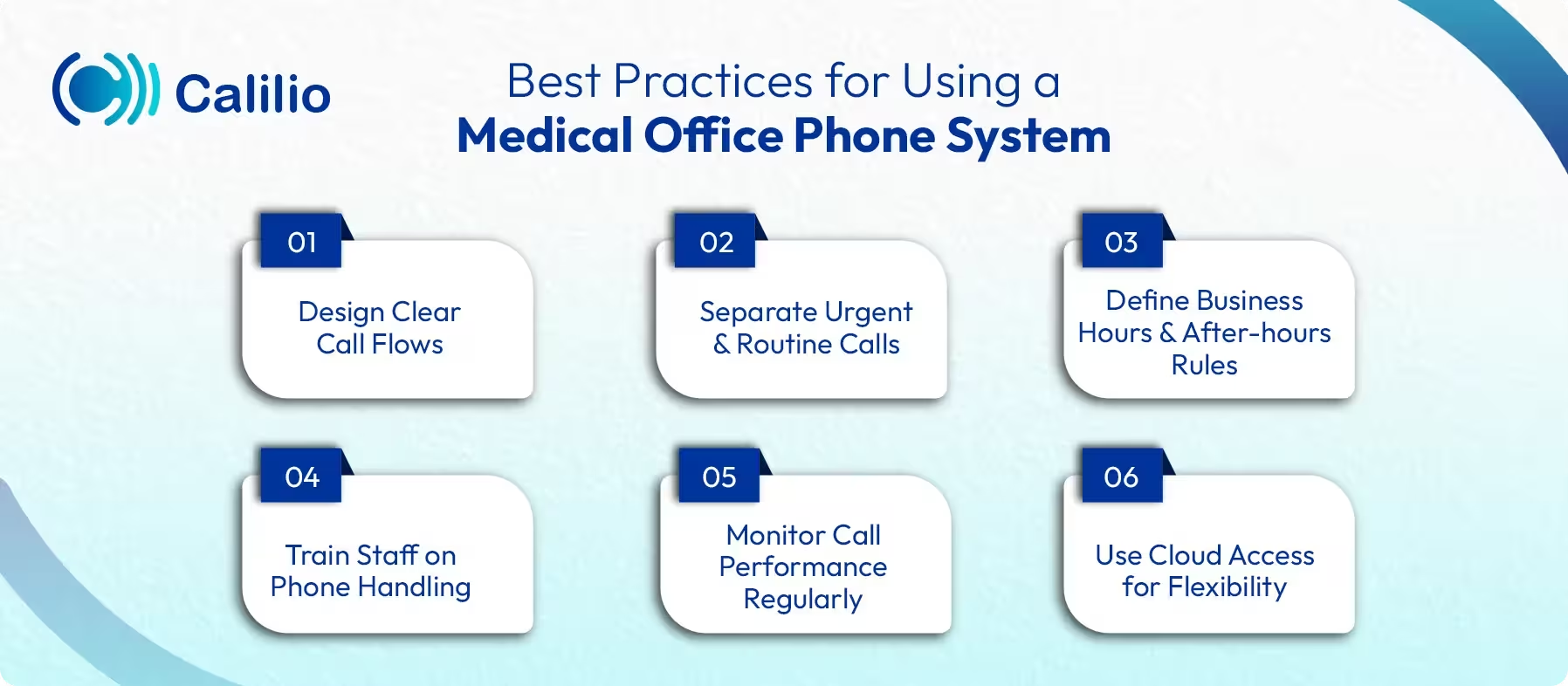
- Design Clear Call Flows: Set up simple IVR menus that guide patients to appointments, billing, prescriptions, or urgent care. Clear options help patients reach the right place faster and reduce call handling time.
- Separate Urgent and Routine Calls: Route urgent calls to on-call staff and send routine requests to appropriate queues or voicemail. This keeps patient care timely and organized.
- Define Business Hours and After-Hours Rules: Configure business hours so patients know when staff are available. Route after-hours calls to voicemail, on-call employees, or emergency instructions as needed.
- Train Staff on Phone Handling: Ensure front-desk and clinical staff understand how to use the medical practice phone system, including call transfers, notes, and voicemail handling.
- Monitor Call Performance Regularly: Review call analytics to track wait times, missed calls, and peak periods. These insights help clinics adjust staffing and improve response times.
- Use Cloud Access for Flexibility: Allow authorized staff to manage calls securely from approved devices. This supports remote and multi-location practices.
Conclusion
A reliable medical office phone system plays a key role in how healthcare practices communicate with patients and manage daily operations. From appointment scheduling to urgent call handling, the right system helps reduce missed calls, improve response times, and support staff with structured call flows and secure communication.
Calilio stands out as a practical option for healthcare teams that need a cloud-based, secure, and flexible solution. With features such as IVR, call queues, intelligent routing, AI-generated call reports, and support for remote staff, Calilio helps medical centers manage patient calls efficiently while maintaining privacy and consistent service quality.
Summarize this blog with:
Frequently Asked Questions
Everything you need to know about Calilio. Can't find your answer? .
Yes, VoIP phone systems for healthcare can be secure when they follow HIPAA-aware practices. Reliable providers protect patient information using encrypted calls, controlled user access, and secure data storage to keep communication safe.
Stay in the loop
Get the latest call insights, trends, and updates delivered straight to your inbox.
By subscribing, you agree to receive updates from Calilio.
You can unsubscribe anytime.
#1 Cloud Phone System for
|
Improve your business operation with Calilio's advanced virtual phone system. Join today for a better way to connect.