- Partners
- Contact Us
- Log in
Top 10 Open Source Business Call Center Software

Managing customer communication can be challenging when your call center software lacks essential features or limits how much you can customize. Many businesses end up paying for tools that don’t fully meet their needs, or worse, force them into rigid systems they can’t adjust.
These limitations directly affect daily operations. Agents work slower, workflows become inefficient, and businesses struggle to adapt the system as they grow. Over time, this creates unnecessary expenses, lower productivity, and poor customer experience.
That’s where open source call center software becomes a powerful solution. It gives businesses full control over customization, scalability, integrations, and security, without the heavy price tags tied to traditional platforms. You can tailor features, remove unwanted modules, and build a system that matches your exact workflow.
In this guide, we’ve evaluated the 10 best open source call center software, so you can confidently choose the one that fits your business needs.
[Methodology: We chose these open source call center tools after we checked their stability, feature depth, and ease of use. We also reviewed integration options, customizability, and community support to see how each tool performs in daily business tasks. In addition, we compared setup needs and long-term flexibility to find options that meet your needs.]
Key Highlights:
Open source call center software gives businesses full control over customization, security, integrations, and updates.
Options like Asterisk, FreePBX, VICIDial, Issabel, FreeSWITCH, Bitrix24, and Incredible PBX are suitable for businesses of any size.
When choosing a platform, consider core features, productivity tools, automation, scalability, and security to ensure long-term success.
Top 10 Open Source Call Center Software for Businesses
Some of the best open source call center software are Asterisk, FreePBX, VICIDial, Issabel, FusionPBX, OMniLeads, GOautodial, FreeSWITCH, Bitrix24, and Incredible PBX.
1. Asterisk
Asterisk is one of the best cloud PBX (Private Branch Exchange) providers that lets you build your own call center setup with strong control. It works as the core engine that handles call queues, Interactive Voice Response (IVR), routing logic, and other contact center tasks. Moreover, it adapts to small teams and large operations with ease, making it a suitable option for businesses of any size.
Likewise, Asterisk supports many add-ons and integrations that help you shape the workflow in your own style. In particular, you can link it with dialers, CRM systems, and reporting tools to form a complete call center system. And, as your team grows, you can scale it by adding more servers or forming clusters without breaking your flow.
Key Features
- Call Routing and Queuing: Efficiently manages incoming calls.
- IVR System: Guides callers through pre-recorded menus.
- Multi-Channel Support: Handles phone, video, and messaging.
- Scalable Architecture: Grows with your business needs.
Pros and Cons
| Pros | Cons |
|
|
2. FreePBX
FreePBX is an open source IP PBX platform that gives you a web-based control panel over Asterisk. As a result, you can design your own phone system and call center features without touching dial plan code. In addition, the FreePBX Distro bundles the operating system, Asterisk, the GUI, and dependencies, so you can bring a full system online in a short time.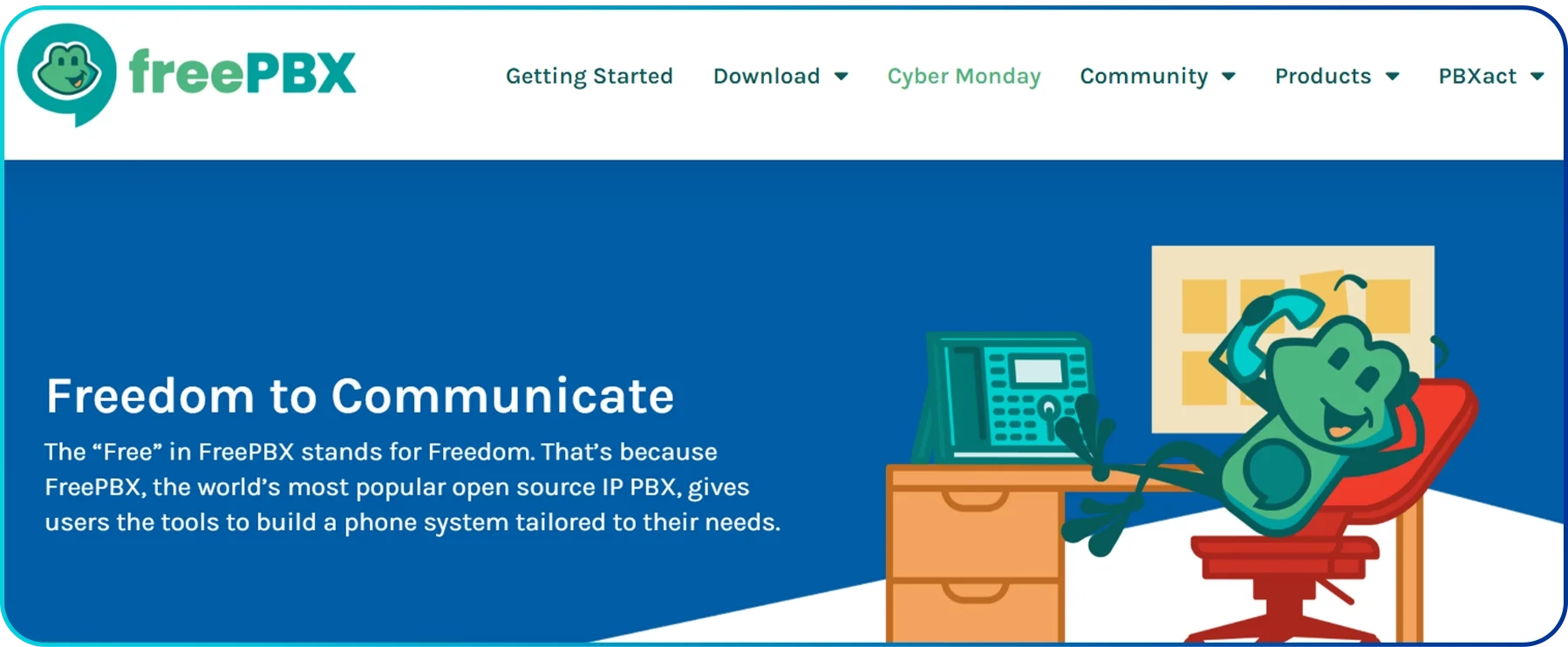
Furthermore, FreePBX stands out for its rich ecosystem of modules and commercial add-ons that turn a basic PBX into a full unified call center stack. For example, you can add queue reporting, virtual queues, outbound campaigns, web callbacks, and PIN-based controls as your needs grow.
Key Features
- Call Management Tools: Includes call routing and queuing.
- Voicemail Integration: Allows centralized voicemail management.
- Call Recording: Enables quality monitoring and training.
- Customizable Modules: Extends functionality based on business needs.
Pros and Cons
| Pros | Cons |
|
|
3. VICIdial
VICIDial is an enterprise-grade open source contact center suite that focuses on high volume and blended operations. It brings inbound calls, outbound campaigns, email, and website chat into one screen, so your team does not jump between tools. In addition, it supports predictive, preview, and manual dialing modes, which let you match the dialer behavior to each campaign.
VICIDial is built to scale from a small team to centers with hundreds of call center agents across many locations. It offers multilingual agent interfaces and allows remote employees to log in from almost anywhere, which makes it fit for global or work-from-home setups. Moreover, the VICIDial Group also backs it with certified hardware and dedicated hosting.
Key Features
- Predictive Dialer: Automates outbound calling for better efficiency.
- Real-time Reporting: Provides live insights into call performance.
- Multi-channel Communication: Supports voice, email, and chat.
- Call Recording and Monitoring: Ensures quality control and agent training.
Pros and Cons
| Pros | Cons |
|
|
4. Issabel
Issabel is one of the top open source call centers built as a unified communications stack. In particular, it offers call queues, agent controls, monitoring, and reporting inside a web interface that stays simple enough for small teams. As you work with it, you can expand its call center features using add-ons, which help you shape the system around your own workflows.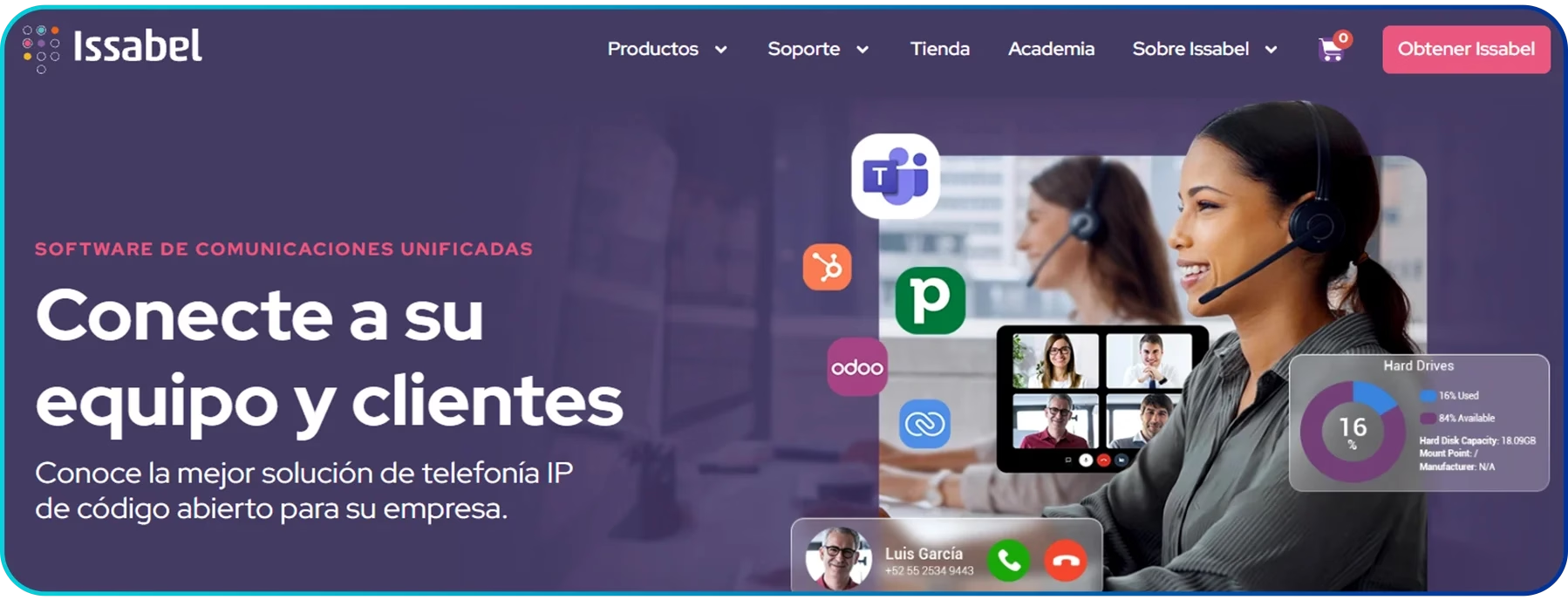
In addition, Issabel supports IVR menus, inbound routing, recording, and basic queue metrics, so you can set up a functional call center without extra software. Moreover, it still follows the older Elastix design, meaning it bundles several tools together, which suits small businesses that want an all-in-one call center package rather than a highly specialized enterprise platform.
Key Features
- Unified Platform: Combines multiple communication channels.
- IVR and Call Routing: Directs customers to the right department efficiently.
- Call Recording: Provides insights for training and quality assurance.
- CRM Integration: Helps manage customer data.
- Multi-language Support: Accommodates diverse business needs.
Pros and Cons
| Pros | Cons |
|
|
5. FusionPBX
FusionPBX is an open-source multi-tenant PBX and voice switch built on the robust FreeSWITCH engine, which gives it strong foundations for call-center use. It offers a web GUI to manage features like queues, ring groups, and call flows, so you can design inbound and outbound workflows with flexibility.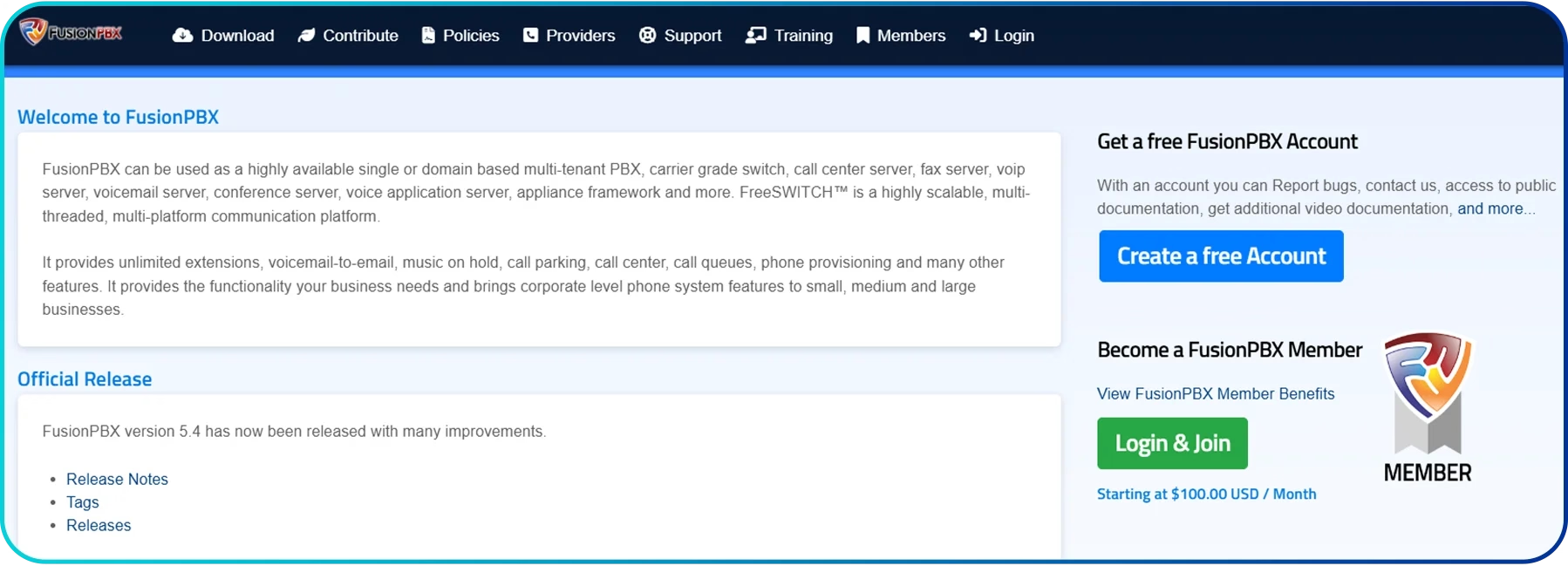 Because of its multi-tenant architecture, FusionPBX works well for organisations running different departments or brands within one installation. Plus, it supports unlimited extensions, call parking, recording and call centre modules. Hence, you can scale from small teams to larger call operations without switching platforms.
Key Features
- Inbound Queue Module: Set up call queues and agent assignments.
- Skills and Strategy Routing: Strategy rules such as longest-idle and round-robin.
- Multi-tenant Support: Host many call centers or departments on one system.
Pros and Cons
| Pros | Cons |
|
|
6. OMniLeads
OMniLeads is among the top open source contact center platforms, built for teams that want a full omnichannel environment without vendor lock-in. It supports voice, WhatsApp, video, and bulk messaging inside one WebRTC-based agent console, so your agents only need a browser to work.
In addition, OMniLeads offers strong real-time supervision tools. For instance, you can view agent status, listen to calls, and monitor campaign performance as it happens. For reporting needs, the platform provides detailed campaign, quality, productivity, and satisfaction metrics. Likewise, you can scale it easily through clustering or by separating the application, database, and communications servers.
Key Features
- All-in-one Agent Console: Simple browser-based setup.
- Predictive and Multi-mode Dialing: Preview, predictive, automated dialing.
- Real-time Supervision: Live metrics and agent monitoring.
Pros and Cons
| Pros | Cons |
|
|
7. GOautodial
GOautodial is among the top open source call center systems created to help teams manage inbound, outbound, and blended campaigns through a simple, browser-based workspace. It was developed specifically for call center operations, which is why its layout, controls, and workflows feel direct and practical.
Moreover, GOautodial also supports organizations that want a ready-to-use environment. Its cloud service provides a call center setup backed by highly available datacenters, allowing you to run operations without maintaining your own infrastructure. At the same time, the community edition lets you install the system on your own servers, which suits businesses that prefer full control of their call center deployment.
Key Features
- Modern Web Interface: Clean UI built on Bootstrap and HTML5.
- Predictive and Preview Dialing: Outbound-focused calling modes.
- Real-time Cloud Dashboard: Instant activity monitoring.
- Customizable Reporting: Provides tailored insights for business improvement.
Pros and Cons
| Pros | Cons |
|
|
8. FreeSWITCH
FreeSWITCH is an open-source communications framework used as the core engine behind many large-scale call center systems. When you use it in a call center setting, it works more like the underlying switchboard rather than a packaged application, giving you full freedom to design how calls move, how agents connect, and how different services interact.
Because the framework is designed for large infrastructures, it fits well in environments where you need stability, protocol flexibility, and room to grow. Plus, you can use it for private cloud deployments or custom call flows, especially if your business needs WebRTC, high-volume conferencing, or integrations with AI-driven tools.
Key Features
- Advanced Features: Recording, voicemail, text-to-speech.
- Video MCU Support: Multi-party conferencing and layouts.
- Scalable Infrastructure: Suitable for small to large-scale operations.
Pros and Cons
| Pros | Cons |
|
|
9. Bitrix24
Bitrix24 is a business communications and CRM platform that includes a self-hosted open source call center edition. This setup allows you to run call center tools on your own server with full control over configuration. Moreover, it works as a unified system where agents can place and receive calls, manage customer records, and track conversation history from one workspace.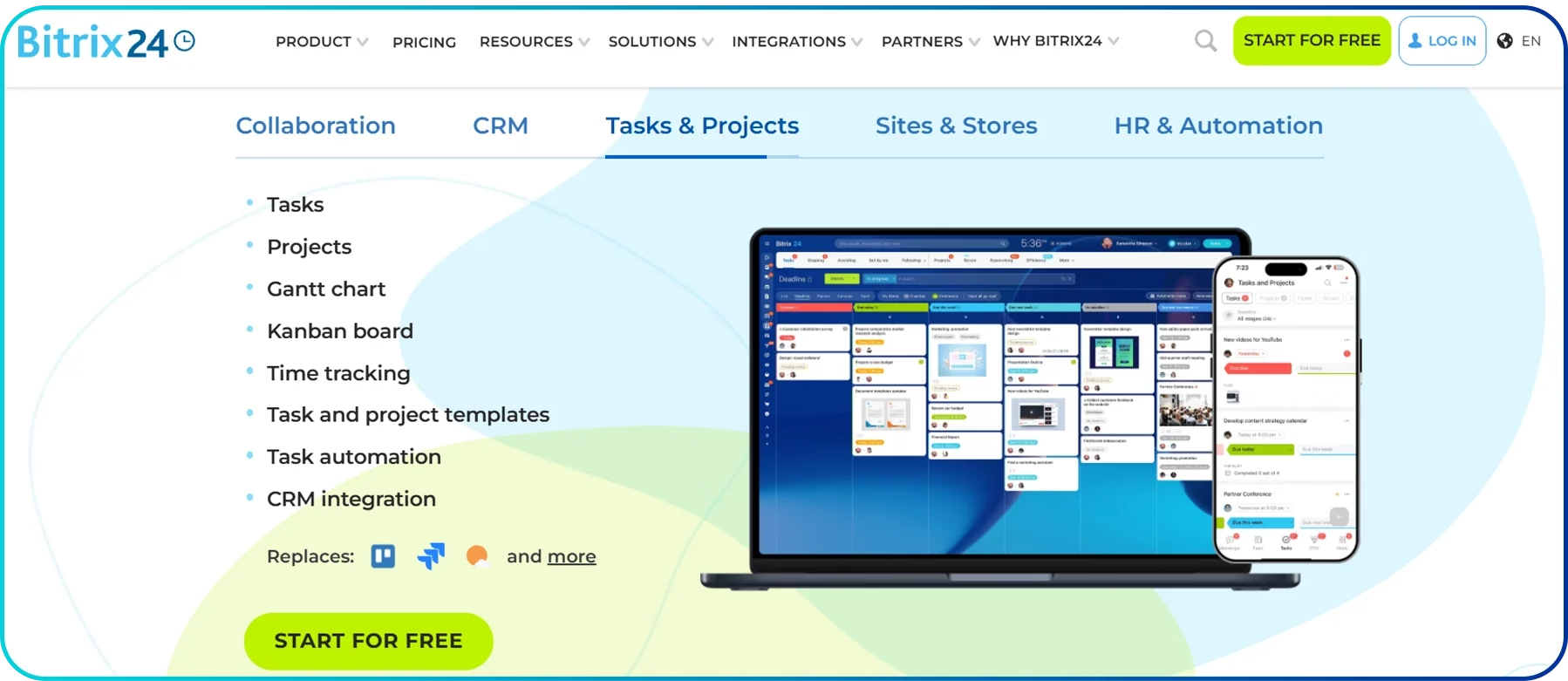
Since everything is installed locally, you can adjust routing behavior, handle recordings internally, and integrate the call center with other in-house systems. Likewise, it is a good option if you are looking to tie customer-service calls with lead management and back-office tasks.
Key Features
- CRM Integration: Keeps customer data organized and accessible.
- Task Management Tools: Enhance team collaboration and productivity.
- Call Recording and Monitoring: Ensures quality service delivery.
- Customizable Dashboards: Tracks performance metrics in real-time.
Pros and Cons
| Pros | Cons |
|
|
10. Incredible PBX
Incredible PBX is an open-source phone system built for teams that want a simple way to manage calls, agents, and call routing. In fact, it brings together Asterisk, FreePBX, and Linux into one ready-to-use package, so you can set up call queues, recordings, and other call-center tools without building everything from scratch. As a result, many small and mid-sized call centers use it for full control, which is still easy to install.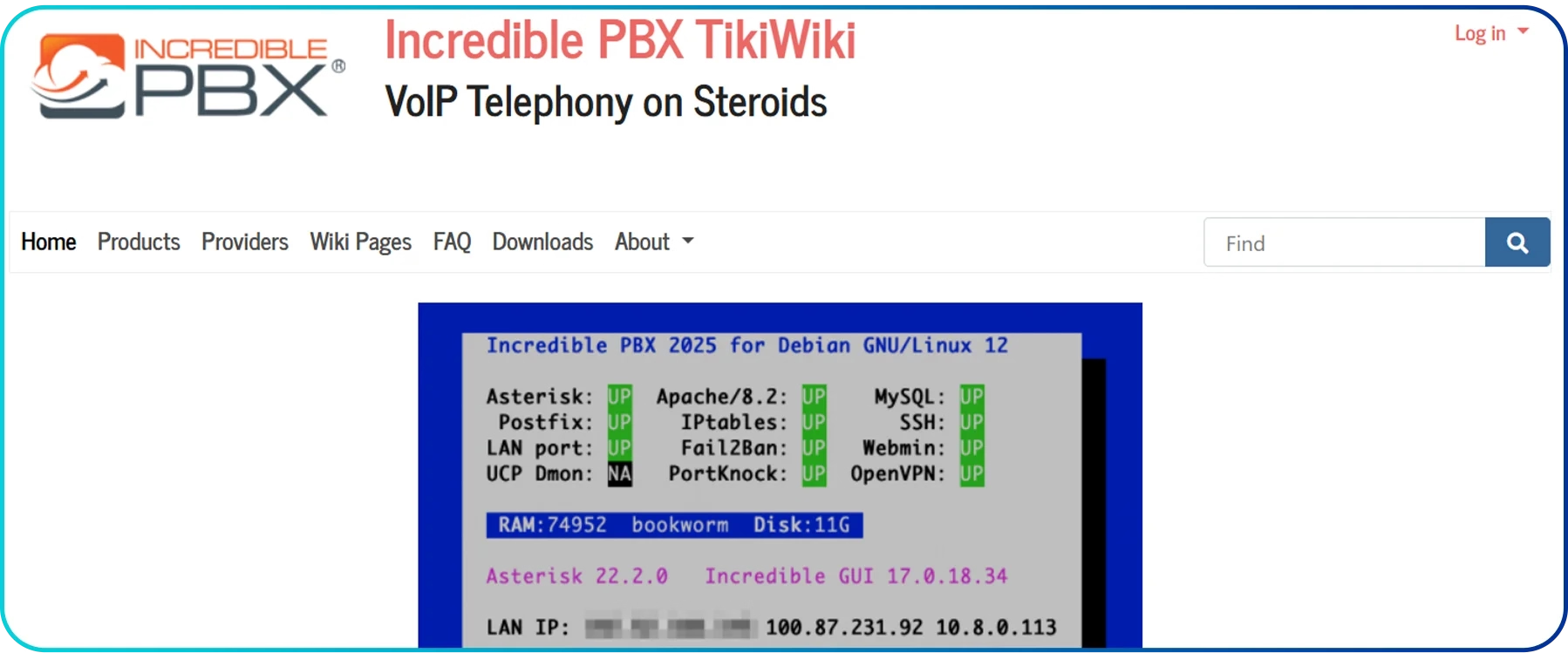
Moreover, you can run Incredible PBX almost anywhere, including local servers, cloud machines, virtual machines, and even a Raspberry Pi. So, this makes it a good option for call centers that want to host their own system and keep their data inside their own network.
Key Features
- Built-in Security Tools: Extra firewall rules and voice-security add-ons.
- Voice Applications Included: Comes with small apps like reminders and call-back tools.
- Local Control Panel: Manage settings from a light, easy-to-load dashboard.
- Modular Add-ons: Add or remove features without heavy setup.
Pros and Cons
| Pros | Cons |
|
|
Things to Consider While Choosing an Open Source Call Center Software
Look for cost, solid core features, strong productivity tools, built-in automation and easy scalability. Further, check for dependable security and user reviews to select the best open source call center software.
- Pricing: Evaluate the total cost of ownership, including setup, maintenance, add-ons, and support. Although some open-source tools may be free to start with, but require paid modules or hosting. So, choose a pricing model that fits your budget while still offering long-term value.
- Core Features: Choose open source call center software that covers your business’s basic needs, like call routing, IVR, recording, and clear reporting. These features help you run daily operations without gaps.
- Productivity: Look for tools that help your agents work faster, such as clean dashboards, easy controls, and quick access to caller details. These small boosts make a clear difference in overall performance.
- Automation: Pick a platform that handles routine steps on its own, from auto-dialing to call queuing. This reduces manual work and keeps your call flow steady even during busy hours.
- Scalability: You should be able to add agents, lines, or new channels without major setup or downtime. So, make sure the system can scale along with your team’s growth.
- Security: Choose software that protects your data with strong encryption and clear user permissions. This is because regular updates and active community support help you stay safe from common risks.
- Customer Feedback: Check user reviews, ratings, and case studies to understand real-world performance. Feedback from existing customers can reveal strengths, issues, and overall satisfaction, helping you make a confident decision.
Conclusion
Choosing the right open source call center software can significantly enhance how your business manages customer communication. These platforms offer deep customization, full control over data, scalable architecture, and the flexibility to integrate tools as your operations grow.
However, open source platforms also come with challenges. They typically require technical expertise and hands-on setup, which may not be ideal for small teams or businesses that need quick, guaranteed assistance.
If you’re looking for a platform that combines the flexibility of modern call center features without the technical complexity, Calilio is a better fit. It offers an AI-powered call center suite with real-time analytics, automated workflows, sentiment analysis, IVR, global VoIP coverage, call queues, and 24/7 customer support, all with an easy setup designed for teams of any size.



Summarize this blog with:
Frequently Asked Questions
What software do call centers use?
Call centers use platforms like Asterisk, VICIdial, and FreeSWITCH, which offer features such as call routing, IVR, CRM integration, and analytics.
Are there paid open source software options?
Do call centers use CRM software?
What is a software that is free as well as open source called?
How much does an open source call center cost?

Still have questions?
Can’t find the answer you’re looking for? Please chat with our friendly team.
Stay in the loop
Get the latest call insights, trends, and updates delivered straight to your inbox.
By subscribing, you agree to receive updates from Calilio.
You can unsubscribe anytime.
Enter the World of AI Business Phone System with Calilio
Improve your business operation with Calilio's advanced virtual phone system. Join today for a better way to connect.