Best Phone Systems for Dental Offices: Top 10 Picks
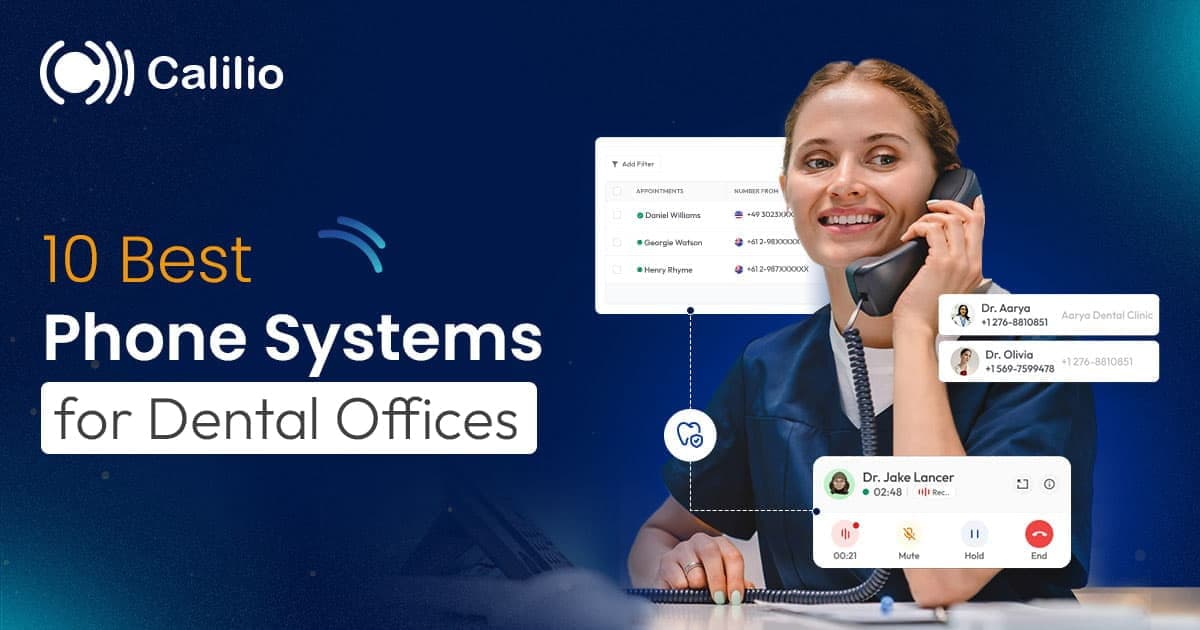

Missed calls are one of the most common problems in dental offices. Patients often call to book appointments, confirm schedules, or ask urgent questions, and when those calls go unanswered, they don’t always try again. Instead, they move on to another clinic, leading to lost bookings and revenue without any visible warning.
This is where the right phone system for a dental office makes a real difference. A modern dental phone system helps clinics manage high call volumes, route patients to the right staff member, and ensure no enquiry slips through during busy hours or after hours.
In this guide, we’ll walk through the 10 best phone systems for dental offices, highlighting their key features, pros and cons, pricing, and use cases. Whether you run a small practice or a multi-location clinic, this list will help you choose a phone system that improves patient experience, reduces missed calls, and keeps your front desk running efficiently.
Methodology: We evaluated phone system providers for dental offices based on key factors like call reliability and uptime, call quality, security controls, appointment scheduling and reminder workflows, and emergency call handling. We also compared real user reviews, feature sets, and ease of setup to identify which platforms deliver the best value for different clinic sizes and operational needs.
Key Highlight:
A modern dental phone system improves call handling, scheduling speed, patient experience, follow-ups, after-hours control, and service tracking.
Dental offices can choose from multiple phone systems, each offering different strengths such as AI insights, dental-focused workflows, or simple call management.
Some of the best phone systems for dental offices are Calilio, RevenueWell, RingCentral, Weave, Nextiva, and Zoom, among others.
Pricing and scalability vary by users, call volume, features, and plans, so comparing total cost is more important than just considering the base pricing when choosing an affordable phone system for your clinics.
What are the Benefits of Using a Dentist Phone System?
A dental office phone system improves service by reducing missed calls, speeding up appointment scheduling, and creating a smoother patient experience. It also helps front desk teams manage high call volumes with less stress, supports easy follow-ups, and keeps after-hours calls under control.
- Reduced Missed Calls: Features like call queues and intelligent routing keep callers from going to voicemail when the front desk is busy.
- Faster Scheduling: The phone system can direct patient calls to the right person for appointments, reschedules, or billing. This reduces time wasted on transfers and repeated calls.
- Better Patient Experience: Shorter hold times, clear greetings, and a smooth call flow make your clinic feel organized and professional. Patients get help faster and feel looked after.
- Less Front-Desk Stress: You can configure the system to ring multiple staff and devices for incoming calls, so one busy desk phone doesn’t block everything. It helps you handle rush hours without chaos.
- Effortless Follow-Ups: Business texting and call logs tools make it simple to confirm appointments and reply to missed calls. Your team can follow up quickly from any location.
- After-Hours Control: Business hours can be set up to inform callers what to do when you’re closed. You can use voicemail messages to guide emergencies, next steps, or callback requests.
- Performance Tracking: Call reports show missed calls, peak times, and common call patterns. This helps you improve staffing, training, and patient service over time.
10 Best Phone Systems for Dental Offices
Below is a comparison of the best phone systems for dental offices, based on features, use cases, and pricing.
Phone System | Best For | Key Strengths for Dental Offices | Starting Price (/user/month) |
| Calilio | Busy clinics needing AI insights | Smart routing, queues, AI call reports, SMS | $15 |
| VoiceStack | High-volume clinics and Dental Service Organizations (DSOs) | AI call intelligence and conversion tracking | $399/month |
| Solutionreach | Patient engagement and reminders | Two-way texting, reminders, automation | Custom (Essentials tier) |
| Nextiva | Reliable call flow basics | Interactive Voice Response (IVR), queues, scalable routing | $23 |
| RevenueWell | Converting enquiries to bookings | Dental-focused calling + texting | $189/month |
| RingCentral | Multi-location clinics | Advanced IVR and complex routing | $30 |
| Weave | All-in-one dental communication | Phones + texting + patient tools | $249/month |
| Zoom | Clinics already on Zoom | Simple queues and auto receptionist | $10 |
| Grasshopper | Small dental clinics | Call forwarding and business texting | $18/month |
| Ooma | Handling basic call flows in small to mid-sized dental offices | Virtual receptionist and call queues | $19.95 |
1. Calilio
Calilio is a cloud-based business phone system designed to handle high call volumes with smart routing and AI-powered insights. It offers IVR and call queues to route callers to appointments, billing, or urgent help, so fewer calls are missed. It also supports call forwarding and transfers, letting reception staff connect patients to the right person quickly, even when team members are away. Moreover, Calilio helps dental teams stay on track after each call with clear call notes, tags, and sentiment analysis, making follow-ups easier. Along with that, business hours routing handles after-hours calls, and SMS plus internal messaging support reminders and quick updates on any device.
Key Features
- IVR and Call Queues
- Call Forwarding and Call Transfer
- AI Call Reports (Transcription, Summary, Sentiment)
- Call Recording and Analytics
- Business Hours and After-hours Routing
- SMS and Internal Messaging
- Multi-device Access (Desktop, Mobile, Tablet)
Pros & Cons
Pros | Cons |
| Strong call management for busy front desks | Advanced AI features may not be needed for small clinics |
| AI insights help with training and quality control | Lack of a video conferencing tool |
| Easy to use across multiple devices |
2. VoiceStack
VoiceStack is an AI-powered phone system made for dental groups. The platform focuses on call intelligence and visibility, helping teams spot missed opportunities, track outcomes, and standardize how calls are handled across multiple locations.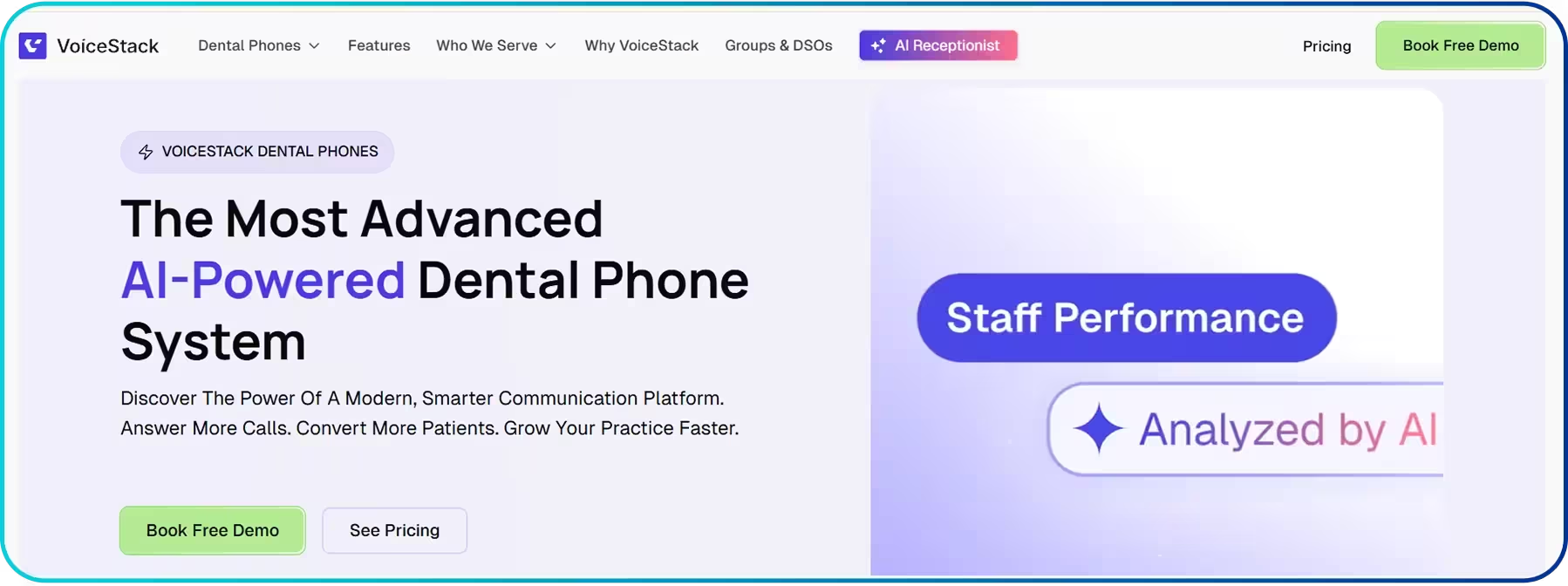 Moreover, VoiceStack supports better follow-ups with call transcription and call analytics. Plus, opportunity detection highlights high-intent calls like new patient inquiries, and automated post-call tasks create reminders or follow-ups automatically, so important requests do not slip.
Key Features
- AI Receptionist/Voice Assistants
- AI Call Tracking
- Call Transcription
- Call Analytics
- Opportunity Detection
- Automated Post-Call Tasks
Pros & Cons
Pros | Cons |
| Designed around dental call performance and conversion tracking | May feel too “operations-heavy” for small practices |
| Helpful visibility into outcomes, missed opportunities, and team activity | Best value usually comes only with higher call volume |
| Good fit for groups that need consistency across locations |
3. Solutionreach
Solutionreach is best known for patient engagement, two-way texting, reminders, and automation. It’s built to keep schedules full by reducing no-shows and making it easier for patients to respond, reschedule, or ask questions quickly.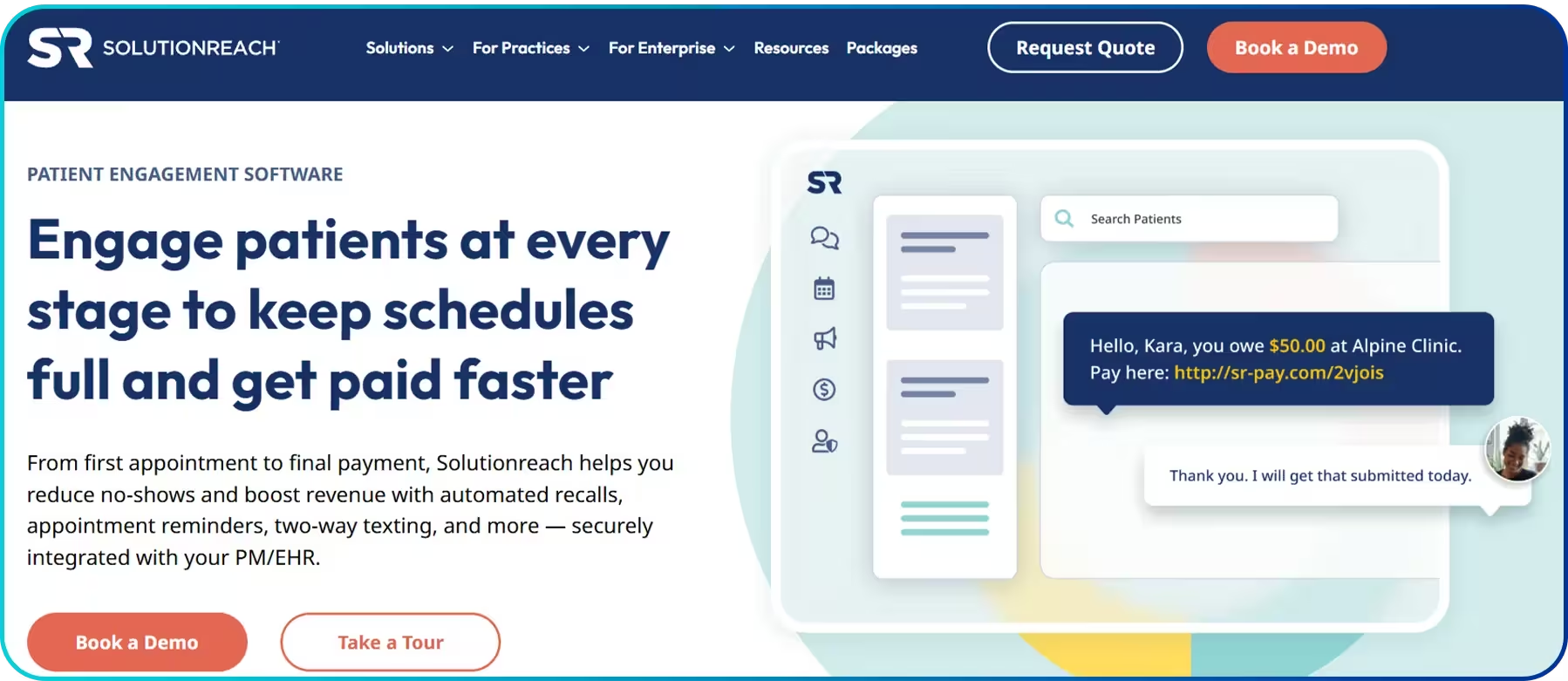 On top of that, Solutionreach helps clinics stay consistent with patient follow-ups. Recall management brings patients back for cleanings and checkups on time, payment technology makes billing easier, and call intelligence helps track calls and spot missed opportunities, improving front-desk efficiency.
Key Features
- Online Scheduling
- Digital Intake and Check-in
- Recall Management
- Payment Technology
- Call Intelligence
- Automated Reminders & Confirmations
Pros & Cons
Pros | Cons |
| Strong patient messaging for confirmations, reminders, and rescheduling | Slow customer service occasionally |
| Helps reduce no-shows and keeps schedules tighter | Some clinics may only need a smaller feature set |
| More of an engagement platform than a “pure phone system” |
4. Nextiva
Nextiva is a solid choice for dental offices that want a dependable cloud phone system with strong call flow basics. It helps busy front desks stay organized with auto attendants, call queues, and flexible routing. For daily patient communication, Nextiva helps keep everything organized. It combines Voice over Internet Protocol (VoIP) calling with an omnichannel inbox, so calls and messages stay in one view for the team. CRM integrations also help log interactions and support faster follow-ups.
Key Features
- Auto Attendant
- Call Queues
- Unified Platform
- CRM and Integrations
- Omnichannel Inbox
Pros & Cons
Pros | Cons |
| Reliable cloud calling with strong everyday essentials | Occasional reports of software glitches |
| Easy to build clean call flows for appointments and billing | Advanced options may require higher plans |
| Scales well as you add staff or locations |
5. RevenueWell
RevenueWell is a dental-specific VoIP solution that blends calling with patient engagement, which is helpful when your goal is to convert enquiries into booked appointments. It supports smoother front-desk workflows, especially around follow-ups, reminders, and keeping the pipeline moving.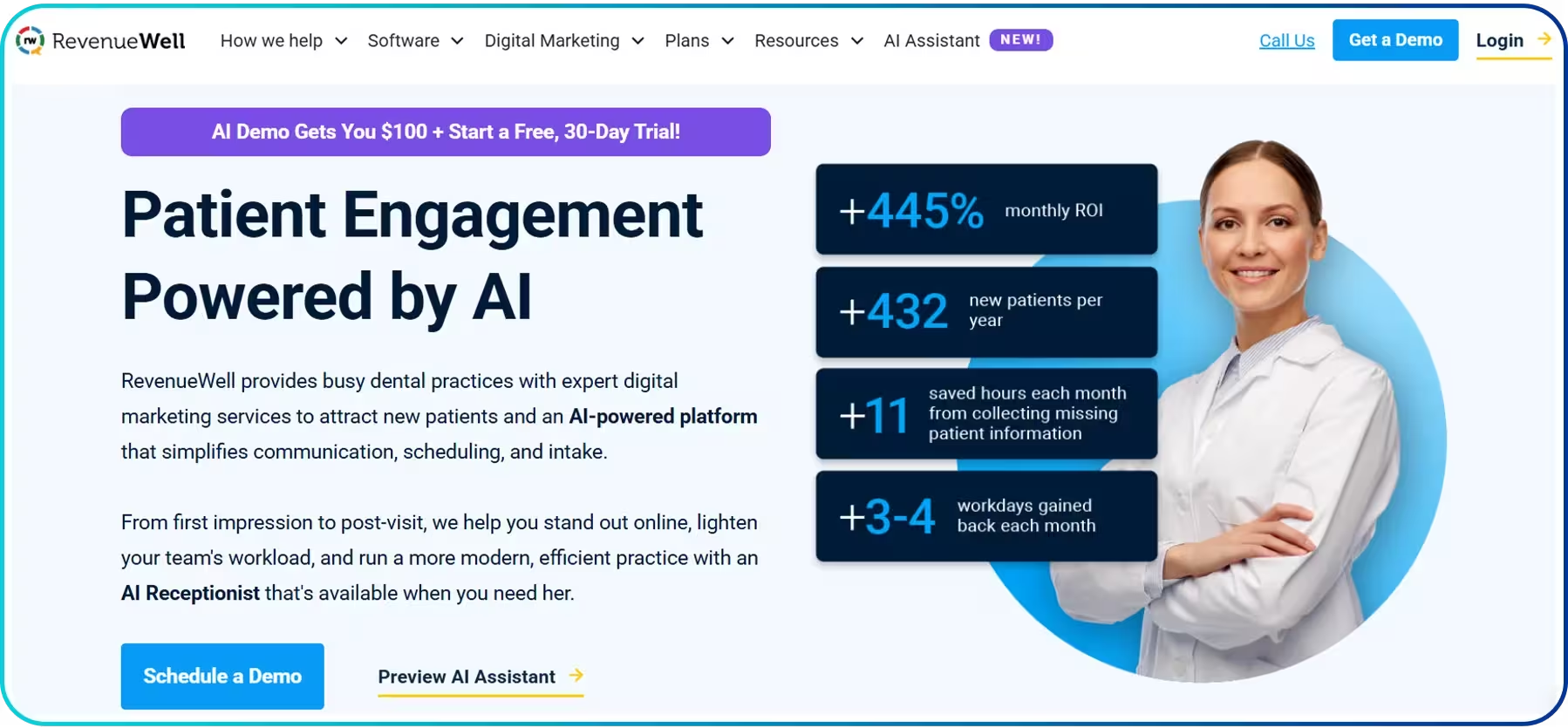 For day-to-day work, RevenueWell shows caller details with screen pop, so staff know who is calling and why. It also supports automated reminders, two-way texting from the main number, online scheduling, digital forms, and a patient portal. Moreover, built-in payment processing helps complete bookings faster and reduce missed payments.
Key Features
- Screen Pop/Caller Context
- Automated Reminders
- Two-way Texting from the Main Number
- Patient Portal
- Digital Forms
- Online Scheduling
- Payment Processing
Pros & Cons
Pros | Cons |
| Dental-focused tools that support follow-ups and patient communication | Slow customer service |
| Helpful for keeping enquiries moving toward booked appointments | Occasional technical glitches |
| Combines calling and messaging in a practice-friendly workflow |
6. RingCentral
RingCentral is a reliable phone system for dental offices that need structured call handling and clear communication across the team. It offers an auto attendant with multi-level IVR, so patients can reach appointments, billing, or the right department faster. Softphone and VoIP calling also let staff answer calls from desktop or mobile. For daily coordination, RingCentral runs in a unified app with team messaging, call logging, and real-time analytics. This helps the front desk track missed calls, review call activity, and follow up quickly, while keeping patient communication organized in one place.
Key Features
- Auto Attendant + Multi-level IVR
- Unified App
- VoIP and Softphone
- Team Messaging
- Real-time Analytics
- Call Logging
Pros & Cons
Pros | Cons |
| Strong support for complex routing (departments, multiple sites, schedules) | May not be suitable for small, single-location practices |
| Good admin controls and scalability for growing clinics | Setup may take more time to configure properly tool |
| Works well when you need consistent processes across teams |
7. Weave
Weave is a clinic-focused phone system for dental offices that helps the front desk handle patient calls with more context. With Call Pop, staff can see who is calling before answering, and smart call routing sends calls to the right team member, reducing missed calls and long hold times.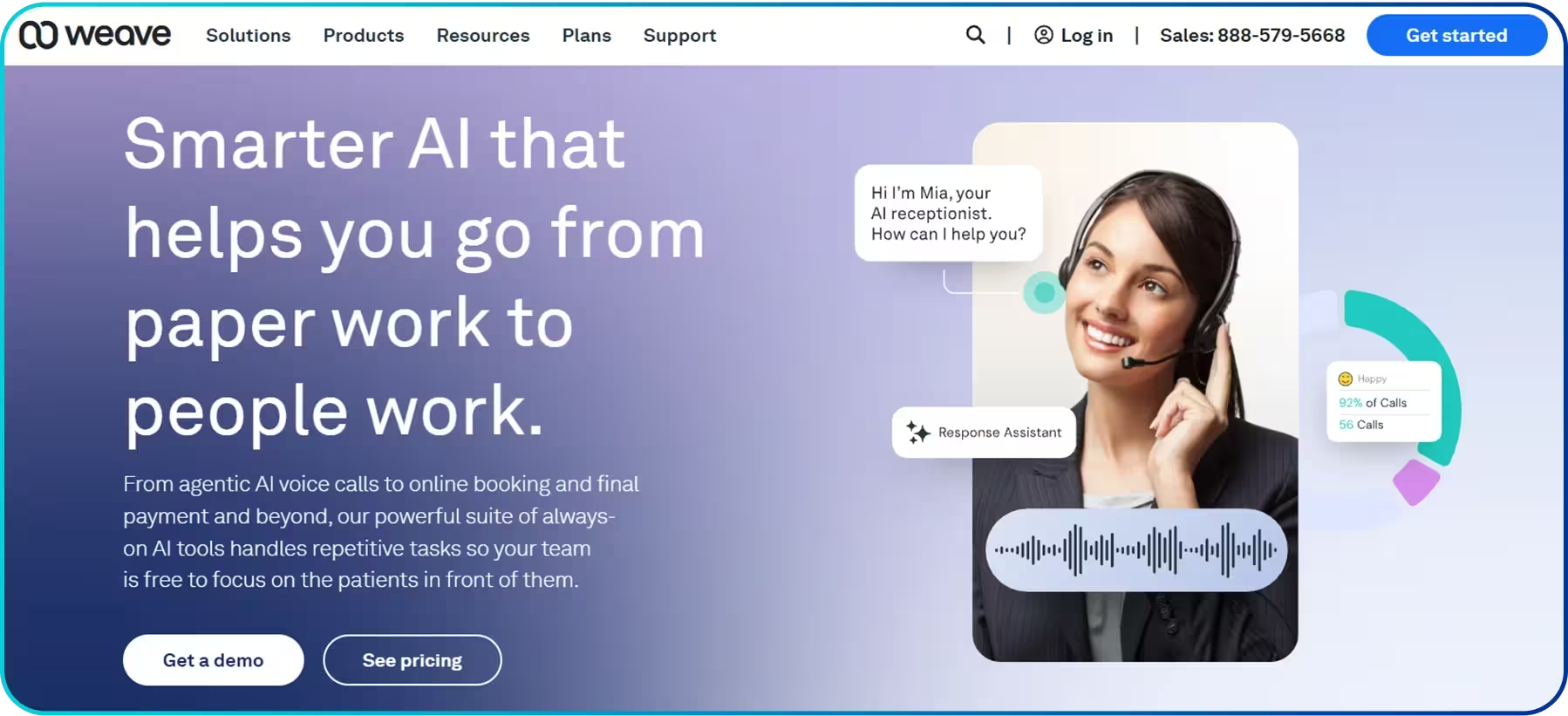 For smoother follow-ups, Weave supports automated follow-ups and keeps communication in one unified platform. Call reports, recording, and call management help clinics review conversations, train staff, and spot missed opportunities, so patient requests are handled faster and more consistently.
Key Features
- Call Pop
- Smart Call Routing
- Automated Follow-ups
- Call Analytics
- Unified Platform
- Call Recording and Management
Pros & Cons
Pros | Cons |
| Built with dental front desks in mind | An all-in-one setup may include tools you won’t use |
| Strong patient communication experience alongside calling | Best value often comes only when you adopt the whole platform |
| Helpful in managing high call volume with practice-friendly workflows |
8. Zoom
Zoom Phone works well for clinics already using Zoom, making it easy for dental offices to manage patient calls within a familiar system. It supports call routing, auto-attendants, and business hours settings, which help front-desk teams handle appointment bookings, follow-ups, and after-hours answering service without confusion. Additionally, Zoom keeps calling inside a unified platform, so teams can manage communication in one place. Call recording helps with training and reviewing key conversations, and AI Companion can support faster notes and summaries, making follow-ups easier after patient calls.
Key Features
- Auto Receptionist
- Call Queues
- IVR Routing Options
- Unified Platform
- Call Recording
- AI Companion
Pros & Cons
Pros | Cons |
| Great fit if your clinic already runs on Zoom | Not dental-specific features by default |
| Includes the essential front desk tools like auto receptionist and call queues | Some advanced call workflows may require extra configuration |
| Simple for teams that want one familiar app |
9. Grasshopper
Grasshopper suits small dental clinics that want a simple, professional business phone system without a heavy setup. It includes a virtual receptionist to greet and route callers, plus mobile and desktop apps so staff can answer calls even when away from the front desk. For smoother follow-ups, Grasshopper offers call logging and reporting, voicemail-to-text, and instant text response. Business texting also helps confirm appointments and reply to quick patient questions faster, reducing missed calls and keeping communication clear.
Key Features
- Virtual Receptionist
- Call Logging and Reporting
- Voicemail to Text
- Instant Text Response
- Business Texting
- Mobile and Desktop Apps
Pros & Cons
Pros | Cons |
| Simple setup | Limited “call center style” features compared to larger systems |
| Suitable for call forwarding and quick patient follow-ups via texting | Not ideal for heavy call volume and long queues |
| Easy for teams without IT support |
10. Ooma
Ooma fits clinics that need a straightforward phone system to route calls based on time or day, without complex setup. With features like an AI receptionist, call queues, and business hours routing, Ooma helps handle rush hours efficiently while keeping the system easy to manage. For day-to-day dental workflows, Ooma supports practice management integration and advanced call handling, which helps keep patient communication tied to clinic operations. The Ooma mobile app also lets staff answer and manage calls when they are away from the desk, supporting faster responses and follow-ups.
Key Features
- Practice Management Integration
- Virtual Receptionist
- Ooma Mobile App
- Call Management
- Call Routing
- Advanced Call Handling
Pros & Cons
Pros | Cons |
| Practical features like a virtual receptionist and call queues | Not built specifically for dental workflows |
| Easy for clinics to run without a complex setup | Reporting and advanced automation may not be as good as in other premium platforms |
| Strong option for small-to-mid practices |
How to Choose the Best Phone System for a Dental Office?
To choose the best phone system for a dental office, start by identifying your clinic’s needs, then look for a system that includes essential features like IVR, business texting, and call routing. Also, make sure it integrates well with your existing tools. Finally, compare total costs, and test the system to make sure it’s easy for both staff and patients to use.
- Know your Needs: First, know your clinic’s specific needs - whether it’s reducing missed calls, handling high volumes during peak hours, or improving follow-ups. Clear goals will help you focus on the right features and avoid overpaying for tools you don’t need.
- Check Core Features: Make sure it includes features like IVR, call queues, call transfer, voicemail, business hours, and call reports. These tools keep calls organized, reduce missed bookings, and provide reports on peak times and missed calls.
- Choose Business Texting: Pick a system that supports SMS from your clinic number for confirmations, reminders, and quick replies. It keeps communication fast and professional.
- Support all Devices: Choose a cloud phone system that works on desktop and mobile, so staff can answer, transfer, and return calls even when away from the front desk.
- Check Integrations: If you use a CRM or automation tool, integrations can save time by logging calls and helping track follow-ups.
- Compare Total Cost: Don’t judge by the plan price alone; check per-user fees, number charges, call rates, and paid add-ons. This helps you to predict exactly how much you’ll pay for the service.
- Test the Experience: Before deciding on the platform, try it first. Use it pretending to be a patient. Try the IVR, wait in the queue, test transfers, and call after-hours. If it feels smooth and precise, patients will find it easy too.
Conclusion
Choosing the best phone system for dental office operations is essential. It helps you avoid missed calls, long hold times, and slow follow-ups that directly affect bookings, patient experience, and revenue. A modern dental phone system helps manage busy front desks with better call routing, call queues, texting, and after-hours handling.
If you’re looking for a flexible and powerful dental-office phone system, Calilio is a strong choice. It combines intelligent call routing, call queues, business texting, and multi-device access with AI-powered call reports, helping your team handle calls efficiently, reduce missed bookings, and improve patient communication from one simple dashboard.



Summarize this blog with:
Frequently asked questions
Can a dental office keep the same phone number when switching to a new system?
Yes, a dental office can keep the same phone number when switching to a new system. Most cloud phone providers offer a number porting service that allows you to transfer your existing phone number to their system.
How many phone lines (or extensions) does a dental clinic usually need?
How can a phone system reduce no-shows without sounding spammy to patients?
What should a dental office track in call reports to improve appointment bookings?

Still have questions?
Can’t find the answer you’re looking for? Please chat with our friendly team.
Stay in the loop
Get the latest call insights, trends, and updates delivered straight to your inbox.
By subscribing, you agree to receive updates from Calilio.
You can unsubscribe anytime.
Enter the World of AI Business Phone System with Calilio
Improve your business operation with Calilio's advanced virtual phone system. Join today for a better way to connect.