






INTERNAL MESSAGING

Internal Messaging for Call Center Agents

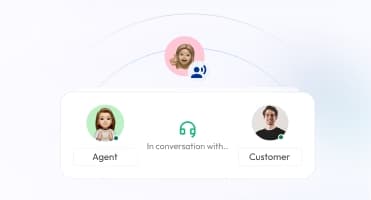
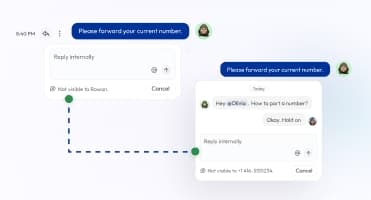
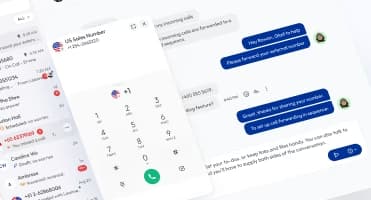
Give your agents a direct way to communicate without disrupting the call. Make it standard for agents to message supervisors or teammates when they need quick answers, policy clarifications, or approvals. Cut down on hold times, reduce call transfers, and prevent avoidable errors. Keep conversations moving and customers satisfied by ensuring your team stays connected throughout every shift.

Chat instantly with teammates and supervisors.
Collaborate during live calls or follow-ups.
Share notes, updates, and documents securely.
a boy communicating efficiently and securely between teams with voip internal messaging

Telephony Partner of 1000+ Businesses Worldwide

adgs logoexpress carpet repairsleveraged and equity logoCommand+R logosisyphus logopolymath logointelycore logointerlock logoquotient logoaaxiom infotech logofencyx logocartechstudio logoadgs logoexpress carpet repairsleveraged and equity logoCommand+R logosisyphus logopolymath logointelycore logointerlock logoquotient logoaaxiom infotech logofencyx logocartechstudio logoadgs logoexpress carpet repairsleveraged and equity logoCommand+R logosisyphus logopolymath logointelycore logointerlock logoquotient logoaaxiom infotech logofencyx logocartechstudio logoadgs logoexpress carpet repairsleveraged and equity logoCommand+R logosisyphus logopolymath logointelycore logointerlock logoquotient logoaaxiom infotech logofencyx logocartechstudio logo

Get a Virtual Phone Number for Your Call Center

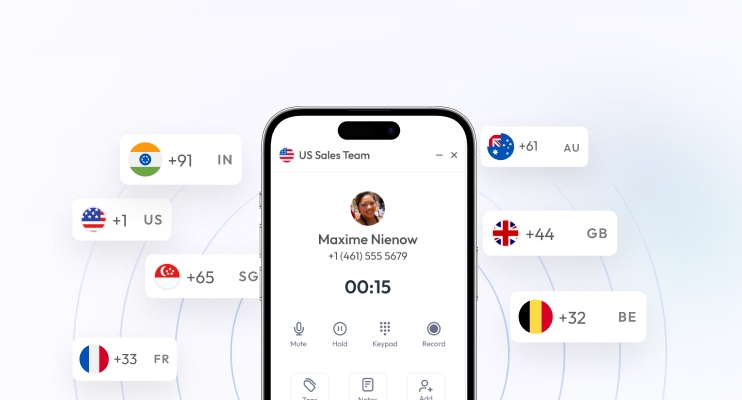
With Calilio, you can get virtual phone numbers from 100+ countries to make and receive calls, and send SMS to your customers over the internet.

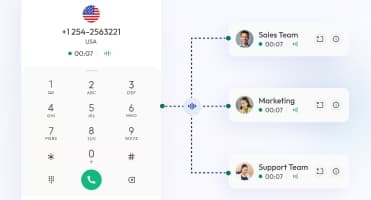
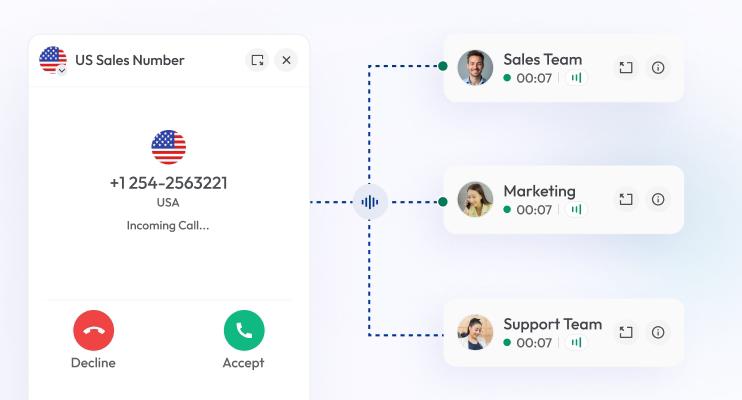
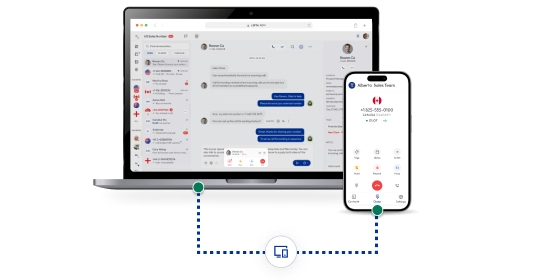
You can assign the same number to multiple agents so that they can handle the customer phone calls. The agents can chat with each other like in a messaging app — no texting charge for internal team messaging.

Your first US or Canada phone number is free🤑 — Claim Today!

No Numbers Found

Some numbers may require proof Of ID and address registration according to local laws. Certain numbers also require A2P 10DLC registration to send SMS and MMS messages to the United States.

Some Phone Numbers May Not Be Available Through This Search, As They Are Not Generally Offered To Customers. These Numbers Are Available On Order Request. Please Contact Support To Request Them.

Also, you can port your existing number to Calilio, and use the number for outbound calling —Port Your Number Now!

How to Chat with Your Fellow Team Members on Calilio?

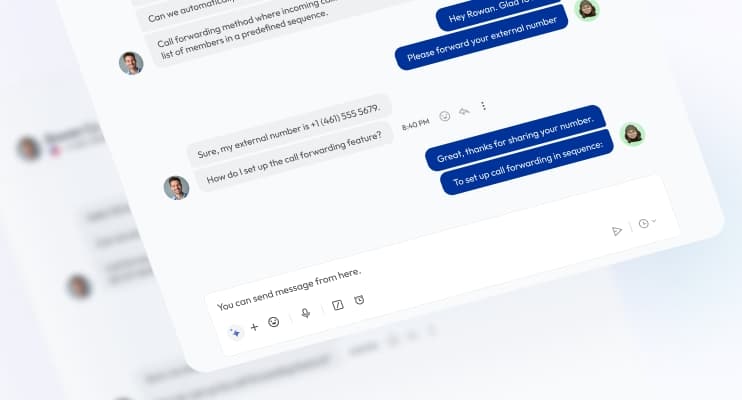
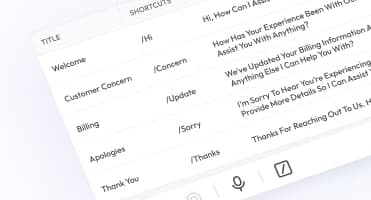
To chat with your fellow team members on Calilio, go to your dashboard and navigate to Settings > Members. Once members are added, simply click on a team member’s name to start a conversation. You can message during or after a call, write a reply using a canned response, and even include emojis in your texts, all within the same interface.

Step 1

Sign up for Calilio and access your Calilio dashboard.

Step 2

Go to Settings > My Numbers.

Step 3

Click Purchase Number to get a virtual number or Port Existing.

Step 4

Once your number is activated, go to Settings > Members.

Step 5

Invite Members via email with a role (Admin or Member).

Step 6

You can see the Members on your dashboard.

Step 7

Click on the name of a member to start a chat.

file and note sharing icon

File & Note Sharing

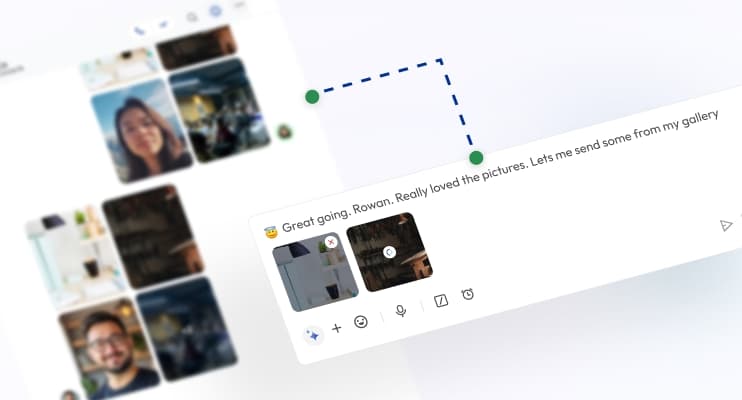
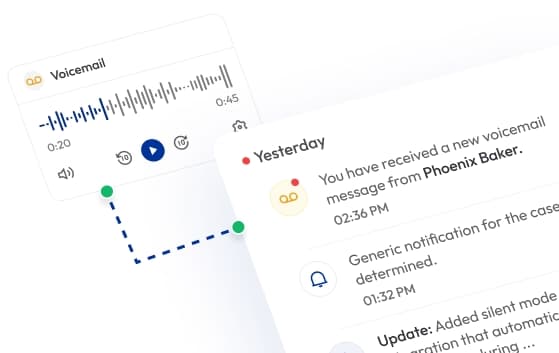
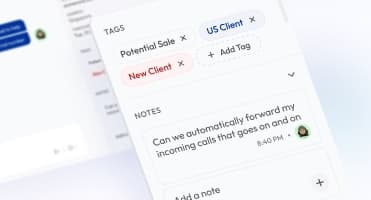
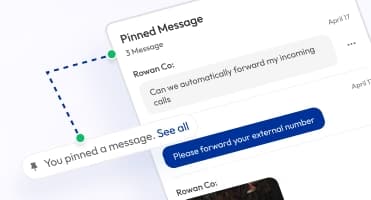
Send files, screenshots, and notes securely within your team chat. Keep important call references easily accessible for everyone.

group conversation icon

Group Conversations

Create department or project-based chat groups. Share announcements, discuss campaigns, and collaborate efficiently across agents and supervisors.

conference call icon

Conference Call

Host or join conference calls with your team to discuss ongoing cases or plan a strategy. Collaborate instantly without leaving your Calilio dashboard.

video call icon

Video Call

Start a video call with teammates or supervisors for face-to-face collaboration. Build stronger connections for more personal and efficient meetings.

screen share icon

Screen Share

Share your screen in real time to guide team members through dashboards, reports, or customer workflows. Ideal for quick demonstrations or troubleshooting.

message history icon

Message History

View and search past internal messages anytime to track discussions, retrieve key updates, or revisit important call context.

secure cloud storage

Secure Cloud Storage

All internal chats, files, and shared content are stored securely in Calilio’s encrypted cloud infrastructure — keeping team communication private and compliant.

Keep in Mind

Best Practices for Using Internal Team Messaging

Using internal team messaging effectively helps your call center maintain clear communication, faster collaboration, and a more organized workflow.

Do’s

Keep messages short and focused to avoid clutter and confusion.

Use @mentions to tag teammates and ensure critical updates aren’t missed.

Share files, notes, or screenshots when necessary to support your message.

Maintain a professional tone in all internal conversations.

Create group chats for departments or projects.

Record resolutions or follow-up details in call notes for reference.

Review chat history to track updates and improve coordination.

Select Plan

Calilio’s Pricing for Business Phone System with Internal Team Messaging

Calilio includes internal team messaging in all pricing plans, ensuring your call center agents can collaborate instantly and resolve customer issues faster — without relying on external chat tools.

Standard Plan

$12
Per user/per month

$15 Save 20%

billed annually at $144

Ideal for solopreneurs, startups and small businesses venturing into affordable VoIP service.

Get Started with:

  • User Limit: 10
  • Free 1 Local Number
    US or Canada
  • Phone & Voicemail Greeting
  • Basic Realtime Dashboard

Premium Plan

$28
Per user/per month

$35 Save 20%

billed annually at $336

Leverage growing businesses and call centers with cost-effective VoIP solutions.

Everything in the Standard Plan, plus:

  • All Standard Plan Features
  • Unlimited Users
  • Advance Reporting
    Coming Soon
  • Live Call Monitoring
  • Detailed Realtime Dashboard

Enterprise Plan

Custom

Comprehensive VoIP plan for unmatched communication solutions for large businesses and enterprises.

Everything in the Premium Plan, plus:

  • Queue Call Back
    Coming Soon
  • All Call Strategy Features
  • Dedicated Account Manager
  • Phone and WhatsApp Support
Q&A

Frequently asked questions

Can I create group chats or department channels?

Calilio allows you to create group chats for departments, projects, or campaigns so that team members can discuss, plan, and collaborate effectively.

Does Calilio store message history?

What is the difference between internal and external messaging?

What are the four types of internal communication?

Which is an example of internal communication?

How do call center agents use internal chat during calls?

Still have questions?

Can’t find the answer you’re looking for? Please chat with our friendly team.

Enter the World of AI Business Phone System with Calilio

Improve your business operation with Calilio's advanced virtual phone system. Join today for a better way to connect.

4.95
200+ Reviews16+ Badges