
How to Block No Caller ID Calls on iPhone & Android?

No Caller ID calls can be frustrating and disruptive. These anonymous calls often disturb personal time and create unnecessary concern. In many cases, they are linked to spam or scam attempts, making them unsafe.
The good news is that both iPhone and Android devices offer built-in features to help you block or silence calls with no caller ID. In addition, several trusted third-party apps are also available to help filter and manage anonymous calls more effectively.
In this guide, we’ll show you step-by-step how to block No Caller ID calls on iPhone and Android, so you can stop unwanted interruptions and protect your privacy. You will also find practical tips to help minimize these calls in the future.
Key Highlights:
You must block anonymous calls on your phone as they can disrupt your day, waste your time, and compromise your privacy.
On Android, you can block No Caller ID calls by enabling “Block Unknown Callers” in the phone settings or using a call-blocking app.
On iPhone, you can block No Caller ID calls by turning on “Silence Unknown Callers” or using “Do Not Disturb.
You can prevent future anonymous calls by limiting who you share your number with and reporting spam calls.
Why Block “No Caller ID” Calls on Your Phone?
Blocking no-caller-ID calls is essential to protect your privacy, avoid spam or scam calls, and reduce distractions. Unknown anonymous calls can be disruptive and risky, so blocking them ensures only trusted contacts can reach you.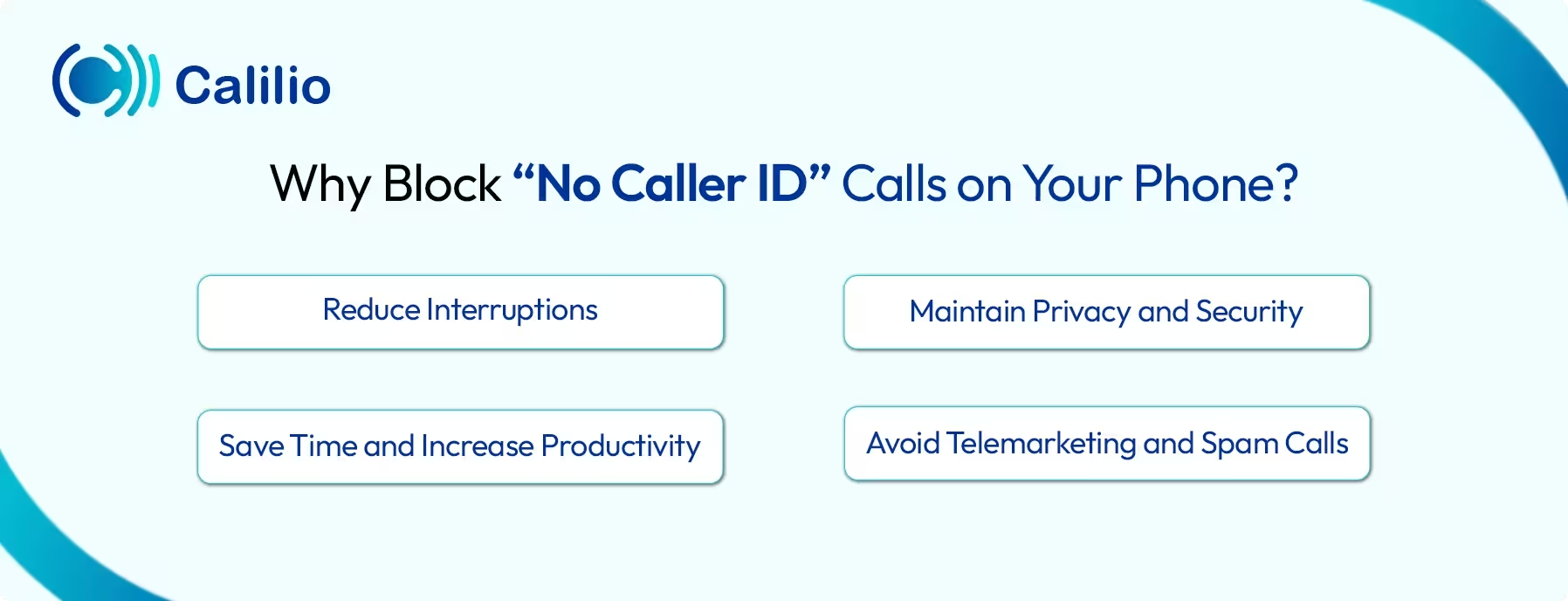
- Reduce Interruptions: Anonymous calls can appear at any time, often interrupting important meetings, work tasks, or personal activities. Blocking these calls helps you stay focused and avoid unnecessary distractions.
- Maintain Privacy and Security: No Caller ID calls hide the caller’s identity, leaving you unsure who is trying to reach you and creating a sense of risk. Blocking these calls helps protect your personal information, gives you control over inbound calls, and ensures only trusted contacts are able to reach you.
- Save Time and Increase Productivity: Answering or screening unknown calls consumes time. By filtering out No Caller ID calls, you can focus on important tasks and make better use of your time each day.
- Avoid Telemarketing and Spam Calls: No Caller ID numbers are often used by telemarketers and automated systems to sell products or services you never requested. So, if you block these calls, you can eliminate unwanted sales calls.
How Do I Block No Caller ID on Android?
You can block No Caller ID numbers on Android by using the built-in call-blocking feature or installing a trusted third-party app.
1. Use Built-in Blocking Options
Most Android has built-in call blocking features that allow you to block calls from unknown numbers directly from the Phone app settings.
You can enable options like “Block Unknown Callers” or “Block Calls from Private Numbers” in your phone or call settings to automatically prevent anonymous calls from reaching you.
Here’s how to do it step by step:
- Open the Phone app on your Android device.
- Tap the three-dot menu (⋮) in the top-right corner and select Settings.
- Look for the Call Blocking options.
- Enable Block Unknown Callers or Block Calls from Private Numbers.
- Once activated, calls from hidden numbers will be automatically blocked.
2. Install Third-party Call-blocking Apps
If your Android phone doesn’t have built-in call-blocking features, you can use third-party apps to block No Caller ID calls.
Some popular apps like Truecaller, Hiya, and Call Blocker can identify unknown callers, automatically block hidden numbers, and prevent repeated spam calls.
Here are the steps to block No Caller ID calls using a third-party app:
- Open the Google Play Store. Download and install a trusted call-blocking app.
- Launch the app and grant the necessary permissions for call management.
- Go to the app’s Block settings or Call Blocking section.
- Enable options like Block No Caller ID, Block unknown numbers, or Block Private Numbers.
- Save the settings, and your phone will now automatically block hidden or anonymous calls.
Note: Some apps may require a paid subscription to access advanced features, such as automatically blocking all unknown numbers or using an up-to-date spam and scam database.
How Can I Block a No Caller ID Call on iPhone?
You can block No Caller ID calls on iPhone by enabling “Silent Unknown Callers” in the phone settings or by using “Do Not Disturb” to allow calls only from your saved contacts. These features automatically silence hidden or unknown numbers and send them to voicemail.
1. Block No Caller ID by “Silence Unknown Callers”
iPhone includes a built-in feature called Silence Unknown Callers that automatically silences calls from numbers not in your contacts, recent calls, or Siri suggestions.
Below are the steps to enable silent unknown callers:
- Open the Settings app on your iPhone.
- Scroll down and tap Phone.
- Tap Silence Unknown Callers.
- Toggle the switch ON to activate the feature.
- Once enabled, calls from hidden or unknown numbers will be silenced and appear only in your recents list.
2. Block No Caller ID by "Do Not Disturb"
You can also use the Do Not Disturb feature on your iPhone to block calls from numbers with no caller ID. You can schedule this feature to activate at specific times or leave it on continuously for full protection.
Here are the steps to set up Do Not Disturb for blocking unknown calls:
- Open the Settings app on your iPhone.
- Tap Focus, then select Do Not Disturb.
- Under Allow Notifications, tap People, then choose Allow Calls From → All Contacts.
- Finally, turn on Do Not Disturb.
How to Reduce No Caller ID in the Future?
To prevent No Caller ID or anonymous calls, avoid sharing your phone number publicly and register it on the official Do Not Call list to limit telemarketing contact. Reporting spam or scam calls to your carrier can also help to reduce similar calls in the future.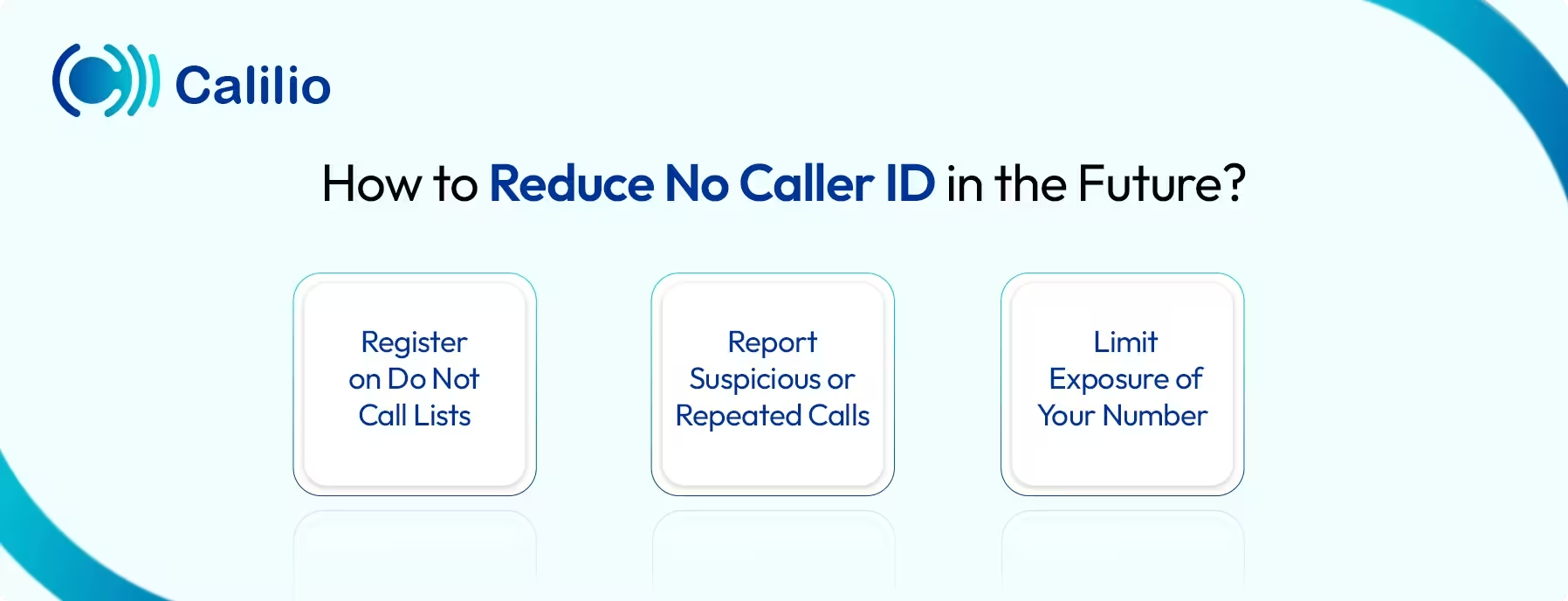
1. Register on Do Not Call Lists
Many countries maintain official Do Not Call registries designed to reduce telemarketing and promotional calls. Registering your phone number on these lists informs telemarketers that you do not wish to be contacted, which helps reduce unwanted calls over time.
2. Report Suspicious or Repeated Calls
If you receive repeated calls from unknown or suspicious numbers, report them to your telecom provider. This allows telecom carriers to review your call patterns, identify the possible source, and apply network-level blocking measures to prevent further disruptions.
3. Limit Exposure of Your Number
Avoid sharing your number publicly on websites, social media platforms, or online directories unless it is absolutely necessary. For online registrations, business listings, or subscriptions, consider using a secondary or virtual phone number instead of your main number. This keeps your personal line private and prevents no caller ID spam calls.
Conclusion
Blocking No Caller ID calls helps protect your privacy, reduce distractions, and prevent spam or scam attempts. On both Android and iPhone, you can block these calls using built-in call blocking features. You can also use trusted third-party call-blocking apps to manage suspicious private calls.
If you continue to receive repeated anonymous calls, report them to your telecom carrier or relevant regulatory authorities so they can take action. In addition, avoid sharing your phone number publicly, as limiting exposure helps reduce the chances of receiving unwanted private or anonymous calls in the future.
Summarize this blog with:
Frequently asked questions
Why do some businesses use No Caller ID?
Some businesses use No Caller ID to protect their phone numbers when making outbound calls. This is common in industries such as healthcare, legal services, or market research, where staff may contact clients from personal or shared lines and want to keep the number private.
In some cases, businesses also hide caller IDs to avoid receiving return calls on numbers that are not meant for inbound communication.
Can I completely stop No Caller ID calls?
How to deal with No Caller ID or anonymous Calls?

Still have questions?
Can’t find the answer you’re looking for? Please chat with our friendly team.
Stay in the loop
Get the latest call insights, trends, and updates delivered straight to your inbox.
By subscribing, you agree to receive updates from Calilio.
You can unsubscribe anytime.
Enter the World of AI Business Phone System with Calilio
Improve your business operation with Calilio's advanced virtual phone system. Join today for a better way to connect.