
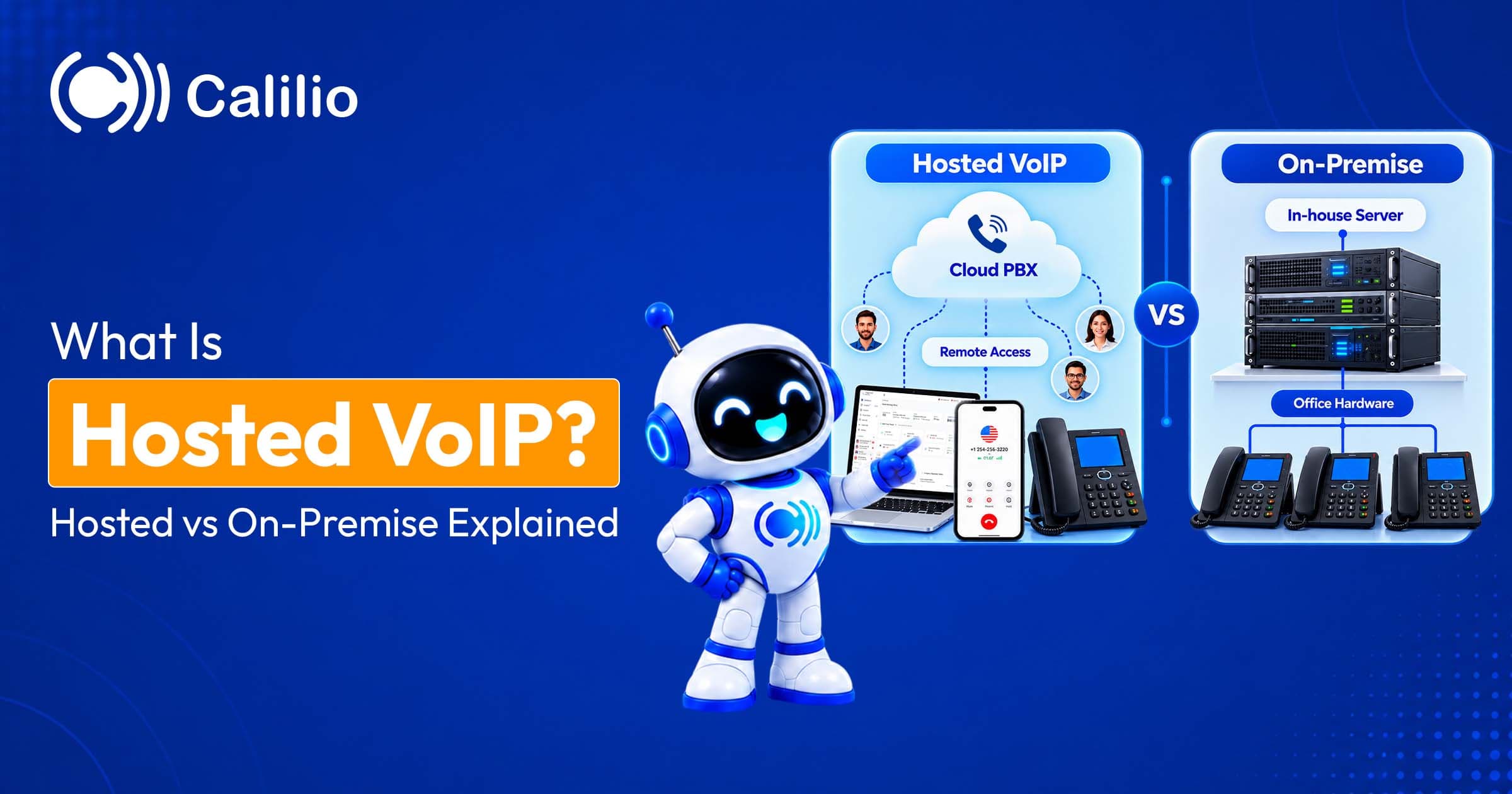

What Is Hosted VoIP?
Hosted VoIP is a business phone service in which a provider hosts the call-control software, the servers, and the carrier connections in its own data centres, and your business connects to it over the internet through apps and IP desk phones.
"Hosted" describes where the system lives and who runs it. With traditional telephony, and with the first generation of VoIP, the switching equipment (the PBX) sat in your building and your IT team or a contractor maintained it. With hosted VoIP that equipment is replaced by software running on the provider's redundant servers, shared securely between many customers, and administered through a web dashboard. You never see the hardware; you see a login.
The technology underneath is ordinary VoIP: voice converted to data packets and carried over IP networks. What makes it hosted is the delivery model, not the technology. The same VoIP can be self-hosted on your own server; hosted VoIP is VoIP as a service.
How Does Hosted VoIP Work?
Hosted VoIP works by registering your phone numbers to the provider's platform, which receives calls from the public phone network, applies your routing rules, and sends the audio as encrypted data over the internet to whichever of your devices should ring. Outbound calls follow the same path in reverse.
The parts of a hosted VoIP system
A hosted VoIP system has four parts: your endpoints, your internet connection, the provider's platform, and the provider's gateways to the public phone network.
Endpoints IP desk phones, mobile apps, desktop apps, or browser softphones, each registered to the platform with SIP (Session Initiation Protocol) credentials. Analogue phones and fax machines connect through an adapter (ATA).
Your internet connection Broadband, fibre, or mobile data, ideally with quality-of-service (QoS) rules on the router so voice packets get priority over downloads and video.
The provider's platform Clustered servers in more than one data centre running the call-control software (the "PBX" logic), your configuration, voicemail, recordings, and analytics, with automatic failover between sites.
Carrier gateways The provider's interconnections with the PSTN and mobile networks, so your hosted numbers can reach and be reached by any phone in the world.
What happens on a call
A call passes from the public network to the provider, is routed by your rules, and reaches your device as data in well under a second.
- A customer dials your number: Their carrier routes the call through the PSTN to your provider's gateway, because the number is registered there rather than to a physical line.
- The platform applies your rules: Business hours, IVR menus, ring groups, and queues decide which endpoints ring, in what order, with what greeting.
- SIP sets up the session: The platform signals your device over TLS-encrypted SIP; the device accepts and the two agree a codec (typically G.711 for full quality or Opus for adaptive quality).
- Audio flows as encrypted packets: Voice is sampled, compressed, and sent as SRTP packets in both directions, about 50 packets a second each way.
- The call is logged: The platform records, transcribes, and reports on the call if those features are enabled, and the record appears in your dashboard and any connected CRM.
Hosted VoIP vs. On-Premise VoIP vs. SIP Trunking vs. UCaaS
Businesses choose between four deployment models: hosted VoIP, where the provider runs everything; on-premise VoIP, where you own an IP PBX in your building; SIP trunking, where you keep your own PBX but connect it to the phone network over the internet; and UCaaS, which is hosted VoIP bundled with video meetings and team chat. The choice is about who owns the equipment and who carries the operational load.
# | Hosted VoIP | On-premise VoIP (IP PBX) | IP PBX with SIP trunking | UCaaS |
| Where the phone system runs | Provider's data centres | Your building | Your building | Provider's data centres |
| Who maintains it | Provider | Your IT team or contractor | Your IT team or contractor | Provider |
| Upfront cost | None | Often $6,000–$50,000 depending on size | PBX cost, minus PRI circuits | None |
| Ongoing cost | Most plans $10–$50 per user per month | Maintenance, licences, line rental, power, IT time | Maintenance, licences, trunk fees per channel | Per-user plans, often higher than voice-only plans |
| Setup time | Minutes to days | Weeks | Days (if PBX exists) | Minutes to days |
| Remote and multi-site work | Native | VPN or add-on gateways | VPN or add-on gateways | Native |
| Updates and new features | Continuous, included | Projects you fund | Projects you fund | Continuous, included |
| Reliability | Multi-site redundancy, SLA 99.99%+ | Single site, your responsibility | Single site plus trunk redundancy | Multi-site redundancy, SLA 99.99%+ |
| Control and customisation | Configuration within the provider's features | Full | Full | Configuration within the provider's features |
| Best for | Small and mid-sized businesses, distributed teams | Large single-site offices with telecom staff | Businesses with a recent PBX and expiring PRI lines | Teams that want calls, video, and chat in one app |
Hosted VoIP
Hosted VoIP is the default for most businesses today: no hardware, no maintenance, predictable per-user pricing, and a system that works the same for a receptionist at head office and a salesperson on a train.
The trade-off is control. You configure the system within the features the provider offers; you can't write your own dial plan or bolt on hardware the platform doesn't support. For the majority of businesses that has never been a limitation.
On-premise VoIP (IP PBX)
On-premise VoIP means buying an IP PBX (a server running call-control software) and installing it in your building, with your team responsible for configuration, backups, patches, and hardware failure.
It gives full control and can be cheaper per seat over many years for a large office that already employs telecom engineers. In exchange you carry a capital outlay that typically runs to thousands of dollars, a single point of failure in one location, and the cost of every upgrade. Remote workers need VPNs or session border controllers to reach it.
IP PBX with SIP trunking
SIP trunking keeps your on-premise PBX but replaces the copper or PRI lines that connect it to the phone network with a virtual "trunk" over the internet, priced per concurrent call channel.
It's a sensible half-step for a business with a recent PBX and an expiring PRI contract: lower line costs and easier capacity changes, without replacing the system. It doesn't remove the hardware, the maintenance, or the single-site dependency; those come with the PBX, not the lines.
UCaaS
UCaaS (Unified Communications as a Service) is hosted VoIP plus video meetings, team messaging, presence, and file sharing in one platform, from one provider, on one bill.
If your team already lives in a meetings tool and you want the phone inside it, UCaaS is the product. If you mainly need a good phone system with recording, monitoring, and analytics, hosted VoIP delivers that at lower cost and the meetings tool you already have does the rest.
Hosted VoIP vs. Hosted PBX vs. Cloud VoIP: Are They the Same?
Yes. Hosted VoIP, hosted PBX, cloud VoIP, cloud PBX, cloud phone system, hosted phone system, and virtual phone system all describe a provider-hosted phone system delivered over the internet; the different names reflect who was selling it and when, not different products.
"Hosted PBX" emphasises what the service replaces (the PBX). "Hosted VoIP" and "cloud VoIP" emphasise the technology. "Cloud phone system" and "virtual phone system" are the plain-English versions that most providers use today. Cloud telephony is the umbrella term for the whole category, including contact-centre and developer platforms. The one distinction worth keeping is between all of these and on-premise VoIP: the former are services you subscribe to; the latter is equipment you own.
Who Is Responsible for What?
With hosted VoIP the provider is responsible for the platform, its security, its uptime, and its carrier connections; you are responsible for your internet connection, your devices, your users and their credentials, your configuration, and your regulatory obligations. Knowing where the line falls prevents most disappointments.
Responsibility | Hosted VoIP | On-premise VoIP |
| Servers, storage, and call-control software | Provider | You |
| Software updates and security patches | Provider | You |
| Redundancy and failover between sites | Provider | You (if at all) |
| Carrier interconnection and number provisioning | Provider | You, via carriers or a SIP trunk provider |
| Encryption of calls in transit | Provider (TLS and SRTP) | You |
| Platform certifications (SOC 2, ISO 27001, HIPAA) | Provider | You, for your own infrastructure |
| Internet connection and router QoS | You | You |
| Desk phones, headsets, and apps | You | You |
| User accounts, passwords, and two-factor authentication | You | You |
| Call flows, greetings, and business hours | You (in the dashboard) | You (in the PBX) |
| Emergency address registration (E911) | You provide, provider transmits | You |
| Call-recording consent and texting registration | You | You |
Hosted VoIP vs. On-Premise: Total Cost of Ownership
Over three years, hosted VoIP costs a 20-person office roughly $14,000–$29,000 in subscriptions on a typical $20–$40 plan, with no capital outlay. An on-premise system for the same office can cost around $14,500 upfront by one industry estimate, before maintenance, licences, line rental, and IT time. Hosted wins on cash flow for almost everyone and on total cost for most businesses under a few hundred seats.
What hosted VoIP costs
Hosted VoIP costs $10–$50 per user per month for most plans, with advanced tiers costing more. Add phone numbers where they aren't included (from about $1 a month in the US to $50 or more in some countries), usage beyond the plan, optional desk phones at roughly $50–$300 each, and 15–25% in US taxes and regulatory fees.
Entry tiers cover calling, texting, voicemail, and the apps; mid tiers add IVR, recording, monitoring, and analytics. For a 20-person office on a typical $20–$40 plan, that's $400–$800 a month before taxes, or roughly $14,000–$29,000 over three years, with nothing to buy.
What on-premise VoIP costs
On-premise VoIP typically costs $6,000–$50,000 upfront, depending on size, for the PBX server, licences, IP phones, and installation, then annual maintenance and support contracts, line rental or SIP trunk fees, power and cooling, and the IT time to run it.
One industry estimate puts a 20-person system at around $14,500 on day one, covering PBX hardware, phones, licences, and setup, with support, upgrades, and staff time on top. Remote-worker access, redundancy, and disaster recovery are extra projects, not included features.
Features of a Hosted Phone System
A hosted phone system includes the features a switchboard used to provide, plus reporting and mobility that on-site systems rarely had. Which ones you get depends on the tier.
Auto attendant and IVR A phone menu that greets callers and routes them without a receptionist, set up on the IVR screen of the dashboard.
Business hours routing Different call paths for open hours, closed hours, and holidays.
Ring groups and queues Calls ring a team at once, in turn, or wait in a queue with music and position updates.
Call recording and transcription Recordings, transcripts, and AI summaries saved to each call.
Voicemail to text and email Voicemails arrive as text so you can read them instead of listening.
Call forwarding and multi-device ringing Calls ring the app, desk phone, and mobile together or in sequence.
Reports and analytics Call volumes, missed calls, wait times, and agent activity in one dashboard.
Benefits of Hosted VoIP
The benefits of hosted VoIP are no capital outlay, no maintenance burden, fast setup, easy scaling, location independence, enterprise features at small-business prices, higher reliability than a single-site system, and continuous updates.
No capital outlay The PBX, its licences, and its replacement cycle disappear from the budget. You pay a monthly subscription that scales with headcount.
No maintenance burden The provider patches, upgrades, and monitors the platform. Your IT effort shrinks to managing users and call flows in a dashboard.
Live in days, not weeks A new account with a working number takes minutes; a full migration with ported numbers takes days.
Scales in both directions Add a seasonal team this month and remove it next month. Capacity is a setting, not a hardware order.
Works anywhere Remote, hybrid, and multi-site teams share one system and one directory, with no VPN.
Enterprise features included IVR, queues, recording, live monitoring, analytics, and CRM integrations are part of the plan rather than modules to buy.
Reliability through redundancy Established providers run in multiple data centres with automatic failover, and many publish uptime commitments of 99.99% or higher, which a single on-site PBX struggles to match.
Continuous improvement New features, including AI call summaries and voice agents, arrive as updates rather than as a replacement system.
Drawbacks of Hosted VoIP
The drawbacks of hosted VoIP are dependence on internet quality, less control than owning the system, emergency-call rules that rely on a registered address, potential cost creep from add-ons, and reliance on the provider's continuity.
Internet dependency Call quality is only as good as your connection. Most offices have ample bandwidth; the fix for the rest is QoS on the router, a dedicated line, or mobile-data fallback on the apps.
Less control You configure within the provider's feature set. Custom dial plans, unusual hardware, or on-site call control need on-premise or hybrid deployments.
Emergency calling 911 (or 999/112) calls use the address registered to the account. US providers must transmit it; you must keep it current, especially for remote staff.
Cost creep Higher tiers, extra numbers, toll-free minutes, and metered AI features can lift the bill. Price the tier you need and read the fair-use terms.
Provider dependence Your numbers are portable, but configuration, recordings, and integrations live with the provider. Choose one with a published uptime record, certifications, and a clear data-export path.
What You Need for Hosted VoIP
You need a stable internet connection with about 100 kbps per concurrent call in each direction, a router that can prioritise voice traffic, devices with the provider's app or IP desk phones, and a plan for power or internet outages. Nothing else is installed on site.
Requirement | Target | Why it matters |
| Bandwidth per call | ~100 kbps up and down (87 kbps for G.711) | Ten simultaneous calls need about 1 Mbps each way |
| Latency | Under 150 ms one-way | Higher delay makes conversation feel like a walkie-talkie |
| Jitter | Under 30 ms | Variable packet timing causes robotic or choppy audio |
| Packet loss | Under 1% | Lost packets become gaps and dropped words |
| Router | QoS enabled, voice prioritised | Keeps calls clear while others download or stream |
| Devices | Mobile and desktop apps; optional IP desk phones (roughly $50–$300) | Apps are enough for most teams; phones suit reception and shared spaces |
| Outage plan | Mobile-data fallback on apps; UPS for desk phones | Calls continue on mobile data when the office line fails |
Per-call bandwidth comes from the codec: G.711 uses about 87 kbps per call over Ethernet, and modern codecs such as Opus use less. A typical office connection handles dozens of calls; what matters more than headline speed is stability, which is why measuring latency, jitter, and packet loss at your busiest hour is the first thing to do before switching.
Is Hosted VoIP Secure and Reliable?
Hosted VoIP is secure when the provider encrypts signalling with TLS and audio with SRTP, protects accounts with two-factor authentication, and is audited to standards such as SOC 2 or ISO 27001; and it is reliable when the platform runs across multiple data centres with a published uptime commitment of 99.99% or better.
Security
A reputable hosted VoIP provider encrypts calls in transit and recordings at rest, and the risks that remain are mostly on the customer side: weak passwords, shared admin logins, and toll fraud through compromised accounts.
Ask any provider for its certifications, confirm TLS and SRTP are on by default, and use the account controls it gives you: two-factor authentication, role-based access, international-calling restrictions, and spend alerts.
Reliability
Uptime commitments are written as "nines", and the difference between them is measured in hours a year.
Uptime commitment | Maximum downtime per year | Per month |
| 99.9% ("three nines") | 8 h 46 min | 44 min |
| 99.99% ("four nines") | 52 min | 4 min |
| 99.999% ("five nines") | 5 min | 26 sec |
Look for 99.99% or better, a public status page, and data centres in more than one region. Your side of the equation is the internet connection; the apps' mobile-data fallback covers the office line going down.
Is Hosted VoIP Right for Your Business?
Hosted VoIP is right for almost any business with fewer than a few hundred seats, for any distributed or multi-site team, and for anyone facing a PBX replacement or a PSTN switch-off; on-premise still makes sense only for large single-site offices with in-house telecom staff, or where regulation requires on-site call control.
Choose hosted VoIP if You have fewer than a few hundred users, more than one location or remote staff, no telecom engineers on payroll, a PBX nearing end of life, or copper lines being retired.
Consider on-premise or hybrid if You have several hundred users in one building, an existing telecom team, a recent PBX with years of life left (add SIP trunking instead), or regulatory rules that mandate on-site call control.
Consider UCaaS if Your team wants calling, video meetings, and chat in a single app from a single vendor, and you're willing to pay a little more per seat for it.
Whichever you choose, the same checks apply when choosing a VoIP provider: test call quality on your own network, price the total monthly cost including numbers and usage, and confirm the provider ports your numbers in free and out free.
Next step
Move to Hosted VoIP Without the Hardware
Hosted VoIP takes the phone system out of the server room and turns it into a subscription: no PBX to buy, nothing to maintain, and a system that works the same for everyone wherever they are. For most businesses the question is no longer hosted or on-premise, but which provider.
If you're comparing providers, Calilio's hosted VoIP includes a free US, Canada, or UK local number and a monthly bundle of free minutes and SMS with every plan, with nothing to install.
Frequently Asked Questions
Short answers to the questions people ask most about hosted VoIP.
What is hosted VoIP in simple terms?
It's a business phone system that a provider runs on its own servers and delivers to you over the internet. You pay per user per month and use apps or IP phones; the provider handles the hardware, updates, and carrier connections.
What is the difference between VoIP and hosted VoIP?
VoIP is the technology that carries voice over the internet. Hosted VoIP is a phone system built on that technology and run by a provider. VoIP can also be self-hosted on your own server; hosted VoIP is VoIP as a service.
Is hosted VoIP the same as hosted PBX?
Yes. Hosted PBX, hosted VoIP, cloud PBX, cloud VoIP, and cloud phone system are different names for a provider-hosted phone system delivered over the internet. The name depends on who's selling it.
What is the difference between hosted VoIP and on-premise VoIP?
With hosted VoIP the phone system runs in the provider's data centers and you subscribe to it. With on-premise VoIP you buy an IP PBX, install it in your building, and maintain it yourself. Hosted has no upfront cost and works anywhere; on-premise gives full control at a capital cost and a single point of failure.
Can I host my own VoIP system?
Yes. Open-source and commercial IP PBX software runs on your own server or a cloud VM, connected to the phone network by SIP trunks. It's cheaper per seat at scale but you own the configuration, security, backups, and uptime.
How much does hosted VoIP cost?
Most plans cost $10–$50 per user per month, with advanced plans higher. Phone numbers range from about $1 a month in the US to $50 or more in some countries, usage beyond the plan is billed separately, and US taxes and fees add roughly 15–25%. There's no hardware to buy.
What internet speed do I need for hosted VoIP?
About 100 kbps per concurrent call in each direction, so ten calls need roughly 1 Mbps. Stability matters more than speed: aim for latency under 150 ms, jitter under 30 ms, and packet loss under 1%.
What happens to hosted VoIP if the internet goes down?
Calls can't reach desk phones on the office connection, but the platform stays up, so calls can forward to mobile numbers, ring the mobile apps over cellular data, or go to voicemail. Set those fallbacks in advance.
Can I keep my existing phone numbers with hosted VoIP?
Yes. Numbers are ported to the hosted provider. In the US, simple ports complete within one business day and the old carrier can't refuse; keep the old service active until the port completes.
Is hosted VoIP worth it for a small business?
Yes; it's where the model delivers the most. A professional phone system with IVR, recording, and analytics typically costs $10–$50 per user with no hardware, no maintenance, and no installer, and it scales with the business.