




- Partners
- Contact Us
- Log in
Click-to-Call: Dial Numbers on the Web & CRM
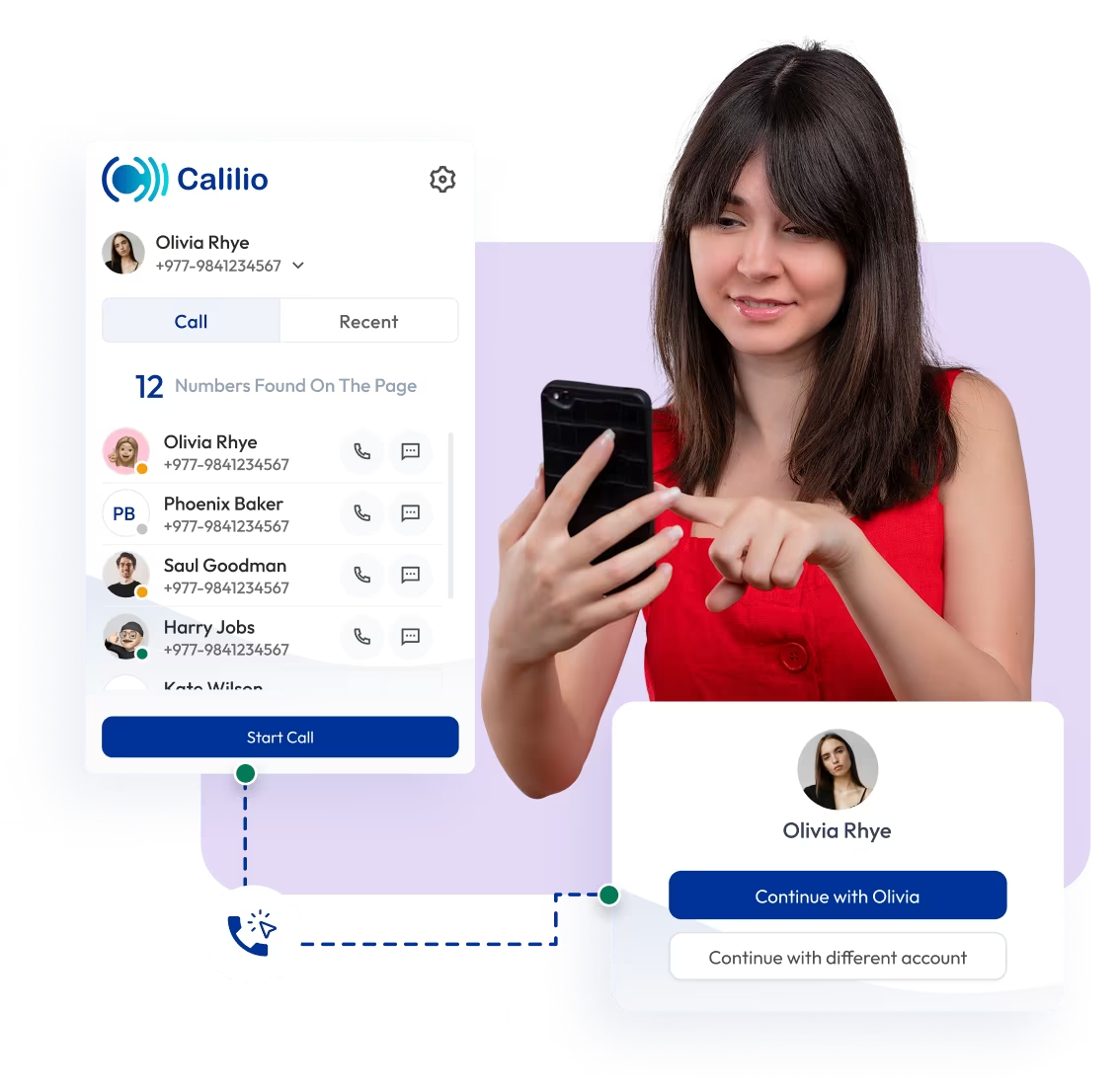
Start business calls instantly by clicking any phone number in your browser with Calilio’s click-to-call feature. Remove manual dialing, save time, and help your team connect with customers faster.

Telephony Partner of 1000+ Businesses Worldwide
Get Virtual Numbers for Easy Calling with Click-to-Call
Pick a phone number to start direct calls with Click-to-Call from the browser. Select among the local, vanity, or toll-free number options.
No Numbers Found
Some numbers require ID and address verification under local laws. Certain numbers also require A2P 10DLC registration to send SMS or MMS to the United States. Moreover, some numbers may not appear in this search because they are not generally offered to customers and are available only on request. Please for assistance.
Also, you can port your existing number to Calilio, and use the number for outbound calling — Port Your Number Now!

How to Get Started with Click-to-Call?
To set up Calilio’s click-to-call, install the Calilio Dialer extension in your browser, log in to your account, and grant the required permissions. Once enabled, you can click any phone number and choose Call with Calilio to start a call.
Here’s how to set up Calilio’s click-to-call extension:
Step 1
Search the Calilio Dialer in your browser’s extension store.
Step 2
Add the Calilio Dialer extension to your browser.
Step 3
Click on the extension’s icon, and tap on Calilio’s Dialer extension. Sign up and log in to your Calilio account.
Step 4
Grant the necessary permissions to enable click-to-call on websites.
Step 5
Now, you can just click on a phone number on your browser and initiate the call.
What is Click-to-Call?
Click-to-call is a VoIP feature that lets you start a call by clicking on any phone number on a website, a CRM, or any browser-based tool (helpdesk software, email, business directories, etc.). It removes the need for copying and pasting the number, switching between tabs, and the risk of dialing the wrong number.
Businesses can connect instantly without needing a physical phone or any extra setup, as the calls are made through your internet-based phone system. For sales and support teams, it makes starting calls quicker so they can spend more time on actual conversations, instead of dialing the phone numbers manually.

How Does a Click-to-Call Work?
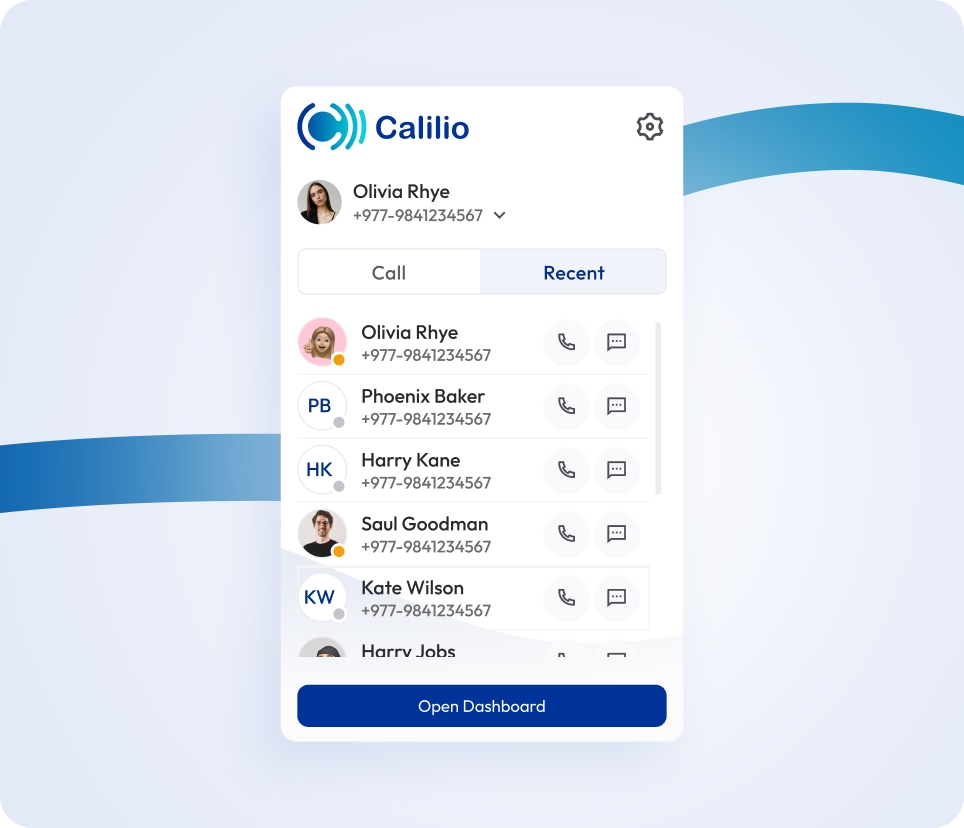
Click-to-call detects phone numbers on websites or CRM tools and turns them into clickable calling options. When a user clicks a number, the call is placed through a VoIP system straight from the browser.
- Extension Setup: Firstly, you’ll need to install or add the extension to your browser.
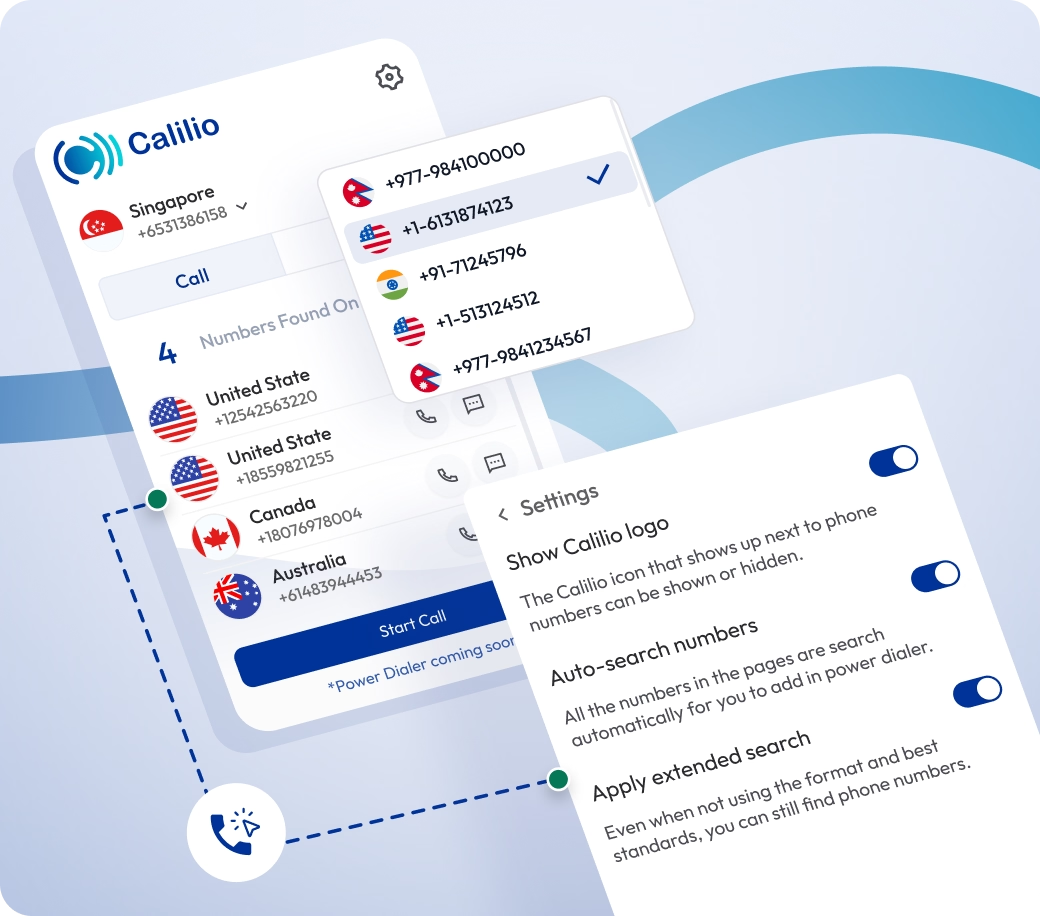
- Number Detection: The extension detects phone numbers across supported websites and CRM tools.
- Click to Call: Once enabled, you can start calls by clicking any phone number. You can also right-click a number and select the option to call to place the call from your browser.
- Call Routing: The call is placed through your integrated phone system. There is no need for another physical phone.


What are the Benefits of Click-to-Call Software?
Calilio's click-to-call helps agents spend less time setting up calls and more time having actual conversations. Since calls launch directly from the browser, there is no need to switch tabs or interrupt the workflow; just click and connect.
Increased Productivity and Efficiency
With click-to-call, agents can handle more calls in less time. They don’t have to enter phone numbers repetitively, which allows for more calls per day.
Reduced Dialing Errors
Keeps Your Workflow Moving
Supports Remote and Hybrid Teams
Where Can You Use Calilio’s Click-to-Call Software?
Integrate Calilio into Your CRM Tools for Smarter Workflows
Connect Calilio with your CRM and enable your team to call customers directly from their records. Let your team place calls from the browser, reach contacts faster, and keep all interactions organized.
Zapier
Automation
Pipedrive
CRM
Pabbly Connect
Automation
LeadHeed
CRM
HubSpot
CRM
Salesforce
CRM
Mailchimp
Marketing
Crisp
Customer Support
Zendesk
Helpdesk
Request Integration
Best Practices to Follow When Using Calilio's Click-to-Call
When making calls from your browser, always use your assigned business number for outbound calls, review the customer’s background beforehand, and make sure your system is working properly. Meanwhile, avoid calling outdated or incorrect numbers, and do not use a weak internet connection, as it can reduce call quality.
Do's
Make sure your system uses your correct business number or caller ID when making calls using this feature.
Review customer history or context before starting the call.
Do test integrations regularly to make sure the feature works without errors.
Do check your internet connection, headset, and browser permissions before calling.
Don'ts
Don’t place calls without confirming the contact details first.
Don’t use click-to-call on an unstable internet connection.
Don’t use personal numbers instead of assigned business lines.
Don't use outdated browser extensions, as they can affect performance and cause glitches.
Affordable Pricing Plans for Businesses of All Sizes
Get a budget-friendly phone system starting at just $15 per user per month, with click-to-call included in every Calilio plan.
Standard Plan
- 200 minutes Outbound
- 100 minutes Inbound
- 100 SMS Outbound
- 100 SMS Inbound
$12 Per user/per month
billed annually at $144
Get Started with:
- User Limit: 10
- Free 1 Local NumberUS or Canada
- Free Bundled Calls & SMS (Saver Lite Package)
- Basic Realtime Dashboard

Premium Plan
- 1000 minutes Outbound
- 500 minutes Inbound
- 500 SMS Outbound
- 500 SMS Inbound
$28 Per user/per month
billed annually at $336
Everything in the Standard Plan, plus:
- CRM Integration
- Unlimited Users
- Live Call MonitoringComing Soon
- Free Bundled Calls & SMS (Saver Pro Package)
- Detailed Realtime Dashboard

Enterprise Plan
Custom
Everything in the Premium Plan, plus:
- Developer Support
- All Call Strategy Features
- Dedicated Account Manager
- Phone and WhatsApp Support

Frequently asked questions
Is click-to-call free?
No, click-to-call is usually not free. It's typically included as an add-on on most business phone systems, while some provider may include it within their regular plans.
With Calilio, the basic click-to-call feature is included in the existing plans at no extra cost. However, standard calling charges still apply based on your subscription, call destination, call volume, or international rates.
Is click-to-call compatible with my existing browser setup?
Can I manage call recordings and notes within the extension?
Do I need special software for click-to-call?

Still have questions?
Can’t find the answer you’re looking for? Please chat with our friendly team.
Enter the World of AI Business Phone System with Calilio
Improve your business operation with Calilio's advanced virtual phone system. Join today for a better way to connect.
