
 +
+Integrate Calilio With HubSpot CRM and Log Every Call
Every call, text and voicemail lands on the right HubSpot contact timeline, with native call recordings, AI summaries, sentiment and transcripts. Turn conversations into lists, workflows and follow-up tasks automatically.
Plans from $12/month · 14-day money-back guarantee
- 16 events synced
- Works with HubSpot workflows
- No duplicate contacts
16 Events, Synced to HubSpot
Calls, messages, AI insights and contact changes from Calilio, all on the HubSpot records your team already works in.
One Call, One HubSpot Record, Fully Enriched
Calilio creates a single HubSpot call when the phone rings and keeps adding to it, through to the AI insights that arrive after you hang up. Never a second copy.
A call is created on the contact's timeline.
The agent who picks up becomes the call owner.
Outcome, duration and direction are saved.
Playable right inside the HubSpot call.
Added to the call notes and a summary property.
Positive, Neutral or Negative, filterable in lists.
Saved as a file with a readable note.
Right Where Your Team Works
Calilio uses HubSpot's own calls, tasks, notes and timeline, so there is nothing new for your team to learn.
Outcome, direction, duration, owner, from and to numbers, recording, AI summary, sentiment and tags.
Calls, SMS and notes appear on the contact, matched by email or phone. New callers are tagged Source: Calilio.
Missed calls and voicemails create a follow-up task for the next business day.
Transcripts, voicemail audio and MMS media are attached where your team will find them.
Calilio's sentiment and AI summary are saved as HubSpot properties, so you can filter contacts, build lists and trigger workflows from real conversations.
Already using HubSpot's own call insights? Calilio adds its AI summary, sentiment and transcript next to them, never over them.

Built to Protect Your HubSpot Data
Calilio adds context to your CRM without touching what your team has curated.
Your HubSpot contact data wins. Calilio only updates the fields you choose to allow.
Email is how HubSpot identifies a contact, so Calilio never changes it. Contact updates are off until you turn them on.
Deleting a contact in Calilio only flags it. Archiving is an opt-in setting, and permanent GDPR deletion is never automated.
Calilio never creates or links companies on its own, and every call stays on record.
Connect HubSpot in Five Steps
Choose the plan that fits your team.
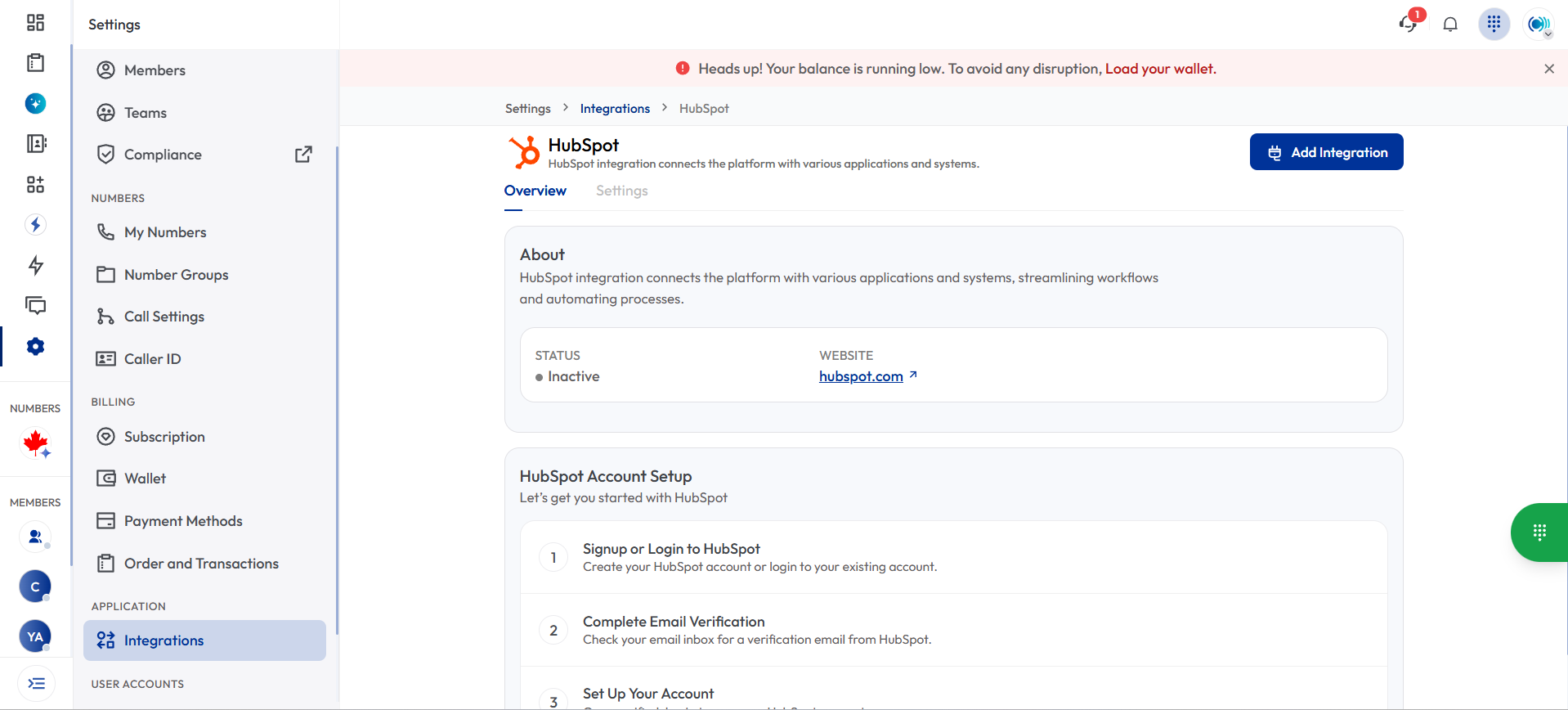
In Calilio, go to Settings and choose HubSpot.
Sign in to the HubSpot account you want to connect.
Approve access and complete the installation.
Calls, texts and insights start syncing right away.
Made for Every Team
Click to call from HubSpot, let every call log itself, and never lose a missed lead thanks to automatic follow-up tasks.
Build lists and workflows from call sentiment and SMS conversations to see which campaigns bring in strong leads.
See every call, recording and transcript on the contact timeline before you reply.
Connect More of Your Tools
Frequently Asked Questions
Everything you need to know about Calilio. Can't find your answer? .