
How to Get a Virtual Phone Number for VK? Step-by-Step Guide

VK (VKontakte) is a social media platform widely used in Russia and other CIS (Commonwealth of Independent States) countries. Like many popular platforms today, VK requires a valid phone number during sign-up to confirm identities and prevent spam or fake accounts.
However, using your personal number can raise privacy concerns and expose you to unwanted messages. A virtual phone number allows you to sign up on VK, receive the verification code, and complete registration without sharing your real number.
In this guide, you’ll learn how to get a virtual number for VK signup. You’ll also learn how to choose the right virtual number provider and avoid common verification issues.
Key Highlights:
Using a virtual phone number for VK sign-up helps protect your privacy, avoid spam, and complete registration smoothly without using your personal number.
A virtual phone number provides privacy and flexibility while helping reduce costs and protect against spam, making VK registration easier and more secure.
You can get a virtual number for VK by choosing a reliable provider, selecting a suitable number, and using it to complete registration and OTP verification.
Reliable providers like 1001SMS, PVAPins, SMS-MAN, and Blacktel offer secure virtual numbers that support smooth VK verification.
Most VK sign-up issues can be resolved by using a valid virtual number, avoiding repeated attempts, and ensuring a stable network during verification.
Benefits of Using a Virtual Phone Number When Signing Up for VK
Using a virtual phone number for VK sign-up helps protect your privacy, reduce spam, and avoid sharing your personal number. It also gives you flexibility with quick setup, lower cost, and the ability to choose numbers from different regions.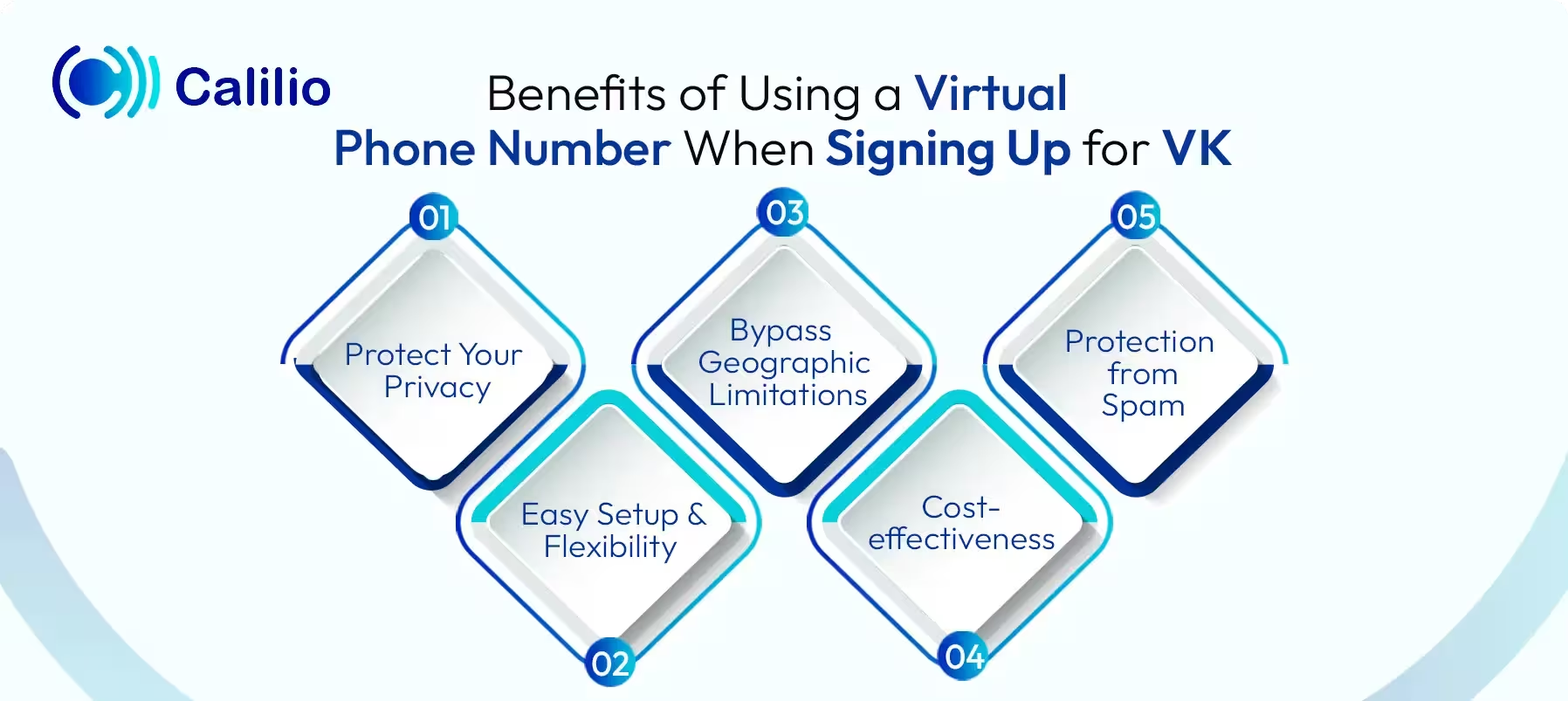
1. Protect Your Privacy
Using a virtual phone number helps keep your personal number hidden during VK signup. This reduces the risk of your contact details being exposed or misused. As a result, you can use the platform without worrying about privacy issues.
2. Easy Setup and Flexibility
Virtual numbers are quick to set up and do not require technical knowledge. You can activate a number within minutes with any device and start using it right away. This makes the signup process simple and convenient.
3. Bypass Geographic Limitations
You can choose a virtual number from a specific country, even if you’re not physically there. This allows you to create a local presence on VK and register smoothly. It’s ideal for accessing features limited to certain regions.
4. Cost-effectiveness
Virtual numbers are often cheaper than buying a new SIM card or mobile plan. This makes it a practical and efficient option for managing account verification and communication on VK without extra overhead.
5. Protection from Spam
Social media databases are frequent targets for scrapers. A virtual number keeps your primary phone line free from the marketing SMS and cold calls that often follow data leaks or third-party sharing.
How to Get a Virtual Number for VK Verification?
To get a virtual number for VK verification, start by choosing a reliable VoIP (Voice over Internet Protocol) number provider, sign up for an account, and access the dashboard to select a number from a VK-supported country like Russia. Then, activate the number by purchasing or renting it, and use it to receive the SMS verification code.
- Step 1 - Choose a Reliable Virtual Number Provider: Start by selecting a trusted virtual phone number service that supports VK verification.
- Step 2 - Create an Account: Sign up on the provider’s platform using your email and basic details. After registration, you’ll get access to a dashboard where you can manage your virtual numbers.
- Step 3 - Select a Country-specific Number: Choose a virtual number from a country supported by VK, such as Russia or nearby regions. Selecting the right country improves the chances of successful verification.
- Step 4 - Activate the Virtual Number: Purchase or rent the number based on your needs. Once activated, the number will be ready to receive SMS messages, including verification codes.
Will VK ask for verification again after sign-up?
Yes, VK (VKontakte) may ask for verification again after sign-up, particularly if they detect suspicious activity or if you have enabled enhanced security measures.
Can I change my phone number after creating a VK account?
Yes, you can change your phone number after creating a VK account through the settings menu by navigating to VK ID > Security and login > Phone number. You will need access to the new number to receive a confirmation code, and the change may take up to 14 days to fully process for security reasons.
Top 4 Virtual Phone Number Providers for VK in 2026
1001SMS, PVAPins, SMS-MAN, and Blacktel offer virtual numbers with reliable SMS support for VK verification. You can choose between temporary or dedicated numbers based on your needs, whether for quick signup or long-term access.
- 1001SMS: 1001SMS provides temporary virtual numbers for various services, including VK. With pricing starting from around $0.31, it’s a cost-effective option for quick verifications, while its rental number feature adds flexibility for users who need more consistent access.
- PVAPins: With PVAPins, you can get access to several types of virtual numbers, such as free inbox numbers, instant activation numbers, and rental options. You can choose based on whether you need quick verification or longer access. Pricing depends on the option, with low-cost activation and daily rental plans available.
- SMS-MAN: SMS-MAN allows you to buy one-time numbers or rent numbers for account registration, including VK. It follows a simple pay-per-use model, making it suitable for quick activations without long-term commitment. Pricing usually starts from around $0.20–$0.128, depending on the country.
- Blacktel: Blacktel offers virtual phone numbers for VK verification and other online services. It provides both temporary and rental options, allowing users to choose between quick OTP access or longer use. With flexible pricing and multi-country support, it’s a solid choice for privacy-focused registrations.
VK Sign-up Issues & How to Solve Them?
When signing up for VK, you may face issues like delays in receiving the verification code, problems caused by repeated attempts, or restrictions based on your region. To avoid these problems, use a valid and unused number and limit repeated actions.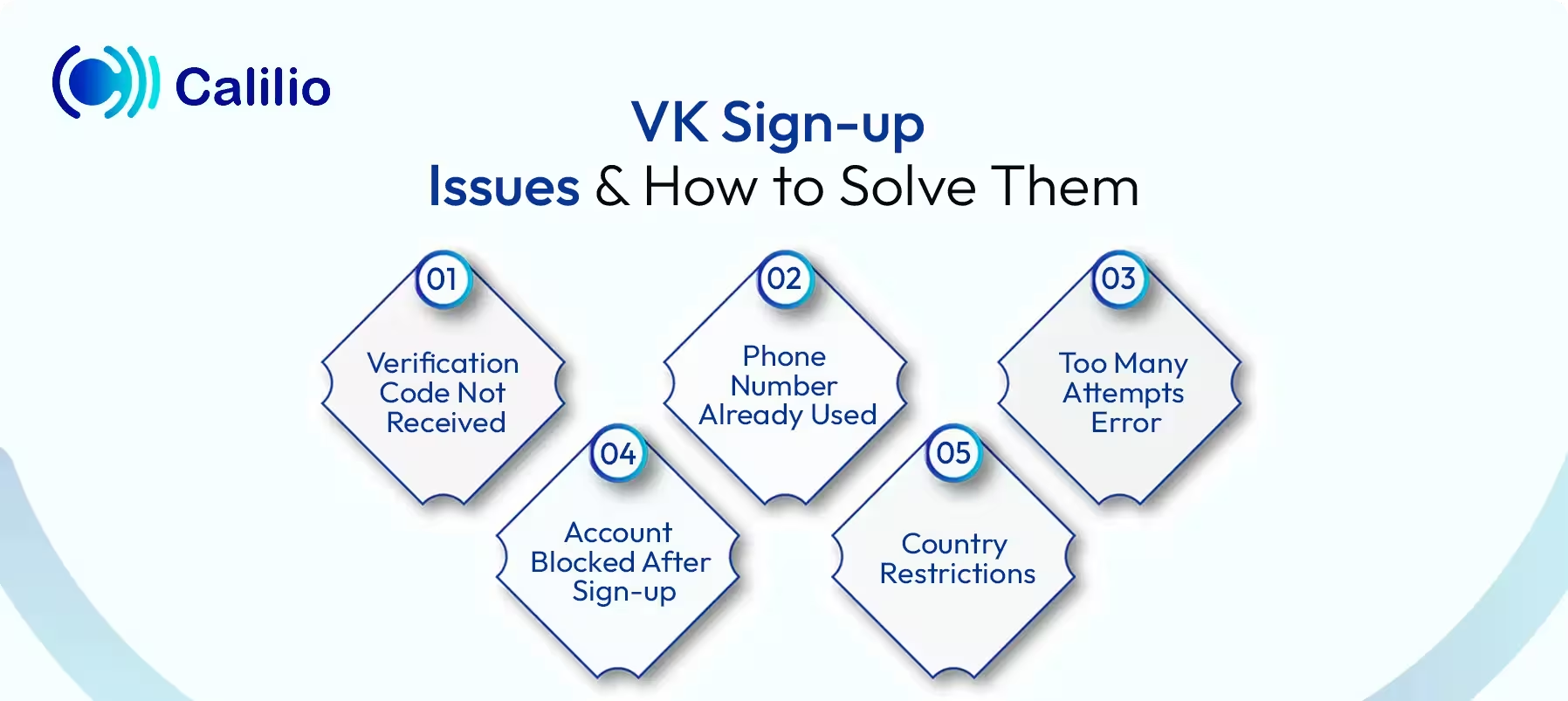
1. Verification Code Not Received
At times, VK delays or fails to send the SMS code. This often happens when the number does not support global messaging or gets flagged by the system.
In such cases, wait a short time before requesting a new code. If the problem continues, try using a different number that reliably receives verification messages and hasn’t been heavily used before.
2. Phone Number Already Used
VK links one account to one number. So, if the number already exists in the system, the registration will not go through.
To fix this, use a new number that has not been connected to any VK account before. A fresh virtual number can work well if it has no prior activity.
3. Too Many Attempts Error
If you make repeated sign-up attempts, VK temporarily restricts further actions. This happens to prevent spam or misuse.
When you see this error, pause your attempts and return later. Once the limit resets, try again with a different number or a stable connection.
4. Account Blocked After Sign-up
In some cases, VK blocks new accounts soon after creation due to unusual patterns, such as rapid IP changes or low-quality numbers.
To reduce this risk, keep your internet connection stable and avoid switching networks during sign-up. Also, choose a reliable, high-quality virtual number from a trusted provider. After creating your account, complete your profile and engage in normal activity to build trust and avoid triggering security checks.
5. Country Restrictions
VK works best in CIS countries like Russia, Belarus, Kazakhstan, Kyrgyzstan, Armenia, Azerbaijan, Uzbekistan, Tajikistan, and Moldova. In some regions, such as Ukraine and Latvia, access is restricted, which leads to problems like failed sign-ups, missing verification codes, or extra security checks.
To avoid these issues, it’s recommended to use a reliable VPN and connect to a country where VK operates smoothly. Keep the same location throughout the process and, if possible, use a phone number from the same region.
Conclusion
Using a virtual phone number allows you to create a VK account without exposing your personal number. It gives you better control over privacy while helping you complete the verification process using a suitable country-specific number.
For a smooth signup, choose a reliable provider, use a valid number, and maintain a stable connection during verification. Following these steps reduces common issues and helps you register your VK account without complications.
Summarize this blog with:
Frequently Asked Questions
Everything you need to know about Calilio. Can't find your answer? .
High-quality, dedicated virtual numbers from trusted providers, especially those with low prior usage and reliable SMS reception, work best for VK verification.
Stay in the loop
Get the latest call insights, trends, and updates delivered straight to your inbox.
By subscribing, you agree to receive updates from Calilio.
You can unsubscribe anytime.
Enter the World of AI Business Phone System with Calilio
Improve your business operation with Calilio's advanced virtual phone system. Join today for a better way to connect.