
How to Get a Foreign Phone Number for WhatsApp in 2026?

WhatsApp is widely used for business communication today. However, using your local number may not be suitable when you want to connect with your international clients or build a presence in another country. In such cases, using an international number can be a better option.
Luckily, WhatsApp allows you to use international numbers as long as the number can receive SMS or call verification. International SIM providers, virtual phone number services, or temporary number apps available online, offer foreign phone numbers that you can use for WhatsApp.
In this blog, we’ll explain how to get a foreign phone number for WhatsApp from different providers, including free options. We’ll also cover how to register on WhatsApp with an international number, along with common issues and practical fixes.
Key Highlights:
A foreign number helps protect personal privacy and keeps work and personal WhatsApp conversations separate.
Foreign numbers for WhatsApp can be obtained through VoIP providers, temporary phone number apps, or international SIM cards.
Apps like TextNow, MoreMins, and Google Voice provide free international online numbers for short-term use.
Common issues during WhatsApp verification using foreign numbers include not receiving OTPs, restrictions on VoIP or virtual numbers, and temporary account lockouts.
To use an international number for WhatsApp, you can simply provide your foreign number during the registration process.
When You May Need a Foreign Number for WhatsApp
You may need a foreign number for WhatsApp when connecting with international clients or expanding into an international market. It is also useful when you want to maintain privacy by keeping your personal number separate from business or public communication.
- To Appear Local in an International Market: A local number makes your business look established in that country.
- To Connect with International Clients Easily: Clients feel more comfortable reaching out to a number that matches their region.
- To Maintain Privacy: You can use a foreign number as an alternate number instead of sharing your personal number on WhatsApp.
3 Easy Ways to Get a Foreign Number for WhatsApp
You can get a foreign number for WhatsApp from a VoIP (Voice over Internet Protocol) service provider or a temporary phone number service. Another option is to purchase an international SIM card directly from a telecom carrier. The right option depends on whether you need the number for short-term use, long-term communication, or business purposes.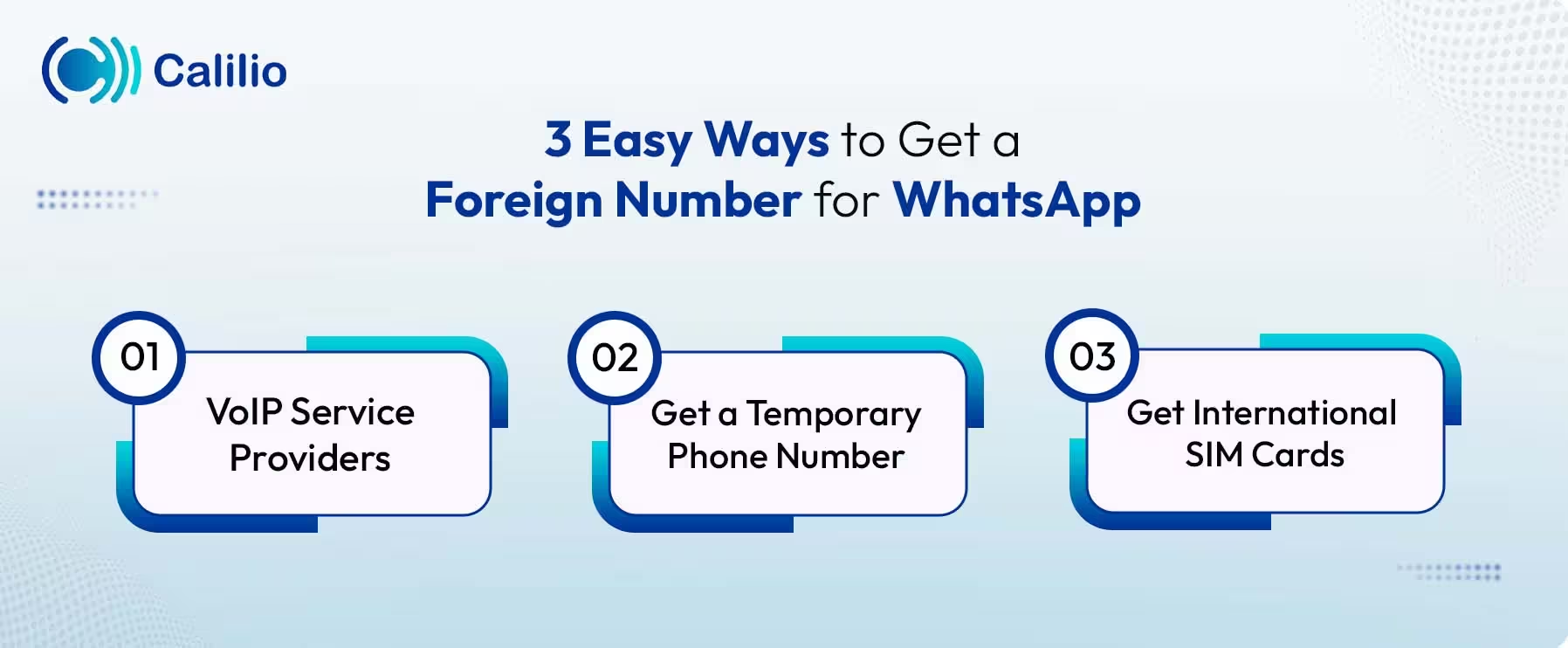
Option 1: VoIP Service Providers
VoIP service providers offer virtual phone numbers from different countries online. Simply sign up with a service that offers international virtual numbers, select the desired country, and choose an available local or mobile number that supports SMS or calls. You can activate them online and use them to register for WhatsApp.
Here’s how to get a foreign number for WhatsApp from VoIP service providers:
- Sign up with a VoIP provider.
- Choose the country whose number you want to get.
- Select from the available virtual phone numbers.
- Complete account verification if requested.
- Activate the number.
- Use the number to register and verify your WhatsApp account.
Option 2: Get a Temporary Phone Number
Temporary phone numbers are short-term numbers you can rent through apps or websites to receive SMS or calls. They work best for quick, one-time verification needs, like creating a new WhatsApp account for testing. SMSBower, FreePhoneNum, and Hushed are some popular temporary number providers to receive SMS online. You can get OTPs directly into the app for WhatsApp verification.
Here’s how to get an international phone number for WhatsApp from temporary phone number services:
- Install a temporary phone number app from the app store.
- Create an account.
- Select your desired international phone number from the available list.
- Purchase the number following the required actions.
- Use the number to receive WhatsApp verification.
Option 3: Get International SIM Cards
You can also get a foreign number for WhatsApp by buying an international SIM card or a local SIM from the country you need. International SIMs are sold by travel SIM providers and some telecom resellers, and they usually work across multiple countries. A local SIM gives you a real phone number from that country and is often the most reliable option for WhatsApp verification, especially if the account needs to stay active long term.
How to Register WhatsApp with a Foreign Phone Number?
To create a WhatsApp account with an international number, provide your international phone number when prompted during the sign-up process. Then, simply use the OTP code sent to your provided number to verify your account.
- Install and open WhatsApp or WhatsApp Business on your phone.
- Tap Agree and Continue to start the setup process.
- From the country list, select the country linked to your number.
- Enter your international phone number
- Tap Next and confirm the number when prompted.
- Wait for the 6-digit verification code sent by SMS (If the SMS does not arrive, choose the option to receive the code through a voice call).
- Enter the verification code to complete number confirmation.
Once verified, WhatsApp links the international number to your account. You can then finish profile setup and start using WhatsApp as usual.
Where to Get Foreign Numbers for WhatsApp for Free?
You can get free foreign numbers for WhatsApp through apps like TextNow, Google Voice, and MoreMins. These apps mainly offer US, UK, and Canadian numbers.
1. TextNow
TextNow provides free virtual phone numbers from the United States and Canada. To get started, download the TextNow app from the Google Play Store or Apple App Store, sign up with an email address, and choose a free number from the available area codes.
TextNow numbers support both texting and calling, which makes them usable for WhatsApp verification in many cases. If WhatsApp uses call verification instead of SMS, the verification call is typically received within the TextNow app as voicemail.
However, TextNow numbers are ad-supported and may be reassigned if they remain inactive for a period of time. If a number is recycled, you may lose access to the linked WhatsApp account.
2. Google Voice
Google Voice provides a free US phone number that functions like a regular mobile number. To get a number, visit the Google Voice website or download the app, sign in with a Google account, and select an available US number.
It supports both SMS and voice calls, so WhatsApp verification usually works through either method. The verification code is received directly inside the Google Voice app or the linked Gmail account.
Once verification is complete, the number works consistently for messaging, but availability depends on Google’s regional eligibility and account requirements.
3. MoreMins
MoreMins offers free virtual phone numbers, most commonly for US or UK numbers. These numbers can receive SMS verification codes from WhatsApp within the MoreMins mobile app.
You can download the MoreMins app from your device’s app store, create an account, and select from available temporary numbers. The assigned number can then be used during WhatsApp signup.
However, these numbers are available only for a limited period. So, they're suitable if you’re looking for a WhatsApp number for short-term use only.
Common Challenges with Using Foreign Phone Numbers for WhatsApp
Many users encounter issues like not receiving verification codes, getting an error message of a number already in use, and number rejections when using a foreign phone number for WhatsApp verification or account setup
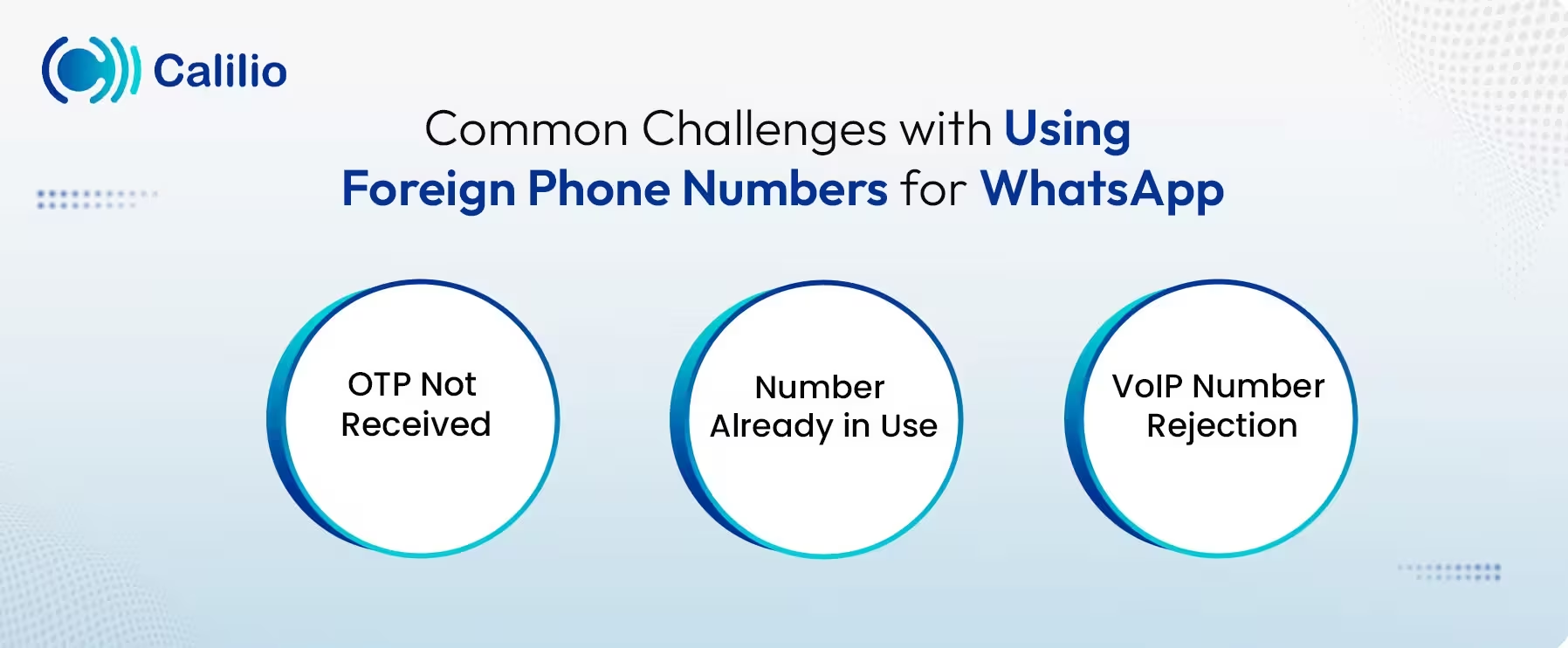
1. OTP Not Received
WhatsApp may fail to deliver the verification code, especially to free or shared foreign numbers. This usually happens due to delivery limits and network delays.
Fix: Request call verification instead of SMS, if supported by your service provider.
2. Number Already in Use
You may face this issue, especially when you use a temporary phone number provider. If you use a recycled number, it may already be previously registered on WhatsApp. In such cases, you’ll see an error saying the number is already in use.
Fix: Always use a newly issued or dedicated number that has not been shared or reused.
3. VoIP Number Rejection
WhatsApp may block certain VoIP numbers if the provider does not meet verification or routing rules in that country.
Fix: Choose a provider that clearly supports WhatsApp verification for the specific country and number type.
Conclusion
Using a foreign number for WhatsApp helps connect more easily with international contacts. You can get a foreign number through an international SIM, a virtual number provider, or temporary online apps; some services even offer free options.
However, using international phone numbers often comes with issues like failing to get verification codes, number rejections, or recycled numbers already registered on WhatsApp. To avoid these problems, it is important that you choose a trusted provider.
Calilio offers authentic international virtual phone numbers that you can use for WhatsApp registration. Numbers are available from over 100 countries, giving you plenty of options. Moreover, its robust network technology ensures you get the verification codes quickly and accurately. Plus, you can get a US virtual number for free with every subscription.
Disclaimer: OTP delivery is controlled entirely by WhatsApp, not Calilio. Successful reception of verification codes depends on WhatsApp’s systems and policies, and some providers may not send verification codes to VoIP numbers.
Summarize this blog with:
Frequently Asked Questions
Everything you need to know about Calilio. Can't find your answer? .
No, WhatsApp does not require a physical SIM card as long as your online number can receive the verification code by SMS or voice call. In many cases, you can use a virtual number to use WhatsApp without a SIM.
Stay in the loop
Get the latest call insights, trends, and updates delivered straight to your inbox.
By subscribing, you agree to receive updates from Calilio.
You can unsubscribe anytime.
#1 Cloud Phone System for
|
Improve your business operation with Calilio's advanced virtual phone system. Join today for a better way to connect.