
How to Acquire a Virtual Number for Signal (A Simple Guide)

Privacy concerns are rising, and more users now prefer secure messaging apps like Signal to protect their conversations. However, one common barrier is the need for a phone number for signup.
Many users hesitate to share their personal numbers due to spam risks, data exposure, or account linking across platforms. This creates a challenge, especially if you want to keep your identity private or manage multiple accounts. Thankfully, a virtual number allows you to receive verification codes without exposing your personal number.
So, in this guide, you will learn whether you can use Signal without a phone number, how to get a virtual number for Signal, and how to solve common verification issues during signup.
Key Highlights:
Signal requires a phone number for signup, but you can use a virtual number to keep your personal number private.
You can get a virtual number by choosing a provider, selecting and purchasing a number, and using it to receive the verification OTP.
Choosing a reliable provider with dedicated numbers and strong OTP support improves Signal verification success.
Calilio offers fresh numbers, global coverage, and flexible options like number exchange for better reliability.
Common issues like OTP delays or number rejection can be resolved by using dedicated numbers and the correct setup steps.
Can You Use Signal without a Phone Number?
No, you cannot use Signal without a phone number, as it requires a number during signup to verify that you are a real user and to help prevent spam or fake accounts. So, whether you are using Android, iOS, or a desktop, phone number verification is mandatory. Many privacy-conscious individuals take these preventative steps because their primary contact lines have been leaked in public breaches, leading them to use a free have I been hacked lookup tool to review their personal credential exposure.
However, this does not mean you must use your personal number.
You can still use Signal without exposing your private number by using a virtual phone number. It works like a regular number for receiving OTP codes, allowing you to complete Signal verification without linking your real identity.
So, while Signal cannot be used without any number at all, you can still maintain privacy by using a virtual number for Signal signup instead of your personal contact.
Why Use a Virtual Number for Signal?
Using a virtual number for Signal allows you to maintain privacy and enjoy flexibility without relying on your personal phone number. It’s an ideal solution for both personal and professional use, especially if you want to separate communications or travel internationally.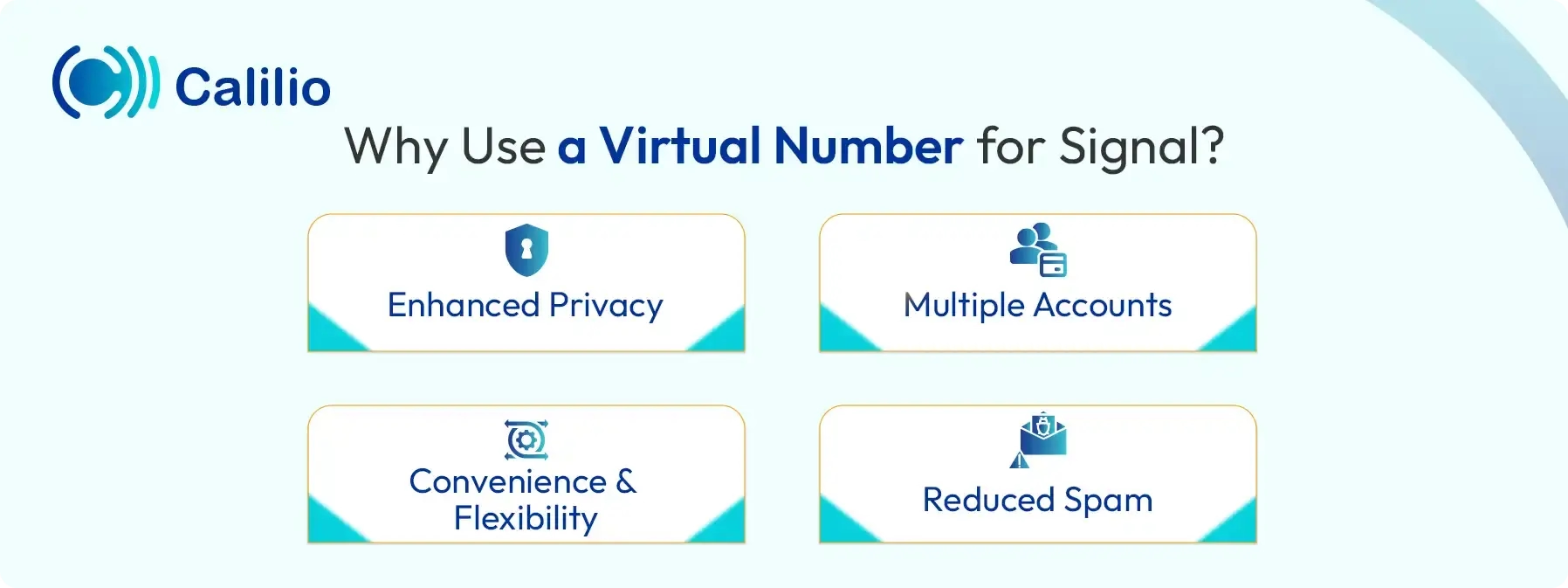
- Enhanced Privacy: A virtual number allows you to register for Signal without exposing your personal phone number.
- Multiple Accounts: If you use Signal for professional networking or freelance projects, it allows you to keep your business communications separate from your personal life.
- Convenience and Flexibility: VoIP numbers are instantly available, don’t require a physical phone line, and can be used for temporary or long-term purposes without contracts.
- Reduced Spam: By using a virtual number when registering on Signal, you protect your personal number from spam or unwanted messages from Signal.
How to Get a Virtual Number for Signal?
To use a virtual number for Signal, first choose a reliable provider, sign up with your details, select a number from your preferred country, and complete the number activation by providing the necessary fees.
- Select a Trusted Provider: Choose a reliable virtual phone number provider that offers secure VoIP numbers.
- Create an Account: Sign up with the provider by providing your details along with the necessary documents.
- Select a Number: Select the preferred country and a suitable number. You might also have to subscribe to a monthly plan.
- Complete the Transaction: Pay the necessary fees, and when the provider verifies the payment, the number is activated.
Disclaimer: OTP delivery is controlled entirely by Signal, not Calilio. Successful reception of verification codes depends on Signal’s systems and policies, so it may not send verification codes to VoIP numbers.
Top Virtual Number Providers to Create an Account on Signal
Calilio, Hushed, Quackr, Numero eSIM, and TextNow are the best virtual number providers to create an account on Signal.
- Calilio: It is a top-tier choice for both privacy and business use. It provides private VoIP numbers from over 100 countries that are not frequently shared or recycled. Additionally, it supports both SMS and call verification, which helps if the verification code does not arrive via SMS.
- Hushed: This provider offers both temporary “burner” numbers and long-term lines based on your needs. Since Hushed works entirely through an app, you don’t need a physical SIM card. Plus, it offers flexible plans, from short-term use to yearly subscriptions.
- Quackr: It is an ideal option if you want temporary numbers for one-time SMS verification. While free public numbers are available, their premium rented numbers perform better for Signal. This is because these premium numbers are often linked to real SIM-based connections rather than shared virtual pools.
- Numero eSIM: A popular option for international users, it offers dedicated “social media numbers” designed for platform registrations. Since these numbers use eSIM technology, they are more stable than standard VoIP numbers. As a result, you get better OTP delivery rates and fewer verification failures.
- TextNow: The free numbers from TextNow are often flagged and may not work for Signal verification. However, its premium “Lock-In Number” feature provides a stable number that is less likely to be rejected. This option also ensures your number remains active and is not recycled, which is important for maintaining long-term access and account recovery.
Why Use a Virtual Number from Calilio for Signal?
You should use a virtual number from Calilio because it offers fresh global numbers with low reuse risk, improving verification success. It also provides 24/7 support and easy number replacement if issues arise.
- Virtual Numbers from 100+ Countries: Calilio offers extensive global coverage, allowing you to choose internet-based numbers from different countries. Plus, most numbers are newly issued, and previously used numbers undergo strict cooling periods to minimize sign-up errors.
- 24/7 Customer Support: In case the verification code is not received on the first attempt, Calilio provides round-the-clock customer support. This ensures you can quickly resolve SMS delivery issues or technical concerns and proceed with Signal verification without unnecessary delays.
- Number Exchange Option: If a selected number is flagged by Signal as VoIP or unsupported, Calilio offers the option to exchange or replace it. This added flexibility ensures that you are not limited by a non-functional number during the registration process.
How to Get a Virtual Number from Calilio for Signal?
You can get a virtual number from Calilio for Signal by creating an account, selecting a number from your preferred country, and purchasing it through the dashboard. Then, use the number to receive the OTP and complete Signal verification, followed by securing your account with a PIN.
- Create a Calilio Account: Sign up for Calilio using your email address and basic details. Once your account is set up, choose a subscription plan that fits your specific needs and budget.
- Open the My Numbers Section: From Calilio’s dashboard, navigate to Settings > My Numbers, and click the “+” icon to initiate the process of adding a new line to your account.
- Choose Your Virtual Number: Select a country and the phone number that works well for Signal verification.
- Complete Purchase and Activation: Finish the payment process and complete any required local verification. Once processed, your number becomes active and ready for use.
- Enter the Number in Signal: Open the Signal app on your device, select the correct country code, and enter your new Calilio’s virtual number.
- Receive and Enter the OTP: Check your Calilio dashboard or mobile app for the Signal verification code. After receiving the code, enter the OTP to verify the Signal account.
- Secure Your Profile: Once verified, complete your Signal profile setup. It is highly recommended to set up a Signal PIN immediately to add an extra layer of security to your new virtual account.
Common Issues While Using a Virtual Number for Signal & Their Solutions
You may face issues like missing OTPs, invalid number errors, or registration locks when using a virtual number for Signal due to filtering or number reuse.
1. Verification Code (OTP) Not Received via SMS
This is the most common issue during the Signal signup process. It usually occurs due to automated filtering, network delays, or limited compatibility of free VoIP numbers.
Probable Solutions:
- Wait for the countdown timer to expire and select the “Call Me” option to receive the OTP via voice call. So, ensure your virtual number supports both SMS and voice verification.
- Disable any VPN or proxy temporarily, as it may interfere with OTP delivery.
2. “Invalid Number” or “Landline” Error
Signal may classify some virtual numbers as landlines. Since Signal requires mobile-compatible numbers, these may be rejected during registration.
Probable Solutions:
- Confirm that you have selected a mobile-type virtual number, not a landline.
- Try a different number with a different area code or country with higher acceptance rates. To do so, you can contact your provider’s support team.
3. Number Already Tied to a Registration Lock
Virtual numbers are sometimes recycled. In such cases, the number may still be linked to a previous Signal account with an active Registration Lock PIN.
Probable Solutions:
- Wait for up to 7 days, as Signal allows re-registration after a period of inactivity.
- Contact the support team of Signal to inform them of the change of ownership of the number by providing the necessary documents.
- Request a number replacement from your provider if you need immediate access.
Conclusion
Signal requires a phone number for account registration and spam prevention. However, it is not compulsory to use your personal number to get started.
A virtual number offers a practical way to maintain privacy while completing Signal verification. By choosing a reliable provider, selecting a number, and verifying via SMS or call, you can create your account without exposing your primary contact details. Once registered, you can also use Signal’s privacy features to control who can see your number.
How to find someone on Signal without a phone number?
You can find someone on Signal using their username registered on the platform. Simply search for it in the “New Message” section and start a conversation without needing their phone number.
Summarize this blog with:
Frequently asked questions
Can Signal work without a SIM card?
Yes, Signal can work without a physical SIM card after verification as long as you have a stable internet connection, such as Wi-Fi.
Is it safe to use a virtual number for Signal?
Can you switch numbers on Signal later?
Does Signal require mobile data?

Still have questions?
Can’t find the answer you’re looking for? Please chat with our friendly team.
Stay in the loop
Get the latest call insights, trends, and updates delivered straight to your inbox.
By subscribing, you agree to receive updates from Calilio.
You can unsubscribe anytime.
Enter the World of AI Business Phone System with Calilio
Improve your business operation with Calilio's advanced virtual phone system. Join today for a better way to connect.