- Partners
- Contact Us
- Log in
Top 10 VoIP Apps for Android: Key Features, Pricing, and Pros & Cons

Traditional mobile carriers often charge high prices for long-distance or international calls. Plus, the low call quality and limited flexibility make it difficult to stay connected, whether you’re calling for personal reasons or dealing with international clients.
Voice over Internet Protocol (VoIP) apps for Android solve both problems by using the internet instead of traditional phone networks. They offer high-quality voice and video calls, messaging, and advanced features like call routing and integrations, all at a much lower cost.
In this guide, we will explore the 10 best VoIP calling apps for Android in 2026, specifically categorized for both individual users and business professionals.
[Methodology: To identify the best VoIP apps for Android, we evaluated each option based on real-world performance, including call quality, features, ease of use, pricing, and cross-platform support. We also assessed advanced capabilities like call routing, virtual numbers, integrations, and scalability. In addition, we considered user reviews from Google Play Store and how well each app performs across personal, business, and enterprise use cases to ensure reliable and practical recommendations.]
Key Highlights:
VoIP apps for Android enable users to make voice and video calls over the internet, helping reduce communication costs while improving global connectivity.
VoIP calling apps for individuals offer features such as free calls, privacy, and international reach.
Business-focused VoIP applications provide advanced tools such as AI insights, CRM integrations, and scalable communication systems.
Choosing the right VoIP app depends on key factors like call quality, pricing flexibility, security, features, and cross-device compatibility.
Modern internet-based calling apps offer benefits such as HD voice quality, AI-powered automation, and seamless communication across personal and professional use cases.
Quick Comparison of the Best VoIP Apps for Android
Category App Name Best For Play Store Rating
(Out of 5)For Individuals Viber Free international calls 4.1 Telegram Fast messaging & data efficiency 4.0 Signal Secure & private communication 4.5 Yolla Affordable international calling 4.7 Session Anonymous communication 4.7 For Professionals Calilio Small Businesses 4.9 CloudTalk Call Center 3.8 Dialpad Sales & support teams 4.5 Aircall Unified Communications 3.0 Nextiva Enterprises 4.1
Top 5 VoIP Apps for Individuals on Android
Viber, Telegram, Signal, Yolla, and Session are the best Android VoIP calling apps for individual users.
1. Viber
Viber stands as one of the top VoIP calling apps for Android, combining free app-to-app calls with affordable international dialing through its “Viber Out” feature. It supports calls to both Viber users and non-users, making it suitable for global communication. With encrypted messaging, group chats, and useful features like AI link summaries, it remains a reliable Wi-Fi calling app.
2. Telegram
Telegram is among the most efficient VoIP applications, known for its speed and performance on low-bandwidth connections. It offers high-quality voice calls and supports large “Voice Chats” for group communication. Its cloud-based system ensures seamless syncing across devices, making it a fast and accessible internet-based calling app.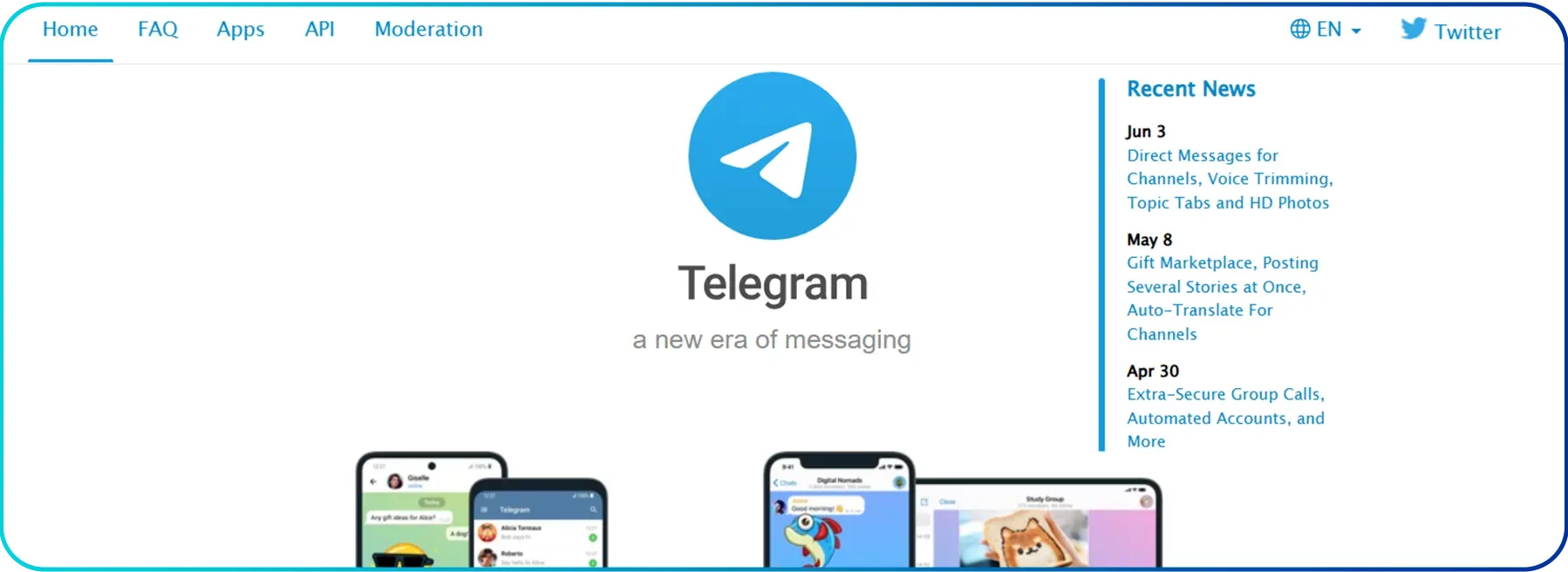
3. Signal
Signal is widely recognized as a secure VoIP app, offering end-to-end encrypted voice and video calls. As a non-profit and open-source platform, it prioritizes user privacy with no ads or tracking. This makes it a trusted application for secure and private communication.
4. Yolla
Yolla is among the top VoIP applications for making affordable international calls to mobile and landline numbers. It works even if the recipient doesn’t use the app and lets you keep your original number as the caller ID. Its credit-based system, paired with a lightweight Android widget for quick balance checks, makes it a practical and cost-effective VoIP solution.
5. Session
Session is a privacy-focused VoIP application for Android users that enables anonymous communication without requiring a phone number or email. Using onion routing, it hides the user's identity and location for enhanced security. It stands out among Wi-Fi calling apps for users who need complete anonymity.
5 Best VoIP Apps for Businesses on Android
Calilio, CloudTalk, Dialpad, Aircall, and Nextiva are the top Android VoIP apps for businesses.
6. Calilio
Starting at $15 per user/month, Calilio stands as one of the top Android VoIP apps for small businesses and startups looking for an affordable yet feature-rich solution. Its “Unified Callbox” allows teams to manage calls, SMS, and voicemails from multiple countries in one place. Plus, the built-in sentiment analysis delivers valuable insights into customer interactions, making it a smart solution for scaling teams.
7. CloudTalk
CloudTalk is among the leading VoIP calling apps for businesses that need a strong international presence, especially in sales and support teams. It offers global numbers, intelligent call routing, and automation tools like a Power Dialer, along with 100+ integrations for seamless workflows. For teams that prefer flexible billing, pricing typically starts at $27 per user/month, making it a scalable internet calling solution.
8. Dialpad
Dialpad stands out as an advanced VoIP application for Android, built around AI-native communication with features like real-time transcription, live coaching, and automated call summaries. It runs entirely on cloud infrastructure and supports both mobile and desktop workflows, making it ideal for modern teams. The Standard plan starts at $27 per user/month, offering a powerful VoIP calling app for businesses focused on efficiency and insights.
9. Aircall
Aircall stands out among Android VoIP apps for its deep CRM integrations, making it ideal for sales and support teams that rely on tools like Salesforce or HubSpot. It automatically logs calls, syncs customer data, and allows seamless switching between devices during live conversations. With its entry-level plan starting at $40 per user/month, it works as a premium Wi-Fi calling app for collaborative teams.
10. Nextiva
Nextiva is a comprehensive VoIP application designed for enterprises that need an all-in-one communication platform combining voice, video, and messaging. Features like “Call Pop” help personalize interactions by displaying caller details instantly, while its robust infrastructure ensures reliability. It stands out as a scalable VoIP calling app for large organizations, with plans starting at $23 per user/month for small businesses or $75 for enterprises.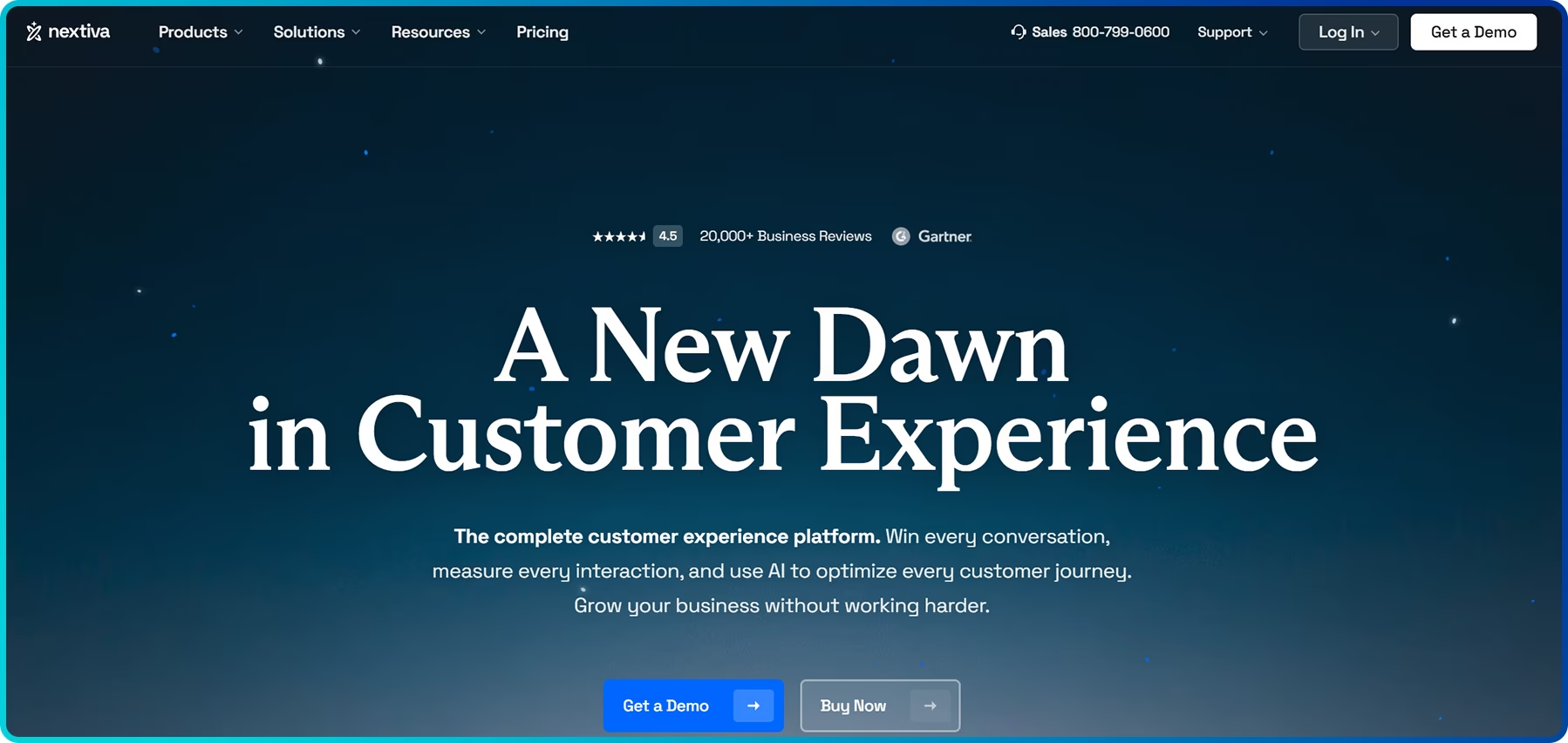
Things to Consider While Choosing the Right VoIP App for Android
While choosing a VoIP app for Android, check if the app offers clear and stable calls, flexible pricing, and features that match your needs.
- Call Quality & Reliability: Look for the apps that prioritize low latency and stable connections. High-quality internet-based calling apps should deliver consistent HD voice performance with minimal call drops, even on weaker mobile data networks.
- Pricing & Monthly Flexibility: VoIP applications vary widely in pricing. While individual users may rely on free app-to-app calls, businesses should focus on transparent monthly plans for better flexibility. Also, check whether international calls are charged via flat rates or credit-based systems.
- Features & AI Functionality: Choose the app based on your specific needs. Personal users may only require basic voice and video calling, while businesses often benefit from advanced features like call routing, CRM integrations, and AI-powered transcription tools.
- Security & Privacy: Security is essential when using VoIP applications. Look for platforms that offer end-to-end encryption (E2EE) and limit data tracking. For maximum privacy and anonymity, apps like Signal or Session are strong choices.
- User Interface: A clean and intuitive interface makes a big difference, especially for new users. The best VoIP apps offer simple navigation, quick setup, and features like one-tap calling for a smooth experience.
- Device Compatibility: Ensure the VoIP application is compatible and works seamlessly on your Android smartphone alongside your other devices like iPhones, tablets, and desktops. For businesses, cross-platform support is crucial to keep teams connected, whether they’re working remotely or in the office.
How to Set Up a VoIP App as the Default Calling App on Android?
To set up a VoIP app as the default calling app on your Android phone, start by downloading the VoIP app. After that, go to Settings and then to Apps. Select Default Apps, followed by Phone app and select the preferred VoIP app.
- Download the preferred VoIP app.
- Open the Settings menu on your Android device.
- Navigate to Apps.
- Tap on Default Apps.
- Tap on the Phone app.
- Select your preferred VoIP app.
Experience Modern VoIP Calling with Callilio
High-quality calls. Professional features. Affordable plans.
Conclusion
Choosing the right VoIP app for your Android device ultimately comes down to your communication needs and budget. Whether you're trying to avoid high calling costs or streamline business communication, VoIP apps offer clear advantages in terms of affordability, call quality, and modern features like AI-driven insights.
As we’ve seen, the market offers a wide range of options, from privacy-focused apps like Signal to enterprise-grade platforms like Nextiva. By evaluating key factors such as call quality, pricing flexibility, and integrations, you can choose a VoIP application that fits your personal or professional needs.



Summarize this blog with:
Frequently asked questions
Which is the best free VoIP app for Android?
The best free VoIP app for Android is Viber, as it offers unlimited free app-to-app calls and a versatile 'Viber Out' service for calling non-users globally.
Can I use VoIP on my Android phone?
Can I make VoIP calls from my mobile?
Which is better, VoIP or VoLTE?

Still have questions?
Can’t find the answer you’re looking for? Please chat with our friendly team.
Stay in the loop
Get the latest call insights, trends, and updates delivered straight to your inbox.
By subscribing, you agree to receive updates from Calilio.
You can unsubscribe anytime.
Enter the World of AI Business Phone System with Calilio
Improve your business operation with Calilio's advanced virtual phone system. Join today for a better way to connect.