




PIN MESSAGE

Pin Message to Keep Important Chats Visible

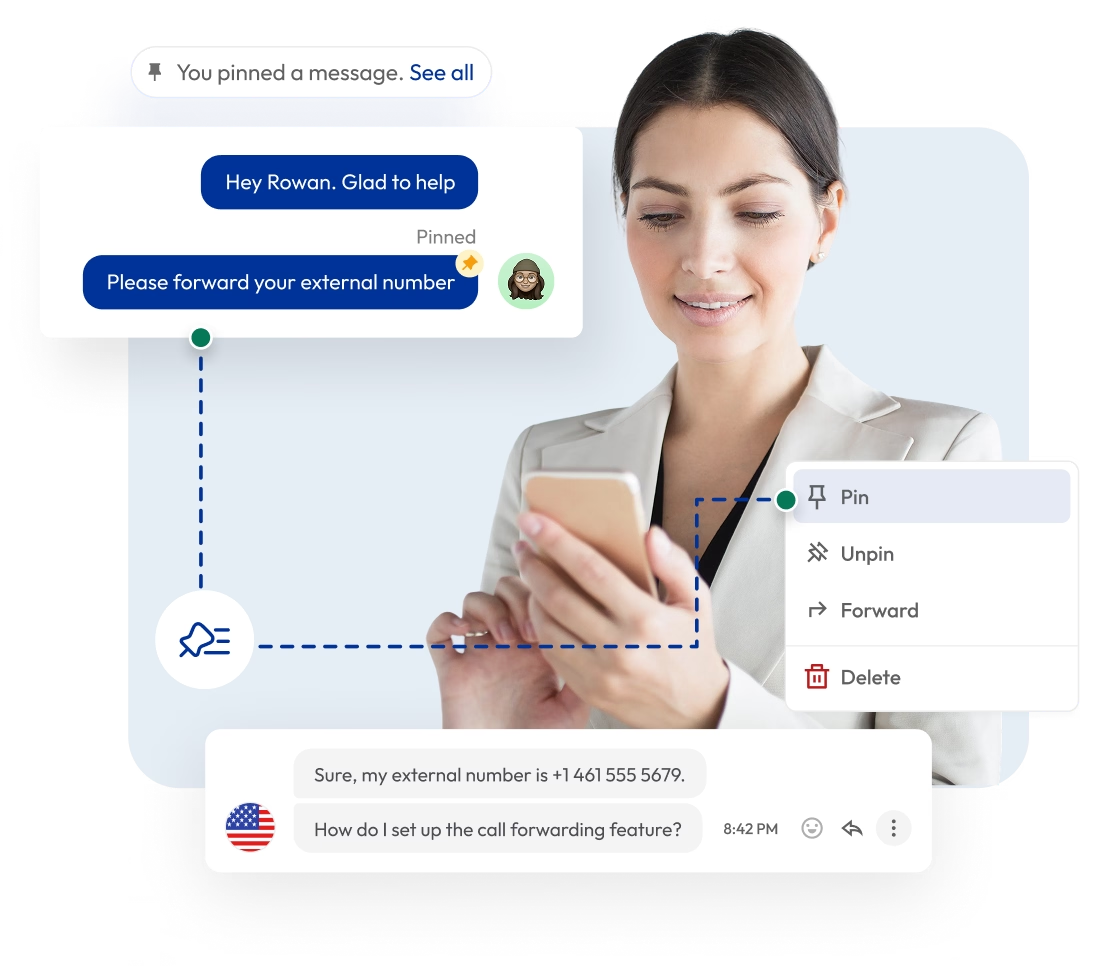
Pin important messages in your conversation so they stay visible as you continue texting. Highlight key updates, instructions, or decisions and keep them accessible at all times, without searching through long threads.

Keep important messages fixed at the top of the chat
Highlight updates, instructions, or decisions that require attention
Avoid missed updates and repeated questions
Unpin messages anytime to keep chats clean
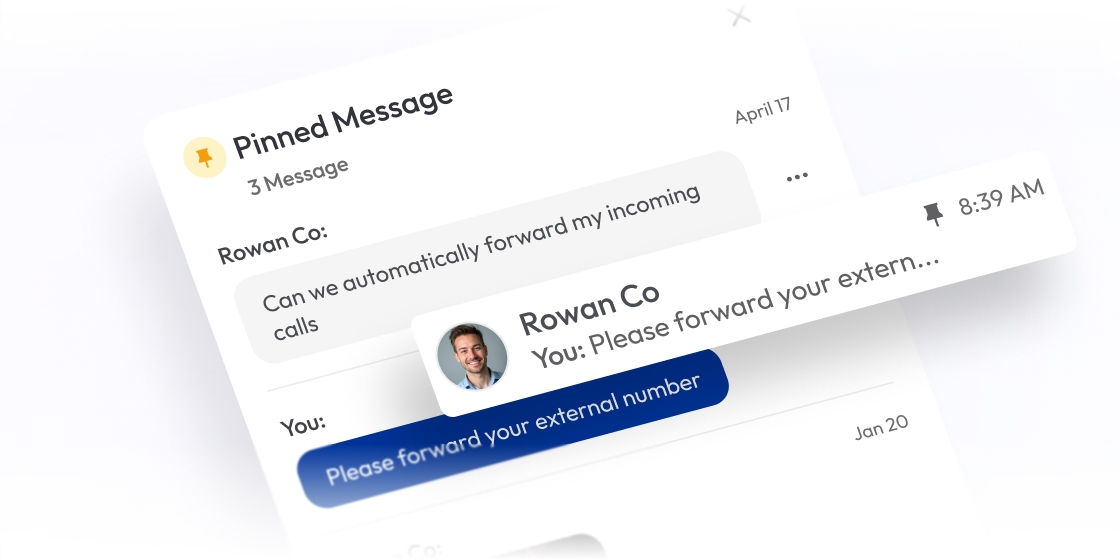
mobile message forwarding steps with chat interface example

Telephony Partner of 1000+ Businesses Worldwide

adgs logoexpress carpet repairsleveraged and equity logoaaxiom infotech logofencyx logocartechstudio logoadgs logoexpress carpet repairsleveraged and equity logoaaxiom infotech logofencyx logocartechstudio logoadgs logoexpress carpet repairsleveraged and equity logoaaxiom infotech logofencyx logocartechstudio logoadgs logoexpress carpet repairsleveraged and equity logoaaxiom infotech logofencyx logocartechstudio logo

Acquire a Virtual Number with Built-in Pin Message Feature

Get local, mobile, or toll-free virtual numbers from 100+ countries and manage calls and texts in one place. Use the built-in Pin Message feature to keep important messages easily accessible throughout the conversation.

No Numbers Found

Some numbers require ID and address verification under local laws. Certain numbers also require A2P 10DLC registration to send SMS or MMS to the United States. Moreover, some numbers may not appear in this search because they are not generally offered to customers and are available only on request. Please for assistance.

Also, you can port your existing number to Calilio, and use the number for outbound calling — Port Your Number Now!

background globe image

How to Pin a Text Message on Calilio?

To pin a message on Calilio, open the conversation and find the message you want to keep visible. Click the three-dot menu next to it, and select the pin icon to move it to the top.

Step 1

Open All Conversations on your dashboard and select the particular chat.

Step 2

Scroll to find the message you want to pin.

Step 3

Hover over the message and click on the three dots menu.

Step 4

Click Pin Message.

Step 5

The message will now stay at the top of the conversation for easy access.

What is Pin Message?

Pin Message is a feature in a chat box that lets you fix a selected message at the top of a conversation. It ensures important information stays visible and accessible, even after new messages are added in the chat.

Pin message is commonly used to highlight updates, instructions, deadlines, or important discussions. Teams often use this feature to make essential information readily available without scrolling through the entire chat or conversations.

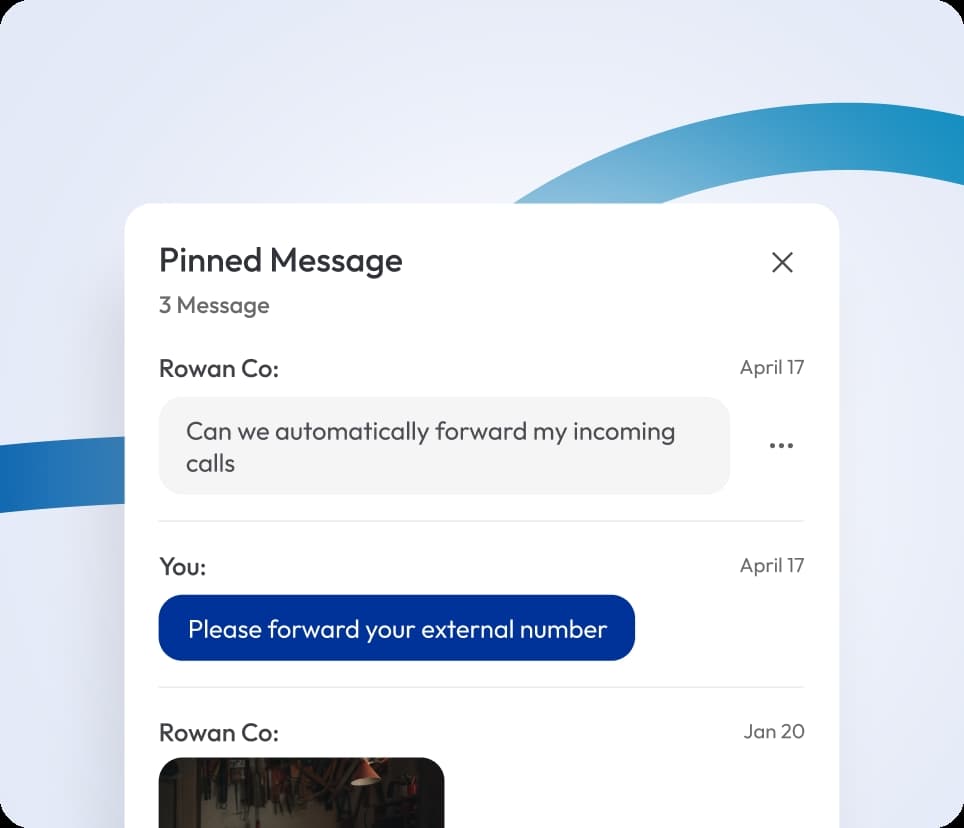
chat interface with pinned message and number forwarding request

How Does Pin Message Work?

Pin Message lets you select a message from a conversation and pin it from the options menu. Once selected, the system places it at the top of the conversation.

As new messages come in, the pinned message stays in place while the rest of the conversation continues. You can open, check it anytime, or remove it when it is no longer needed.

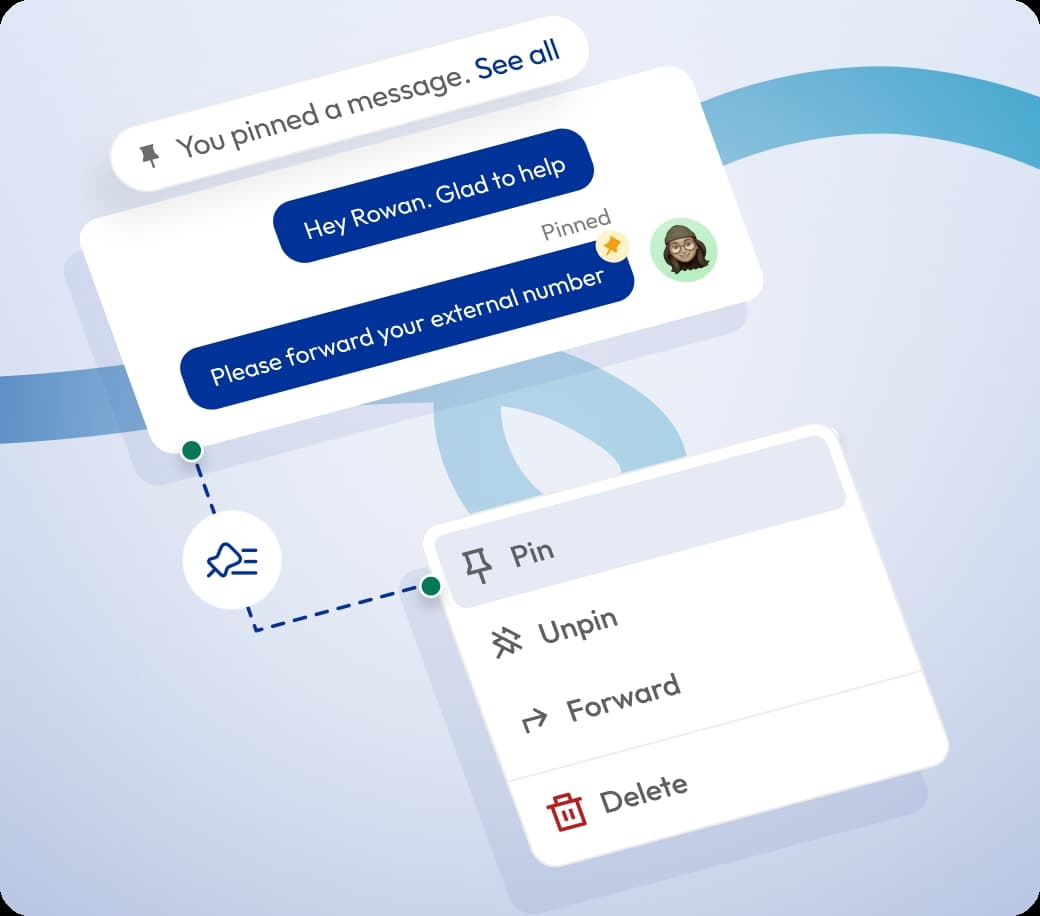
chat message interface with a context menu showing options to pin, unpin, forward, or delete

What are the Benefits of Pin Message for Your Team?

Pin Message helps teams keep key information visible, access important updates quickly, and stay organized. It ensures critical messages are always easy to find, reducing confusion and improving overall workflow.

Enhanced Visibility

Keep important messages like meeting times, rules, or updates at the top of the conversation, ensuring everyone can see them without missing key details. It helps your team stay aware of what matters during active chats.

Time-saving

Better Organization

Where Can You Use Calilio’s Message Pinning?

Integrate Calilio with CRM & Third-party Business Tools

Connect your phone system with your CRM or existing business tools to keep conversations and related activities in one place. Manage interactions, track progress, and handle follow-ups smoothly without switching between multiple systems.

Zapier

Automation

Pipedrive

CRM

Pabbly Connect

Automation

LeadHeed

LeadHeed

CRM

HubSpot

CRM

Salesforce

CRM

Mailchimp

Marketing

Crisp

Customer Support

Zendesk

Helpdesk

Request Integration

View all Integration
KEEP IN MIND

Best Practices for Pinning Messages

When using the Pin Message feature, make sure you only highlight messages that are truly important, keep them up to date, and regularly review them to ensure relevance.

Also, make sure to avoid pinning too many messages or casual information, so your pinned section remains useful and easy to navigate.

Do's

Pin only important messages that need quick access.

Remove pins once they are no longer relevant.

Review and update pinned messages regularly.

Use pin messages for instructions, key updates, or critical information.

Don'ts

Avoid pinning too many messages, which can create clutter.

Don’t leave outdated information pinned.

Avoid using pinning for casual or irrelevant messages.

Don’t use pins as permanent storage for information.

Select Plan

Affordable Pricing Plans for Businesses of All Sizes

Calilio offers flexible pricing plans designed to suit businesses of any size. Plans start at just $15 per user per month, giving access to essential features like pin message, voicemail, number sharing, and more. As your business grows, you can easily scale and add advanced features to meet your team’s needs without disruption.

Standard Plan

$12
Per user/per month

$15 Save 20%

billed annually at $144

Ideal for solopreneurs, startups and small businesses venturing into affordable VoIP service.

Get Started with:

  • User Limit: 10
  • Free 1 Local Number
    US or Canada
  • Free Bundled Calls & SMS (Saver Lite Package)
  • Basic Realtime Dashboard
festive sticker

Premium Plan

$28
Per user/per month

$35 Save 20%

billed annually at $336

Ideal for growing businesses, franchises, and call centers.

Everything in the Standard Plan, plus:

  • CRM Integration
  • Unlimited Users
  • Live Call Monitoring
    Coming Soon
  • Free Bundled Calls & SMS (Saver Pro Package)
  • Detailed Realtime Dashboard
festive sticker

Enterprise Plan

Custom

Comprehensive VoIP plan for unmatched communication solutions for large businesses and enterprises.

Everything in the Premium Plan, plus:

  • Developer Support
  • All Call Strategy Features
  • Dedicated Account Manager
  • Phone and WhatsApp Support
festive sticker
Q&A

Frequently asked questions

Can I pin multiple messages at once?

Yes, you can pin multiple messages in the same conversation. It allows important updates, instructions, or reference information to remain accessible at the top of the chat without losing context.

Who can see pinned messages?

Can I pin an entire conversation?

Does pinning affect new messages?

Is there a limit to how many messages I can pin?

What type of messages should I pin?

Still have questions?

Can’t find the answer you’re looking for? Please chat with our friendly team.

Enter the World of AI Business Phone System with Calilio

Improve your business operation with Calilio's advanced virtual phone system. Join today for a better way to connect.

4.95
200+ Reviews16+ Badges
