- Partners
- Contact Us
- Log in
Top Skype Alternatives for Calls & Meetings in 2026
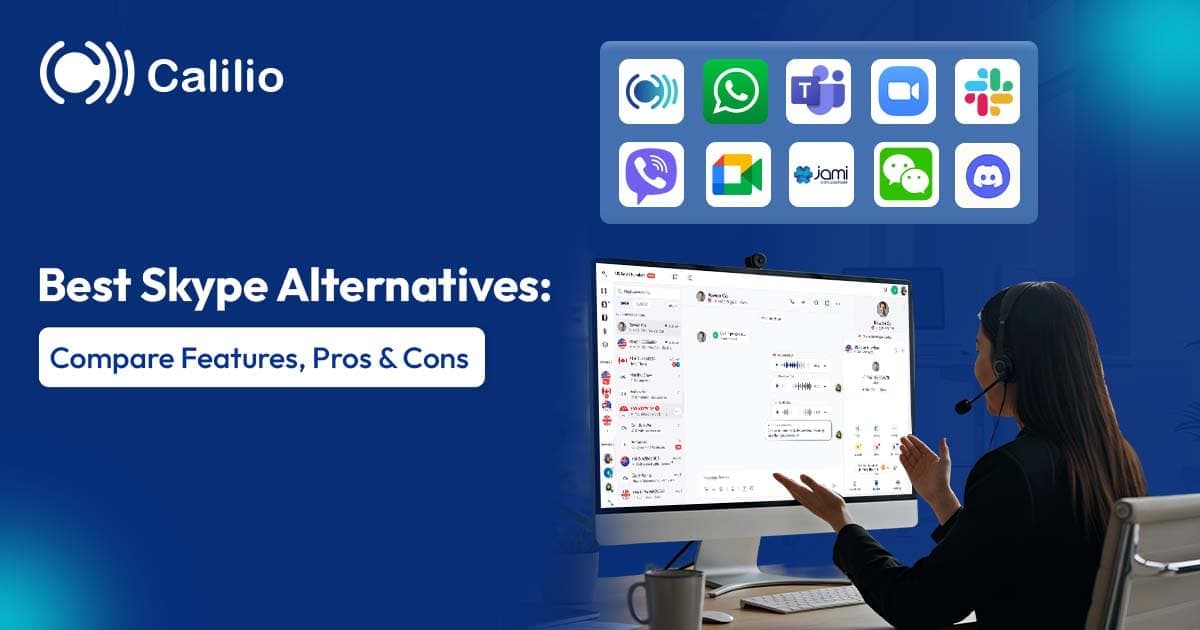

In its prime, Skype was a communication giant, reaching over 300 million estimated monthly active users in 2015. However, over time, its popularity began to decline as newer, more modern communication platforms entered the market. Competitors offered smoother mobile experiences, faster performance, and richer feature sets, while Skype’s interface and technology struggled to keep up with evolving user expectations.
Ultimately, Microsoft officially shut down Skype on May 5, 2025, marking the end of the iconic platform after more than two decades of service. Now, with the rise of alternatives such as Microsoft Teams, Zoom, WhatsApp, Google Meet, and Discord, many long-time users have been exploring what to use next. But selecting the best replacement can still be confusing because of the many options available.
In this blog, you’ll explore the top Skype alternatives along with their key features, pricing, and pros and cons. So, you can confidently choose the best communication platform for your personal or professional needs.
[Methodology: The platforms were selected through a comparative analysis based on Skype’s core functions and modern communication needs. Each app was evaluated for call quality, video performance, messaging, security, cross-platform support, pricing, scalability, and feature depth. User adoption, business relevance, innovation (AI, VoIP, collaboration tools), and suitability for both personal and professional use were also considered to ensure balanced and practical alternatives.]
Key Highlights:
Skype alternatives now cater to diverse needs, ranging from personal messaging apps to advanced, cloud-based business communication and VoIP systems with calling, video meetings, and collaboration tools.
Platforms like Calilio, Microsoft Teams, Slack, Zoom, and Google Meet focus on professional and team communication, while apps such as WhatsApp, Viber, Discord, Jami, and WeChat are better suited for personal, community, or privacy-focused use.
Each alternative differs in strengths such as scalability, ease of use, integrations, meeting capacity, and collaboration features, allowing users to choose based on their specific requirements.
When selecting a Skype substitute, key factors to evaluate include purpose, call quality and reliability, security and privacy standards, feature set, cross-device compatibility, integrations, and overall cost-effectiveness.
Top 10 Skype Alternatives
The best alternatives to Skype are Calilio, Microsoft Teams, Slack, Zoom, Google Meet, and WhatsApp.
1. Calilio
Calilio is one of the best alternatives to Skype for professional use, as it offers a stronger, modern experience for business communication. In fact, it functions as a full cloud-based Voice over Internet Protocol (VoIP) phone system with advanced features rather than a general calling app.
Moreover, Calilio includes advanced tools like call routing, queues, IVR, and global virtual phone numbers, allowing companies to establish a local presence across different regions.
Key Features:
- Unified Callbox: Centralizes calls, messages, and voicemail to reduce management time and boost productivity.
- Real-time Dashboard: Provides call and message metrics for quick, data-driven decisions.
- Internal Messaging: Enables internal teams to communicate inside the platform without external tools.
- Number Porting: Lets businesses transfer existing phone numbers to Calilio without disruption.
Pricing (Per user/month):
- Standard Plan: $15
- Premium Plan: $35
- Enterprise Plan: Custom pricing based on your business needs
Pros & Cons:
Pros | Cons |
|
|
2. Microsoft Teams
Skype was owned by Microsoft, so after its shutdown, Microsoft Teams, a better alternative to Skype, became Microsoft’s primary business communication solution for both in-office and distributed work. It is a communication and collaboration platform launched in 2017 as part of the Microsoft 365 suite.
It combines chat, video conferencing, file sharing, and collaborative workspace tools in a single interface. Additionally, it integrates with other Microsoft tools, making it easy for users to manage projects and documents without switching platforms.
Key Features:
- Microsoft Copilot AI: Assists with meeting notes, summaries, and tasks to improve productivity.
- Organized Conversations: Includes features like channels and threads to keep team discussions structured and easy to follow.
- Professional Meeting Tools: Offers screen sharing, scheduling, recording, and breakout rooms for efficient collaboration.
- Enterprise-level Security: Provides encryption, compliance controls, and identity management suitable for corporate use.
Pricing (Per user/month, Paid yearly):
- Microsoft Teams Essentials: $4
- Microsoft 365 Business Basic: $6
- Microsoft 365 Business Standard: $12.50
Pros & Cons:
Pros | Cons |
|
|
3. Slack
Slack is considered one of the stronger alternatives to Skype for modern workplace communication because it focuses on real-time collaboration rather than just calls and messaging. While Skype mainly supported voice and video chats, Slack offers communication through channels, threads, and searchable messages, making information easier to track.
Therefore, these capabilities make Slack a more suitable choice for teams that need structured collaboration and faster communication for work-related discussions.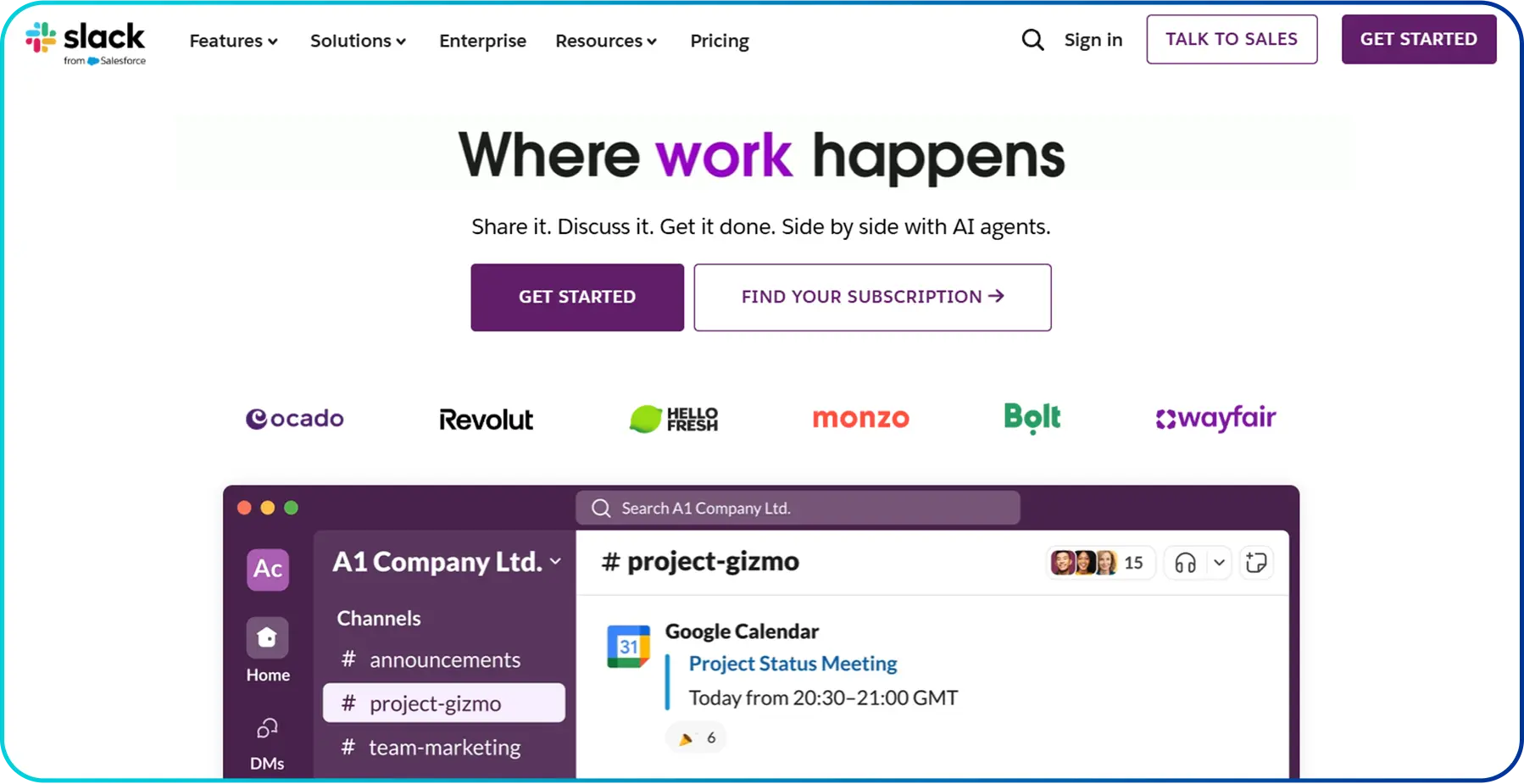
Key Features:
- Huddles: Provides quick audio or video chats inside channels without scheduling meetings.
- Slack Connect: Offers secure chats with external partners like clients or vendors in shared channels.
- App Directory: Integrates with 2,600+ apps to get updates and take actions without switching tools.
- Slack AI: Summarizes messages, answers workspace questions, and recaps discussions automatically.
Pricing (Per user/month):
- Free Plan: $0
- Pro: $8.75
- Business+: $18
- Enterprise+: Custom pricing as per your business needs
Pros & Cons:
Pros | Cons |
|
|
4. Zoom
Zoom is a video-first communication platform designed for virtual meetings, webinars, and remote collaboration. Unlike Skype, Zoom is built to support larger meetings with breakout rooms, recordings, and screen sharing.
Plus, its reliability, simple interface, and ability to scale to hundreds of participants made it popular with businesses, schools, and event organizers. Beyond basic calls, Zoom offers webinar tools and optional phone services, making it a more versatile choice for modern remote and hybrid communication.
Key Features:
- HD Video & 4K Support: Offers sharp video quality up to 4K for clearer presentations.
- Zoom Phone: Adds a cloud-based business phone system inside the app.
- Virtual Backgrounds & Avatars: Allows users to hide backgrounds or appear as 3D avatars.
- Whiteboarding: Provides a shared digital canvas for real-time brainstorming.
Pricing (Per user/month):
- Basic: $0
- Pro: $16.99
- Business: $21.99
- Enterprise: Contact the sales team
Pros & Cons:
Pros | Cons |
|
|
5. Google Meet
Google Meet is a secure video conferencing platform that also stands among the best alternatives to Skype. It was developed by Google for both personal and workplace communication as part of Google’s enterprise suite.
However, it later became widely accessible to the public as remote work and online learning grew. Additionally, its clean interface, browser-based access, and strong performance have made it a popular choice for classrooms, teams, and hybrid workplaces that rely on Google’s ecosystem for productivity.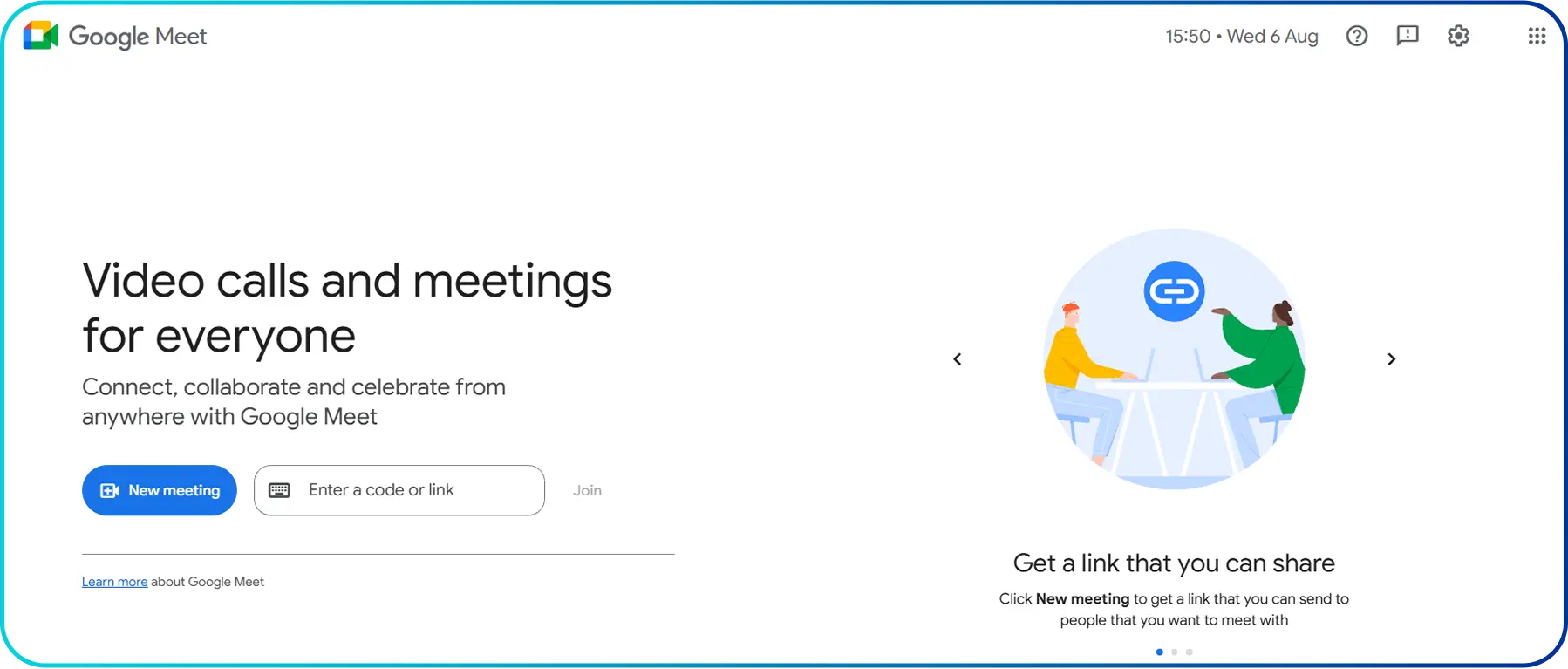
Key Features:
- No-Download Access: Participants can join a meeting simply by clicking a link in their browser.
- Gemini AI Integration: Includes AI features that automatically capture meeting summaries and action items in a Google Doc.
- Live Translated Captions: Provides real-time subtitles in over 60 languages, making it perfect for international teams.
- Seamless Calendar Sync: One-click meeting creation directly from Google Calendar or Gmail.
Pricing (Per user/month):
Google Meet is a free platform with limited features. So, to use the advanced features, you have to subscribe to the Google Workspace plans and use Google Meet as part of it. Here is the detailed information on Google Workspace plans:
- Starter: $8.40
- Standard: $16.80
- Plus: $26.40
- Enterprise: Custom pricing
Pros & Cons:
Pros | Cons |
|
|
6. WhatsApp
WhatsApp emerged as a mobile-first communication app centered around fast messaging, voice notes, and media sharing, making it ideal for everyday conversations. The platform was initially built for messaging on smartphones but later expanded to include voice calls, video calls, and multi-device support.
Its massive global user base has made it one of the most common tools for staying connected with friends, family, and communities. So, for users who primarily relied on Skype for personal communication, WhatsApp can serve as a convenient and accessible alternative.
Key Features:
- Large Group Calls: Supports video calls with up to 32 people and even larger audio sessions.
- Channels & Communities: Enables users to follow updates or organize multiple related groups in one space.
- HD Media Sharing: Allows users to send photos and videos in full HD without quality loss.
- Multi-device Support: Allows use on up to four linked devices, even when the phone is offline.
Pricing (Per user/month):
- Free
Pros & Cons:
Pros | Cons |
|
|
7. Viber
Viber, similar to WhatsApp, is also considered an alternative to Skype for personal use. Initially, it was built as a messaging and calling app built for people who need both cross-border communication and social interaction.
Likewise, it offers encrypted chats, international calling plans, and large community spaces, making it more interactive than Skype’s traditional calling setup. Beyond basic chatting, Viber offers "Viber Out," which is much like the old Skype that allows you to call landlines and mobile numbers globally at very low rates.
Key Features:
- Viber Marketplace: Lets users discover and chat with local businesses directly in the app.
- Hidden Chats: Allows selected conversations to be hidden and protected with a PIN for extra privacy.
- Viber Pay: Enables sending and receiving money securely through an integrated digital wallet.
- International Calling Plans: Offers affordable VoIP plans for overseas calls and cross-border communication.
Pricing (Per user/month):
- Free
Note: Some features, like Viber-out, require you to buy international calling plans.
Pros & Cons:
Pros | Cons |
|
|
8. Discord
Discord is a communication platform built around topic-based servers where people can connect through text channels, voice calls, video chats, and screen sharing.
Originally popular among gamers, it has expanded to support study groups, hobby communities, creators, and even small teams who need organized digital spaces. So, it has become one of the best replacements to Skype for such communities as gamers, who are in need of social interaction and group coordination.
Key Features:
- Always-On Voice Channels: Allows users to join voice channels instantly without placing a call.
- Server & Channel System: Offers private servers with organized, topic-based channels for group communication.
- Screen Sharing & Go Live: Enables screen sharing for movies, presentations, or real-time troubleshooting.
- Rich Bot Ecosystem: Supports automation through bots that handle moderation, music, and onboarding.
Pricing (Per user/month):
- Free
Note: Discord offers paid plans starting from $2.99 for additional features like increased upload limit, HD streaming, and video background.
Pros & Cons:
Pros | Cons |
|
|
9. Jami
Jami is among the best substitutes for Skype if you are seeking a secure, account-free online communication platform. This is because it is an open-source platform built on a peer-to-peer architecture, meaning calls and messages are exchanged directly between users rather than through centralized servers.
Plus, this decentralized approach gives you more control over privacy and data without corporate tracking or cloud storage dependencies.
Key Features:
- Unlimited File Sharing: No server storage limits, allowing large files to be shared without restrictions.
- Local Network Communication: Works on the same Wi-Fi network even if the internet goes down.
- SIP Compatibility: Functions as a softphone for integrating existing professional phone accounts.
- Multi-device Syncing: Links multiple devices to one Jami ID using a secure private key.
Pricing (Per user/month):
- Free
Pros & Cons:
Pros | Cons |
|
|
10. WeChat
WeChat is a multifunctional mobile platform that blends messaging, social networking, and digital services into a single app. Users can chat, make voice and video calls, share moments with friends, and access features like mobile payments, mini-programs, and official brand accounts.
So, it stands among the top alternative choices for Skype as it expands into lifestyle and daily utilities, allowing people to pay bills, order services, and interact with businesses directly inside the app.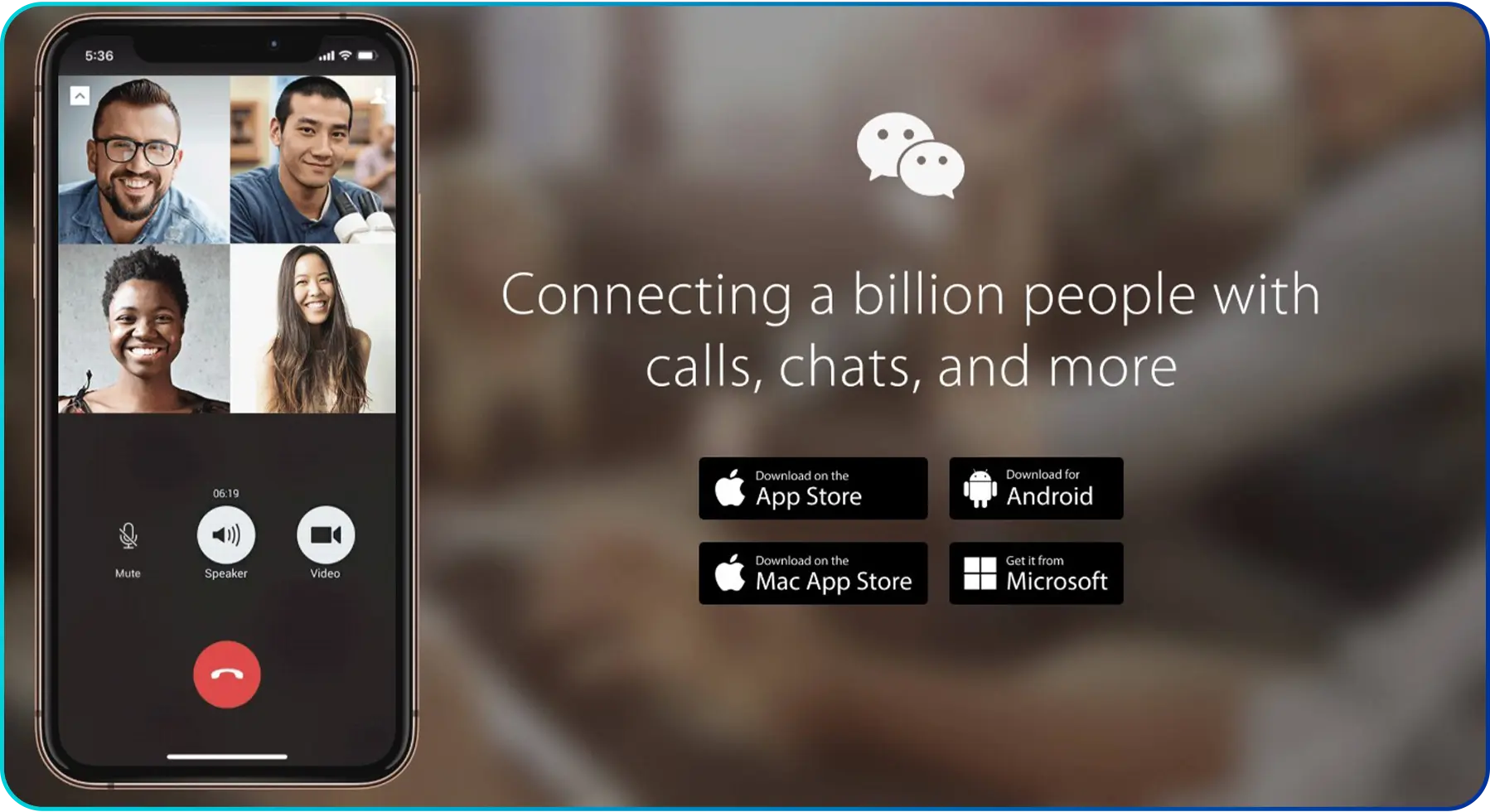
Key Features:
- Mini-programs: Provides mini apps for booking, ordering, or gaming without downloads.
- WeChat Pay: Offers a built-in digital wallet for QR payments, bills, and everyday purchases.
- Moments: Social media feature to share photos, videos, and updates in a private social feed.
- Real-time Translation: Translates text or voice messages across languages instantly.
Pricing (Per user/month):
- Free
Pros & Cons:
Pros | Cons |
|
|
Brief Comparison Between Top Alternatives of Skype
Platform Best For Starting PricingCalilio Business communication $15/mo Microsoft Teams Enterprise collaboration & meetings $4/mo Slack Internal team messaging & workflow automation Free (Paid version starts at $8.75/mo) Zoom Large meetings, webinars & remote collaboration Free (Paid version starts at $16.99/mo) Google Meet Classroom & hybrid workplaces with the Google ecosystem Free (Paid version starts at $8.40/mo via Workspace) WhatsApp Personal messaging & global calling Free Viber Cross-border personal communication & communities Free Discord Gaming, hobby & community interaction Free (Paid version starts at $2.99/mo) Jami Privacy-focused P2P communication Free WeChat Messaging, payments & digital lifestyle services Free
Things to Consider While Selecting a Substitute for Skype
While choosing an alternative to Skype, you should consider the intended use, along with the stability and clarity of communication it offers. Also, the platform must ensure strong data protection, provide essential collaboration tools, and work smoothly across different devices.
- Purpose: The first step is to understand why you need a Skype substitute. Whether it is for personal communication, online classes, business meetings, or team collaboration, the tool should be designed to support your primary use case for better efficiency and user satisfaction.
- Quality and Reliability: A good substitute must offer clear voice quality, smooth video calls, and stable connectivity. Frequent call drops, delays, or poor audio/video quality can disrupt communication, making reliability especially important for professional and academic use.
- Security and Privacy: Security is critical when sharing personal or professional information. So, the platform should provide features such as encryption, secure data handling, and privacy controls to protect users from data leaks, hacking, and unauthorized access.
- Features: The application should include essential features like voice and video calls, group meetings, instant messaging, screen sharing, and file sharing. Advanced features such as call recording or meeting scheduling may be important depending on usage needs.
- Compatibility: The selected tool should be compatible with multiple devices and operating systems, such as Windows, macOS, Android, and iOS. Plus, cross-platform compatibility ensures that users can communicate easily regardless of their device.
- Integration: Make sure other tools like email, calendars, cloud storage, and productivity software can be integrated to improve workflow. This is especially useful for businesses and teams that rely on multiple applications for daily operations.
- Cost: The tool should offer good value for money, and the pricing should match the features provided without unnecessary expenses.
Conclusion
Skype played a major role in shaping online communication, but today there are far more powerful and specialized platforms available. From business tools like Microsoft Teams and Zoom to personal messaging apps like WhatsApp and Viber, each alternative offers its own strengths depending on how you collaborate and connect.
However, if you’re specifically looking for the best replacement for Skype’s professional calling and business communication, Calilio stands out as the top choice. With its cloud-based VoIP system, global virtual numbers, AI-powered tools, and unified communication dashboard, Calilio offers capabilities that go far beyond traditional calling apps.



Summarize this blog with:
Frequently Asked Questions
Is Skype still working in 2025?
Skype is no longer available for use, as it was officially retired by Microsoft on May 5, 2025. We encourage you to explore Calilio and the benefits it offers as a reliable alternative.
Why is Zoom better than Skype?
How to call internationally without Skype now?
Can I still use Skype after May 2025?
What is safer than Skype?

Still have questions?
Can’t find the answer you’re looking for? Please chat with our friendly team.
Stay in the loop
Get the latest call insights, trends, and updates delivered straight to your inbox.
By subscribing, you agree to receive updates from Calilio.
You can unsubscribe anytime.
Enter the World of AI Business Phone System with Calilio
Improve your business operation with Calilio's advanced virtual phone system. Join today for a better way to connect.