
How Do You Get a Business Phone Number?
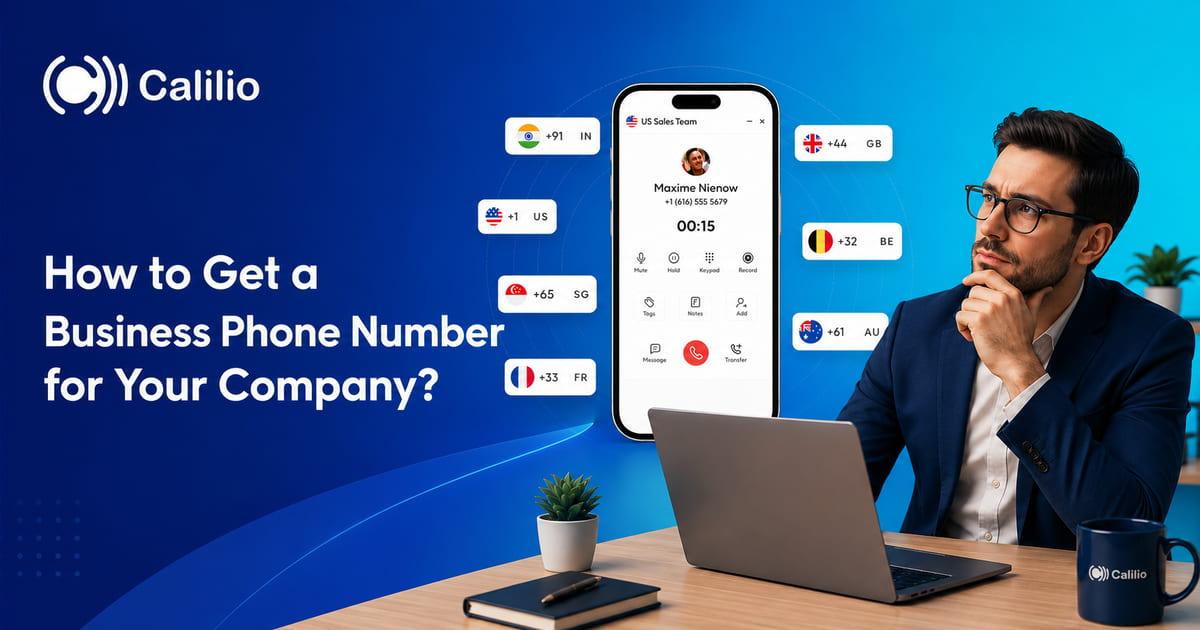

Business calls become messy when customers, vendors, leads, and team members all contact your personal mobile number. Work calls mix with personal calls, follow-ups become harder to track, and customers may not know whether they are calling a real business or one person.
A business phone number gives your company a dedicated line for calls and messages. It helps you separate work from personal communication, build trust, route calls to the right person, and manage customer conversations more professionally.
Key Highlights:
A business phone number helps you separate work and personal calls while giving customers a professional way to contact your company.
You can choose from local, toll-free, vanity, or virtual business phone numbers based on your customer location and telephony needs.
A virtual business phone number works over the internet, so your team can make and receive calls from desktop, mobile, tablet, or browser.
Before buying a number, compare providers, pricing, number availability, calling rates, SMS support, verification requirements, and call management features.
What is a business phone number?
A business phone number is a dedicated phone number used for company communication. Customers use it to call or message your business instead of contacting your personal number. It can appear on your website, Google Business Profile, ads, invoices, email signatures, social media pages, and support channels.
Modern businesses use virtual phone numbers to make and receive calls and SMS over the internet. That means your team can handle business calls from anywhere, on any device, without needing a traditional office phone line or desk phone.
Get Your Business Phone Number Now
Calilio provides you with business phone numbers to manage inbound and outbound calls with advanced telephony features within a cloud phone system.
Types of business phone numbers
Business phone numbers come in different types, and each one serves a different purpose. The right choice depends on where your customers are, how your team handles calls, and whether you want a local, national, or more flexible business presence.
1. Local phone number
A local phone number uses a specific city, state, or regional area code. It helps your business look familiar to customers in that location.
For example, a business serving customers in New York can use a local New York number even if the team works from another city. This makes the business feel closer to local customers and can improve trust during sales, support, or service calls.
2. Toll-Free number
A toll-free number lets customers call your business without being charged for the call. Instead, the business usually pays for the incoming call charges. This makes it easier for customers to contact you, especially for support, sales inquiries, bookings, and service requests.
3. Vanity phone number
A vanity number is a custom number that is easy to remember. It may spell a word, include your brand name, or use a memorable number pattern.
For example, a plumbing company might use a number that ends with “PLUMB,” i.e., 75862.
Here is how the letters map to a phone keypad:
- P = 7
- L = 5
- U = 8
- M = 6
Vanity numbers are useful for marketing because people remember them more easily after seeing them in ads, billboards, flyers, radio promotions, or social media campaigns.
4. Virtual phone number
A virtual phone number is a cloud-based number that is not physically tied to a physical phone line, SIM card, or desk phone. It uses Voice over Internet Protocol (VoIP) technology to make and receive calls and text messages through an internet connection.
Because virtual numbers operate a cloud-based phone system, you can manage your communications from a smartphone, laptop, or tablet anywhere in the world.
What Features Should a Business Phone Number Have?
A business phone number should do more than receive calls. It should help your team answer customers faster, route calls properly, track conversations, and manage follow-ups without depending on one person or one device.
1. Call Forwarding
Call forwarding sends incoming calls to the right person, team, or device. It reduces missed calls during busy hours or after-office situations.
For example, when calls on your business phone number go unanswered, they are forwarded to your personal phone number.
2. IVR
IVR lets callers choose where they want to go before speaking to your team. A simple menu like “Press 1 for Sales, Press 2 for Support, Press 3 for Billing” makes your business look more organized. It reduces unnecessary transfers and helps customers reach the right department from the start.
3. Business Hours
Business hours let you control how calls are handled during working and non-working hours. You can decide when calls should ring your team or go to voicemail. Setting up office hours is important for businesses that do not operate 24/7. It gives callers a clear experience even when your team is unavailable.
4. Voicemail
Voicemail helps you capture missed calls when your team is busy, offline, or outside working hours. Instead of losing a lead or customer request, callers can leave a message for your team to review later.
A good voicemail setup should include a professional greeting and clear instructions, which help customers know they have reached the right business.
5. SMS and MMS
A business phone number should support text messaging if your team sends reminders, updates, confirmations, follow-ups, or quick replies. Many customers prefer SMS for simple communication because it is fast and easy to check.
SMS is useful for appointment reminders, order updates, delivery messages, payment follow-ups, and sales conversations. MMS is helpful when your business needs to send images, documents, or media-based updates where supported.
6. Shared Number Access
Shared number access lets multiple team members use the same business phone number. This is useful for sales, support, operations, and remote teams that do not want calls to depend on one person.
With a shared number, team members can answer calls, check history, review messages, and continue conversations with the right context.
7. Call Recording
Call recording stores conversations so your team can review them later. It is useful for training, quality checks, dispute handling, customer service improvement, and sales coaching.
For sales teams, recordings help managers understand how reps handle objections. For support teams, they help review customer issues and improve service quality.
8. Call History, Notes, and Tags
Call history shows who called, when they called, whether the call was answered, and what happened next. Notes and tags help your team add context after each conversation.
This feature is important because customers do not like repeating the same issue again and again. When your team has call records and notes, follow-ups become easier and more accurate.
9. Call Analytics
Call analytics helps you understand how your business handles calls. You can track missed calls, answered calls, call volume, call duration, peak hours, and team performance.
An analytics dashboard is useful for improving customer service and sales follow-ups. If many calls are missed during a certain time, you can adjust staffing, routing, or business hours.
10. Multi-Device Access
A modern business phone number should work across devices. This gives your team flexibility to make and receive calls from desktops and smartphones, without staying tied to one desk phone.
Multi-device access is especially useful for remote teams, hybrid teams, field staff, and small businesses that need to manage calls from different locations.
11. Number Porting
Number porting lets you move your existing business number to a new provider. This is important if customers already know your current number and you do not want to change it everywhere.
With porting, you can keep the same number on your website, Google Business Profile, ads, invoices, and customer records while upgrading to better call features.
12. AI Call Reports
AI call reports help your team understand calls faster without listening to every recording manually. They can include call transcription, call summary, sentiment, reason for call, and call conclusion. It saves review time and helps teams improve follow-ups, coaching, and customer experience.
13. Power Dialer
A power dialer is useful if your business phone number is used for sales calls, lead follow-ups, appointment booking, or outbound campaigns. It helps your team call more contacts in less time by moving to the next number after each call, instead of dialing every number manually.
How to Get a Business Phone Number?
Getting a business phone number starts with choosing a provider that supports your calling needs, budget, and setup preferences.
1. Compare business phone number providers
A business phone number provider should give you more than just a number. It should help your business answer calls, route customers, track conversations, and support your team as call volume grows.
Compare business number providers and choose the one that supports the type of number and calling features your business needs.
Also, check the number availability before you decide. Some providers may support local numbers but not toll-free numbers in your target country. Others may support calling but not SMS for certain number types.
2. Choose the right plan
After selecting a provider, compare its plans carefully. The right plan depends on your team size, monthly call volume, SMS usage, required features, and budget. Check what is included in the plan and what costs extra.
Do not choose a plan only because it has the lowest monthly price. A cheaper plan may miss important features such as call recording, IVR, shared numbers, analytics, or integrations. If your team handles customer calls every day, those missing features can create more manual work later.
Check the following pricing factors before choosing a plan:
- Monthly user subscription
- Phone number price
- Included call minutes
- Inbound and outbound call rates
- SMS and MMS charges
- Porting charges
- Number porting fees
- Call recording or storage charges
- Compliance or registration fees
A good plan should give your business enough calling features without forcing you to pay for tools your team does not need.
3. Select your business phone number
Once you choose a provider and plan, select the business phone number that fits your brand, location, and customer base. The type of number you choose affects how customers see your business and how easily they contact you.
Choose a number that matches your business goal. A local service company may prefer a local number, while a support team serving customers across different regions may use a toll-free number.
When selecting your number, also check whether it supports the features you need. Some numbers support both calls and SMS, while others may support only calling.
Note: Some countries may require documents before the number becomes active.
You may need to submit:
- Business name
- Business address
- Identity document
- Company registration details
- Proof of address
- Calling or messaging use case
- SMS registration details, if required
4. Configure your call flow
After your business phone number is active, set up the call flow before publishing it on your website, ads, or customer channels. A number alone is not enough; the setup behind it decides how professionally your business handles calls.
- Set call forwarding to route calls to the right person or team.
- Add business hours so calls follow your working schedule.
- Set up voicemail for missed or after-hours calls.
- Use IVR if callers need to choose sales, support, billing, or another department.
- Enable SMS if your team sends reminders, updates, or follow-ups.
- Turn on call recording if you need call review, training, or quality checks.
- Review call analytics to understand missed calls, call volume, and answer rates.
Once the setup is complete, test incoming calls, outgoing calls, voicemail, SMS, caller ID, routing, and business hours.
Wrapping Up
Getting a business phone number helps you separate work and personal calls, look more professional, and manage customer communication better. The right choice depends on your location, customer base, team size, and calling needs.
A good business number should do more than ring one phone. It should help your team answer faster, route calls properly, track conversations, and give customers a clear way to reach your business.
With Calilio, businesses can get local, mobile, and toll-free virtual phone numbers from 100+ countries and manage calls and SMS from one cloud phone system. Sign up today!
Summarize this blog with:
Frequently asked questions
How do I get a business phone number?
You can get a business phone number by choosing a business telephony provider. You sign up for the service with the right plan, based on your feature needs, and then navigate through its number purchase option to buy your preferred business number (local, toll-free, etc).
How do I get a business phone number on Calilio?
Can you get a free business phone number?
How much does a business phone number cost?
Can I use my personal number as my business number?
Can I keep my existing business phone number?
Is a virtual phone number good for business?

Still have questions?
Can’t find the answer you’re looking for? Please chat with our friendly team.
Stay in the loop
Get the latest call insights, trends, and updates delivered straight to your inbox.
By subscribing, you agree to receive updates from Calilio.
You can unsubscribe anytime.
Enter the World of AI Business Phone System with Calilio
Improve your business operation with Calilio's advanced virtual phone system. Join today for a better way to connect.