



Call Routing

Call Routing for Faster, Better Customer Connections

Route incoming calls automatically to the right agent or department using predefined rules that match the caller's needs. Direct every call to the most appropriate department without manual transfers.

Minimize unnecessary transfers with automated call distribution.
Manage high call volumes using structured and rule-based routing.
Connect callers to the right department faster.
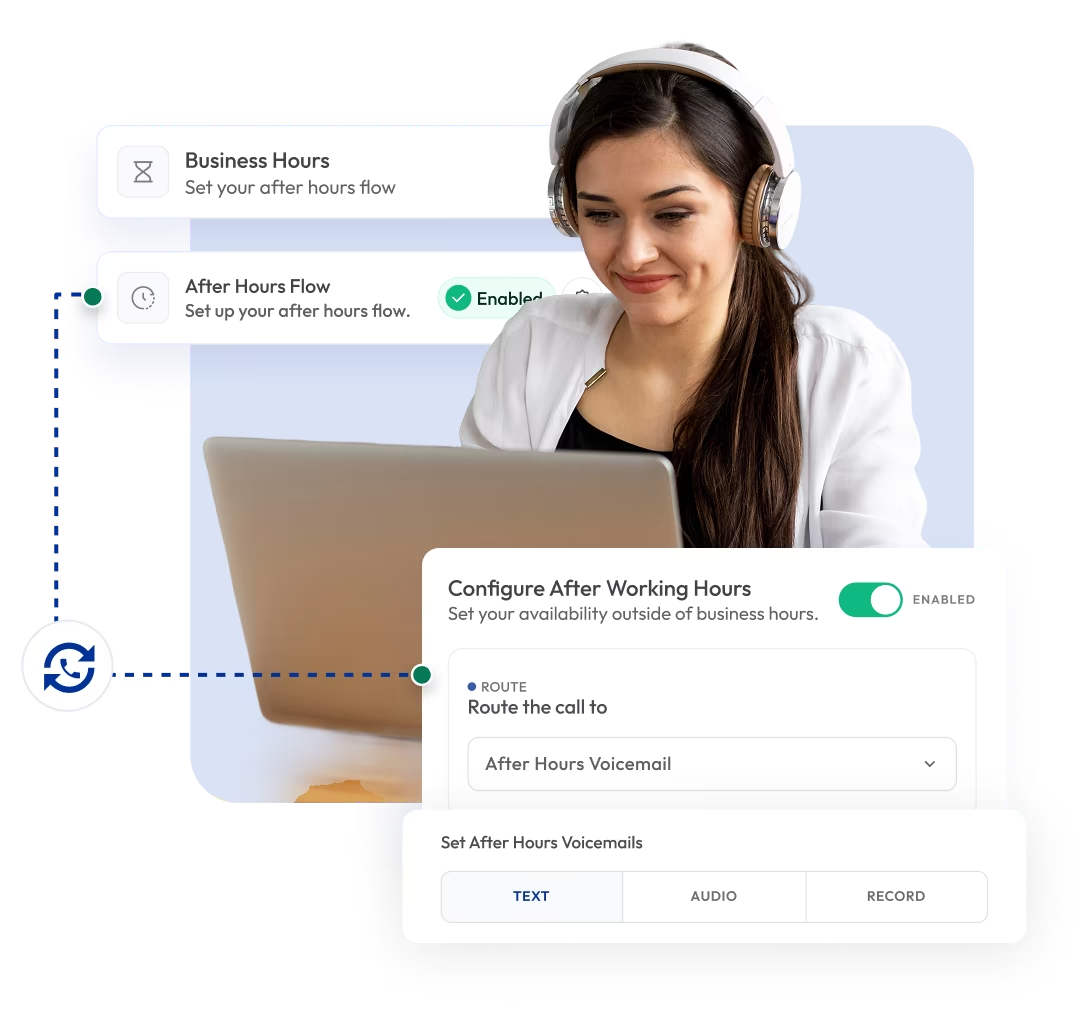
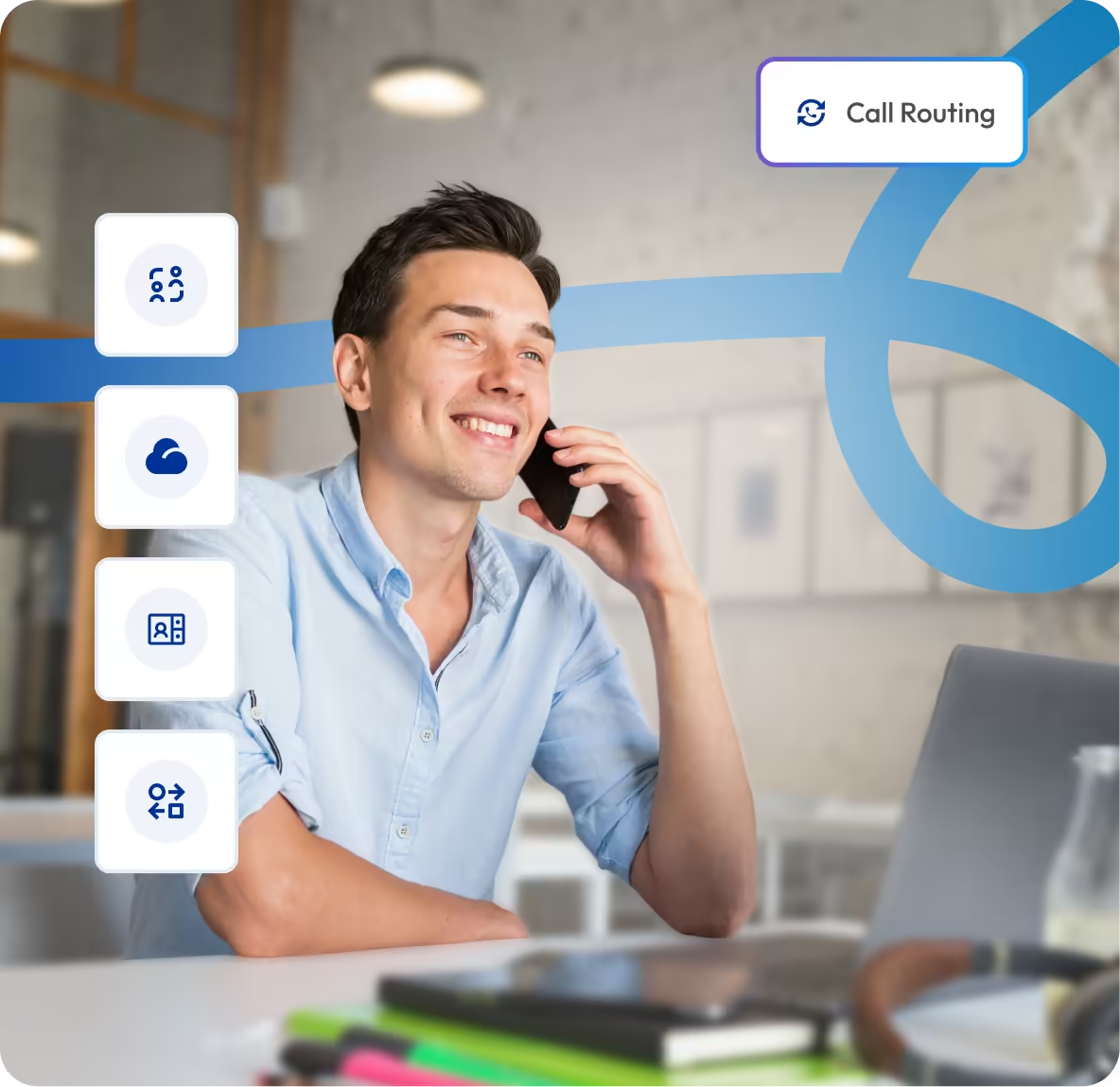
call routing dashboard showing business hours and after hour flow

Telephony Partner of 1000+ Businesses Worldwide

adgs logoexpress carpet repairsleveraged and equity logoaaxiom infotech logofencyx logocartechstudio logoadgs logoexpress carpet repairsleveraged and equity logoaaxiom infotech logofencyx logocartechstudio logoadgs logoexpress carpet repairsleveraged and equity logoaaxiom infotech logofencyx logocartechstudio logoadgs logoexpress carpet repairsleveraged and equity logoaaxiom infotech logofencyx logocartechstudio logo

Get Virtual Numbers Equipped with the Call Routing Feature

Buy virtual phone numbers from 100+ countries with built-in call routing features. Set up a custom call flow for incoming calls, direct callers to the right team, and handle customer conversations efficiently.

No Numbers Found

Some numbers require ID and address verification under local laws. Certain numbers also require A2P 10DLC registration to send SMS or MMS to the United States. Moreover, some numbers may not appear in this search because they are not generally offered to customers and are available only on request. Please for assistance.

Also, you can port your existing number to Calilio, and use the number for outbound calling — Port Your Number Now!

background globe image

How to Set Up a Call Routing on Calilio?

To set up call routing on Calilio, first sign in to your account and go to Number Settings. From there, select Call Flows and define how incoming calls should be handled and assign that flow to your number or number group.

Step 1

Create your Calilio account and log in to the dashboard.

Step 2

Purchase a new virtual number or port your existing business number.

Step 3

Go to Numbers, click the three-dot menu next to your number, and select Number Settings.

Step 4

Go to Call Flows and click Create New Flow in the top right corner.

Step 5

Name your flow and click Save.

Step 6

Click the three dots on your created flow and select Edit Number Flow or Assign Number Group.

Step 7

In Edit Number Flow, configure incoming call settings such as business hours, after-hours flow, Interactive Voice Response (IVR), call forwarding, voicemail, greeting message, caller ID, and ring duration. Enable options like call recording, missed call email alerts, and call transfer announcements if needed.

Step 8

In the Assign Number Group, connect the call flow to your number or number group to activate call routing.

What is Call Routing?

Call routing is a telephony feature that automatically directs incoming calls to the right person, team, or department based on predefined rules. Instead of manually transferring calls, the system routes them using rules such as caller input (like pressing a number in a menu), time of day, agent availability, location, or call priority.

Businesses use call routing to improve response time, reduce missed calls, and ensure customers quickly reach the appropriate support. It helps streamline communication workflows, increase team productivity, and deliver a better customer experience by connecting callers to the right destination without delays.

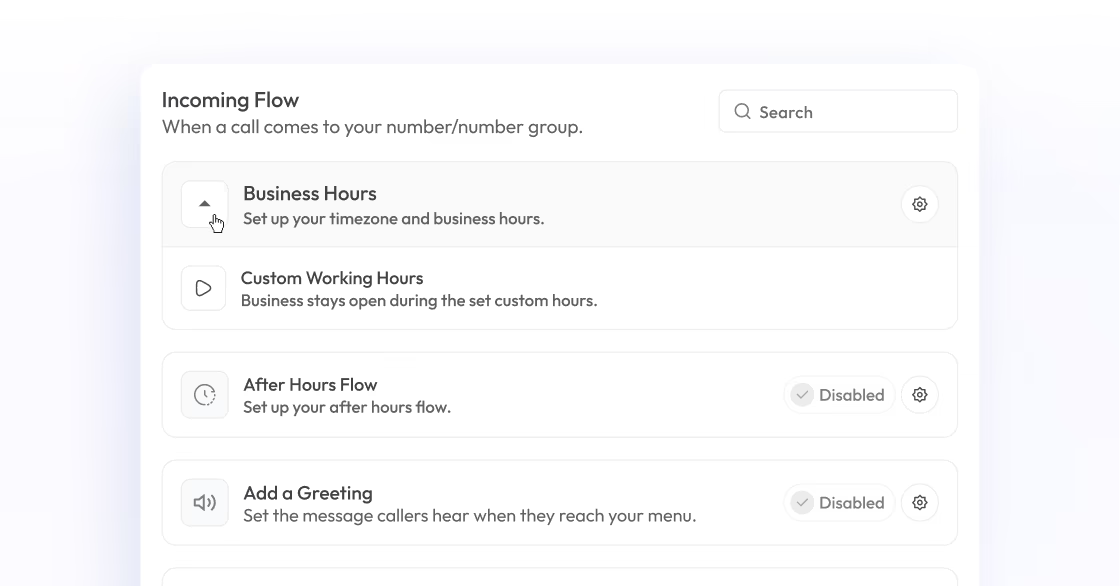
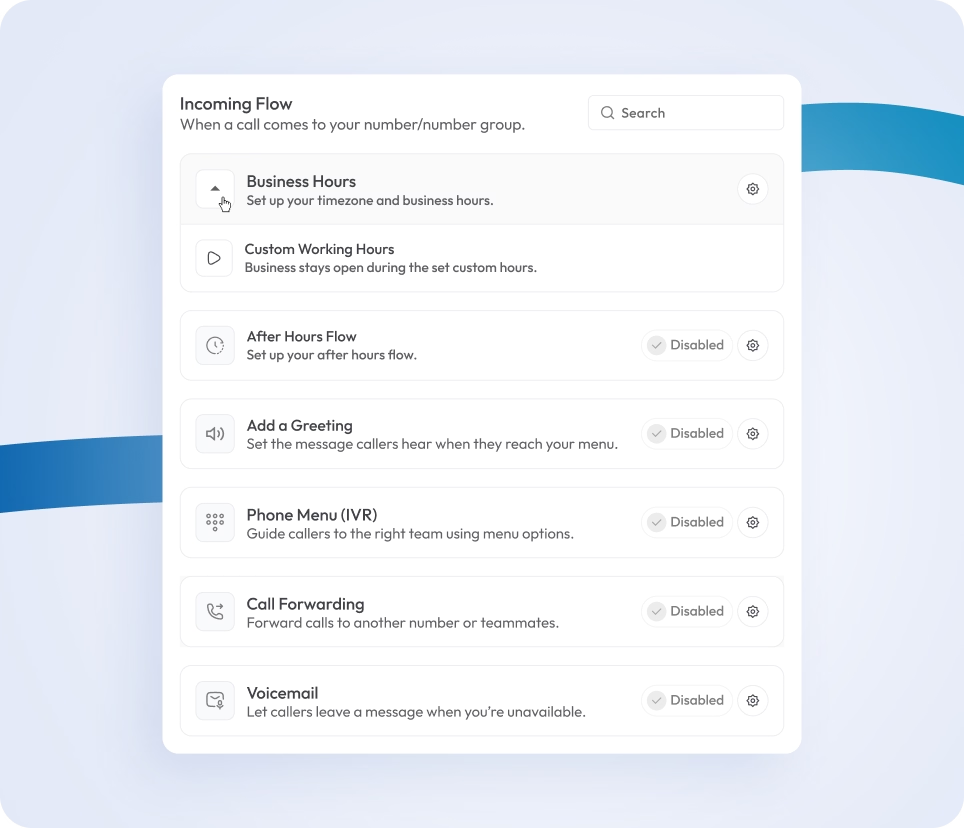
voip incoming call management interface with routing and automation features

How Does Call Routing Work?

Call routing works by automatically directing incoming calls to the appropriate person, team, or destination based on predefined rules set in a business phone system. When a call comes in, the system quickly checks conditions such as IVR menu selection, time of day, agent availability, or call priority to decide the best path.

After evaluating these factors, the system sends the call to the most appropriate agent, department, or queue. If the chosen destination is busy or unavailable, the call is automatically redirected to another available agent or backup option, ensuring the caller is always connected without delay.

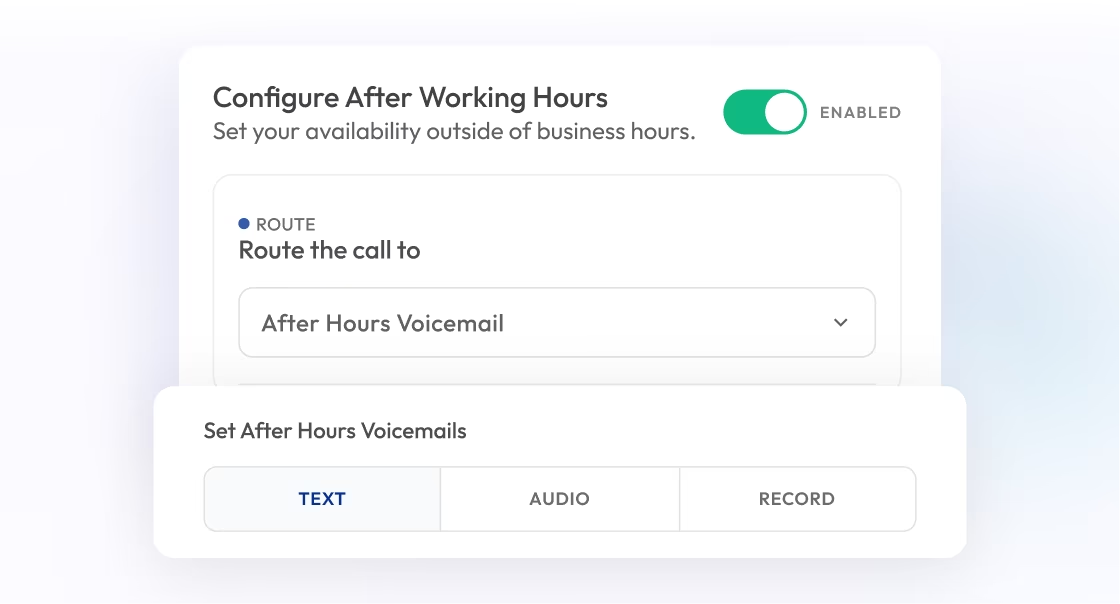
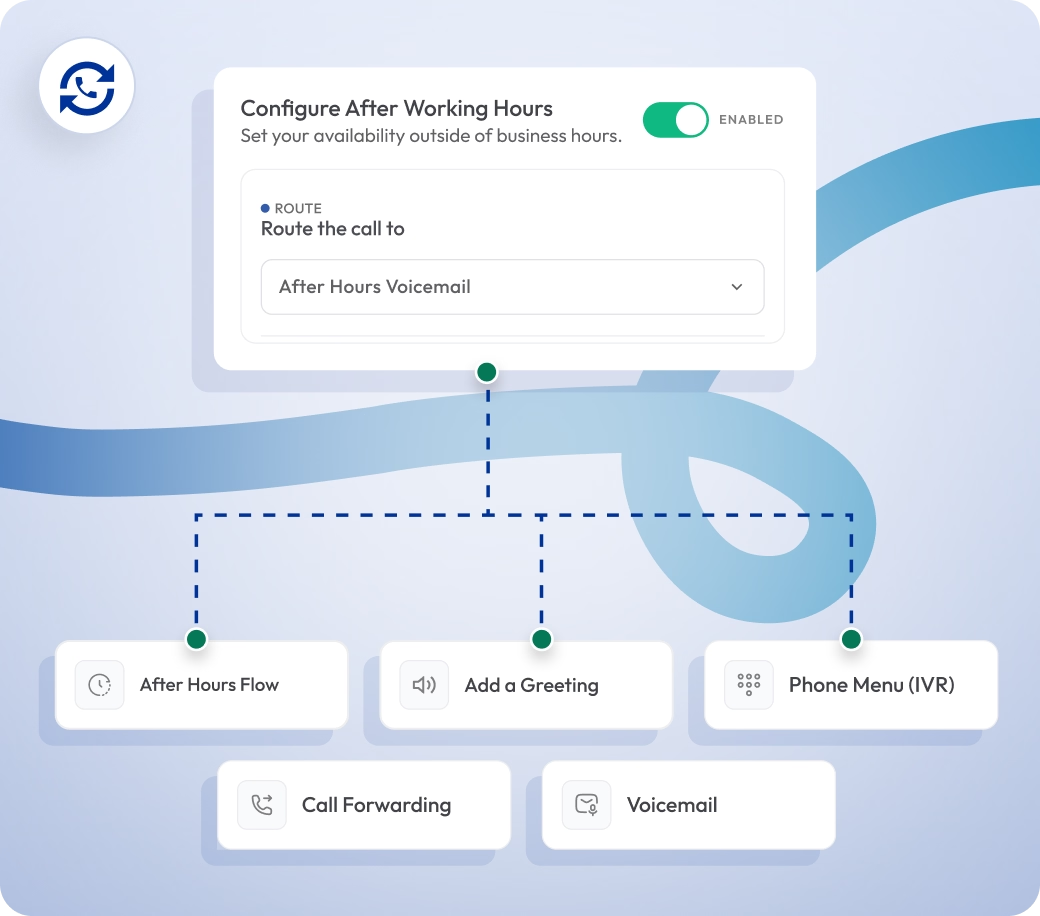
configure after-hours call flow with routing to voicemail and ivr menu

What are the Benefits of Call Routing for Your Business?

Call routing helps businesses handle incoming calls in an organized way by automatically directing customers to the right agent, team, or department. It reduces delays, improves call handling and helps support teams respond more efficiently to enhance customer experience.

Enable Smart Call Distribution

Calls can be routed based on rules like time of day, language, caller type, priority level, or agent skill, so calls reach the most suitable destination.

Support Business growth

Enhance Customer Experience

Reduce Missed Calls

Where Can You Use Calilio’s Call Routing?

Integrate Calilio with CRM & Business Tools

Integrate your business phone system with CRM and other business tools to keep all call data and customer records in one centralized place. Manage customer interactions, reduce manual handling, and ensure smooth communication without switching between systems.

Zapier

Automation

Pipedrive

CRM

Pabbly Connect

Automation

LeadHeed

LeadHeed

CRM

HubSpot

CRM

Salesforce

CRM

Mailchimp

Marketing

Crisp

Customer Support

Zendesk

Helpdesk

Request Integration

View all Integration
KEEP IN MIND

Best Practices for Call Routing

A well-designed call routing strategy helps businesses handle incoming calls by directing them to the most appropriate agent or department. When routing is properly configured, it reduces wait times, improves first-call resolution, and ensures customers receive timely support.

Do's

Set clear routing rules based on business hours and department roles.

Use IVR menus to guide callers to the right destination quickly and accurately.

Distribute calls evenly among agents to maintain productivity and avoid overload.

Create backup routing paths to handle calls when agents are busy or unavailable.

Review call flow performance regularly to improve efficiency and customer experience.

Don'ts

Don’t route calls without a clear structure or defined workflow.

Don’t create overly complex IVR menus that confuse callers.

Don’t ignore peak call times when setting routing strategies.

Do not make callers wait too long before they can choose or reach someone.

Don’t leave calls without a backup route when no agent is available.

Select Plan

Affordable Pricing Plans for Businesses of All Sizes

Calilio offers flexible pricing plans designed to support businesses of every size. Starting at just $15 per user per month, you get access to essential tools like smart call routing, IVR menus, call queues, and time-based routing to manage incoming calls.

Standard Plan

$12
Per user/per month

$15 Save 20%

billed annually at $144

Ideal for solopreneurs, startups and small businesses venturing into affordable VoIP service.

Get Started with:

  • User Limit: 10
  • Free 1 Local Number
    US or Canada
  • Free Bundled Calls & SMS (Saver Lite Package)
  • Basic Realtime Dashboard
festive sticker

Premium Plan

$28
Per user/per month

$35 Save 20%

billed annually at $336

Ideal for growing businesses, franchises, and call centers.

Everything in the Standard Plan, plus:

  • CRM Integration
  • Unlimited Users
  • Live Call Monitoring
    Coming Soon
  • Free Bundled Calls & SMS (Saver Pro Package)
  • Detailed Realtime Dashboard
festive sticker

Enterprise Plan

Custom

Comprehensive VoIP plan for unmatched communication solutions for large businesses and enterprises.

Everything in the Premium Plan, plus:

  • Developer Support
  • All Call Strategy Features
  • Dedicated Account Manager
  • Phone and WhatsApp Support
festive sticker
Q&A

Frequently asked questions

Can call routing be customized?

Yes, call routing can be fully customized based on your business needs. You can set rules to direct incoming calls according to factors like business hours, agent availability, IVR menu selections, customer type, location, or specific departments. It ensures that each call is handled in an efficient way and reaches the right person immediately.

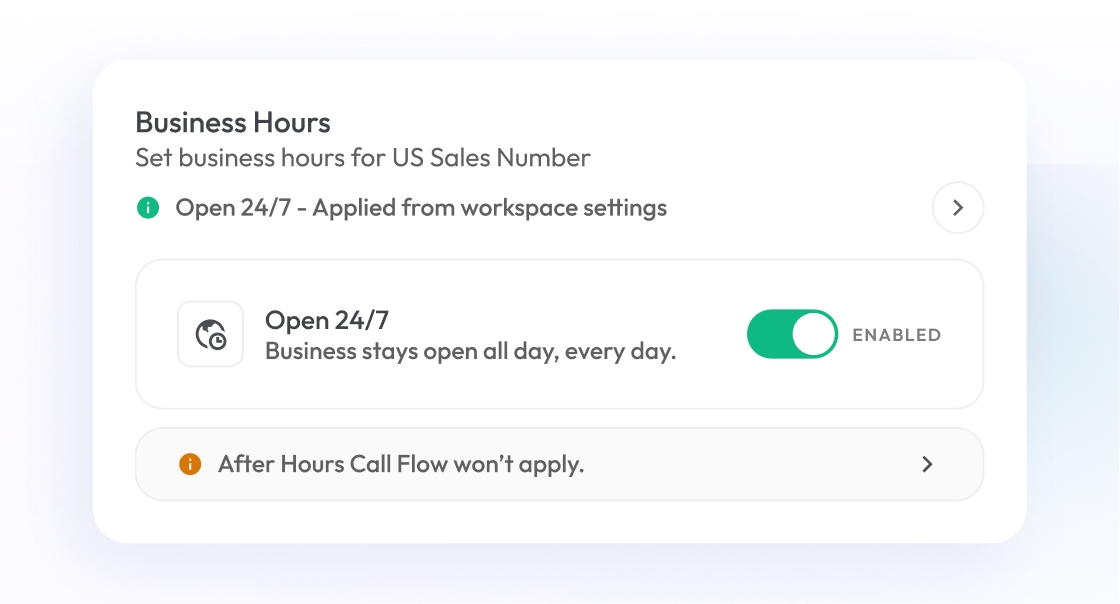
Can call routing be used after business hours?

Is call routing suitable for small businesses?

Still have questions?

Can’t find the answer you’re looking for? Please chat with our friendly team.

Enter the World of AI Business Phone System with Calilio

Improve your business operation with Calilio's advanced virtual phone system. Join today for a better way to connect.

4.95
200+ Reviews16+ Badges
