






Best Remote Office Phone System for Virtual Teams
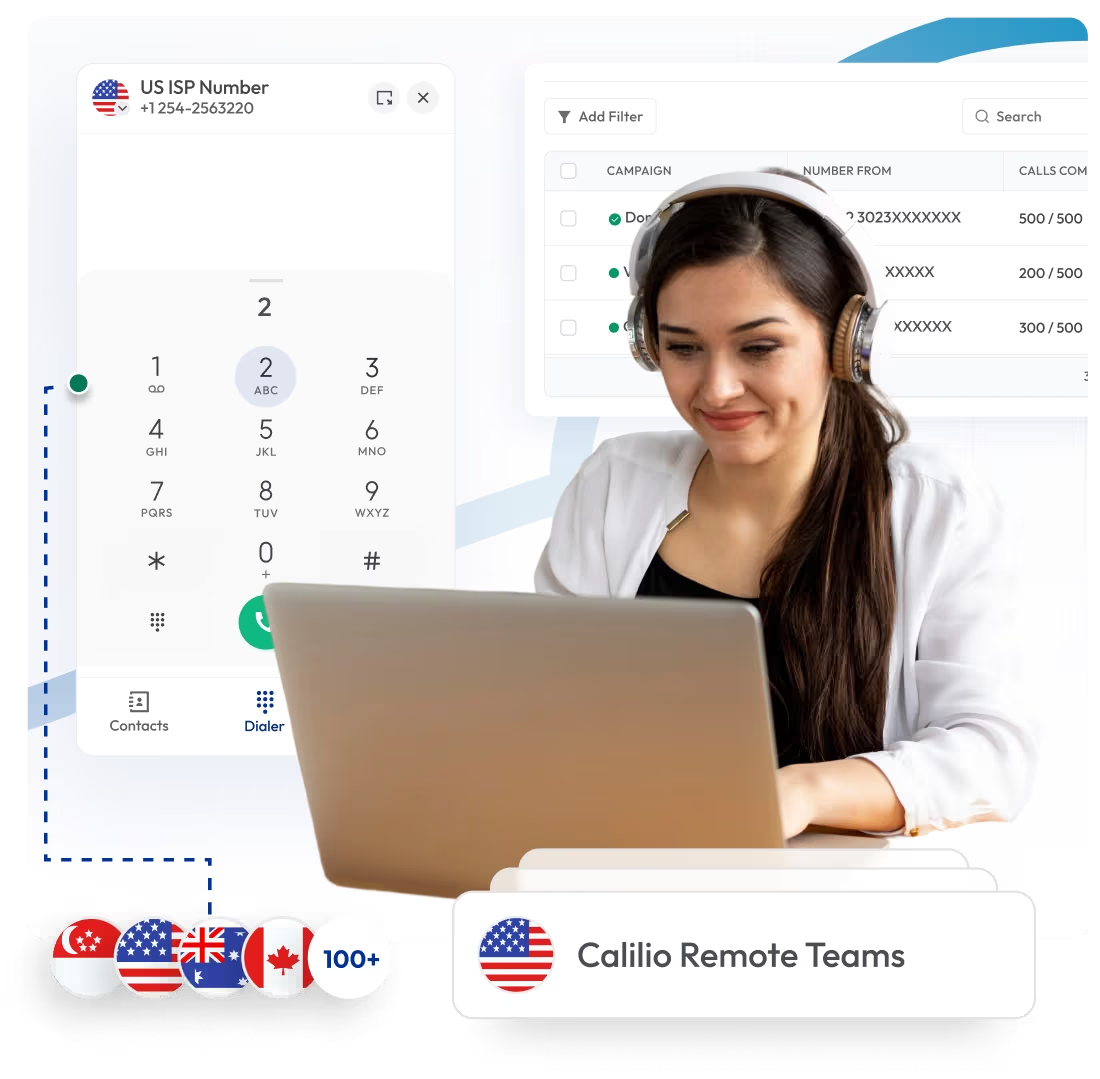
Get a business phone system that supports remote and in-office teams by keeping calls clear, organized, and easy to manage across every location. Calilio offers a modern remote office phone system with cloud calling, advanced call management, AI insights, and mobile access to ensure employees stay reachable and responsive throughout the workday.
- Get virtual phone numbers from 100+ countries, multiple area codes
- Share phone numbers seamlessly across in-office and remote teams
- Route, forward, and transfer calls to agents from different locations
- AI-driven insights for performance tracking and call resolution
- Reduce costs with affordable subscriptions and low calling rates

Telephony Partner of 1000+ Businesses Worldwide
Get Virtual Phone Numbers for Your Remote Team
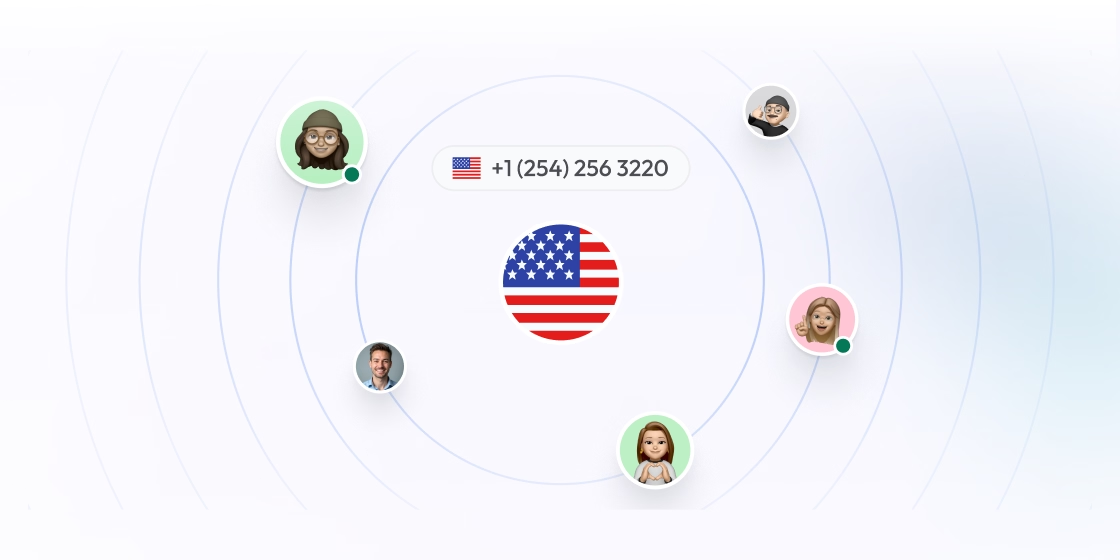
Give your remote teams reliable virtual phone numbers from 100+ countries and stay reachable without being tied to a physical office or device. Get your first local US number for free. Claim Now!
No Numbers Found
Some numbers may require proof Of ID and address registration according to local laws. Certain numbers also require A2P 10DLC registration to send SMS and MMS messages to the United States.
Some Phone Numbers May Not Be Available Through This Search, As They Are Not Generally Offered To Customers. These Numbers Are Available On Order Request. Please Contact Support To Request Them.

How to Set Up A Business Phone System for Remote Offices?
Calilio offers an easy way to set up a remote office phone system. Simply, create an account, get or port your business number, add team members, and configure the essential features.
Register your account on Calilio and log in to your account.
Go to Settings > My Numbers to purchase a new number or port your existing one.
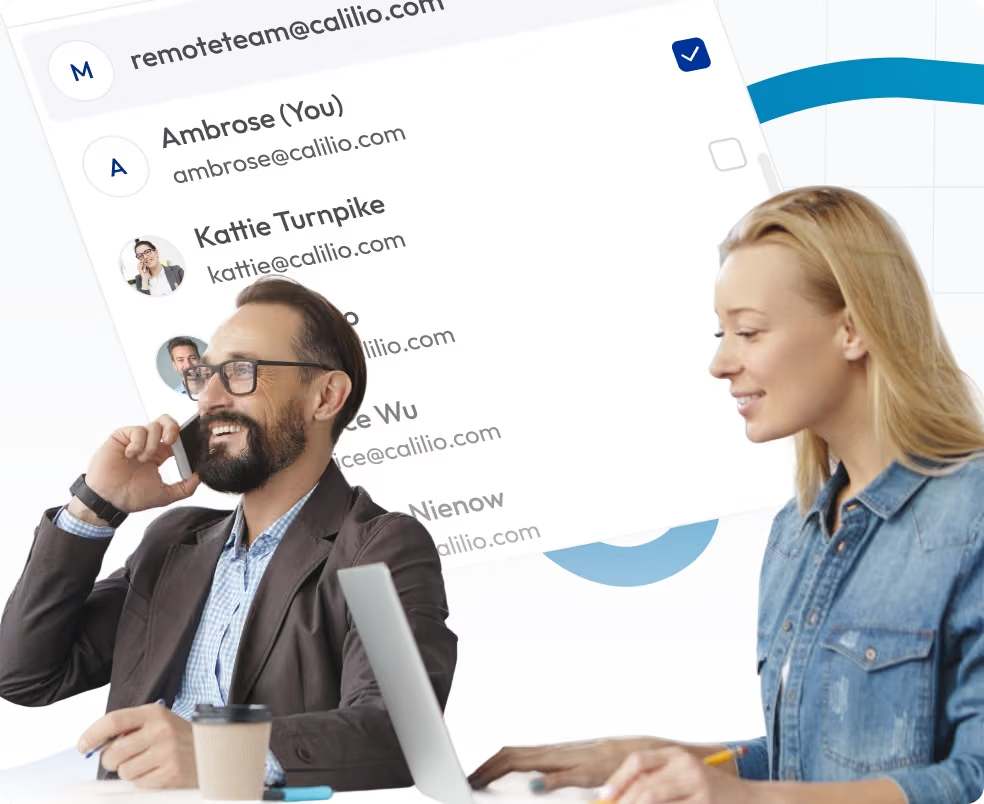
Go to Settings > Members to add your team members.
Configure the features such as call forwarding & routing, call recording, and other features your remote team may need.
Your team can now stay connected through their mobile, desktops, tabs, or laptops.
choose number
Set Up Business Phone System for Your Remote Teams in 100+ Countries
Calilio Has All the Telephony Features to Manage your Remote Team
Number Sharing
Number sharing lets multiple team members use the same business number from different locations. It helps remote teams represent one consistent business identity.

Call Forwarding
Send incoming calls to available team members. It ensures answering every call, even if someone is offline or unavailable.
IVR
IVR greets callers and directs them to the right option. Call reaches the most appropriate agents, no matter where they’re working from.

Call Recording
Call recording saves calls for later review. Teams can use recordings for training, quality checks, and reference during follow-ups.
Internal Team Messaging
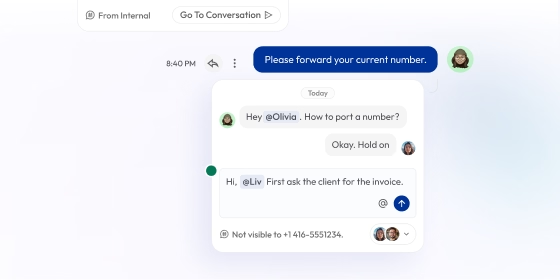
Improve your team collaboration. Members can share updates, coordinate calls, and communicate quickly without switching between tools.

How Calilio’s Business Phone System Benefits Your Remote Team Work?
Calilio’s remote office phone system helps teams collaborate smoothly while delivering reliable call quality, even when working from different locations. With AI-powered call analysis tools, supervisors also get full visibility and control over all agents from one central dashboard.
Manage All Agents from One Dashboard
Supervisors can manage your entire remote team from a single dashboard with full visibility into calls and activity. With tools like AI insights, call analytics, and call reports, you can track customer interactions, monitor agent performance, and maintain consistent communication across the team.
View all agent activity in real time
Get detailed insights into conversations with AI-powered call summaries and reports
Track call volume, missed calls, and response patterns
Support Team Collaboration With Shared Features
Features like number sharing, call transfer, and internal messaging help remote teams work together smoothly. Team members can assist each other without disrupting customer conversations.
Share one business number across the team
Transfer calls easily between remote agents
Communicate internally during live calls

Manage Calls Across Time Zones and Working Hours
Calilio routes calls based on availability, time zones, and defined business hours. It ensures calls reach the right team member even when teams are distributed globally.
Route calls by time zone and working schedule
Send after-hours calls to available team members
Reduce missed calls and response delays

Crystal Clear Reliability
Deliver clear, stable call quality for your team across different regions. Reliable call performance helps teams communicate confidently and maintain professional conversations without disruptions from their home or on the go.
Consistent call quality across locations
Stable connections for remote and global teams
Fewer call drops and interruptions

Integrate Calilio with Your CRM and Team Management Tools
Calilio connects with your CRM and collaboration tools to keep remote team communication organized and accessible. Sync your calls, messages, call logs, and customer details to allow your distributed teams to work from one system without switching platforms or updating records manually.
Zapier
Automation
Pipedrive
CRM
Pabbly Connect
Automation
LeadHeed
CRM
HubSpot
CRM
Salesforce
CRM
Mailchimp
Marketing
Krispchat
Sales Automation
Zendesk
Helpdesk
Request Integration
Remote Office Phone Systems Pricing
Calilio offers flexible pricing plans designed for remote teams of all sizes. The basic plan starts at $15 per month, including essential call management features. As your team grows or requires advanced features, you can easily upgrade to higher-tier or custom plans.
Enterprise Plan
Custom
Everything in the Premium Plan, plus:
- Queue Call BackComing Soon
- All Call Strategy Features
- Dedicated Account Manager
- Phone and WhatsApp Support
Frequently asked questions
What is the best business phone system for remote offices?
Calilio is the best remote office phone system for businesses with distributed teams. It includes features like smart routing, internal messaging, and number sharing to support better team collaboration and productivity. It also offers virtual phone numbers from 100 countries, so your teams can maintain a local presence while still working from home.
What do I need to set up a phone system for remote teams?
What are the must-have features in a remote phone system?
Why do I need a dedicated phone system for a remote team?

Still have questions?
Can’t find the answer you’re looking for? Please chat with our friendly team.

