
Call Center Dialer: Types, Features, & Tips
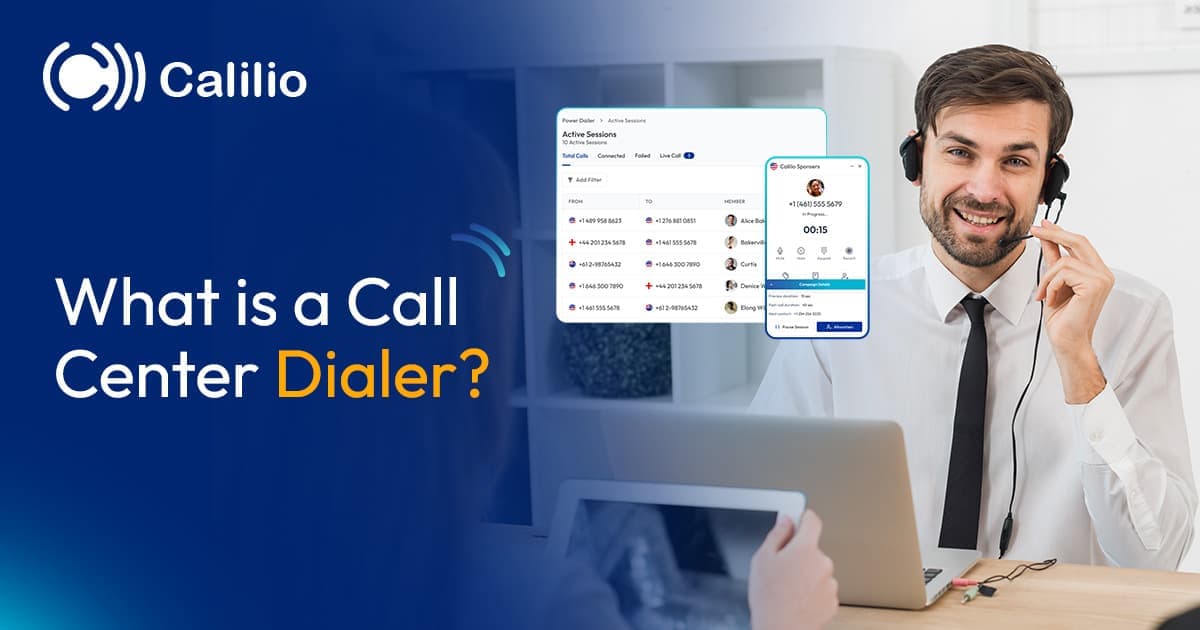

Call centers reach out to hundreds of customers each day. If your team still relies on manual dialing, it limits your call center's overall performance. Your agent spends time typing numbers, listening to ringing tones, and waiting through unanswered calls. They stay busy, but the output doesn’t match the effort, and the call center’s success rate remains low.
A call center dialer solves this problem by automating the entire dialing process. It filters out unanswered calls and connects agents only to live conversations. This means agents spend their time on meaningful interactions that actually support revenue and improve customer engagement.
In this blog, you’ll learn what a call center dialer is, including its types and essential features. Additionally, we’ll share valuable tips to help you choose the right dialer for your business.
Key Highlights:
A call center dialer automates outbound calling and connects agents instantly to live calls.
Marketing, sales, and customer service teams often use dialers for fast and consistent communication.
The dialers in call centers are categorized into power, predictive, progressive, and preview dialers, each with different functionalities for different outreach strategies.
The most essential features include call filtering, real-time analytics, CRM integration, call recording, ACW tools, and custom caller IDs.
When choosing the right dialer, review your call center’s needs, check the available features, evaluate ease of use, and confirm its compliance support.
What is a Dialer in a Call Center?
A call center dialer is a software system that automatically places outbound calls to a pre-determined list of customers, removing the need for agents to dial numbers manually. It handles the entire calling process and connects agents only when a real person answers, which helps teams move faster and stay focused on actual conversations.
A dialer also keeps call flow consistent by managing dialing speed, reducing idle time, and ensuring agents always have the next customer ready. This streamlines operations, supports higher call volumes, and helps the call center maintain steady performance throughout the day.
Who Uses Call Center Dialers?
Call center dialers are used by teams that handle high-volume outreach or need to reach customers quickly and consistently. Marketing departments, sales teams, customer service teams, and emergency services generally use them for callbacks, reminders, and support updates.
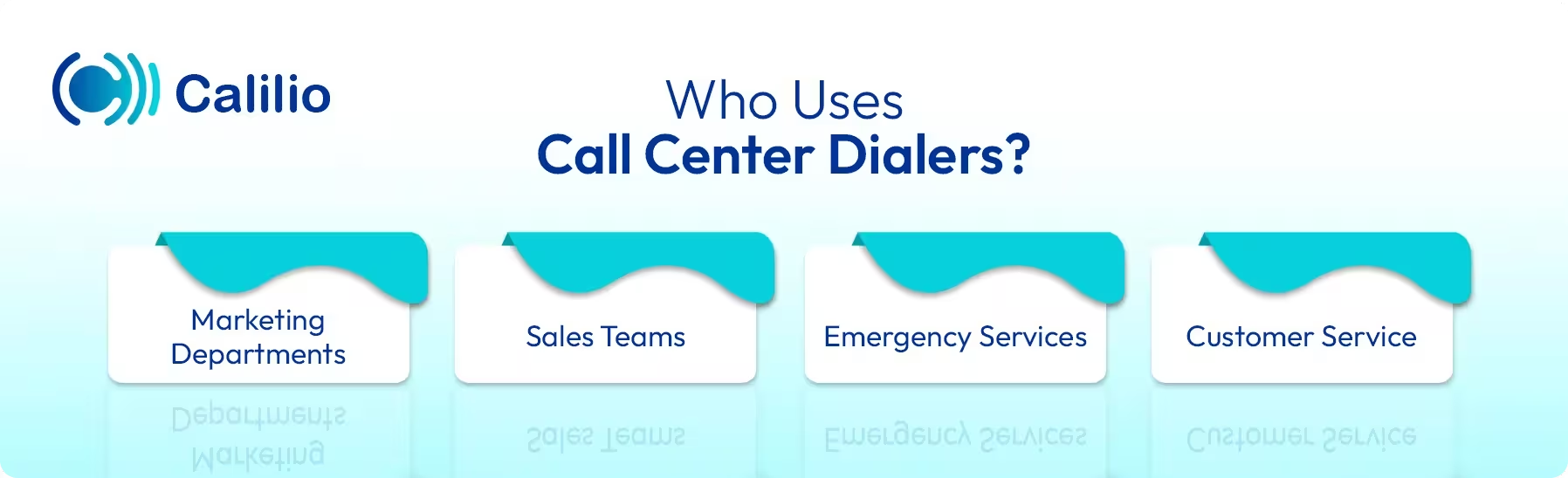
Marketing Departments
Marketing teams use dialers to reach large audiences quickly during promotions, surveys, and customer engagement campaigns. For example, a retail brand can call thousands of customers to share discount offers or collect feedback after a campaign.
Sales Teams
Sales teams depend on dialers for cold calls, lead follow-ups, and demo scheduling. They can create a list of potential customers and use the dialer to contact them instantly. As the dialer connects them only when someone answers, it speeds up the overall sales cycle while generating as many leads as possible in a short period.
Emergency Services
Emergency and alert teams use dialers to deliver urgent messages quickly during time-sensitive situations. For example, local authorities can send automated calls to residents during weather warnings, evacuation notices, or public safety alerts. The dialer helps them reach large groups within minutes, improving coordination and response during emergencies.
Customer Service
Customer service teams use dialers to manage callbacks, appointment reminders, feedback requests, and issue follow-ups. For example, a service center can automatically call customers after a ticket is resolved to confirm satisfaction or gather feedback.
What are the Different Types of Call Center Dialers?
The common types of call center dialers include the power dialer, predictive dialer, progressive dialer, and preview dialer. These dialers are categorized based on factors like how they place calls, how fast they dial numbers, and how they connect agents to customers. Each supports different calling needs and workloads.
1. Power Dialer
A power dialer automatically dials numbers one by one and connects the call to an agent. The dialer proceeds to the next call only after an agent finishes the current call, so there is no overload or overwhelming pace. The team stays in full control of the call flow.
Pros:
- Steady call pace
- Easy to manage and use
- Good balance between speed and control
Cons:
- Slower than predictive dialers
- Not ideal for very large call lists, as it dials the number one by one
Best for: Sales and support teams that need faster outreach without aggressive dialing.
2. Predictive Dialer
A predictive dialer first predicts when an agent will be available. Once it identifies the agent’s possible free time, it automatically dials multiple numbers at once and connects the call instantly to the agent. It is one of the fastest options for large-scale outbound campaigns.
Pros:
- Highest calling speed
- Maximizes agent talk time
- Reduces gaps between calls
Cons:
- Requires larger teams for best results
- Risk of agent burnout
Best for: Call centers with high-volume outbound calls.
3. Progressive Dialer
Similar to a power dialer, a progressive dialer dials the number only after an agent is available. But it further enhances the calling process by screening out unproductive calls such as voicemails, busy signals, and disconnected numbers, so agents connect only with live prospects.
Pros:
- Screens out voicemails, busy signals, and unreachable numbers
- Ensures agents only connect with live prospects
- Maintains a steady and manageable call flow
Cons:
- Slower than predictive dialers
- Not suited for very high-volume campaigns
Best for: Teams that want automation with more control, such as sales follow-ups, customer callbacks, and mid-volume outreach campaigns.
4. Preview Dialer
A preview dialer lets agents see customer details before the call is made. Agents can review the information and then decide when to start the call. This is helpful for conversations that need preparation, such as detailed sales calls or sensitive customer cases.
Pros:
- Gives agents full context
- Useful for complex conversations
- Reduces call mistakes
Cons:
- Slower calling speed
- Lower call volume compared to other dialers
Best for: B2B sales teams, support escalations, and any workflow that needs research before calling.
Reach More Prospects in Less Time and Reduce Agent Workload with Calilio’s Power Dialer
Key Features to Look for in a Call Center Dialer Solution
A good call center dialer should include features like Call Filtering and Detection, Real-time Analytics and Reporting, CRM Integration, Call Recording and Monitoring, After-Call Work Tools, and Custom Caller ID.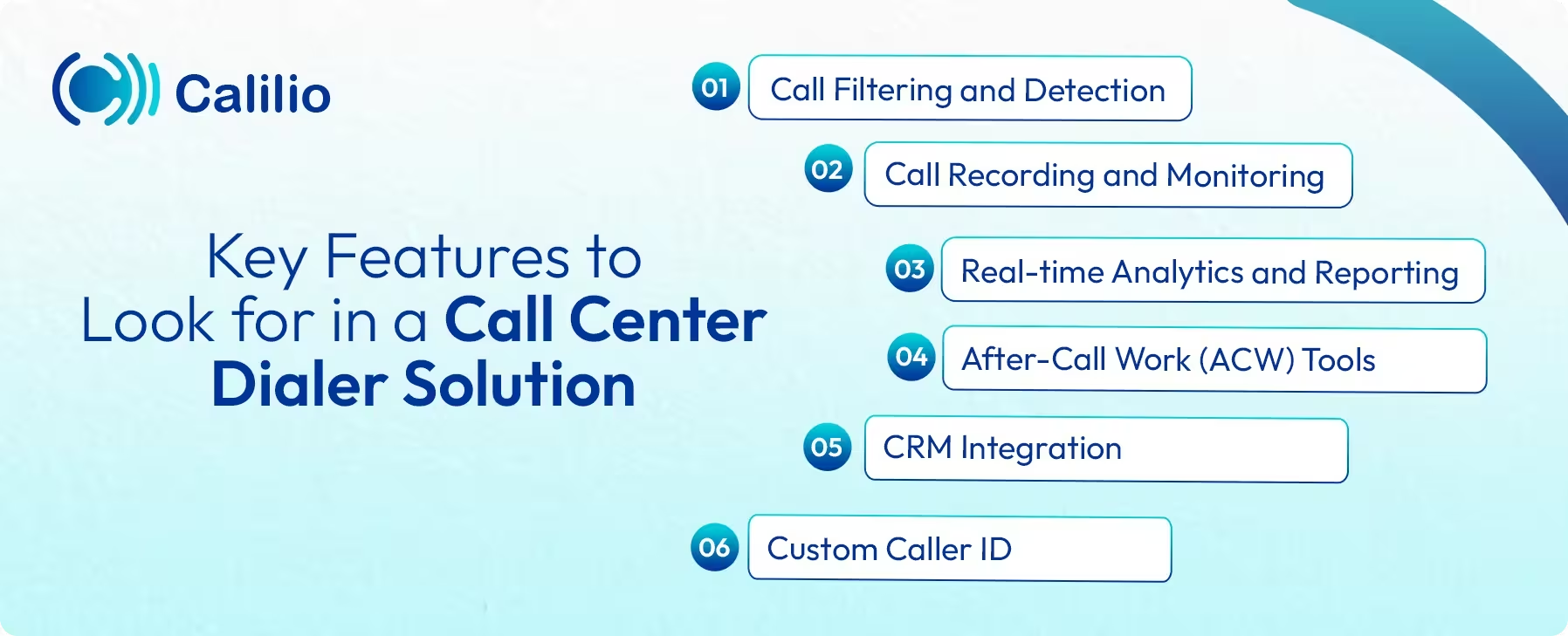
1. Call Filtering and Detection
Call filtering helps the system detect and skip unproductive calls such as voicemails, busy tones, unreachable numbers, and disconnected lines. This ensures agents spend their time speaking with real customers rather than waiting through failed attempts.
2. Call Recording and Monitoring
Call recording and live monitoring help supervisors maintain quality and consistency across the team. Every call can be reviewed for training, feedback, or compliance purposes. You can also listen to calls in real time to assist agents, identify communication gaps, and improve customer experience.
3. Real-Time Analytics and Reporting
Real-time analytics provide immediate visibility into call volume, agent activity, connection rates, and campaign performance. With these insights, managers can track how each agent is performing, identify bottlenecks, and make quick adjustments when needed. Detailed reports also help evaluate the success of ongoing outreach efforts.
4. After-Call Work (ACW) Tools
ACW tools assist agents in updating outcomes, writing notes, scheduling follow-ups, or moving leads to the next stage of the pipeline. These tools speed up after-call work so agents can prepare quickly for the next conversation.
5. CRM Integration
CRM integration syncs customer details, call history, notes, and follow-up tasks automatically between the CRM system and your dialer. Agents can see complete customer information before the call, which helps them prepare better and approach the conversation with confidence.
6. Custom Caller ID
Custom caller ID allows your call center to display a recognizable business number or a local number that matches the recipient’s area. As customers are more likely to answer calls from familiar or local numbers, it increases connection rates and builds trust.
How to Choose the Right Dialer for Your Call Center?
To choose the right dialer for your business, assess your call volume and goals. Also, look for features that support regular outreach campaigns, check for legal compliance, and make sure the pricing fits your budget.
I. Understand Your Call Center Needs
Start by reviewing your average call volume, the number of agents on your team, and your daily calling goals. High-volume sales campaigns may need a faster dialer that connects agents to as many live calls as possible, such as a predictive dialer.
In contrast, support or follow-up teams may prefer a dialer that offers more control and context before each conversation, such as a preview or progressive dialer.
II. Evaluate the Essential Features
A dialer should do more than automate dialing. It should include features that support your agents before, during, and after every call. If your team handles high-volume outreach, prioritize call filtering, analytics, and faster dialing modes. If your calls need context or preparation, focus on CRM integration, customer details display, and ACW tools.
III. Consider Ease of Use for Agents
A good dialer should always be easy to use. Clear buttons, easy navigation, and a clean interface help agents stay focused, even during peak hours. Moreover, when the system is straightforward, new agents can quickly adapt to it.
IV. Check Legal and Compliance Requirements
Your dialer must follow key regulations like the Telephone Consumer Protection Act (TCPA) and the General Data Protection Regulation (GDPR). Make sure it also includes DNC scrubbing to block numbers that cannot be called and supports calling-hour restrictions to avoid violations. The dialer should also comply with call recording and monitoring laws by offering consent options and recording notifications.
V. Compare Pricing and Long-Term Value
Dialer pricing can vary widely, so look beyond the base cost. Review the license fee, usage charges, add-on features, and any limits on users or minutes. Be careful, a low-priced plan may miss essential tools. So, when choosing a dialer that fits your budget, make sure it also includes the features your team needs to stay productive and efficient.
Calilio: The Best Call Center Dialer for Your Business
A call center dialer is essential for improving outreach, reducing manual work, and ensuring agents spend more time speaking with real customers. By understanding the different dialer types and the key features that support efficient calling, you can choose a solution that aligns with your call volume, workflow, and team goals.
Among the various solutions available, Calilio stands out with its robust power dialer tool. It’s designed to do more than just automate dialing and connect answered calls to the available agent. It gives agents time to review customer details before the call connects, helping them approach conversations with context. Similarly, it allows supervisors to view active sessions at a glance, including total calls, connected calls, failed attempts, and live status.
Furthermore, Calilio supports smooth after-call work through the Post-Call Duration feature, allowing agents to add notes, update records, or tag call outcomes without rushing. You can also assign unique numbers, dedicated agents, and lists to specific outbound campaigns and track the campaign’s progress in real time.
Summarize this blog with:
Frequently asked questions
Which dialer is the best for a call center?
The best dialer depends on your call center’s needs. For high-volume outbound campaigns, a predictive dialer works well because it dials multiple numbers at once, skips unproductive calls, and connects agents to as many live customers as possible. For steady, controlled calling, a power or progressive dialer is suitable, as these dialers move to the next call only when an agent is ready.
How does a dialer work in a call center?

Still have questions?
Can’t find the answer you’re looking for? Please chat with our friendly team.
Stay in the loop
Get the latest call insights, trends, and updates delivered straight to your inbox.
By subscribing, you agree to receive updates from Calilio.
You can unsubscribe anytime.
Enter the World of AI Business Phone System with Calilio
Improve your business operation with Calilio's advanced virtual phone system. Join today for a better way to connect.