- Partners
- Contact Us
- Log in
Carrier Voicemail: What It Is, How It Works, & How to Set It Up

You won’t always be available to pick up a call. And missed calls aren't just frustrating; they can also mean missed opportunities.
To avoid this, your mobile carrier usually provides a built-in voicemail service that lets callers leave a message when you can’t answer. It works straight through your mobile network, so you do not need to install extra apps or rely on an internet connection to access this.
In this blog, we'll explore everything you need to know about carrier voicemail, including how it works, its setup process, and its limitations.
Key Highlights:
Carrier voicemail gives callers an option to leave messages when you can’t answer, helping you stay informed and avoid missed details.
You can set it up easily on both iPhone and Android, and access messages through your phone, carrier’s app, or email.
You can turn off voicemail through the MMI code to disable call forwarding or contact your carrier to switch it off for you.
Carrier voicemail may come with various limitations, like low storage capability, slow access, and limited sharing options.
What is Carrier Voicemail?
Carrier Voicemail, or Network Voicemail, is a standard telecommunications service provided by your mobile network operator that stores and manages unanswered calls when your device is busy, turned off, or outside of cellular coverage. Such a voice messaging feature allows users to retrieve audio messages left by callers using a dedicated access number or a visual interface on their smartphone.
When someone calls your number and you don't answer, the call is routed to your carrier's voicemail servers, where the caller can leave a message. You can check your messages later by dialing your voicemail number or using the visual voicemail app provided by the carrier.
How Does Carrier Voicemail Work?
Carrier voicemail works by forwarding unanswered calls to the voicemail. If your phone is busy, unanswered, or offline and you are unable to answer a call, the voicemail service plays your greeting and offers the caller to record a message. The recorded message is stored in the system until you listen, save, forward, or delete it.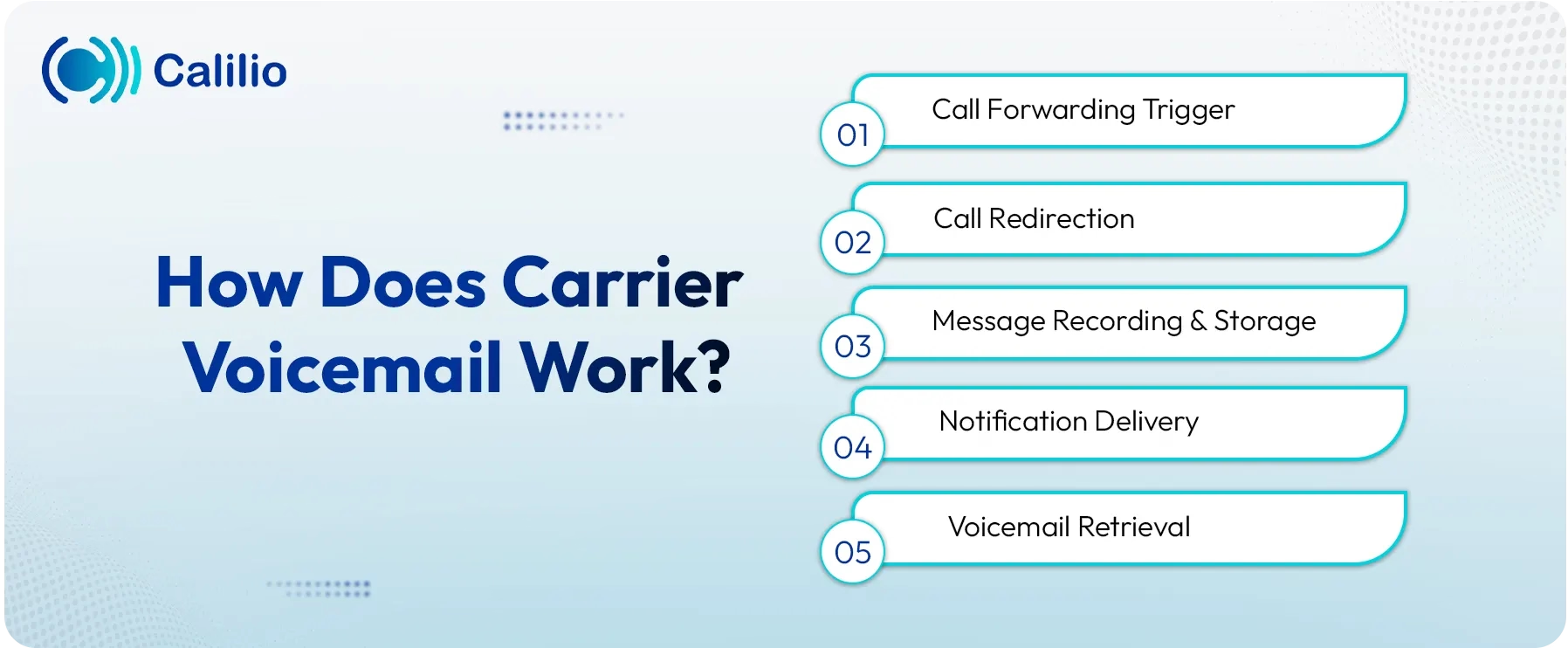
Call Forwarding Trigger: The mobile network switch detects that an incoming call is unable to reach your device because your phone is busy, unanswered (after a set number of rings), or powered off/out of cellular coverage. This activates Conditional Call Forwarding.
- Call Redirection: The call is immediately redirected from your phone's number to the carrier's dedicated Voicemail Server.
- Message Recording and Storage: The Voicemail Server plays your custom or default greeting, records the caller's message, and then digitally stores the audio file and its metadata (caller ID, time) in your private electronic mailbox on the system.
- Notification Delivery: The server generates and sends a notification, usually a push notification for Visual Voicemail or a silent SMS, to your device to alert you that a new voice message is waiting.
- Voicemail Retrieval: You access the voicemail message, either by calling an access number and entering your PIN, or by simply tapping the message listing in your phone's Visual Voicemail app, which retrieves the stored audio from the server.
How to Set Up Carrier Voicemail on Your Phone?
You can set up carrier voicemail on your phone using the built-in Phone app. Since voicemail is already active on your line, all you need to do is open the voicemail settings and complete the setup.
However, the exact process may slightly vary for iPhone and Android devices.
How to Set Up Carrier Voicemail on an iPhone?
To set up carrier voicemail on your iPhone, open the Phone app and go to the Voicemail tab. From there, you can create a password and choose or record a greeting. This setup customizes the voicemail that’s already active on your carrier’s side.
Follow these steps:
- Step 1: Open the Phone app.
- Step 2: Tap Voicemail in the bottom-right corner.
- Step 3: Tap Set Up Now.
- Step 4: Create a 4–6 digit password.
- Step 5: Record a greeting or choose the default one.
- Step 6: Tap Save to finish.
Note: If this is your first time setting up voicemail, you won’t see any messages yet, even though the carrier's voicemail service is already active. Once you complete the setup, any voicemail messages from before the setup will appear. If the voicemail screen doesn’t load or the option is missing, contact your carrier to make sure voicemail is enabled on your plan.
How to Set Up Carrier Voicemail on Android?
You can set up carrier voicemail either through the Voicemail tab in the Phone app or by holding the 1 key to call your voicemail system. The exact steps can differ depending on your carrier and device.
Here’s how to set up carrier voicemail with most Android phones for AT&T users.
- Step 1: Open the Phone app.
- Step 2: Press and hold 1 on the dial pad.
- Step 3: Select the language preference.
- Step 4: Create a 7-15-digit voicemail password if your carrier requires it.
- Step 5: Follow the prompts to complete setup.
- Step 6: Now, long-press and hold key 1, then enter your voicemail PIN and check the voicemail.
If you want to change your voicemail preferences later, you can do it right from the Phone app.
- Step 1: In the phone app, tap the three vertical dots at the top right of the screen.
- Step 2: Select Settings.
- Step 3: Scroll down and tap Voicemail.
- Step 4: From here, you can change your custom greeting, turn auto-save on or off, and adjust your message notifications.
How to Listen to Carrier Voicemail?
You can listen to your voicemail through your phone’s voicemail app or by dialing your voicemail number. Some carriers also offer a service to forward your voicemail to your email for easy access.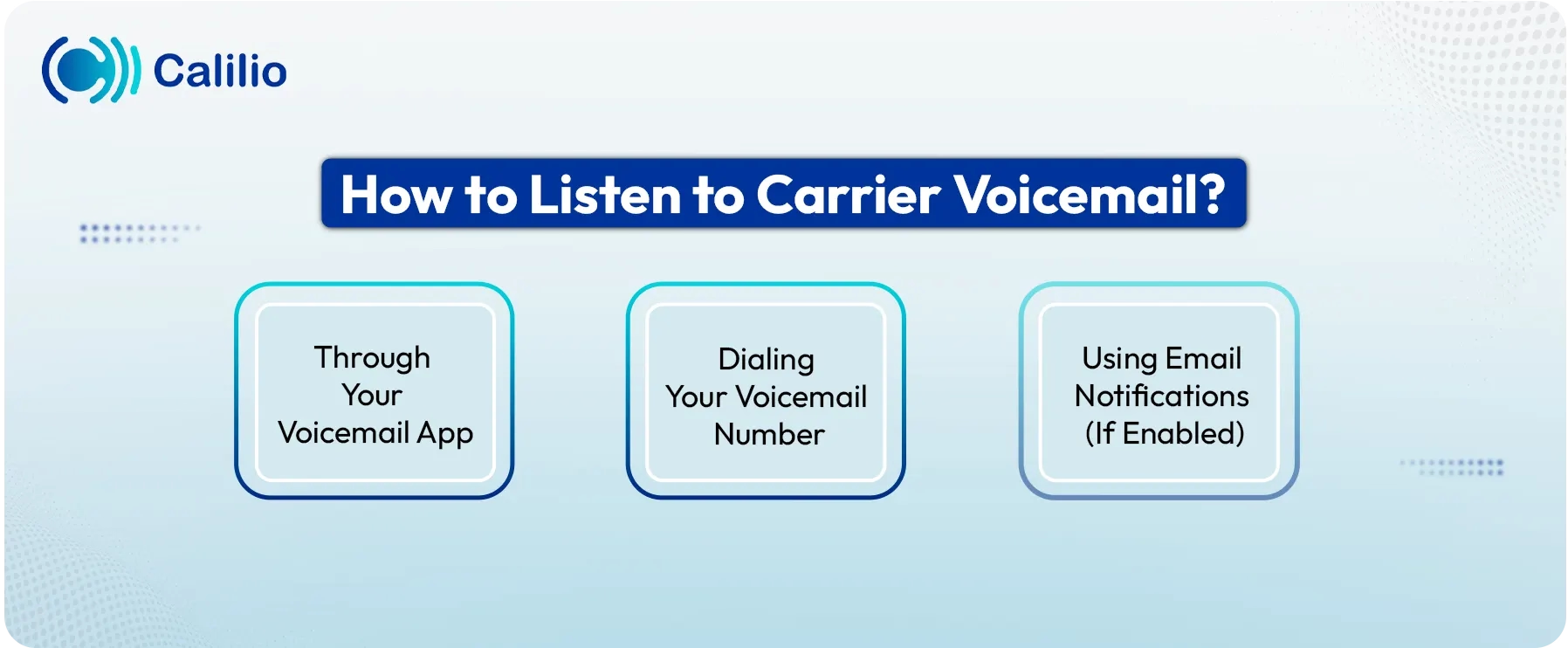
1. Through Your Voicemail App
To listen to a voicemail through the voicemail app, open your voicemail app, select the message, and open it.
- Step 1: Open the voicemail app on your phone.
- Step 2: Navigate to voicemail and view the voicemail list.
- Step 3: Select the voicemail you want to listen to and hit the play button.
- Step 4: After listening, you can save it, delete it, or manage it however you like.
2. Dialing Your Voicemail Number
You can also listen to your voicemail by directly dialing your carrier’s voicemail number from your phone.
- Step 1: Open the Phone app.
- Step 2: Type your designated voicemail number.
- Step 3: Enter your voicemail password/PIN if asked.
- Step 4: Follow the voice prompt to listen to the message.
3. Using Email Notifications (If Enabled)
If your carrier supports voicemail-to-email, check your inbox for a message from your carrier with the voicemail attached. Most carriers send it as an audio file, a transcription, or both.
- Step 1: Open your email inbox.
- Step 2: Find and open the message sent by your carrier’s voicemail service.
- Step 3: Play the attached audio file or read the transcription.
- Step 4: Save, delete, or organize the message as you prefer.
How to Turn Off or Disable Carrier Voicemail?
You can contact your carrier to turn off the voicemail service or simply use the carrier code to disable carrier voicemail.
1. Use the Carrier Code
To disable carrier voicemail, open the phone app and dial ##004# (##002# on some networks). Most carriers usually turn off all call forwarding, including voicemail, through this code, which stops voicemail on most networks.
- Step 1: Open the Phone app.
- Step 2: Dial the MMI (Man-Machine Interface) code ##004# and press Call.
- Step 3: Wait for the confirmation message.
- Step 4: Call your number from another phone to make sure the voicemail doesn’t answer.
If voicemail still answers, your carrier uses a different MMI code, so you’ll need to check the one they support.
2. Contact Your Carrier to Disable Voicemail
If dialing the MMI code still doesn’t work, you’ll need to contact your carrier directly and ask to turn voicemail off from their side.
- Step 1: Contact your carrier’s support through a call or their website.
- Step 2: Request to turn off voicemail on your number.
- Step 3: Follow the prompt instructions to deactivate the service.
Carrier Voicemail Limitations
Carrier voicemail is easy to use, but it comes with several limitations that affect how you manage the calls or messages. It has small storage, limited backup support, and no quick way to access or share messages. It also lacks CRM integrations and features to manage visual messages, making it less practical for business use.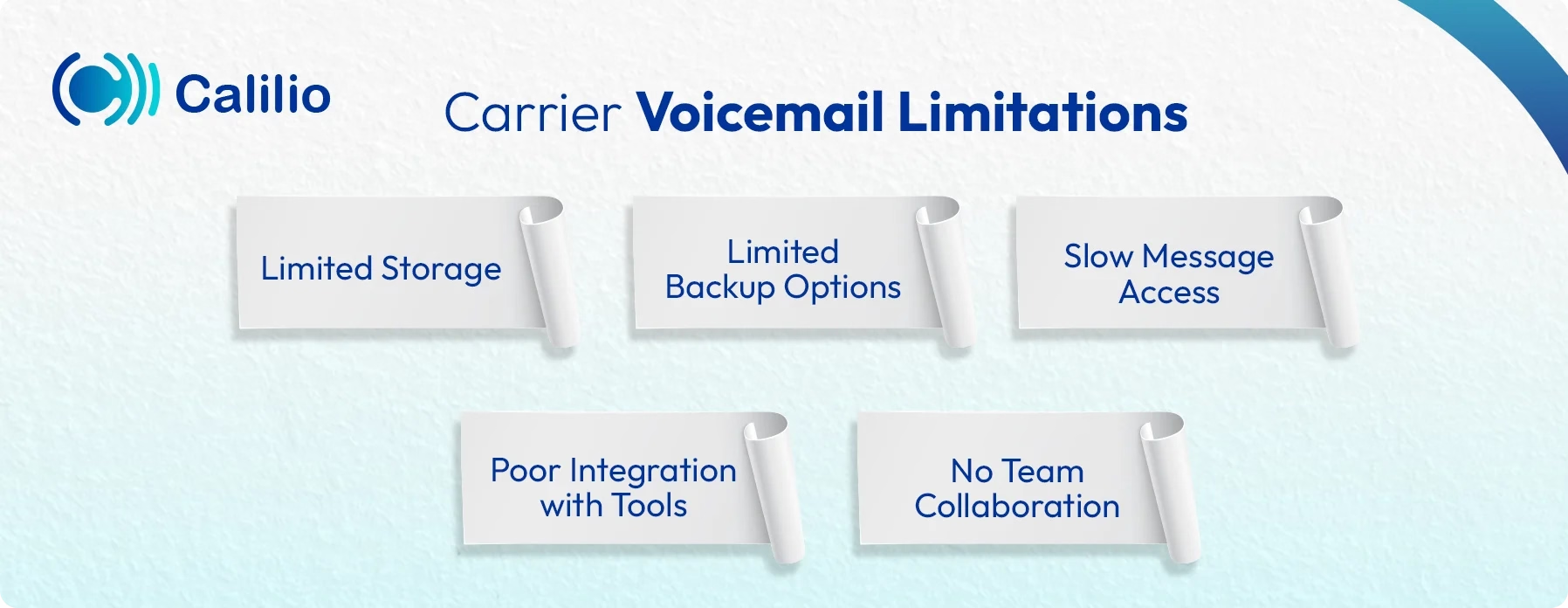
1. Limited Storage
Most carriers offer only a small number of saved messages or a short total recording time. Once the inbox is full, new callers can’t leave a message.
2. Limited Backup Options
If you switch carriers or lose your phone, voicemail data may not transfer. Many carriers delete older messages automatically.
3. Slow Message Access
Listening to messages takes time because you must dial the voicemail number or go through long menu prompts. There’s usually no quick dashboard or visual list by default.
4. Poor Integration with Tools
Carrier voicemail doesn’t connect with CRM tools, helpdesks, or business apps. Messages stay isolated rather than feeding into a workflow.
5. No Team Collaboration
Messages stay tied to one phone number. You can’t share them easily with team members unless you manually forward the audio.
Conclusion
Carrier voicemail offers a simple solution to receive the message when you miss the call. You can generally retrieve messages through a voicemail app, dial-in menu, or email. But it also comes with several limitations, especially for business use due to small storage, slow access, and a lack of integration support.
If you’re looking for a more flexible solution, try Calilio’s cloud phone system with an advanced voicemail feature. You can listen from any device, get quick alerts, set custom voicemail greetings, and read voicemail transcription without dialing in. Plus, with its visual voicemail capability, you can view your message list and simply tap the one you want to listen to.



Summarize this blog with:
Frequently asked questions
How do I stop my phone from going to voicemail?
You can stop your phone from going to voicemail by turning off call forwarding or asking your carrier to disable the service. Dialing an MMI code like ##004# (or ##002# on some networks) usually removes all call forwarding, so unanswered calls no longer reach voicemail. If that doesn’t work, contact your carrier and ask them to turn voicemail off on your line.
Does carrier voicemail cost extra?

Still have questions?
Can’t find the answer you’re looking for? Please chat with our friendly team.
Stay in the loop
Get the latest call insights, trends, and updates delivered straight to your inbox.
By subscribing, you agree to receive updates from Calilio.
You can unsubscribe anytime.
Enter the World of AI Business Phone System with Calilio
Improve your business operation with Calilio's advanced virtual phone system. Join today for a better way to connect.