




event banner left
event banner right
CUSTOM VOICEMAIL GREETINGS

Create Professional Voicemail Greetings for Your Business

Create custom voicemail greetings to ask your callers to leave a voicemail when your team is unable to receive the call. A personalized voicemail message ensures every caller hears a professional response when you’re unavailable.

Record or upload voicemail greetings.
Provide instructions or alternative contact details.
Set personalized greetings for departments.
Improve follow-ups with voicemail-to-email notifications.
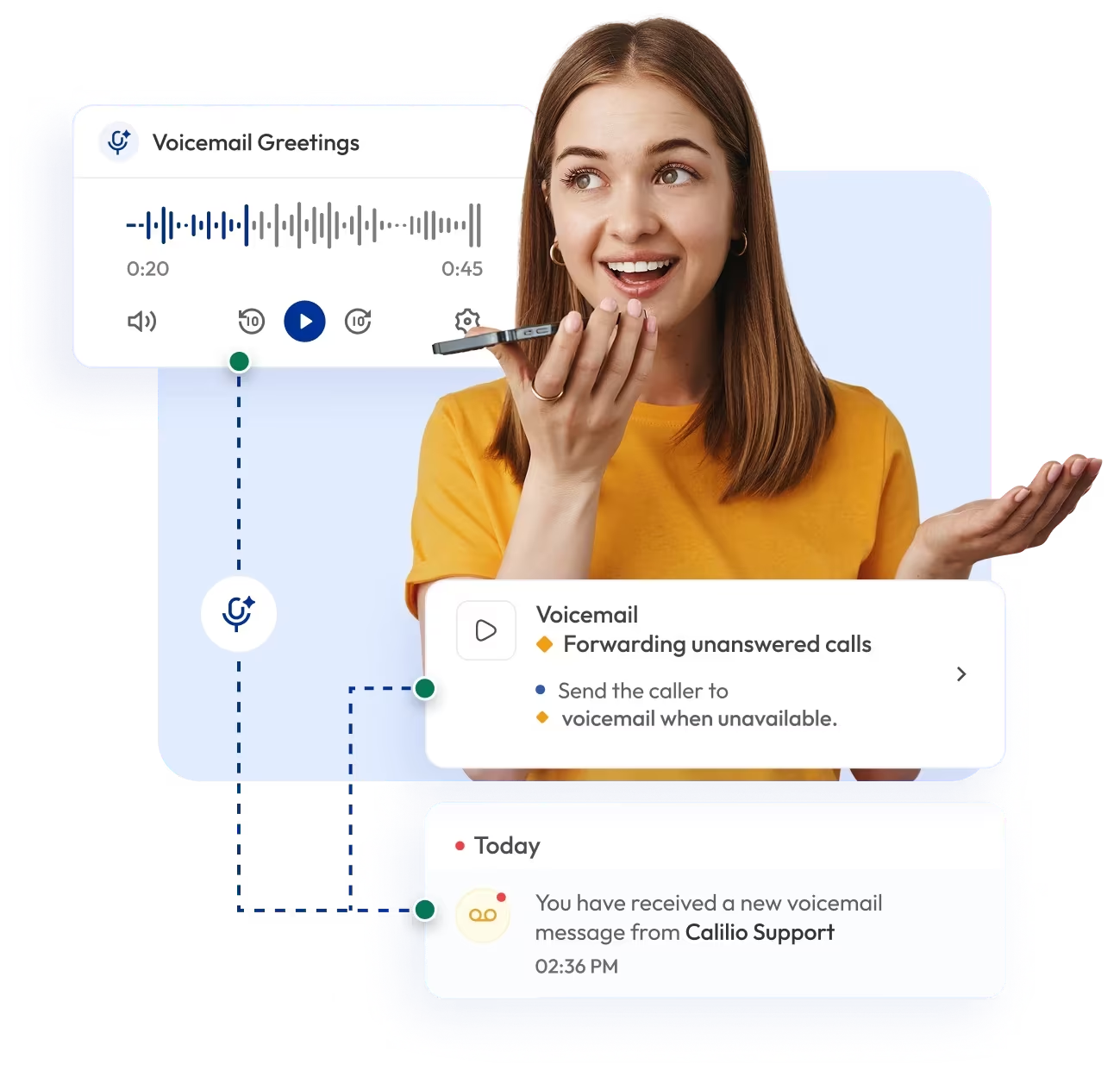
girl sending the voicemail to the customers

Telephony Partner of 1000+ Businesses Worldwide

adgs logoexpress carpet repairsleveraged and equity logoCommand+R logosisyphus logopolymath logointelycore logointerlock logoquotient logocartechstudio logofencyx logoaaxiom infotech logoadgs logoexpress carpet repairsleveraged and equity logoCommand+R logosisyphus logopolymath logointelycore logointerlock logoquotient logocartechstudio logofencyx logoaaxiom infotech logoadgs logoexpress carpet repairsleveraged and equity logoCommand+R logosisyphus logopolymath logointelycore logointerlock logoquotient logocartechstudio logofencyx logoaaxiom infotech logoadgs logoexpress carpet repairsleveraged and equity logoCommand+R logosisyphus logopolymath logointelycore logointerlock logoquotient logocartechstudio logofencyx logoaaxiom infotech logo

Set Up Your Custom Voicemail Greeting Messages with a Virtual Phone Number

Use virtual phone numbers for your business calls and set up custom voicemail greeting messages to make sure no call goes unanswered.

Get virtual local, mobile, or toll-free numbers from 100+ countries.

Your first US or Canada phone number is free 🤑 — Claim Now!

No Numbers Found

Some Numbers May Require Proof Of ID And Address Registration According To Local Laws.

Some Phone Numbers May Not Be Available Through This Search, As They Are Not Generally Offered To Customers. These Numbers Are Available On Order Request. Please Contact Support To Request Them.

Also, you can port your existing number to Calilio, and use the number for outbound calling —Port Your Number Now!

How to Set Up a Custom Voicemail Greeting on Calilio?

You first sign up for Calilio and then purchase or port your number. You then log in to access your dashboard, go to Settings > My Numbers, enable voicemail, and upload or record your voicemail greeting.

Step 1

Create your Calilio account and access the dashboard.

Step 2

Purchase new virtual numbers or port your existing ones.

Step 3

Go to Settings > My Numbers and select the number you want to set a voicemail greeting for.

Step 4

Scroll to Audio & Voicemail and toggle on Voicemail.

Step 5

Upload the audio file of your voicemail message.

voicemail to email icon

Voicemail-to-Email

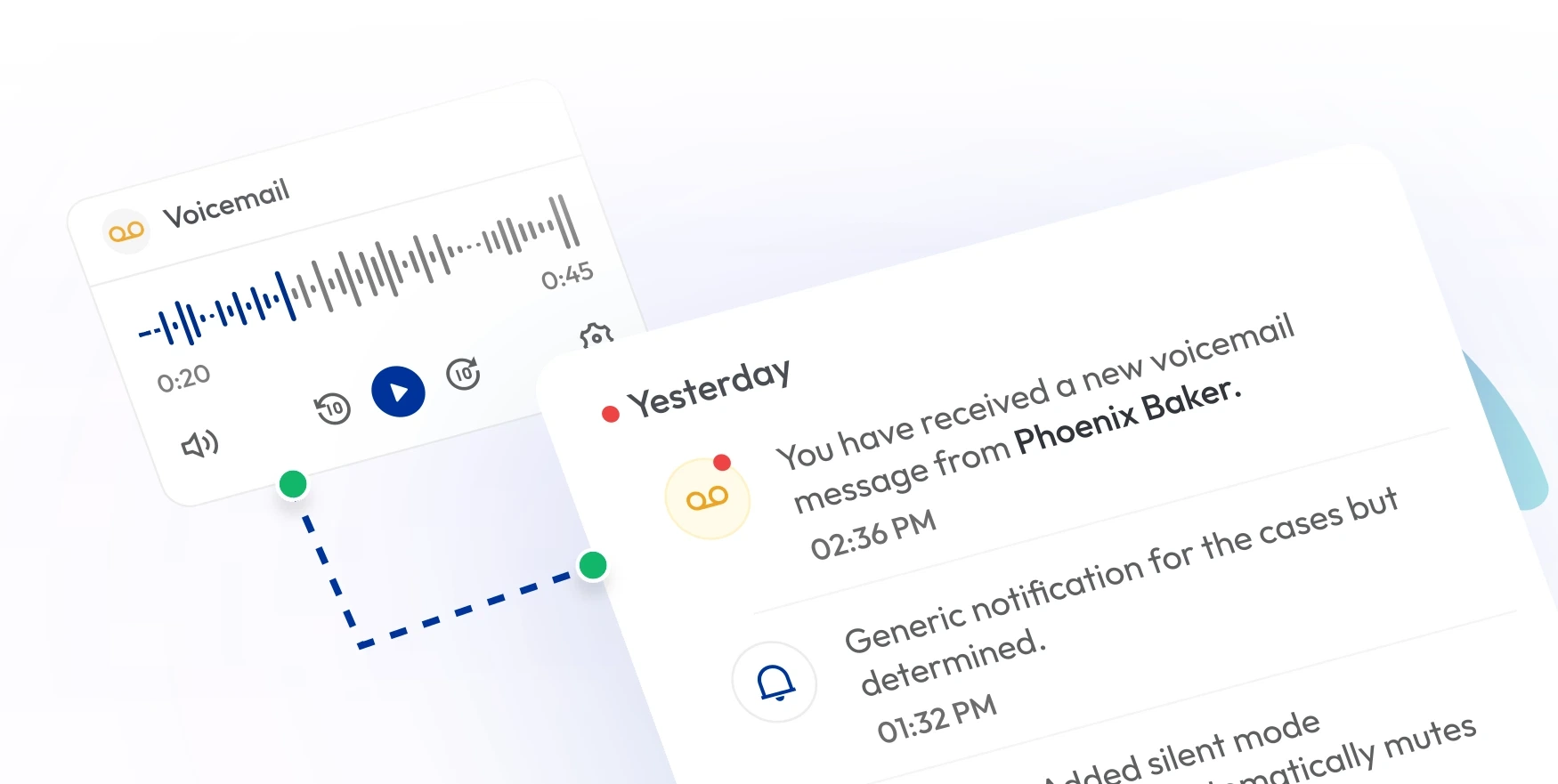
Never miss a message. Calilio automatically delivers voicemails to your email inbox, ensuring your team can respond quickly and improve customer follow-ups.

voicemail transcription icon

Voicemail Transcription

Get voicemails automatically transcribed into text. Calilio provides instant transcripts alongside audio recordings. Voicemail transcriptions make it easy to review, search, and respond to customer messages.

business hour icon

Business Hours

Pair voice message greetings with business hours. During off-hours, callers hear a professional message and can leave a voicemail.

custom phone greetings icon

Custom Phone Greeting

Set professional phone greetings to welcome callers before connecting them. If calls go unanswered, the system asks the callers to leave a voicemail to ensure there is no missed opportunity.

call transfer icon

Call Transfer

Combine voicemail with call transfer announcements. If a call isn’t answered after a transfer or long wait, a voicemail greeting ensures the caller can still leave details.

call queue icon

Call Queue

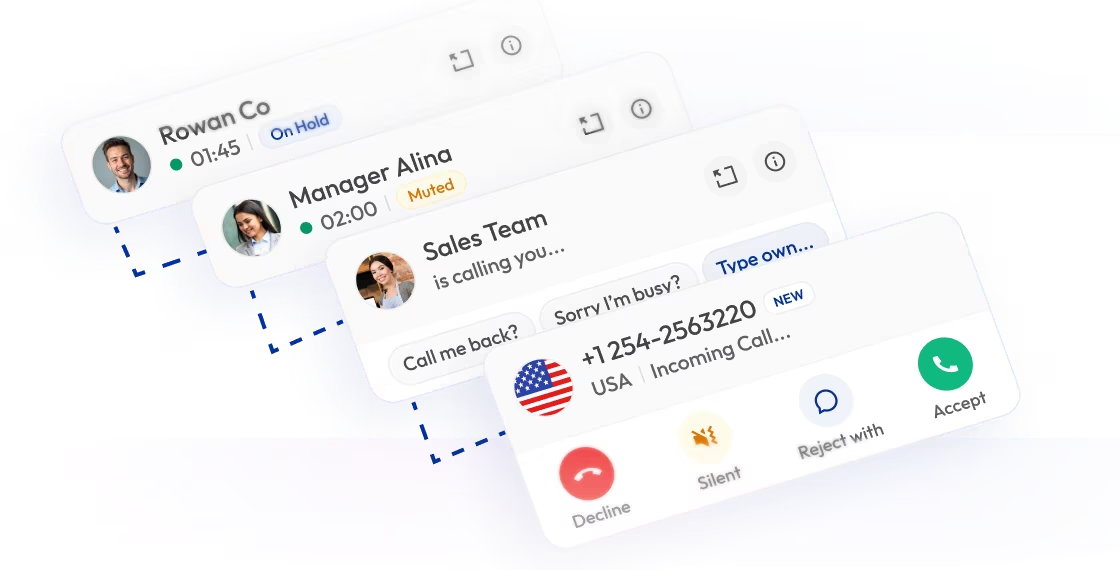
When all agents are busy, calls can overflow to voicemail. Customize voicemail greetings to assure callers their concerns will be addressed as soon as possible.

What is a Custom Voicemail Greeting?

A custom voicemail greeting is the personalized message callers hear when you’re unavailable to answer. Instead of a generic system prompt, you can play a branded recording that reassures callers their message will be received.

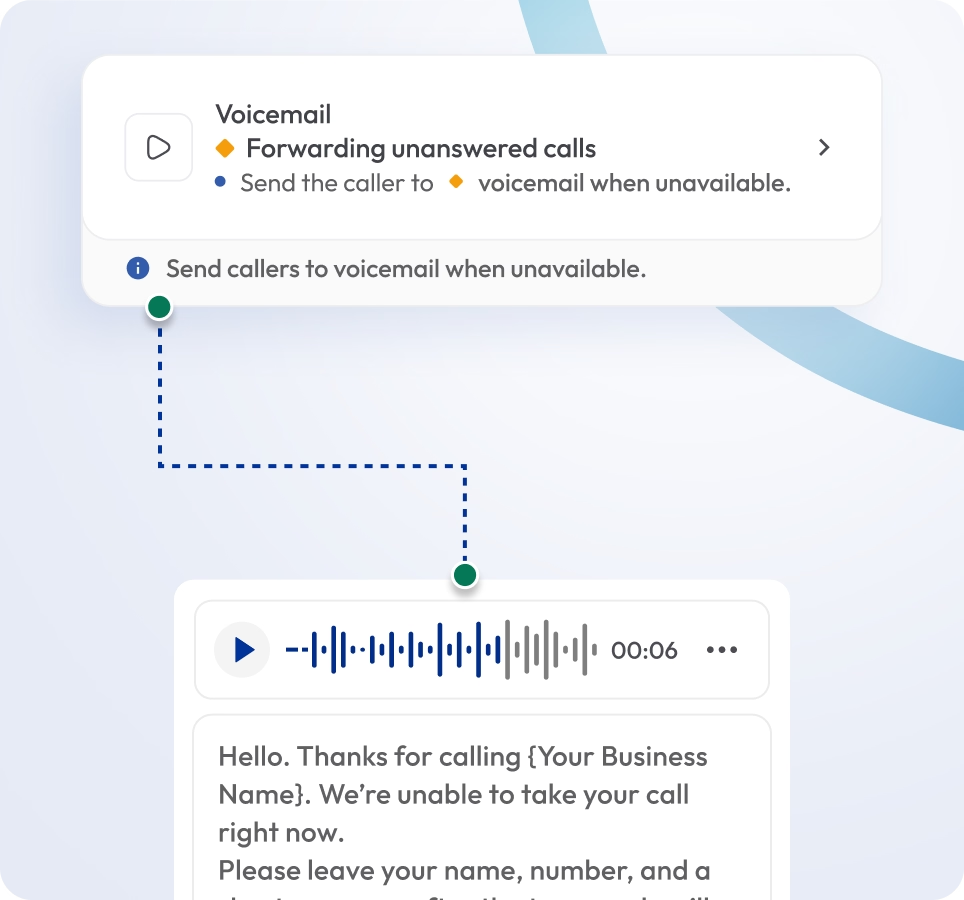
Unlike a phone greeting (which plays at the start of a call before connecting), a voicemail greeting message only plays when a call goes unanswered, during after-hours, or when all agents are busy.

call forwarding to voicemail interface with a displayed voicemail greeting and text transcription

How Does a Custom Voicemail Greeting Work?

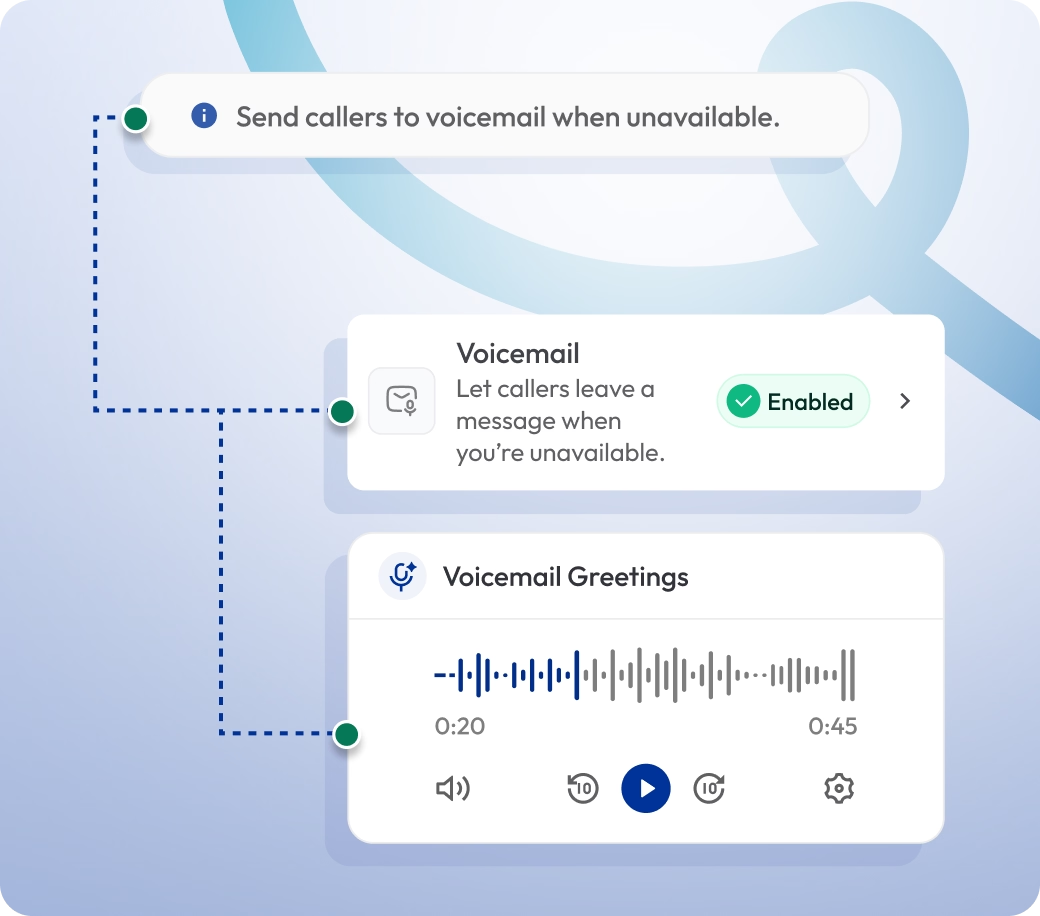
When a call goes unanswered, Calilio automatically plays your custom voicemail greeting. It reassures callers, provides instructions, and invites them to leave details after the tone.

  1. During Office Hours: If agents are busy or unavailable, the voicemail greeting plays, letting customers know their call is important and will be returned soon.
  2. After Hours: Outside business hours, callers hear a tailored out-of-office voicemail greeting message that explains your availability and are invited to leave a message.

voicemail settings interface showing options to enable voicemail and manage voicemail greetings

Benefits of Custom Voicemail Messages

Custom voicemail messages capture missed calls, reassure callers, and ensure no opportunity slips through.

Build Caller Confidence

A professional greeting for voicemail assures customers their message is valued and will be addressed. It builds trust and keeps clients engaged even when you’re unavailable.

Provide Clear Instructions

Capture Opportunities After Hours

Transcribe Voicemails

Strengthen Brand Professionalism

Integrate Calilio with CRM & Business Tools

Custom voicemail greetings on Calilio are more than just recordings — they work seamlessly with your CRM and business tools to keep customer interactions organized and actionable.

Zapier

Automation

Pipedrive

CRM

Pabbly Connect

Automation

LeadHeed

CRM

HubSpot

CRM

Salesforce

CRM

Mailchimp

Marketing

Krispchat

Sales Automation

Zendesk

Helpdesk

Request Integration

View all Integration
Keep in mind

Best Practices for Custom Voicemail Greeting

To make voicemail greetings effective, keep them clear, professional, and regularly updated. The right practices ensure callers feel valued, know what to do, and trust your business to follow up.

Do’s

Keep voicemail greetings short and clear — ideally 20–30 seconds.

Use a friendly yet professional tone that reflects your brand voice.

Give instructions on details callers should leave (e.g., name, number, reason for call).

Update greetings for holidays, promotions, or business hour changes.

Dont’s

Don’t use generic or default system greetings — they sound impersonal.

Don’t overload callers with too much information in one message.

Don’t let outdated greetings with wrong business hours or offers that’s no longer active.

Don’t use poor-quality audio or background noise, as it weakens professionalism.

Select Plan

Calilio’s Pricing Plans for Business Telephony

All Calilio’s plans include custom voicemail greeting features, along with other business telephony features. Our VoIP plans start from $15 per month and have telephony solutions for small businesses to large enterprises.

Standard Plan

$12
Per user/per month

$15 Save 20%

billed annually at $144

Ideal for solopreneurs, startups and small businesses venturing into affordable VoIP service.

Get Started with:

  • User Limit: 10
  • Free 1 Local Number
    US or Canada
  • Call Recordings and Storage
    Optional
  • Basic Realtime Dashboard

Premium Plan

$28
Per user/per month

$35 Save 20%

billed annually at $336

Leverage growing businesses and call centers with cost-effective VoIP solutions.

Everything in the Standard Plan, plus:

  • All Standard Plan Features
  • Unlimited Users
  • Advance Reporting
    Coming Soon
  • Live Call Monitoring
  • Detailed Realtime Dashboard

Enterprise Plan

Custom

Comprehensive VoIP plan for unmatched communication solutions for large businesses and enterprises.

Everything in the Premium Plan, plus:

  • Queue Call Back
    Coming Soon
  • All Call Strategy Features
  • Dedicated Account Manager
  • Phone and WhatsApp Support
Q&A

Frequently asked questions

How long should a voicemail greeting be?

The ideal voicemail greeting is 20–30 seconds. It gives you enough time to welcome callers, provide instructions, and encourage them to leave a message without being too lengthy.

Can I record my own voicemail greeting?

What’s the difference between a phone greeting and a voicemail greeting?

What is a good voicemail greeting for business?

What is an example of a good out-of-office voicemail message?

What do you say in a voice greeting?

Still have questions?

Can’t find the answer you’re looking for? Please chat with our friendly team.

Enter the World of AI Business Phone System with Calilio

Improve your business operation with Calilio's advanced virtual phone system. Join today for a better way to connect.

4.95
200+ Reviews16+ Badges