- Partners
- Contact Us
- Log in
Dialpad vs. Zoom Phone: Which VoIP Phone System is Better?

Many businesses have moved past the need for traditional phone lines. They now rely on cloud phone systems to manage daily calls. These systems support remote work, shared numbers, and calling from multiple devices, which makes them a practical choice for modern teams.
Two well-known platforms in this space are Dialpad and Zoom Phone. Both provide internet-based business calling, but they focus on different needs. Dialpad is known for offering AI-powered calling, with tools that support sales and support teams during live conversations. Zoom Phone, on the other hand, focuses on simplicity and familiarity, offering simple team collaboration and video conferencing tools.
In this guide, we’ll explore the major differences between Dialpad and Zoom Phone. We’ll compare their pricing, features, pros, and cons to help determine which option fits your business needs.
Highlights:
Both Dialpad and Zoom Phone are cloud-based business phone systems designed for modern, distributed teams.
Zoom Phone works best for businesses that want simple, reliable calling with video and messaging in one app, while Dialpad suits sales and support teams that need AI-driven call insights and performance tracking.
Though Dialpad starts at a higher price, it includes AI tools from the entry-level plans.
Calilio combines AI-driven call intelligence with affordable pricing, making it a practical alternative to both Dialpad and Zoom Phone.
Dialpad Overview
Dialpad is an AI-powered business phone system that operates on Voice Over Internet Protocol (VoIP) technology. It combines texts, voice calls, and video meetings into a single platform to improve team collaboration and customer service. Its core feature is its AI capabilities that support sales and customer teams to get detailed insights into each conversation. The platform adds intelligence to each conversation by capturing what is said, identifying key moments, and summarizing outcomes automatically. This reduces the need for manual follow-ups after calls.
Pros
- Strong AI features like call transcription and summaries
- Clear call quality
- Cross-device accessibility
- Integrates with popular tools like Google Workspace and Slack
Cons
- Many key features are locked behind premium plans
- Add-on fees can make pricing unpredictable
- Occasional connectivity issues
Zoom Phone Overview
Zoom Phone is a cloud phone service designed specifically for businesses that already use the Zoom workspace. It helps such teams arrange phone calls, video meetings, and messaging in the same workspace, instead of running a separate system. Zoom Phone works well for internal coordination and day-to-day business calls. As teams can use the same interface to communicate through different communication channels, it saves time by reducing the need to switch tools and keeps communication centralized.
Pros
- Low-cost business phone system
- Strong mobile apps for remote and hybrid work
- Simple and user-friendly dashboard
- All-in-one app for calls, video and text
Cons
- Slow customer support
- Confusing pricing and some features require paid add-ons
- System function delays
Zoom Phone vs. Dialpad: Key Differences
Zoom Phone prioritizes simple, reliable business calling that fits naturally into the Zoom ecosystem, with lower entry pricing. Dialpad, in contrast, focuses on AI-driven calling, offering tools such as real-time transcription, call summaries, and agent assistance. They mainly differ in terms of core features, integration capabilities, and costing.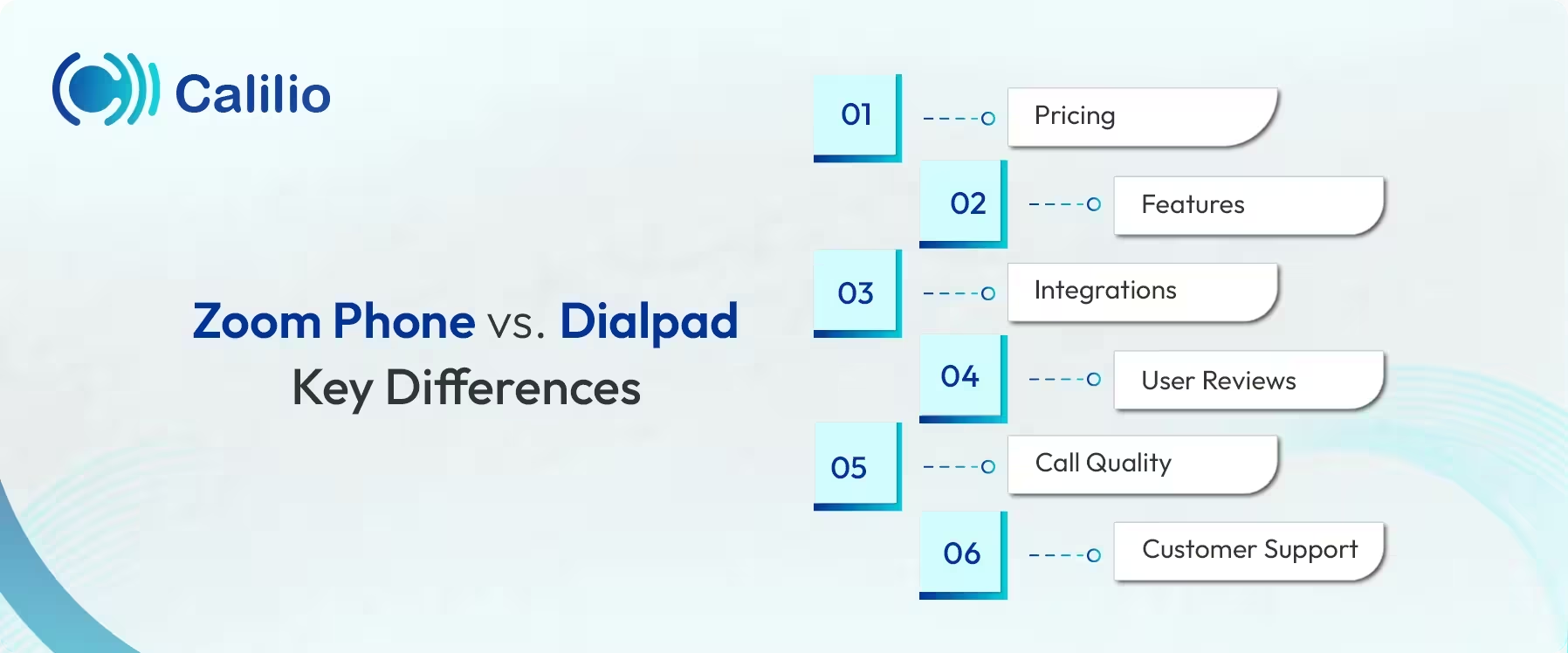
1. Pricing
Zoom Phone offers a lower starting price for business telephony, starting at $15 per month. The plan includes unlimited calling within the United States and Canada. It is suitable for teams that want reliable calling without paying extra for advanced call analysis.
Dialpad starts at a higher price point, with plans beginning at $27 per user per month. You get the AI tools, such as live transcription and automated call summaries, right from the basic plan. To access more advanced AI features like live agent assistance and sentiment tracking, you’d need to upgrade to the Pro plan, which starts at $35 per user per month.
Overall, Zoom Phone is more affordable, while Dialpad costs more but includes built-in AI features that support deeper call analysis and real-time assistance.
Zoom Phone | Dialpad |
|
|
2. Features
Both Dialpad and Zoom Phone cover the core VoIP needs, including call routing, Interactive Voice Response (IVR), voicemail, call queues, and group calling. However, Zoom Phone adds more infrastructure-focused options such as call-to-video switching, built-in online fax, support for desk phones, and local survivability, which allows internal calls to keep working even during an internet outage.
Dialpad, on the other hand, focuses more on call performance and follow-up. It includes AI-based tools like live call transcription, automatic call summaries, sentiment analysis, and real-time agent guidance.
Feature | Dialpad | Zoom Phone |
| Shared Phone Numbers/Inboxes | ✔ | ✔ |
| IVR/Auto-Attendant | ✔ | ✔ |
| Call Forwarding & Routing | ✔ | ✔ |
| Voicemail-to-Text Transcription | ✔ | ✔ |
| Automatic Call Recording | ✔ | ✔ |
| Three-way/Group Calling | ✔ | ✔ |
| Real-time Call Transcription | ✔ | ✔ |
| AI-generated Call Summaries | ✔ | ✔ |
| Call Sentiment Analysis | ✔ | ❌ |
| AI Live Coaching/Assist | ✔ | ❌ |
| Power Dialer/Sales Dialer | ✔ | ✔ |
| Voicemail Drop | ✔ | ✔ |
| Customer Relationship Management (CRM) Integrations | ✔ | ✔ |
| Online Fax (Native) | ✔ | ✔ |
| Local Survivability | ❌ | ✔ |
| Hardware as a Service | ❌ | ✔ |
3. Integrations
Zoom Phone focuses on integrating the core tools most businesses already use. It integrates smoothly with platforms like Google Workspace, Microsoft 365, Slack, Salesforce, HubSpot, Zendesk, and ServiceNow.
Dialpad takes a more workflow-driven approach to integrations. While it supports many of the same productivity and CRM tools as Zoom Phone, it also connects with messaging platforms like Intercom and Front, allowing teams to move from messaging to calls easily without breaking the communication flow.
Integration App | Dialpad | Zoom Phone |
| Google Workspace (Gmail & Calendar) | ✔ | ✔ |
| Microsoft 365 (Outlook) | ✔ | ✔ |
| Slack | ✔ | ✔ |
| Salesforce | ✔ | ✔ |
| HubSpot | ✔ | ✔ |
| Zoho CRM | ✔ | ✔ |
| Outreach | ✔ | ✔ |
| Zendesk | ✔ | ✔ |
| ServiceNow | ✔ | ✔ |
| Intercom | ✔ | ❌ |
| Front | ✔ | ❌ |
| Five9 | ❌ | ✔ |
| Zapier | ✔ | ✔ |
| Miro/Whiteboards | ✔ | ✔ |
4. User Reviews
User feedback across review platforms shows that both Dialpad and Zoom Phone are well rated overall. Zoom Phone scores slightly higher on G2 and Capterra, which shows strong satisfaction among teams that value simplicity and reliability. Dialpad’s ratings remain solid and consistent, particularly among users who depend on AI-driven calling features.
Review Platform | Dialpad | Zoom Phone |
| G2 | 4.4/5⭐️ | 4.6/5 ⭐️ |
| Capterra | 4.2/5 ⭐️ | 4.5/5 ⭐️ |
| Trustpilot | 4.2/5 ⭐️ | 1.3/5 ⭐️ |
| Apple App Store (iOS) | 4.6/5 ⭐️ | 4.7/5 ⭐️ |
| Google Play Store (Android) | 4.5/5 ⭐️ | 4.2/5 ⭐️ |
| Gartner Peer Insights | 4.5/5 ⭐️ | 4.5/5 ⭐️ |
| PCMag | 3.5/5 ⭐️ | 4.0/5 ⭐️ |
5. Call Quality
Both Dialpad and Zoom Phone offer high-quality calls, but they perform best in different situations. Zoom Phone is designed to stay stable even when your internet connection is weak or fluctuating, making it less likely for calls to break or drop.
Dialpad delivers very clear audio when you have a strong, stable internet connection. It focuses more on advanced features like real-time transcription and AI tools, but it relies more heavily on a good network to avoid bad call quality and perform at its best.
6. Customer Support
Zoom Phone support is handled through Zoom’s main support system, which centralizes help across its communication services. This setup works well for businesses that want a single support channel for meetings, messaging, and calling.
Dialpad provides structured support with documentation and ticket-based assistance. Full 24/7 support is typically available on higher-tier plans, while entry-level plans offer more limited access.
Here’s a quick comparison between Dialpad and Zoom Phone:
Factors | Dialpad | Zoom Phone |
| Starting Plan (monthly) | $27/user/month | $15/user/month |
| Free Trial | 14 days | None |
| Key Features |
|
|
| Play Store Rating | 4.5 ⭐ | 4.2 ⭐ |
| App Store Rating | 4.6 ⭐ | 4.7 ⭐ |
| G2 Rating | 4.4/5 ⭐ | 4.6/5 ⭐ |
| Target Audience | Sales, support, and outbound teams that depend on call data | Teams already using Zoom for meetings and internal communication |
| Mobile and Web App | Yes | Yes |
| Integrations | Google Workspace, Microsoft 365, Salesforce, HubSpot, Slack, Zendesk, Intercom, Front, Zapier, and more | Google Workspace, Microsoft 365, Slack, Salesforce, HubSpot, Zendesk, ServiceNow, Five9, Zapier |
Dialpad vs. Zoom Phone: Which is the Best Fit for Your Business?
Choosing between Dialpad and Zoom Phone depends on your business/team’s needs. While both platforms handle business calling reliably, they serve different priorities.
Choose Dialpad if:
- Calls are a core part of daily work, such as sales, support, or outbound outreach.
- The team needs AI support during calls, including live transcription and call summaries.
- You need faster, better visibility into conversations.
- Your managers need call data to coach agents and track performance.
- A slightly higher price is acceptable in exchange for AI-driven call features.
Choose Zoom Phone if:
- Your business needs a simple and reliable cloud phone system.
- Calling is mainly for internal coordination and routine client communication.
- You are looking for lower starting costs and predictable pricing.
- Operational features like call-to-video switching, offline support, and hardware options are important for your business.
- The team prefers straightforward calling without advanced call intelligence.
Switch to an Affordable, Ai-Powered Cloud Telephony Solution Built for Modern Businesses
Calilio: Best Alternative to Dialpad & Zoom Phone
Calilio brings together what Dialpad and Zoom Phone handle separately. Dialpad prioritizes AI-driven call intelligence, while Zoom Phone focuses on simple and reliable communication within one workspace. Calilio blends both approaches into a single platform that stays easy to use and budget-friendly.
Calilio includes AI-powered tools such as call transcription, sentiment analysis, and call summaries, which help teams handle high call volumes more efficiently. These features capture key details during and after calls, reduce manual follow-up work, and make it easier for teams to stay consistent across sales and support interactions. Teams can manage calling, analysis, and reporting from one simple dashboard.
Alongside AI capabilities, Calilio keeps its premium subscription accessible for small and growing businesses. Calilio’s basic plan starts at $15 per month and includes one free US virtual phone number with each subscription.



Summarize this blog with:
Frequently asked questions
Is Dialpad the same as Zoom Phone?
No, Dialpad and Zoom Phone are different platforms with different goals. Dialpad focuses on AI-powered calling, offering features like live transcription and call-level insights. Zoom Phone focuses on a straightforward, easy-to-manage phone system that suits everyday business calling.
Do Dialpad and Zoom Phone offer free plans?
Is Dialpad better than Zoom Phone for business calling?

Still have questions?
Can’t find the answer you’re looking for? Please chat with our friendly team.
Stay in the loop
Get the latest call insights, trends, and updates delivered straight to your inbox.
By subscribing, you agree to receive updates from Calilio.
You can unsubscribe anytime.
Enter the World of AI Business Phone System with Calilio
Improve your business operation with Calilio's advanced virtual phone system. Join today for a better way to connect.