How to Block a Phone Number on a Landline?

Unwanted calls from telemarketers, robocallers, and scammers remain a common problem for landline users. These calls interrupt daily routines, waste time, and increase the risk of phone scams. Luckily, you can block unwanted calls on a landline, as you would normally do for your mobile devices.
Registering your number for the National Do Not Call Registry and using vertical service codes like *60 or *77 or a call blocking device are some useful ways to block a number on a landline.
Keep reading—we’ll walk you through each method step by step so you can block unwanted calls on your landline, including on VoIP (Voice over Internet Protocol) landline systems.
Key Highlights:
Blocking unwanted calls on your landline helps protect you from scams, reduces daily interruptions, and keeps your personal information private.
You can avoid telemarketing calls by registering your number on the Do Not Call Registry (DNC).
VoIP landline users can block unwanted numbers directly through their provider’s online dashboard or softphone settings.
Reporting spam calls and avoiding sharing your number on public forums can help you prevent unwanted calls in the future.
Why You May Need to Block a Phone Number on a Landline
Call blocking on a landline helps you avoid fraudulent calls, protect yourself from scam risks and threatening calls, and prevent daily interruptions from unwanted calls.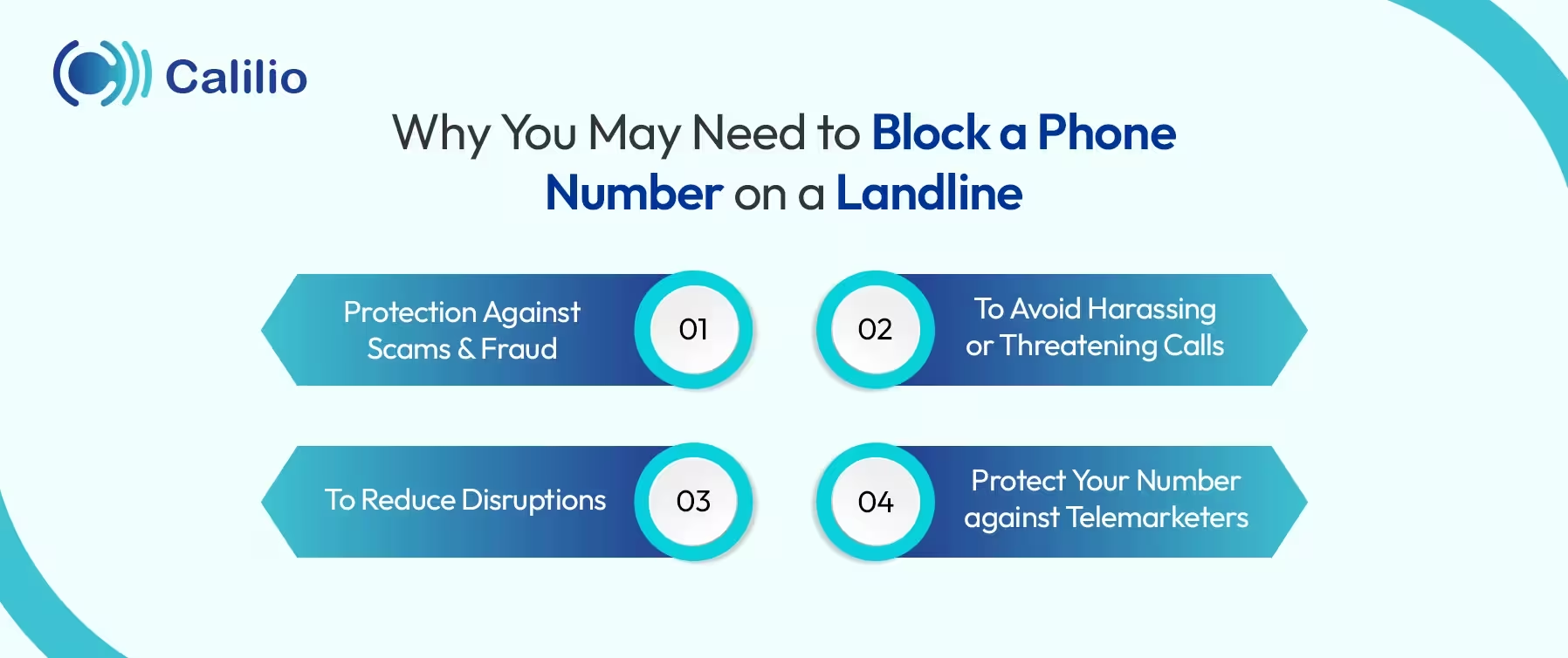
- Protection Against Scams and Fraud: Scammers often use spoofed local numbers and pretend to be banks or businesses. So, blocking suspicious or unknown numbers helps prevent scam attempts and reduces the risk of sharing personal details or money by mistake.
- To Avoid Harassing or Threatening Calls: Some callers may call you consistently to intimidate, pressure, or disturb you. If someone repeatedly calls to harass or intimidate you, blocking their number can stop further contact and help reduce stress and fear.
- To Reduce Disruptions: Unwanted calls such as robocalls and telemarketing calls can interrupt your day repeatedly. Blocking these numbers helps maintain peace and prevents constant disturbances.
- Protect Your Number Against Telemarketers: When you block unwanted or suspicious calls, it limits who can reach you. It prevents scammers and telemarketers from contacting you and avoids the chances of collecting your personal information, tracking your activity, misusing your number, and harassing you with repeated calls.
3 Effective Ways to Block a Number on a Landline Phone
You can register your number on the National Do Not Call Registry or use star codes like *60, *70 or call-blocking devices to block phone numbers on a landline. While DNC registration helps reduce telemarketing calls, star codes and call-blocking devices are used to directly stop specific unwanted numbers from reaching your phone.
I. Register with the National Do Not Call Registry
To stop calls from registered telemarketers, you can add your landline number to the national Do Not Call (DNC) Registry for free. While it does not stop illegal robocalls or scammers completely, it does block telemarketing calls from legitimate companies following the DNC rules.
Here's how to register your phone number on DNC to block telemarketing calls on your landlines in two different ways:
A. Online Registration
B. Phone Registration
- Step 1: Call 1-888-382-1222 from the phone number you want to register.
- Step 2: Follow the automated prompts to complete the process.
II. Use a Vertical Service Code: *60 or *77
Here’s how to block a specific phone number on a landline using a vertical service code:
- Step 1: Dial *60 to activate/manage call blocking.
- Step 2: Follow the voice prompt.
- Step 3: Press #01# to block the most recent caller.
- Step 4: If you want to block another number, dial #, then the phone number (including the area code), followed by #.
Note: If you no longer want to use this feature, dial *80 to turn off *60 call blocking.
Follow the steps below to block all anonymous calls (including all private and unknown calls) on a landline:
- Step 1: Open your phone app.
- Step 2: Dial *77.
- Step 3: Wait for a confirmation tone or message (like “Anonymous call rejection is now activated.”
Note: To disable anonymous call rejection, dial *87.
III. Use a Call-Blocking Device for Landline Phones
If you are using a traditional landline, you can also use a call-blocking device to block unwanted calls. A call-blocking device connects to a landline phone to filter and block unwanted calls according to your set rules. It can automatically block spam numbers and also let users manually block suspicious or annoying callers.
Here’s how to block phone calls on landline phones using a call blocking device:
- Step 1: Unplug your landline phone from the wall jack.
- Step 2: Plug the call-blocking device into the wall jack.
- Step 3: Connect your landline phone to the device’s output port.
- Step 4: Follow the setup instructions on the device’s screen or manual.
How to Block a Phone Number on a VoIP Landline System
If your landline operates over VoIP or uses a virtual phone number, call control is managed through your provider’s online user dashboard, which is linked to your account and accessible from a computer or mobile device.
Follow these steps to block calls on VoIP landlines in general:
- Step 1: Log in to your account on your provider’s website or app.
- Step 2: Look for call-blocking or call management settings.
- Step 3: Add unwanted numbers to your block list.
Avoid Unwanted Calls with Calilio’s Call Blocking Feature!
Tips to Reduce Unwanted Calls on Your Landline in the Future
To reduce unwanted calls, register your landline number with the National Do Not Call Registry or create a White List to allow only authorized callers to reach you. Also, avoid sharing your landline number publicly and report any spam calls to the FTC (Federal Trade Commission) instantly.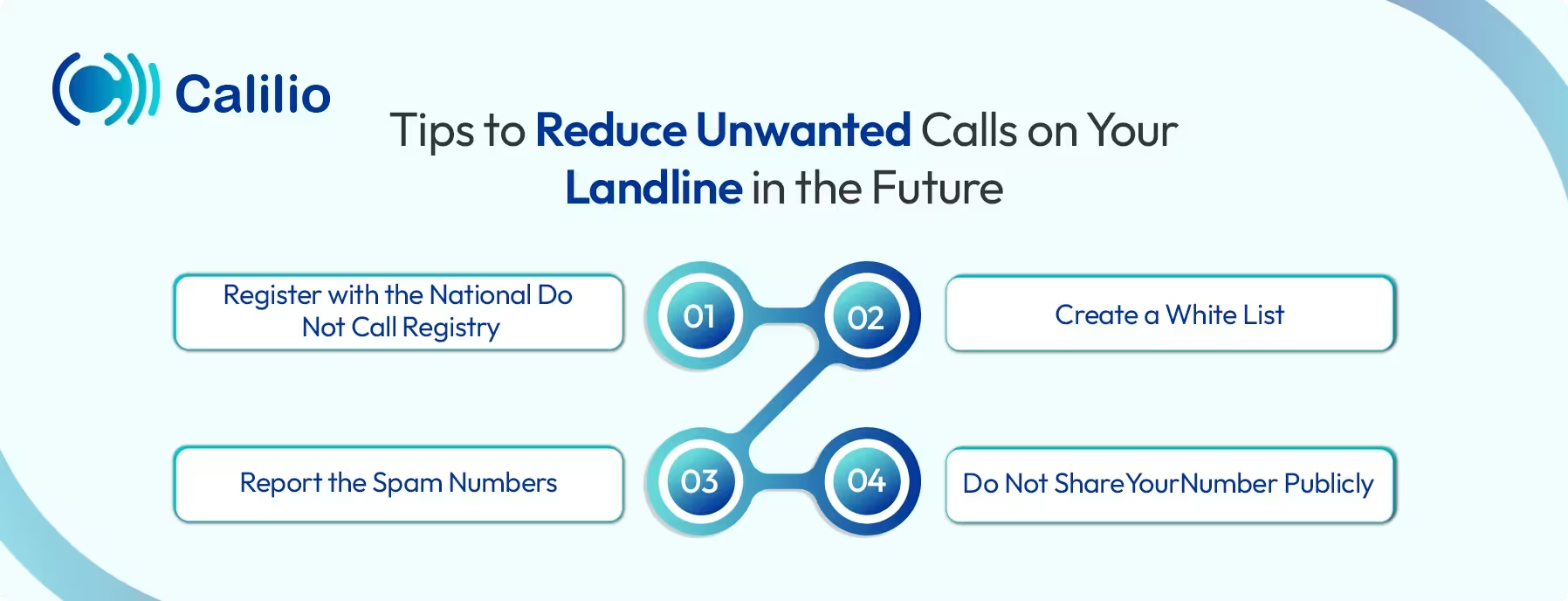
1. Register with the National Do Not Call Registry
One of the first steps to reduce telemarketing calls is to register your number with the National Do Not Call Registry. Once your landline number is on the list, legitimate telemarketers are required by law to stop calling you.
2. Create a White List
Some call-blocking devices allow you to set up a white list, meaning only approved contacts can ring your phone. All other numbers go straight to voicemail or are blocked automatically. This is especially useful for elderly users or those who want a tightly controlled call list.
3. Report the Spam Numbers
If you receive scam or spam calls, report them to the Federal Trade Commission (FTC) at reportfraud.ftc.gov or add them to the Do Not Call complaints list at donotcall.gov. Reporting these numbers helps regulators and phone companies to identify illegal, scam, or spam phone numbers and block them.
4. Do Not Share Your Number Publicly
Avoid posting your phone number on public forums, social media platforms, or public websites. When your number is easily accessible online, it is more likely to be picked up by spammers and scammers.
Conclusion
Blocking unwanted calls on a landline may take a bit more effort than on a mobile device, but it’s still possible. Registering your number on the DNC list helps reduce calls from compliant telemarketers. Additionally, star codes like *60 or *77 and call-blocking devices can help stop repeat callers and spam numbers.
Another option is using VoIP services that offer landline numbers. VoIP makes call blocking much more convenient than using star codes. It lets you manage and control number blocking from your computer, laptop, or mobile device in just a few clicks.
For instance, Calilio offers a built-in call blocking feature that helps you manage unwanted calls more easily on your landline numbers. It includes a user-friendly dashboard, from which you can add numbers to your block list, see which numbers are already blocked, and unblock them anytime.



Summarize this blog with:
Frequently Asked Questions
Can I block a number permanently on a landline?
Yes, you can block a number permanently on a landline by using your phone provider’s call-blocking service, like dialing *60, or using a call-blocking device. Once added to your block list, the number will remain blocked unless you remove it manually.
Does the Do Not Call Registry stop all unwanted calls?
Can I block private or unknown numbers on a landline?

Still have questions?
Can’t find the answer you’re looking for? Please chat with our friendly team.
Stay in the loop
Get the latest call insights, trends, and updates delivered straight to your inbox.
By subscribing, you agree to receive updates from Calilio.
You can unsubscribe anytime.
Enter the World of AI Business Phone System with Calilio
Improve your business operation with Calilio's advanced virtual phone system. Join today for a better way to connect.