- Partners
- Contact Us
- Log in


Communication starts to break down when teams rely on scattered emails, chat apps, and meetings without a single system to manage conversations. Simple questions take longer to answer, files get buried in threads, and teams repeat discussions because past messages are difficult to track.
As organizations grow or shift to remote work, the problem becomes more visible. Time zone differences delay responses, meetings increase just to stay aligned, and switching between multiple tools slows productivity instead of improving it.
Team communication tools solve this by bringing messaging, voice calls, video meetings, and collaboration into one structured platform. The right system keeps conversations organized, reduces delays, and helps teams move faster.
In this guide, we’ll explore the best team communication tools for 2026 and help you decide which options fit different team sizes, workflows, and communication needs.
Methodology: To select the best team communication tools for 2026, we analyzed each platform’s core features, ease of use, and integration capabilities. We compared pricing, scalability, and overall value for growing teams. In addition, we reviewed user feedback from platforms like G2 and major app marketplaces to evaluate real-world performance, reliability, and overall user satisfaction.
Key Highlights:
Team communication tools centralize messaging, calls, meetings, and file sharing in one platform to improve coordination and reduce repeated discussions.
Tools like Calilio, Slack, Microsoft Teams, Zoom, and Google Chat serve different needs, from internal messaging to customer-facing communication and video collaboration.
Choosing the right communication tool depends on usability, essential features, integrations, reliability, pricing, and scalability.
Why Do Your Teams Need Reliable Communication Tools?
Your teams need reliable communication tools to stay aligned, respond quickly, and work efficiently. A structured platform keeps conversations organized, reduces misunderstandings, and prevents repeated discussions. It also ensures clear ownership of tasks, faster decision-making, and smooth collaboration as your team grows.
1. Real-time Coordination
Teams often need quick answers to keep work moving. Without a shared communication system, simple questions turn into delayed emails or unnecessary meetings. Communication tools enable instant messaging, quick calls, and status updates, helping teams coordinate tasks without waiting.
2. Organized Communication
When conversations happen across scattered emails and private messages, important details get lost. Structured communication tools organize discussions into channels, groups, or threads, keep topics separate, and make it easier for your teams to follow project-related conversations.
3. Faster Decision-making
Unclear updates and slow responses delay progress. A centralized communication platform allows your teams to discuss issues, share files, and resolve questions in one place, without unnecessary back-and-forth.
4. Transparent Accountability
Teams perform better when responsibilities are visible. Communication tools keep records of discussions, approvals, and task assignments. It ensures everyone knows who is responsible for what and reduces confusion over next steps.
5. Scalable Collaboration
As teams grow, informal communication becomes inefficient. More people mean more messages and higher chances of misalignment. Communication tools provide structure that supports collaboration across departments, locations, and larger team sizes without creating chaos.
6. Centralized Information Access
Easy access to past conversations and shared files prevents repeated discussions. When everything is stored in one system, your teams can reference decisions quickly and onboard new members more efficiently.
Top Team Communication Tools for Your Business
The top team communication tools for businesses include Calilio, Slack, Microsoft Teams, Zoom, Discord, Loom, Chanty, Connecteam, Pumble, and Google Chat. These platforms help teams manage messaging, calls, video meetings, and shared collaboration spaces, allowing employees to coordinate tasks and stay connected more efficiently across different departments and locations.
1. Calilio
Calilio’s cloud phone system stands out as a team communication tool focused on professional voice and SMS collaboration. While many platforms prioritize internal chat, Calilio centers communication around business calls and shared customer interactions. Its Unified Callbox brings calls, SMS, voicemails, and recordings into one shared workspace. Calilio also supports structured team coordination during and after calls. Features such as Interactive Voice Response (IVR), call routing, and call transfers ensure the right team member handles each inquiry. Shared phone number access allows sales and support teams to collaborate on conversations in real time.
Key Features
- Unified Callbox
- IVR & Call Routing
- Shared Phone Number
- Call Sentiment Analysis
Pricing Plan (Monthly Billing)
- Standard: $15/user/month
- Premium: $35/user/month
- Enterprise: Custom
Centralize Team Messaging, Calls, and Collaboration in One Reliable Business Phone System
2. Slack
Slack is one of the best team messaging platforms, organizing discussions into channels based on projects, departments, or topics, rather than scattered email threads. It helps to improve transparency, allowing new members to easily catch up on past conversations. Team members can even mute non-essential channels and prioritize critical ones for focused work. Plus, with Slack Connect, teams can securely collaborate with clients, vendors, or partners.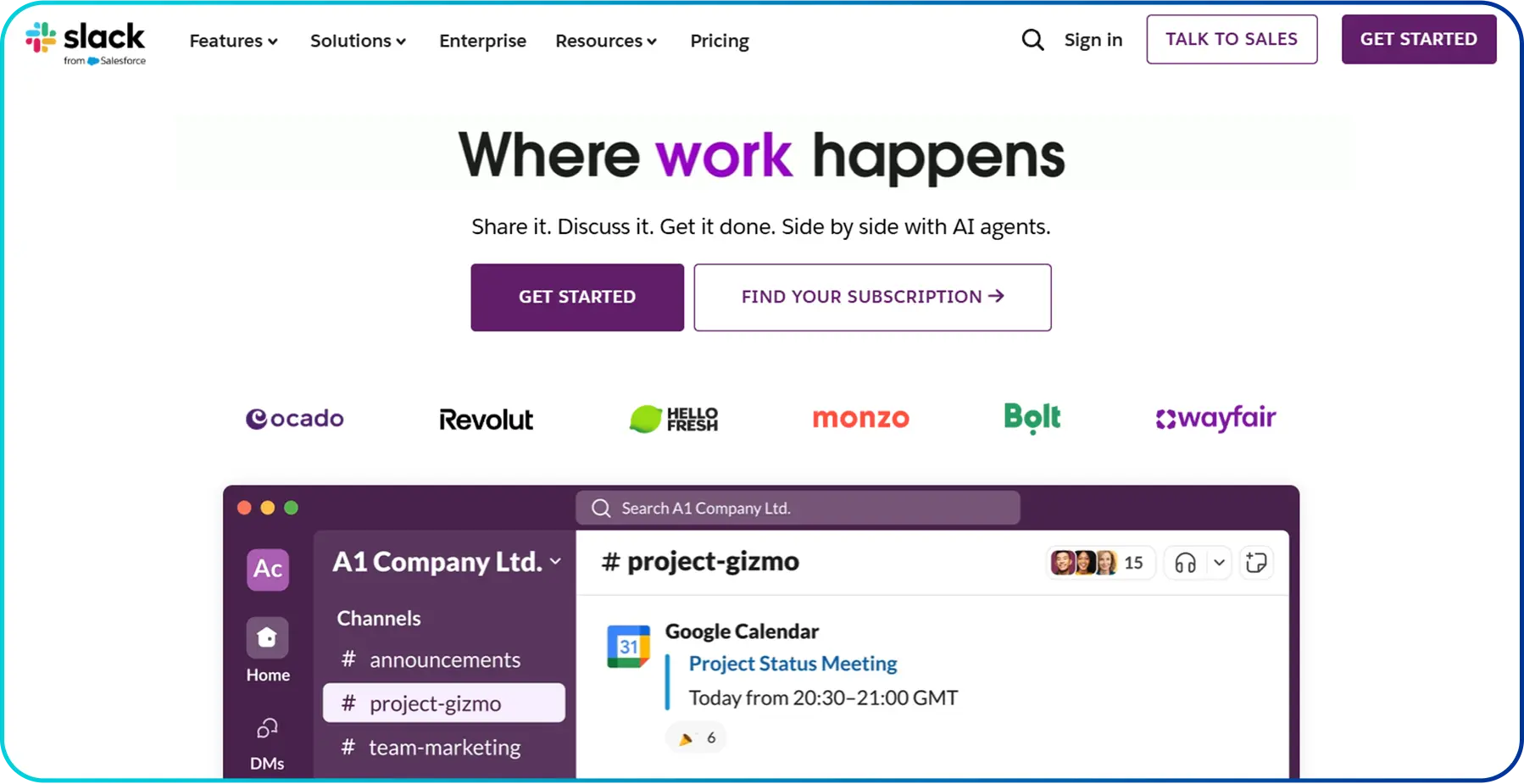 Slack also boosts productivity with features like Slack AI and Agentforce, which generate conversation summaries, perform natural language searches, and create automated notes and action items from Huddles. It integrates with thousands of apps, so updates from tools like Salesforce or Jira appear directly in chat.
Key Features
- Group Meetings
- AI Conversational Summaries
- Native Data Loss Prevention
- Group External Messages
Pricing Plan (Monthly Billing)
- Basic: Free
- Pro: $8.75/user/month (50% free for 3-months)
- Business+: $18/user/month (50% free for 3-months)
- Enterprise+: Contact Sales
3. Microsoft Teams
Microsoft Teams offers a structured and reliable space for remote workers. Even the free version supports professional video meetings with up to 100 participants for 60 minutes, while one-on-one calls can run much longer. Teams can invite clients or partners through a simple link without requiring them to create an account. Features like screen sharing, custom backgrounds, and Together Mode improve meeting engagement and reduce fatigue during long discussions. Teams also supports organized collaboration through its Communities feature, where businesses can create dedicated channels for different functions such as marketing, design, or client work. Each community includes a shared calendar and file space, which keeps deadlines and documents visible. Since Teams integrates directly with Word, Excel, and PowerPoint, members can edit documents together in real time while continuing the conversation.
Key Features
- Video Conferencing
- Meeting Recording
- Data Encryption
- Custom Business Email
Pricing Plan (Annual Billing)
Business
- Teams Essentials: $4.00/user/month
- Microsoft 365 Business Basic: $6.00/user/month
- Microsoft 365 Business Standard: $12.50/user/month
Individual
- Microsoft Teams: Free
- Microsoft 365 Personal: $99.99/year
- Microsoft 365 Family: $129.99/year
Enterprise
- Teams Enterprise: $8.55/user/month
- Microsoft 365 E3: $36.00/user/month
- Microsoft 365 E5: $57.00/user/month
4. Zoom
Zoom has grown beyond video calls into a unified communication (UC) platform. At the center of its system is the AI Companion, which supports meetings from start to finish. It generates meeting summaries, lists action items, and answers private questions if someone joins late. The AI can also assist with drafting messages and brainstorming ideas, which improves productivity during and after meetings. In addition, Zoom connects live and ongoing communication through Team Chat and Zoom Phone. Team Chat keeps meeting discussions connected before and after calls, while Zoom Phone allows users to switch a regular phone call into a video meeting instantly. For teams working across time zones, Zoom Clips supports recorded updates instead of scheduling another live session.
Key Features
- AI-powered Meeting Summaries
- Application Integrations
- Unlimited Internal Calling
- Whiteboard
Pricing Plan (Monthly Billing)
- Basic: Free
- Pro: $16.99/user/month
- Business: $21.99/user/month
- Enterprise: Custom
5. Discord
Discord provides a flexible communication environment that combines text, voice, and video channels within customizable servers. While originally popular among gaming communities, many creative teams and developer groups use it for real-time collaboration. Its standout feature is the Voice Channels, which stay open at all times. Team members can see who is inside a channel and join instantly without setting up a meeting link, allowing quick discussions and informal collaboration. For company-wide updates or events, Discord provides Stage Channels, where selected speakers present while others listen and request to participate. This setup works well for webinars, internal announcements, or Q&A sessions. Discord also includes a strong Bot Ecosystem that automates onboarding, moderates conversations, runs polls, and connects with tools like Trello or GitHub.
Key Features
- Custom App Icon
- Age-restricted Commands
- Screen Sharing & Streaming
- Voice & Video Chat
Pricing Plan (Monthly Billing)
- Free Tier: $0
- Nitro Basic: $2.99/month/person
- Discord Nitro: $9.99/month/person
6. Loom
Loom is a leading tool for asynchronous team communication. It allows team members to record their screen and camera at the same time to explain complex ideas, give feedback, or walk through tasks in a clear and visual way. Instead of coordinating schedules, colleagues review the recording when available and respond with comments.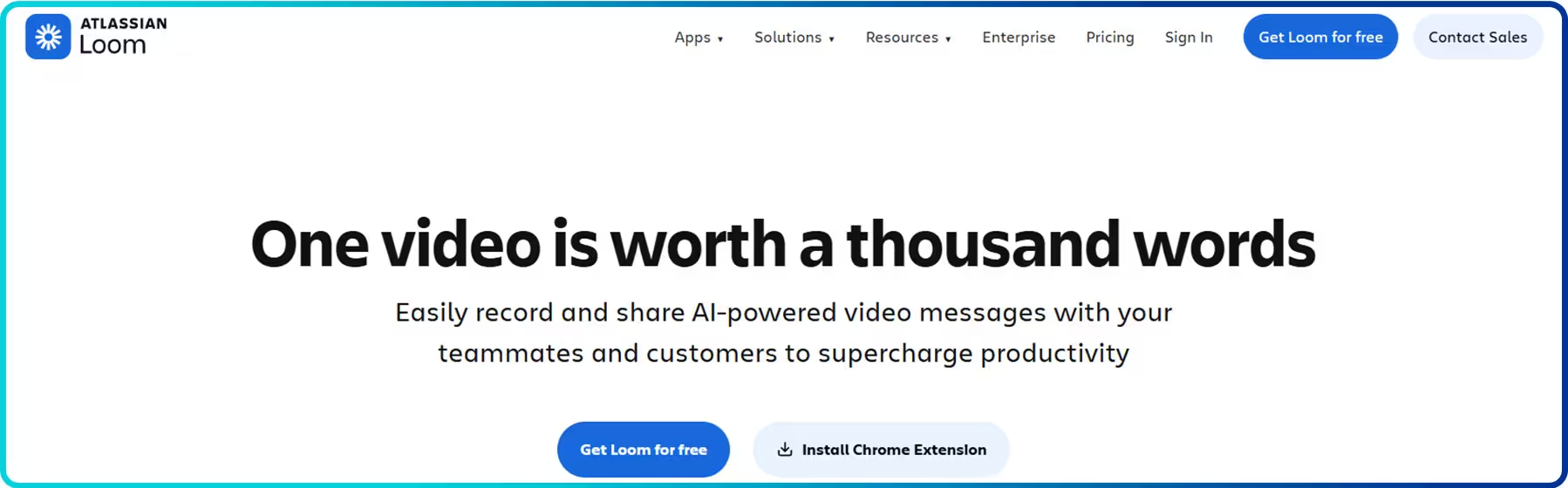 Loom also strengthens documentation and workflow clarity. Teams use it for onboarding guides, product demos, client explanations, and issue reporting. Viewers can leave time-stamped comments to discuss specific sections, which keeps feedback structured and relevant. Loom integrates with tools like Jira and Confluence, enabling teams to attach videos directly to tasks or knowledge pages.
Key Features
- Advanced Editing
- Auto-video Enhancement
- Unlimited Members
- Virtual Backgrounds
Pricing Plan (Monthly Billing)
- Starter: $0
- Business: $15/user/month
- Business + AI: $20/user/month
- Enterprise: Contact Sales
7. Chanty
Chanty is built for businesses that want structured team communication without added complexity. It offers a clean interface that teams can adopt quickly. Its central feature, the Teambook, brings conversations, shared files, links, and tasks into one organized workspace. This reduces time spent searching for information and keeps communication grouped by team or project. In addition, Chanty provides unlimited message history on its free plan, ensuring that business discussions and decisions remain accessible.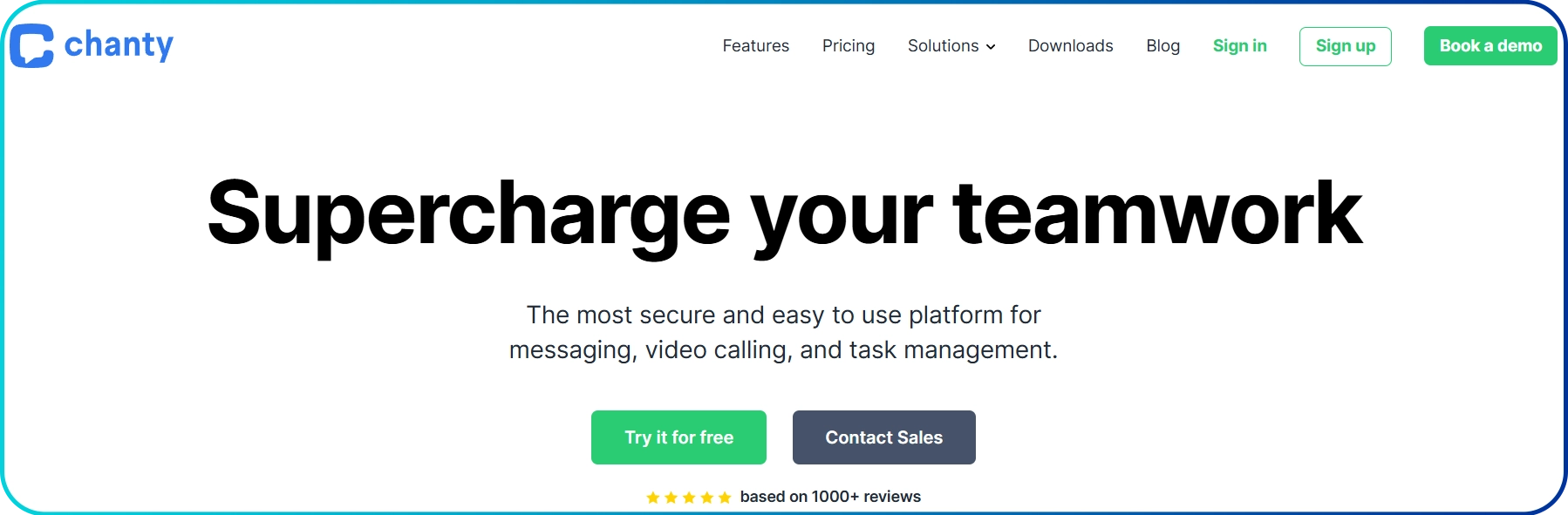 Chanty connects communication directly with task execution. Teams can convert any message into a task, assign responsibility, set deadlines, and monitor progress on a built-in Kanban board. This helps small and growing businesses manage work without relying on separate project management tools.
Key Features
- Data Import & Export
- Health Insurance Portability and Accountability Act (HIPAA) Compliance
- Disappearing Messages
- White Labeling & Embedding
Pricing Plan (Monthly Billing)
- Basic: Free
- Business: $4/user/month
- Enterprise: Custom
8. Connecteam
Connecteam focuses on mobile-first communication for employees who do not work at desks. It places chat, schedules, updates, and training materials directly on workers’ smartphones. Employees can join using only their phone numbers, which simplifies onboarding for part-time or high-turnover teams.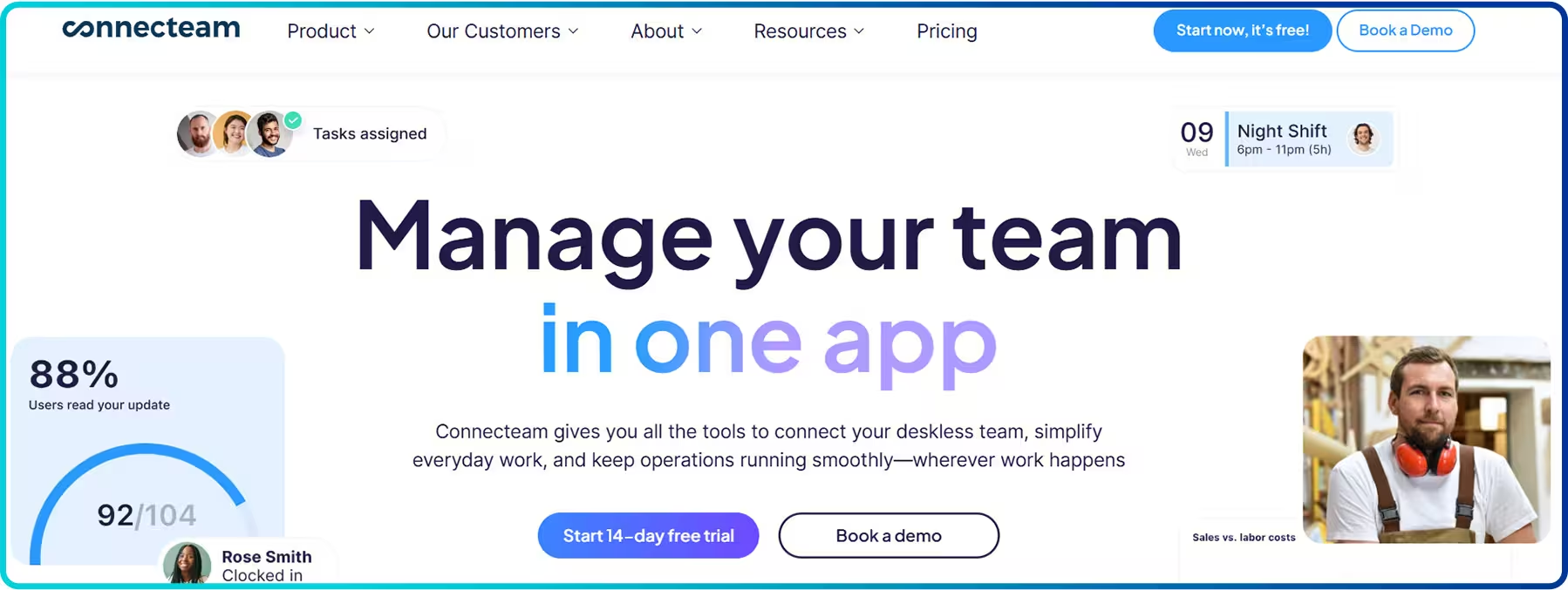 Connecteam separates everyday communication from company-wide updates to keep things organized. Managers can use the Newsfeed to post important announcements, safety alerts, and team recognitions, while the in-app chat handles one-on-one and group conversations. The platform also includes read receipts, so managers can track who has seen important updates and can send reminders when necessary.
Key Features
- Instant Messaging
- Digital Phonebook
- Anonymous Option
- Events Manager
Pricing Plan (Monthly Billing)
- Small Business Plan: $0
- Basic: $35/month/30 users
- Advanced: $59/month/30 users
- Expert: $119/month/30 users
- Enterprise: Custom
9. Pumble
Pumble delivers the core features of a professional team chat platform, giving small teams everything they need for free without limits. It offers unlimited message history, so every decision, shared file, and conversation remains searchable from day one. It also allows unlimited users, which means businesses can invite employees, freelancers, and contractors without worrying about per-seat costs.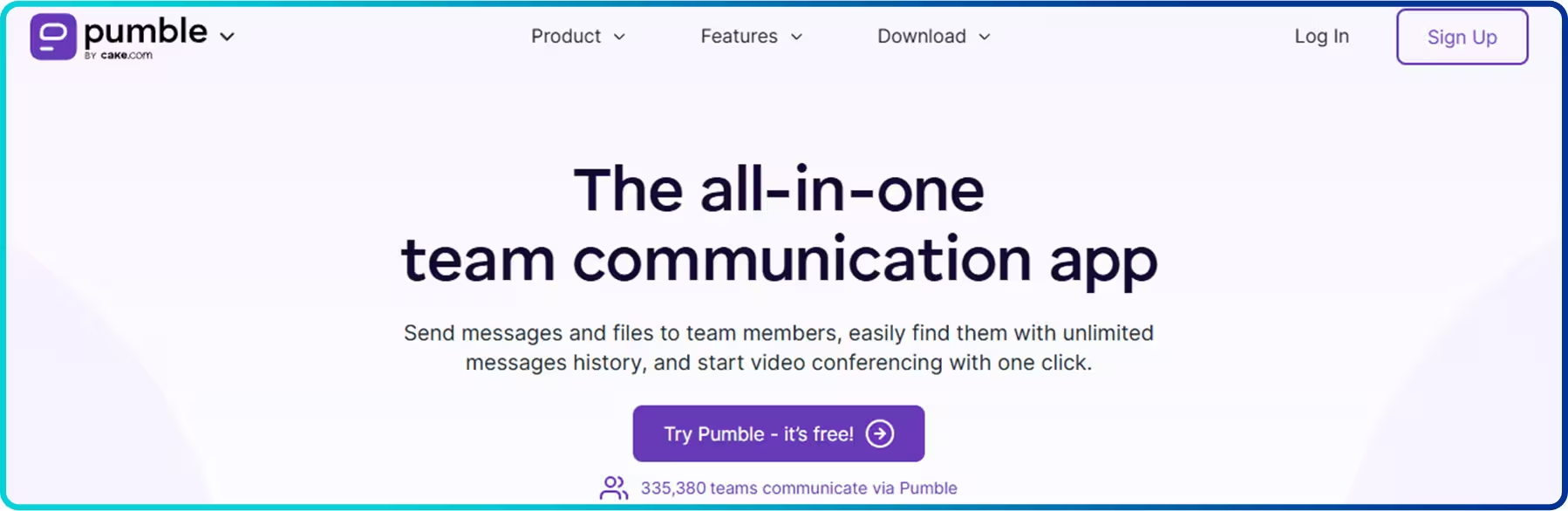 Pumble keeps communication organized through public and private channels and supports deep message threading to prevent clutter in busy discussions. Users can group channels into custom folders for better navigation across larger workspaces. The platform also includes built-in voice and video calls, allowing teams to start 1-on-1 conversations directly from chat.
Key Features
- Single Sign-On (SSO)
- Data Retention
- Time Tracking
- Message History
Pricing Plan (Monthly Billing)
- Basic: Free
- Pro: $2.99/month/seat
- Business: $4.99/month/seat
- Enterprise: $7.99/month/seat
10. Google Chat
Google Chat serves as the central communication layer inside Google Workspace. Teams can open Docs, Sheets, or Slides directly within a Chat Space and edit them while discussing changes in real time. Chat also sits inside Gmail, which allows users to move between email and team conversations without switching platforms.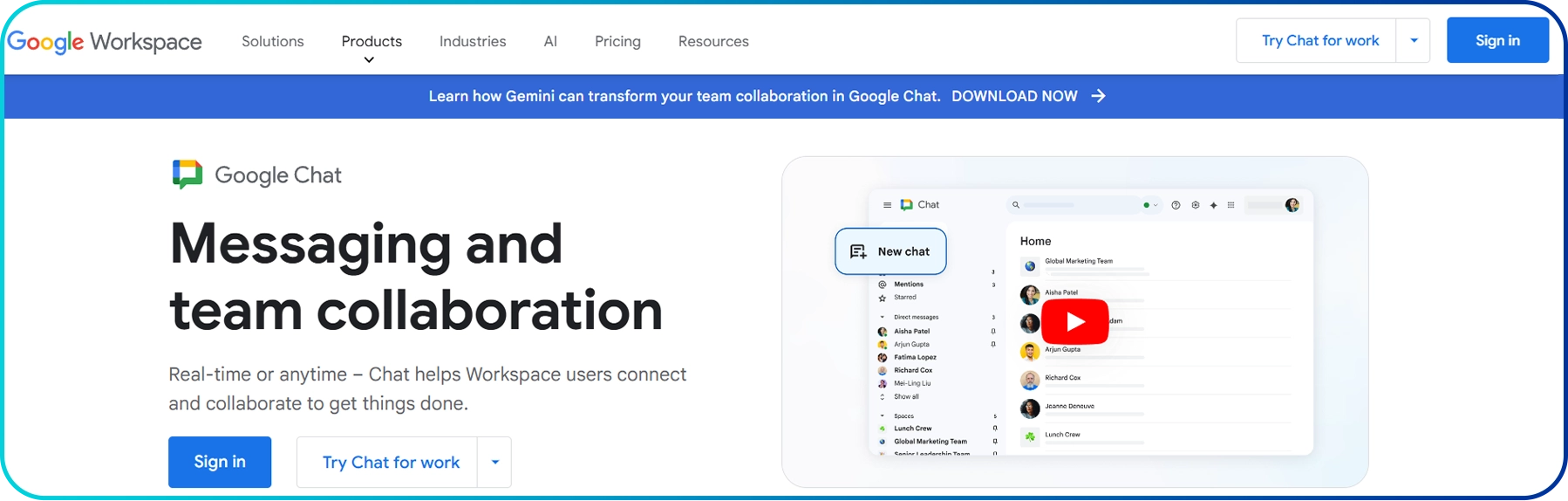 For long-term projects, Google Chat organizes everything into Spaces. Here, teams can manage discussions, shared files, and assigned tasks all in one place, with clearly separated tabs for each. Within a Space, members can engage in conversations, access shared files, and assign tasks with ease. Teams can also start a Google Meet call directly from a chat thread, and any notes or links shared during the meeting will be automatically saved in the same Space, keeping everything organized and accessible.
Key Features
- Built-in Security
- Google Meet
- Spaces (Collaboration Hubs)
- Unified Search
Pricing Plan (Monthly Billing)
- Starter: $7.56/user/month
- Standard: $15.12/user/month
- Plus: $26.40/user/month
- Enterprise: Custom
Comparison Between the Best Team Communication Tools for 2026
Tool Best For Starting Price* Core Communication Features Google Play Rating Apple App Store Rating G2 RatingCalilio Sales teams, customer support teams, and businesses that rely on professional phone communication $15/user/month 4.9 ★ 1.8 ★ 4.7★ Slack Real-time team messaging and channel-based collaboration across departments and projects Free or $8.75/user/month 4.2★ 3.8★ 4.5★ Microsoft Teams Small businesses and teams that rely on Microsoft tools Free or $4/user/month 4.6★ 4.8★ 4.3★ Zoom Teams that rely heavily on meetings and want AI support built into daily communication Free or $16.99/month 4.1★ 4.6★ 4.5★ Discord Creative teams, developer groups, and community-driven organizations that value real-time interaction Free or $2.99/month 4.4★ 4.7★ 4.4★ Loom Teams that prefer asynchronous video communication over frequent meetings Free or $15/user/month
Unlimited Member4.3★ 4.8★ 4.7★ Chanty Small teams that want simple communication with built-in task management Free or $4/user/month 4.4★ 4.7★ 4.5★ Connecteam Deskless and frontline teams in industries such as construction, retail, healthcare, and hospitality Free or $35/month 4.7★ 4.8★ 4.6★ Pumble Small and growing businesses that want unlimited messaging without per-user limits Free or $2.99/user/month 4.5★ 4.8★ 4.5★ Google Chat Businesses that use Google Workspace and want communication built into their daily tools Included In Workspace ($7.56/user/month) 4.3★ 4.6★ 4.4★
How to Choose the Right Team Communication Tool?
Before choosing a team communication tool, evaluate ease of use, essential features, integrations, reliability, pricing, and scalability. The platform must match how your team communicates daily, support messaging and calls efficiently, integrate with other business tools, and scale as your organization grows.
- Evaluate Ease of Use: Focus on platforms that are simple to set up and intuitive to navigate. Teams must be able to start messaging, calling, and collaborating without complex onboarding or technical barriers.
- Assess core Communication Features: Include tools that provide essential capabilities such as team messaging, voice calls, video meetings, and file sharing. The platform must support everyday communication without relying heavily on external add-ons.
- Examine Integration Capabilities: Review how well each tool connects with common business applications, including project management software, CRM systems, cloud storage, and productivity platforms. Strong integrations reduce context switching and maintain workflow continuity.
- Review Reliability and Performance: Prioritize tools known for stable performance, consistent uptime, and clear audio and video quality. Communication platforms must function dependably, especially for distributed teams.
- Analyze Pricing Structure and Flexibility: Compare pricing tiers to ensure options exist for startups, mid-sized teams, and larger organizations. Transparent pricing and clear feature breakdowns were considered in the evaluation.
- Consider Scalability: Select platforms capable of supporting increasing users, departments, channels, and communication volume without performance decline.
Conclusion
Choosing the right team communication tool depends on how a team works and what kind of communication matters most. Some platforms focus on internal messaging and collaboration, while others specialize in video meetings or asynchronous updates. The best solution aligns with your daily workflows, team size, and communication priorities.



Summarize this blog with:
Frequently Asked Questions
What are the best communication tools for remote teams?
Tools like Slack, Microsoft Teams, Zoom, and Google Chat are best for remote team collaboration. They help distributed teams stay connected across time zones. For remote teams that rely on customer calls and shared business numbers, platforms like Calilio provide structured voice and SMS coordination alongside team visibility.
How do team communication tools improve productivity?
Can small businesses use free team communication tools?
Which features matter most in a team communication platform?

Still have questions?
Can’t find the answer you’re looking for? Please chat with our friendly team.
Stay in the loop
Get the latest call insights, trends, and updates delivered straight to your inbox.
By subscribing, you agree to receive updates from Calilio.
You can unsubscribe anytime.
Enter the World of AI Business Phone System with Calilio
Improve your business operation with Calilio's advanced virtual phone system. Join today for a better way to connect.