- Partners
- Contact Us
- Log in
What is Unified Communication (UC)? A Complete Guide


In many modern workplaces, people use one app for emails, another for calls and messages, and a separate one for video conferences. This often leads to scattered communication, slower responses, and reduced productivity. These challenges are even more noticeable in remote and hybrid work environments where efficient collaboration is essential.
Unified Communications provides a simple solution by bringing all communication tools into one centralized platform. It improves workflow, enhances real-time collaboration, and reduces operational costs.
In this article, we’ll break down what Unified Communication is and how it works. We’ll also explore its types, core components, benefits, pricing, and how to choose a UC system that best fits your business.
Key highlights:
Unified communication brings voice calls, video, chat and email together in one platform for easier business communication.
There are three main types of unified communication systems: cloud-based, on-premises, and hybrid UC, each offering different levels of control, flexibility and setup cost.
Core features of UC include VoIP calling, video meetings, unified messaging, presence status and collaboration tools like screen and file sharing.
The cost of unified communication usually falls between $5 and $75+ per user, with popular providers being Calilio, Microsoft Teams, Nextiva and RingEx.
What is Unified Communication?
Unified Communication (UC) is a system that integrates multiple communication tools like voice calls, video meetings, messaging and email into one unified platform. It is a technology that enables organizations to use multiple tools for effective internal and external interactions, improving communication and strengthening collaboration.
It provides integrated cross-device support that delivers a unified experience across all devices, enabling teams to work together smoothly in any environment.
How Does Unified Communication Work?
In simple terms, unified communication works by combining all your ways of talking in one place. You can call, message, join video meetings, share files, or check voicemail without jumping between different apps. Everything connects in the background, so you move from one tool to another with ease.
In technical terms, unified communication works by bringing essential communication functions such as calling, conferencing, messaging, file sharing, and voicemail into one central back-end system. This system manages these tools and connects them to the front-end applications that users access, allowing all communication channels to work together in a unified way.
Once everything is connected, the UC platform enables information to flow smoothly between different tools, whether users are on-premises, using a cloud UCaaS service, or working in a hybrid setup. Technologies like Web Real-Time Communication (WebRTC) allow users to access UC features through a web browser, and open Application Programming Interfaces (API) help different UC tools integrate, even when they come from different vendors.
This unified approach improves efficiency, increases flexibility, and allows employees to communicate in the way that best fits their needs.
What are the Core Components of Unified Communications?
The main components of a unified communication system are communication tools (video, voice, and messages), collaboration tools (file sharing, shared workspaces), and supporting infrastructure (application integration, security, and mobility).
Communication Tools
- VoIP Technology: VoIP (Voice Over Internet Protocol) is a cloud telephony technology that uses the internet to make calls, send messages, and share other forms of information. Any unified system that requires the internet works under VoIP technology.
- Video Conferencing: Video conferencing supports a hybrid work environment by helping business personnel connect and communicate face-to-face, eliminating the need for physical presence. It also supports remote work and promotes interactive communication.
- Unified Messaging: Unified messaging combines various messaging platforms, such as voicemail, email, SMS, and fax, all in one place. You don’t need to check different apps for messages. All notifications appear in one place, and you can open them with just one click.
Collaboration Tools
- Shared Workspaces: A shared workspace is a central location where teams can work together on projects, brainstorm, edit documents, and collaborate in real-time.
- File Sharing and Desktop Sharing: It allows users to instantly share files and their screens with colleagues, simplifying teamwork and presentations.
- Calendar and Scheduling: It helps organize meetings, appointments, and team availability in one place.
Supporting Infrastructure
- Network Capabilities: Provides a reliable IP network that efficiently supports voice, video, and data across the entire system.
- Security: Ensures that communication and data stay safe and private, which is very important in a hybrid work environment.
- Application Integration: Connects unified communication tools with business applications such as Customer Relationship Management (CRM), Enterprise Resource Planning (ERP), and project management tools to improve workflow efficiency.
- Mobility: Allows users to access UC tools and services from mobile devices, ensuring productivity anywhere, at any time.
Types of Unified Communication Systems
Unified communication systems are generally grouped into three main models: cloud, on-premises, and hybrid, each providing different levels of flexibility, control, and deployment options.
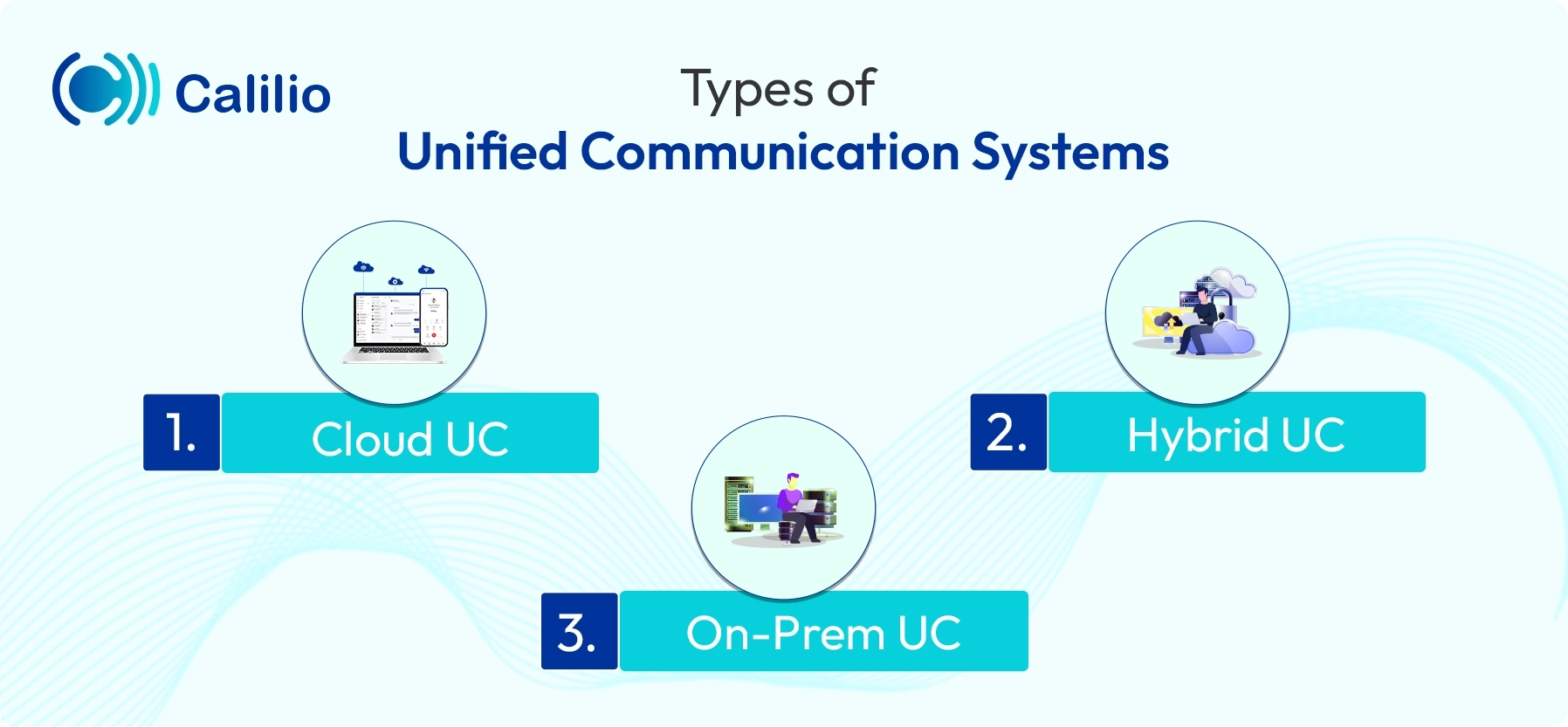
Cloud UC
Cloud UC, also known as Unified Communications as a Service (UCaaS), is a modern communication solution that lets businesses manage calls, video meetings, and messaging through the internet. As everything runs in the cloud, companies can reduce expensive hardware and maintenance costs.
Cloud UC also supports remote and hybrid work by allowing employees to connect from any device, anywhere, at any time. This makes communication faster, more flexible, and easier to manage for businesses of all sizes.
On-premises UC
On-premises UC is a communication system that runs entirely on a company’s own servers and hardware, giving the business full ownership and control.
While this gives organizations full control over the system, it is costly, requires timely maintenance, and depends on an internal IT team for installations, upgrades, and security. Furthermore, on-premises systems limit remote access for users, which reduces flexibility.
Hybrid UC
Hybrid UC is a communication system that blends on-premises infrastructure with cloud-based services, giving businesses both control and flexibility. It allows businesses to keep some communication tools running on their own servers while using the cloud for features that are easier to access, update, or scale as the company grows.
It is a good choice for businesses that use on-premises systems and want to move to the cloud step by step without replacing everything at once.
| Cloud UC | On-Premises UC | Hybrid UC |
| Uses the internet and requires minimal setup time. | Installed and managed in-house. | Combines both cloud and on-premises features. |
| Limited control over systems. | Full control over systems and customization. | Provides control over key functions. |
| High flexibility and accessible from anywhere. | Limited accessibility and primarily usable on-site. | Allows businesses to choose which functions stay on-premises and which move to the cloud. |
Benefits of Unified Communications
Unified communications can benefit your business by offering a secure and easy communication platform that saves time, promotes productivity, and allows real-time cooperation inexpensively.
- Unified communication simplifies IT operations by bringing all communication tools into one platform, reducing the need to manage multiple systems and vendors.
- It reduces overall business costs by removing separate tools for calling, messaging, and emailing, lowering hardware, licensing, and maintenance expenses.
- It improves collaboration and productivity by offering integrated messaging, video meetings, presence status, and file sharing that help teams work together more efficiently.
- UC supports remote and hybrid work by giving employees internet-based access to all communication tools from any location and device.
- It enhances security by centralizing communication in a unified system where consistent security policies, encryption, and compliance measures can be applied.
- UC improves customer service by enabling faster responses, better internal coordination, and quicker issue resolution through real-time communication tools.
How Much Does a Unified Communication System Cost?
A unified communication system typically costs between $5-$75 or more per user each month, depending on the features and plan you choose. UC is considered cost-effective because it removes the need to manage multiple telephony systems and uses VoIP, which helps reduce international calling charges. The final cost varies based on your business requirements, the provider’s features, scalability options, type of UC, and overall convenience.
Compared to on-premises UC systems that require a higher upfront investment in hardware and software, UCaaS offers lower initial costs through monthly subscription plans based on the number of users and chosen features, while hybrid UC sits in the middle by combining existing on-premises equipment with cloud services to balance cost and flexibility.
How to Choose a UC Solution?
To choose a UC solution, focus on your business needs, required features, reliability, ease of use, and overall cost to ensure it fits your organization.
- Understand Business Needs:
Consider the size of your team, analyze how often your employees work together, and identify your business’s communication needs that UC can solve. Look for services that integrate well with the existing tools you are using for a smooth transition and cost savings. - Evaluate Features and Services:
Compare different UC providers to see what features they offer, such as screen sharing, voicemail transcription, or mobile access, and if those features can assist your agents. - Ease of Use:
A UC system must be easy to use so users can quickly adopt and utilize the platform. A user-friendly UC system will help you avoid extensive employee training to learn complicated features. - Uptime Guarantee:
An uptime guarantee of 99.99% is a must for any UC system to ensure a reliable connection and minimal chances of disruptions. High uptime means the system is mostly functional and facilitates smooth communication. - Scalability:
If you have a growing business, find a scalable UC solution to support your growth and add more users to the system. Make sure the system can handle increased communication needs as your business grows and that the cost does not increase drastically.
Best Unified Communication Systems in 2026
Many reputable companies offer UC solutions that claim to improve productivity, customer satisfaction, and privacy; choose the best one for your needs and budget.
Calilio
Calilio is a cloud phone system that centralizes all your calls, SMSes, and voicemails in a single place. Its unified call box makes switching between conversations easy, reducing interaction management time and improving productivity. Calilio is the best VoIP solution for businesses of all sizes. It has 3 pricing plans, starting from USD 12 per user/month, and can be customized according to your needs.
Microsoft Teams
Microsoft Teams is a team collaboration software that offers only Microsoft products and features like workspace chat, video conferencing, file storage for messaging services, video call, file sharing, and conducting online meetings. It includes AI-powered scheduling and enhances virtual meetings by bringing team chat, VoIP calling, and email services together in a single platform. It has three pricing ranges: USD 4 per user/month for Microsoft Teams Essentials, USD 6 per user/month for Microsoft 365 Business Basic, and USD 12.50 per user/month for Microsoft 365 Business Standard.
Nextiva
Nextiva is a cloud-based communication platform that enables users to make voice and video calls, chat, integrate social media, and send emails. The platform also allows users to conduct online surveys and obtain customer insights and feedback. It is user-friendly and easy to set up. Nextiva’s pricing ranges differently depending on its customized package. Nextiva Digital for startups costs USD 20 per user/month and goes up to USD 60 per user/month for its Nextiva PowerSuite plan, which is specially tailored for sales and service teams.
Ring Ex
Ring Ex, formerly known as RingCentral MVP, combines many communication tools and services in a single customizable system, like messaging, video, and audio call services. Additionally, the system offers video conferencing, webinars, messaging, and built-in whiteboarding tools, which are tailored to modern businesses and their communication needs. Its core plan is ideal for small businesses and costs USD 9.99 per user/month, and its ultra plan can hold up to 200 users and costs only USD 35 per user/month.
Conclusion
Unified Communication brings calls, emails, messaging, and video meetings into one platform, helping businesses avoid scattered communication and work more efficiently. It supports remote and hybrid teams, improves collaboration, and reduces communication costs, making it a valuable tool for modern workplaces.



Summarize this blog with:
Frequently Asked Questions
What are the disadvantages of unified communications?
The main disadvantages of unified communications are high setup costs, dependence on a strong internet connection, potential security risks, integration challenges, and the need for employee training.
What is the difference between telecom and unified communications?
Is unified communication worth the investment?

Still have questions?
Can’t find the answer you’re looking for? Please chat with our friendly team.
Stay in the loop
Get the latest call insights, trends, and updates delivered straight to your inbox.
By subscribing, you agree to receive updates from Calilio.
You can unsubscribe anytime.
Enter the World of AI Business Phone System with Calilio
Improve your business operation with Calilio's advanced virtual phone system. Join today for a better way to connect.