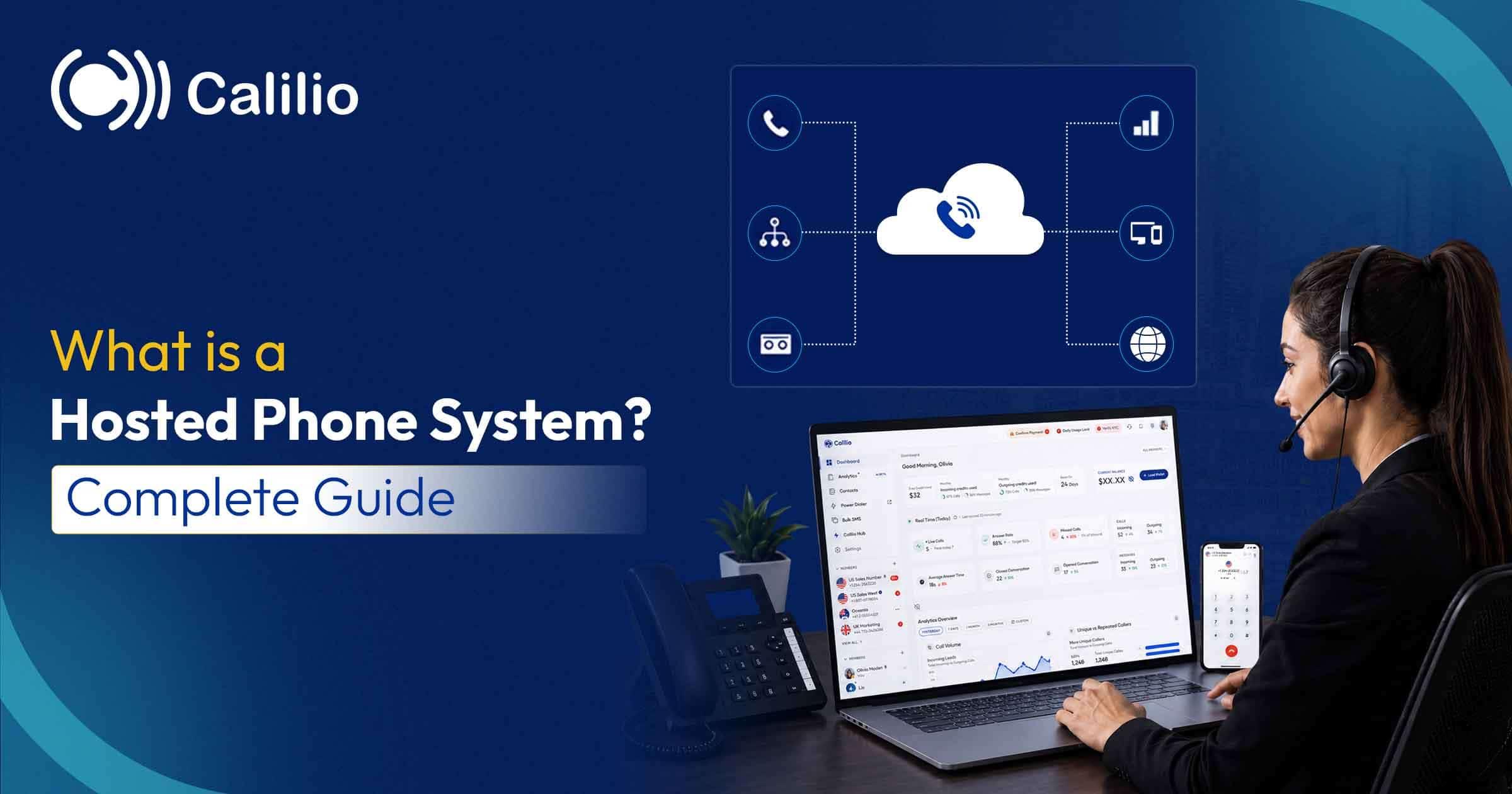

For most of the last century, a business phone system was a physical object. A box in a cupboard, wired to every desk, installed by an engineer and replaced every decade at considerable expense. A hosted phone system removes the box.
This guide covers what that actually means in practice — how calls reach you without on-site equipment, what you gain and genuinely give up, what it costs, and how to tell whether it suits your business.
The Short Answer
A hosted phone system is a business phone service where the equipment that routes your calls runs on your provider’s servers instead of hardware in your office. You use it through apps on a computer or mobile, or through IP desk phones, and pay a monthly fee per user.
Your numbers and call routing live with your provider, not in a cupboard in your office.
Calls travel over your internet connection to whichever device someone is signed in on.
Hosted phone system, cloud phone system, hosted PBX and hosted VoIP all mean the same thing.
It is a monthly per-user cost rather than a capital purchase, typically $12 to $35 per person.
How a hosted phone system works
The mechanics are simpler than the terminology suggests. Your numbers and your routing rules live with your provider, and the internet replaces the copper wiring that used to run from a box in your building to each desk.
1
Your numbers live with your provider
Rather than being tied to a physical line into your building, your business numbers are assigned to your account. That is what allows the same number to ring on a laptop at home and a mobile in a van.
2
You set the rules once, in a browser
A greeting, a menu of options, business hours, who rings first, where unanswered calls go. These are settings you edit yourself, not a configuration an engineer visits to change.
3
An incoming call reaches the provider first
When a customer dials your number, the call arrives at your provider’s servers, which apply your rules — playing the greeting, taking the menu choice, checking whether you are open.
4
It is delivered to the right device over the internet
The call is then sent to whichever device the right person is signed in on: a desktop app, a mobile app, or an IP desk phone. All of them work identically because none of them is the phone system.
5
Outbound calls travel the same way in reverse
When you dial out, the call goes to your provider and out to the public network showing your business number, so a call made from a personal mobile still presents your company identity.
The consequence worth understanding: because the routing lives with your provider rather than in your building, your phone system keeps working when your office does not. A flood, a power cut or a closed office does not stop calls being answered — they simply reach whichever device someone is signed in on.
Hosted, cloud, VoIP: which words mean the same thing
This category has an unusual number of names for one product, plus two terms that genuinely mean something different. Worth two minutes, because vendors switch between them freely.
Hosted phone system
The plainest description: the phone system is hosted elsewhere. Common in small-business marketing because it needs no prior knowledge to understand.
Cloud phone system
The same product renamed once “cloud” became the standard word for anything running on someone else’s servers. No functional difference.
Hosted PBX / Cloud PBX
The same thing named after the component being replaced. A PBX is the switchboard that connects calls inside a business and out to the public network.
Hosted VoIP / Cloud VoIP
Again the same category, named after how calls travel. VoIP means Voice over Internet Protocol — calls carried as data rather than over copper.
SIP trunking
Genuinely different. SIP trunking supplies internet connectivity to a PBX you still own and operate, so you keep the on-site hardware and its maintenance.
On-premise PBX
Also genuinely different, and the thing hosted systems replace: a physical switchboard installed in your building that you buy, own, maintain and eventually replace.
The practical rule: if a vendor uses hosted phone system, cloud phone system, hosted PBX, cloud PBX or hosted VoIP, they are describing the same arrangement. Only SIP trunking and on-premise PBX are genuinely different purchases.
Hosted vs on-premise: what actually changes
The differences are less about call quality — both are fine on a decent connection — and more about who owns the risk, the maintenance and the upfront cost.
Comparison
Hosted
On-Premise PBX
Where it lives
Your provider’s servers
Hardware in your building
Upfront cost
None — monthly per user
Substantial capital purchase
Who maintains it
Your provider
You, or a contracted engineer
Adding a person
A setting you change in minutes
Often an engineer visit and licence
Working remotely
Built in — same number anywhere
Needs extra configuration, if possible
If your office loses power
Calls continue on mobile apps
System goes down with the building
If your internet fails
On-site devices stop; failover to mobile
Internal calls may keep working
What you get with a hosted phone system
These are standard rather than premium in most hosted systems. On a traditional PBX several of them were expensive add-ons or simply unavailable, which is a large part of why businesses switch.
Phone menus (IVR): A greeting that asks callers what they need and routes them to the right person or team, so nobody has to act as a switchboard.
Business hours routing: Calls follow one path during opening hours and another outside them, so after-hours callers get a useful message rather than an endless ring.
Call recording: A record of what was agreed, useful for training, disputes and remembering the detail nobody wrote down.
Voicemail and transcription: Messages delivered as audio and often as text, so they can be read and actioned without listening.
Forwarding and transfer: Send a call to a mobile, another team or an external number, either as a rule or in the moment.
Call reporting: Volume, missed calls, answer times and who handled what — the information a traditional system never gave you.
Desktop and mobile apps: Your business number works on a laptop, a phone or a tablet, with one shared call history rather than three separate ones.
Numbers in other countries: Buy a local number in a market you sell into without an office there, so customers dial a familiar area code.
Why businesses move to hosted systems
Cost is usually the reason given, but it is rarely the reason that matters most once a business has switched.
No capital purchase and no depreciation
You are renting a service rather than buying equipment, so there is no large upfront cost, no financing and nothing on the balance sheet to write down over a decade.
It scales in both directions
Adding five people is a billing change, and so is removing them. Traditional systems were sized for your maximum headcount and cost the same when you shrank.
Remote and hybrid work stop being a problem
The business number is attached to the person, not the desk. That is the single largest practical difference for most businesses that switch.
Maintenance and upgrades are not your job
Security patches, feature updates and hardware failures are handled by the provider. Nobody in your business needs to know how the system works internally.
One identity across every device
Staff can use personal mobiles without exposing personal numbers, and every call — however it was made — lands in the same shared history.
You get data you never had before
Missed-call counts, answer times and call volumes by hour are standard, and they routinely reveal problems a business did not know it had.
The honest drawbacks
Hosted systems suit most businesses, but they are not free of trade-offs and the vendors selling them rarely list these. All six are manageable if you know about them before you switch.
!
It depends entirely on your internet connection
Bandwidth is rarely the issue — roughly 100 kbps per concurrent call — but stability is. A connection that drops packets produces choppy calls even when speed tests look fine. Test before migrating everyone.
!
A power cut takes your desk phones down
Analogue lines carried a small voltage from the exchange, so a basic corded phone worked in an outage. Hosted systems need mains power. The practical mitigation is mobile apps, which keep working on cellular.
!
You are dependent on a provider’s uptime
When your provider has an outage, you have an outage, and you cannot fix it yourself. Check published uptime commitments and what compensation, if any, applies.
!
Equipment on your old phone lines may need replacing
Lift alarms, card payment terminals, door entry systems, alarm diallers and fax machines often share business lines and frequently do not work on digital connections. This is the most commonly underestimated part of switching.
!
Emergency calls need your location to be correct
Because the system is not tied to a building, emergency services cannot infer where you are. Registered addresses must be kept accurate, particularly for staff who move between sites.
!
Monthly costs continue indefinitely
Owning a PBX meant a large payment and then years of low running cost. A hosted system is a permanent operating expense — usually cheaper in total, but never finished being paid for.
What a hosted phone system costs
The per-user figure is only part of the invoice. Six line items make up the real monthly cost, and the last three are the ones that surprise people.
Cost
Typical Range
Worth Knowing
Per-user monthly fee
$12–$35 per user per month
Price the plan with the features you need, not the entry tier
Phone numbers
Often 1 included, then a few dollars each
Toll-free and international numbers usually cost more
Calling minutes
Bundled or metered depending on plan
Toll-free inbound minutes are billed to you, not the caller
Regulatory and E911 fees
A few dollars per user per month
Rarely shown in advertised pricing, always on the invoice
IP desk phones
Optional, one-off per handset
Most teams skip these entirely and use apps
Number porting
Free to modest one-off fee
Confirm porting-out fees too, before you need them
One question cuts through all of it on a sales call: what is the total monthly invoice for my exact number of people, on the plan that includes the features I have just described? Any answer that is not a single number needs following up.
Is a hosted phone system right for you?
Four signs it will suit you, three that say fix something else first.
✓A good fit if…
✓
Your team works from more than one place
Home, client sites, vehicles, multiple offices. This is the clearest case, and the hardest thing to retrofit onto a traditional system.
✓
Your existing phone system is old or being retired
If you are facing a forced change anyway, replacing hardware with hardware means doing it again in a decade.
✓
Your headcount changes through the year
Seasonal or project-based hiring is where per-user monthly billing is genuinely cheaper than licensed hardware.
✓
You want to know what happens on your phones
Missed calls, answer times and call volumes are standard here and were never available on an old system.
✕Fix something else first if…
✕
Your internet connection is unreliable
Fix the connection first. A hosted system inherits every fault in it, and no provider can compensate for an unstable line.
✕
You have just invested heavily in PBX hardware
SIP trunking may extend its life for less money. Moving to hosted makes more sense at the end of that equipment’s life than the start.
✕
You have unusual on-site integrations
Specialist equipment hard-wired into a PBX — some industrial, medical or security systems — can make a hosted move complex enough to need proper planning.
The bottom line
A hosted phone system moves the equipment out of your building and the maintenance off your plate. For most businesses that is a straightforwardly good trade: lower upfront cost, features that were never available on a traditional system, and a business number that follows people rather than sitting on a desk.
The two things to sort out before switching are your internet connection and everything else plugged into your phone lines. Get those right and the migration itself is undramatic. Get them wrong and no provider can rescue it.
Try a Hosted Phone System Without Buying Hardware
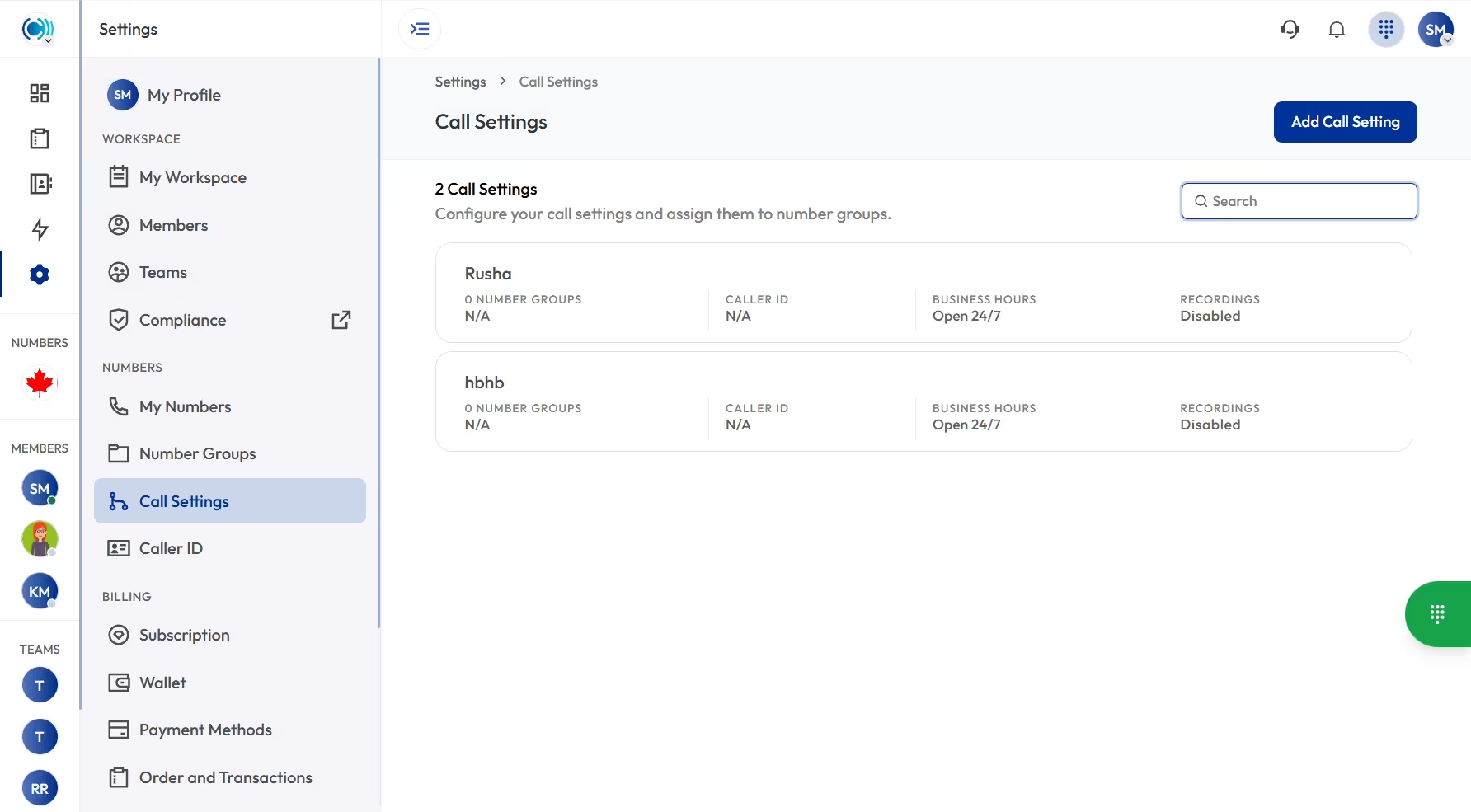
Port your existing number to Calilio and get a multi-level phone menu, business hours, call recording, voicemail and apps for desktop and mobile. From $12 per user per month with a 14-day money-back guarantee.
A hosted phone system is a business phone service where the equipment that routes your calls runs on your provider’s servers instead of hardware in your office. You use it through apps on a computer or mobile, or through IP desk phones, and pay a monthly fee per user. There is nothing to install, maintain or replace on site.
How does a hosted phone system work?
Your phone numbers and call routing live on your provider’s servers. When someone dials your number, the call reaches the provider first, which applies your rules — a greeting, a menu, business hours — then sends it over the internet to whichever device the right person is signed in on. Your outbound calls travel the same way in reverse, showing your business number rather than the device’s own number.
Is a hosted phone system the same as VoIP?
They are related but not identical. VoIP is the technology that carries calls as data over an internet connection. A hosted phone system is a service built on VoIP that also includes the switching and routing layer — menus, extensions, business hours, voicemail — running on your provider’s infrastructure. Every hosted phone system uses VoIP, but you can use VoIP without a hosted system by running your own PBX with SIP trunking.
How much does a hosted phone system cost?
Expect roughly $12 to $35 per user per month for standard business plans. The figure that matters is the plan containing the features you need, since call recording, CRM integrations and analytics are frequently held back from entry tiers. Phone numbers, calling minutes and regulatory fees are usually billed separately, so ask for the total monthly invoice for your exact headcount rather than the per-seat figure.
What happens if my internet goes down?
On-site devices stop working, since calls travel over your connection. The advantage of a hosted system is that routing lives with your provider rather than in your building, so calls can fail over automatically to mobile numbers and keep being answered on the mobile apps. Confirm that failover behaviour during a trial rather than assuming it exists.
Can I keep my existing phone numbers?
Yes. Business numbers are portable and every reputable provider supports porting in. Expect the process to take one to four weeks depending on your current carrier. Confirm two things in writing before committing: any porting fee, and that the numbers will be registered to you as the end user rather than held under the provider’s account — the second is what makes leaving straightforward later.
Do I need desk phones for a hosted phone system?
No. Every provider works through desktop and mobile apps, so a laptop and a headset is enough, and most businesses now skip handsets entirely. If you prefer physical phones — useful in a shop, clinic or workshop — many existing SIP handsets from Yealink, Poly and Cisco can be reused, though compatibility varies by model. Analogue phones from an old PBX will not work without an adaptor.
How long does it take to set up?
Summarize this blog with:
Still have questions?
Can’t find the answer you’re looking for? Please chat with our friendly team.
Stay in the loop
Get the latest call insights, trends, and updates delivered straight to your inbox.
By subscribing, you agree to receive updates from Calilio. You can unsubscribe anytime.