
The Complete Guide to VoIP Remote Working: Features, Setup, & Tips


Remote and hybrid work have become the norm for many businesses, but traditional phone systems often struggle to keep up. When teams rely on fixed phone lines, it’s harder to stay connected, manage calls efficiently, and keep customer conversations running smoothly.
That’s where VoIP (Voice over Internet Protocol) comes in. VoIP lets remote teams make and receive business calls over the internet using one simple, centralized system. Team members can collaborate in real time, transfer calls easily, and work from anywhere using the same business number. Meanwhile, managers can keep an eye on call activity and team performance without chasing updates.
In this guide, we’ll walk you through how VoIP supports remote work, the benefits it brings to distributed teams, the features to look for, common challenges to expect, and practical tips for setting everything up with minimal disruption.
Key Highlights:
VoIP enables remote teams to make and receive business calls and messages over the internet using laptops, smartphones, or tablets, without relying on physical phone lines.
VoIP helps remote teams reduce costs, scale easily as they grow, work from anywhere, and use advanced calling features to stay productive.
Common VoIP challenges for remote work include unstable internet, call quality issues, device differences, user training gaps, and security risks.
Following best practices such as using stable internet connections, standardizing devices, enabling secure access, and training teams regularly helps remote employees use VoIP smoothly and maintain consistent call quality.
What is VoIP for Remote Work?
VoIP (Voice Over Internet Protocol) for remote work is a technology that allows remote teams to handle incoming and outgoing calls over the internet rather than traditional phone lines. The system runs through software, which can be used from desktops, laptops, smartphones, or even tablets.
Each team member can use the same or a separate business number, no matter where they’re working from. In addition to basic calls, these systems often come with additional call management features like call transfer, voicemail, call forwarding, and more. This makes VoIP ideal for remote work, with no extra devices and no dependency on office infrastructure.
What are the Benefits of VoIP for Remote Teams?
VoIP allows remote teams to handle business calls from anywhere while keeping costs low. It also scales easily as your teams grow and gives remote employees access to the same calling features they would have in an office. As a result, remote teams stay connected, organized, and productive.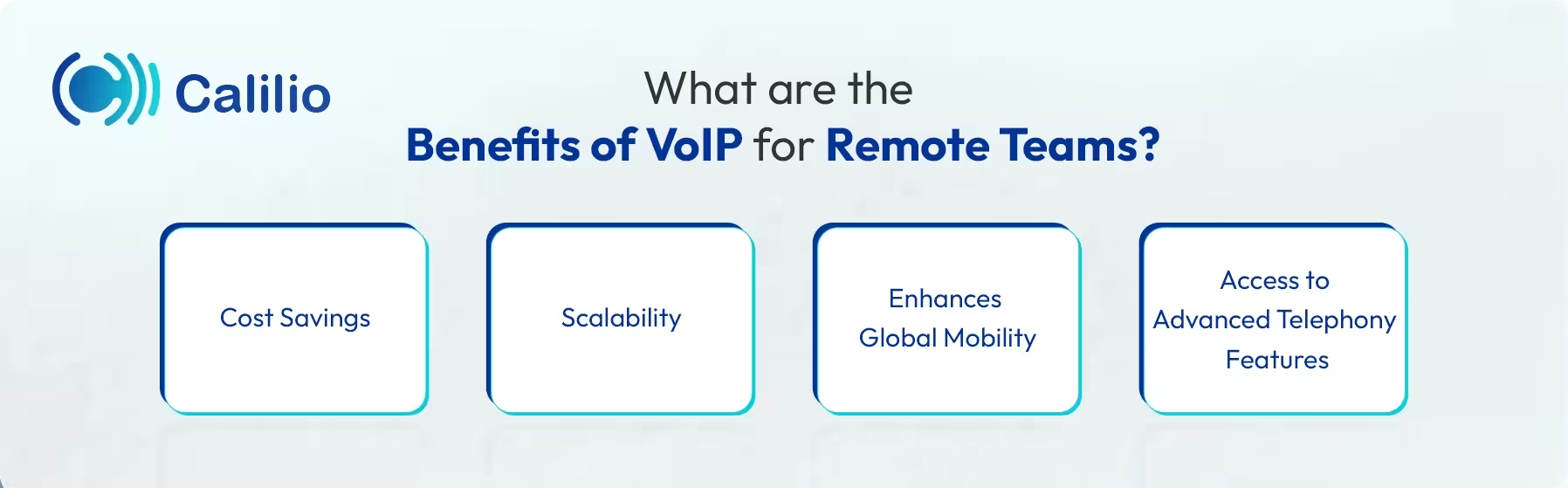
1. Cost Savings
As VoIP operates over the internet, it lowers operational costs by bypassing the heavy expenses of physical infrastructure. Remote teams can stay connected without the need for traditional phone lines or specialized hardware at home.
2. Scalability
If you’re a growing business, your communication system has to keep up with your needs. VoIP makes scaling a remote team effortless by allowing you to add or remove team members instantly, without any hardware changes. This flexibility ensures your communication system grows with your team.
3. Enhances Global Mobility
VoIP allows employees to work from anywhere with just an internet connection. The system is not tied to any physical location. The employees can take or answer calls using a softphone, whether they are at home or traveling.
4. Access to Advanced Telephony Features
VoIP service providers often include advanced telephony features like call routing, shared phone numbers, Interactive Voice Response (IVR), and voicemail-to-email. These features help remote employees handle calls professionally, stay reachable, and manage customer conversations, even when working from different devices or time zones.
Key VoIP Features for Remote Work
VoIP supports remote work through features like mobile and desktop app support, call forwarding, video conferencing, and internal calling. These tools help remote teams stay reachable, coordinate easily, and manage calls without relying on a physical office.
- Support for Mobile and Desktop Apps: VoIP allows remote team members to answer business calls on both desktops and mobile phones using dedicated apps, whether they are working from home or on the move.
- Call Forwarding and Routing: When a call comes in, the system automatically sends it to the right person based on simple rules such as availability, time of day, or department. If one team member is busy or offline, the call moves to another available agent instead of going unanswered.
- Video Conferencing: With video conferencing features, team members in different locations can join meetings and participate fully, ensuring they do not miss important office discussions.
- Internal Communication: Remote team members can call each other directly within the same system. This allows quick coordination, faster handoffs, and clear communication. It keeps remote work simple without relying on personal numbers or extra tools.
How Do You Set Up VoIP for a Remote Team?
Setting up a VoIP system for a remote team starts with choosing the right provider and assigning business phone numbers to employees. Then, configure the call routing rules and integrate with the necessary tools. Finally, train your employees to use the system and handle calls smoothly from any location.
- Choose a VoIP Provider: Select a provider that supports VoIP remote working and functions across all devices and locations without complex setup.
- Assign Business Phone Numbers: Allocate phone numbers to employees. You can also assign a single business number to multiple members so they can contact or receive a call from the customer using the same number.
- Configure Call Routing and Rules: Set up essential features like business hours, call forwarding, and routing for your remote team.
- Integrate with Business Tools: Connect the VoIP platform with CRM (Customer Relationship Management) and other systems to improve collaboration and keep data organized.
- Train the Remote Team: Guide employees on daily use to ensure smooth communication and consistent call handling across the team.
Tips to Choose the Right VoIP Provider for Your Remote Team
When choosing a VoIP provider for a remote team, ensure it includes all the essential features for remote work and integrates smoothly with your existing tools and apps. Also, confirm service reliability, flexibility for adding users across locations, and strong security protocols to keep calls stable, scalable, and protected.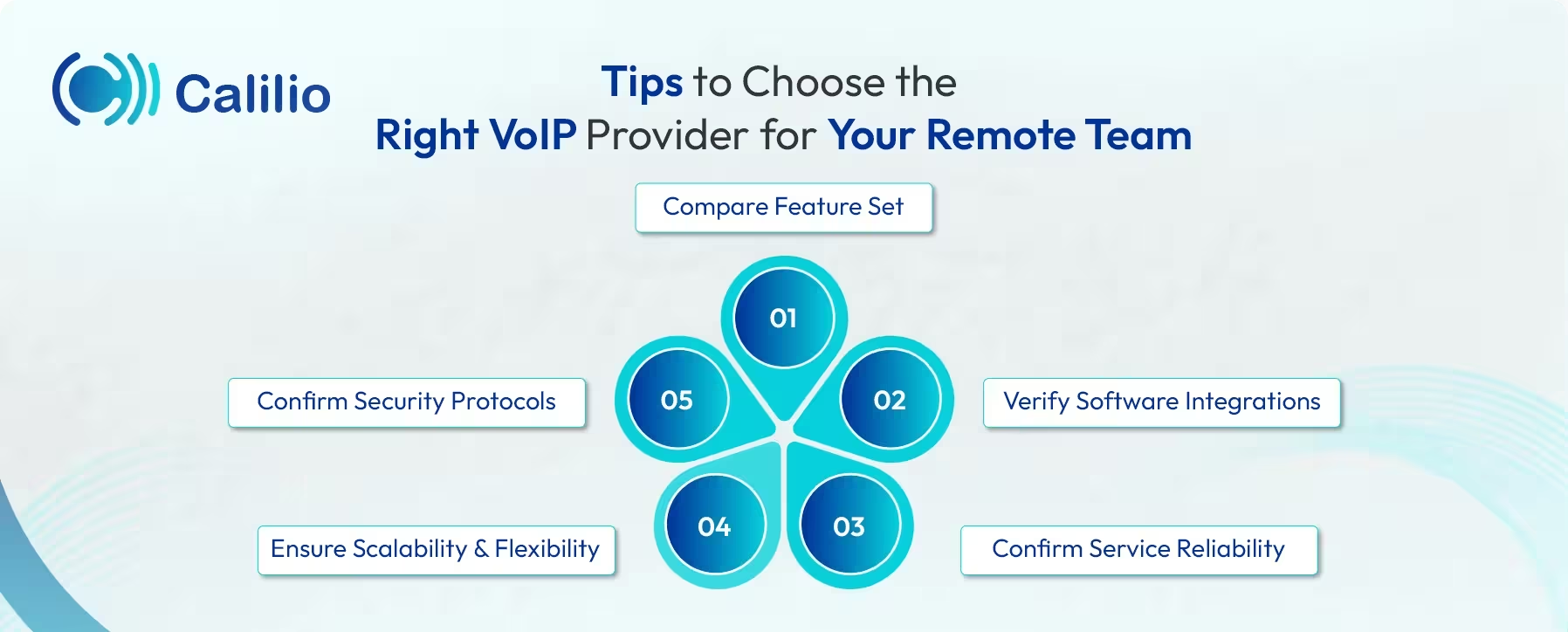
- Compare Feature Set: Not all the service providers provide the same level of features and functionalities. So, choose one that offers all the key features required for your business. This may include call forwarding and routing, voicemail, call recording, team messaging, and basic call analytics.
- Verify Software Integrations: Choose a provider that connects directly to the tools you already use, such as your CRM. Smooth integrations reduce manual work and keep call data, messages, and customer details in one place.
- Confirm Service Reliability: Check that the VoIP provider maintains high uptime and stable call quality so team members can make and receive calls without interruptions and glitches.
- Ensure Scalability and Flexibility: Choose a VoIP provider that can grow as your team expands. Adding new users, phone numbers, or features should be quick and simple, no matter the location. The system should support team members joining from different countries without complex setup or sudden cost increases.
- Confirm Security Protocols: Prioritize conversation privacy by verifying whether the phone system provides end-to-end encryption to safeguard the sensitive data.
Upgrade to a Reliable Business Phone System for Remote Work
Common Challenges Faced While Using VoIP for Remote Work
Common challenges when using a VoIP system for remote work include potential call quality issues, unstable internet connections, device differences, and security risks. These problems can disrupt communication and reduce productivity if not managed properly.
- Connectivity Issue: Your team’s home Wi-Fi may not be as strong as the office internet. Connectivity issues caused by unstable internet connections, low bandwidth, or network congestion can get in the way. This leads to dropped calls, annoying delays, and fuzzy audio, making it hard for the team to stay in sync.
- Device Variability: Not all remote team members use devices of the same quality, whether they are using smartphones, personal laptops, or tablets. The differences in hardware, operating systems, or software versions may cause audio issues and connection drops.
- User Adoption: Even when a VoIP system is easy to use, remote team members may take time to adjust to new calling tools and workflows. Lack of training or familiarity can lead to missed features, setup errors, and slower adoption, which affects daily communication and productivity.
- Security and Privacy Concerns: Remote team members often rely on home or public networks to make a call, which may not be secure. This increases the chance of hackers intercepting the connection and accessing client details or other sensitive information.
What are the Best Practices of Using VoIP for Remote Work?
To use VoIP effectively for remote work, ensure stable and strong internet connections, standardize devices and audio settings, and prioritize security measures such as encrypted calls and secure access. Regular team training also helps everyone use the system correctly and avoid common issues.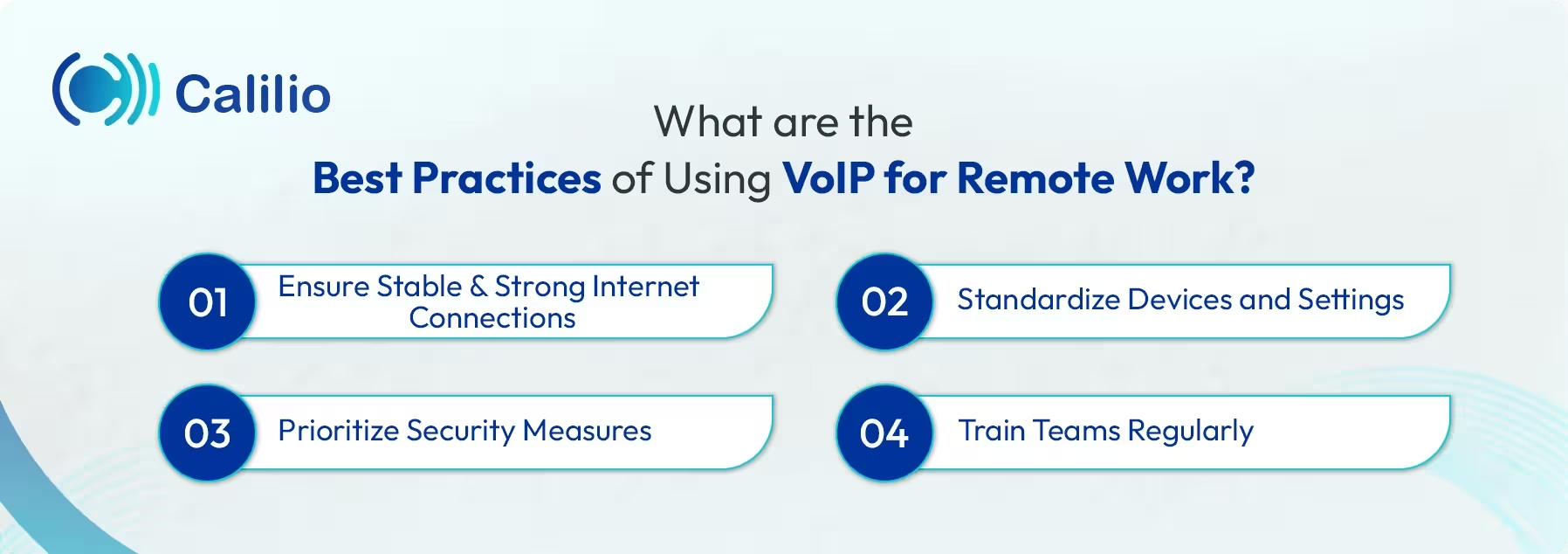
- Ensure Stable and Strong Internet Connections: A strong, reliable connection is essential for clear and secure communication. Encourage your team to stay close to their Wi-Fi router when working. Limiting other high-bandwidth activities during calls also helps maintain a steady and professional connection.
- Standardize Devices and Settings: Using approved devices and uniform settings improves VoIP and remote work compatibility. When the whole team uses the same equipment, everyone experiences consistent call quality.
- Prioritize Security Measures: Always use secure logins, strong passwords, and encrypted connections to keep your business calls private. Protecting home Wi-Fi and using a VPN prevents hackers from listening in or stealing sensitive data.
- Train Teams Regularly: Regular training ensures teams can use features like call transferring and conferencing seamlessly. When employees are comfortable with the technology, they work more efficiently.
Conclusion
Remote teams can be just as productive as office-based teams when they have the right communication tools in place. VoIP makes it easy to stay connected with customers, collaborate with teammates, and manage calls from anywhere, without relying on traditional office phone systems.
Calilio offers an affordable remote office phone system with all the essential VoIP features built in. Tools like number sharing, call forwarding, IVR, and internal messaging support smooth day-to-day collaboration, while a single, centralized dashboard gives supervisors clear visibility into calls, customer interactions, and agent activity.
Summarize this blog with:
Frequently Asked Questions
Everything you need to know about Calilio. Can't find your answer? .
No. Employees can use VoIP on laptops, smartphones, or tablets without buying additional desk phones or special equipment.
Stay in the loop
Get the latest call insights, trends, and updates delivered straight to your inbox.
By subscribing, you agree to receive updates from Calilio.
You can unsubscribe anytime.
Enter the World of AI Business Phone System with Calilio
Improve your business operation with Calilio's advanced virtual phone system. Join today for a better way to connect.