
What is an Auto Attendant & Why Does Your Business Need It?

Businesses receive many calls every day, and manually answering each call and directing them to the appropriate agent can be time-consuming. This not only slows down operations but also impacts the customer experience with long wait times.
An auto attendant helps avoid these issues by automatically answering calls and directing them to the right person, making call handling more efficient.
In this article, we’ll explain in detail what an auto attendant is, including its key features, benefits and the setup process. We’ll also provide tips for best practices when using an auto attendant feature in the phone system.
Key Highlights:
An auto attendant is an automated system that answers incoming calls and routes them to the correct department or person, acting like a live receptionist.
Its features include customizable greetings, call routing, voicemail integration, and music on hold to streamline call management and improve customer service.
It helps improve call handling efficiency, reduce staffing costs, ensure 24/7 availability, enhance your professional image, and increase customer satisfaction by minimizing wait times.
To maximize your auto attendant efficiency, it's essential to use professional and friendly greetings, keep menus short and straightforward, and provide easy access to live agents when necessary.
What is an Auto Attendant?
An auto attendant is an automated virtual receptionist in a phone system. It answers incoming calls and routes callers to the correct department or extension through a simple menu of options. It greets callers with a pre-recorded message and asks them to choose from various options, such as pressing a specific number to reach particular departments or leave a voicemail.
This eliminates the need for a live agent to answer every call, allowing businesses to handle multiple calls simultaneously.
How Does an Auto Attendant Work?
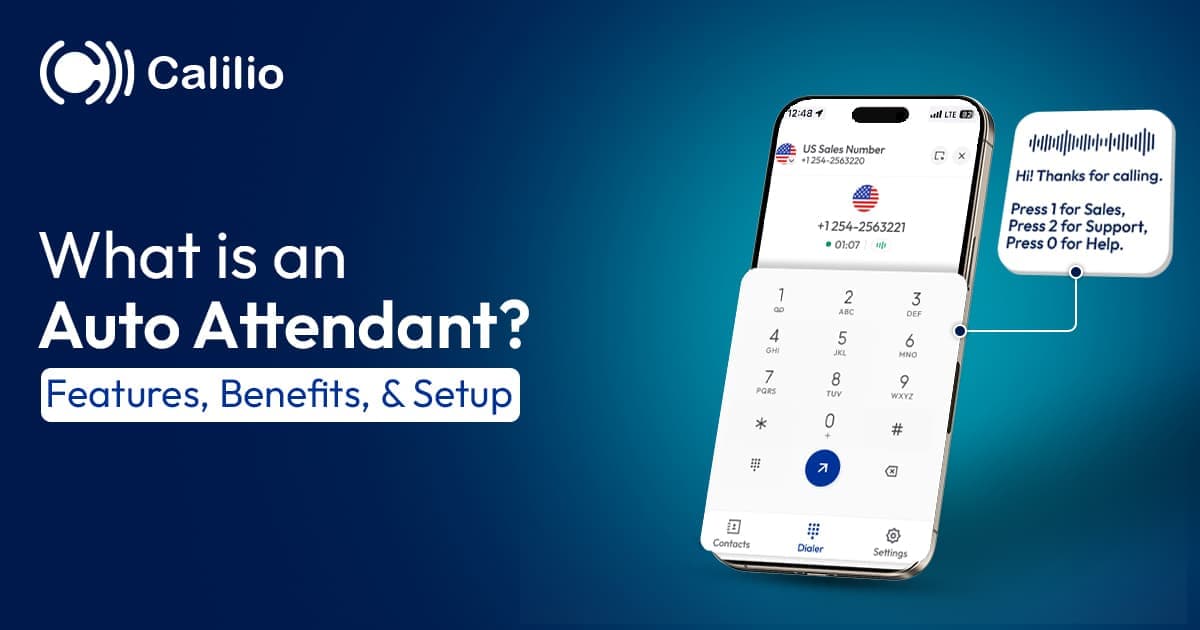
When a call comes in, the auto attendant automatically answers and plays a greeting like, “Press 1 for Sales, 2 for Support.” Callers press a number to reach the correct department or voicemail. If no option is selected, the system may repeat the menu or connect the caller to a live operator.
Here’s a step-by-step guide on how it works:
- Step 1: Call Received - The auto attendant automatically detects the inbound call and answers it.
- Step 2: Greeting Delivered - The caller hears a pre-recorded greeting, such as “Thank you for calling [Your Business Name]”
- Step 3: Menu Presented - The system provides the caller with a menu of options to choose from, leading to different departments or employee extensions.
- Step 4: Caller Selection - The caller uses their phone’s keypad to select their desired option.
- Step 5: Call Routing - Based on the caller’s selection, the attendant routes the call to the correct destination. This could be a specific department, voicemail, or operator.
- Step 6: Handling Errors or No Input - If the caller doesn’t make a valid selection or doesn’t press any keys, the system either repeats the menu or directs the caller to an operator for help.
What are the Key Features of an Auto Attendant?
The key features in an auto attendant include customizable greetings, call routing, voicemail integration, and time-based routing. You can also set the system to play custom music when the caller is on hold.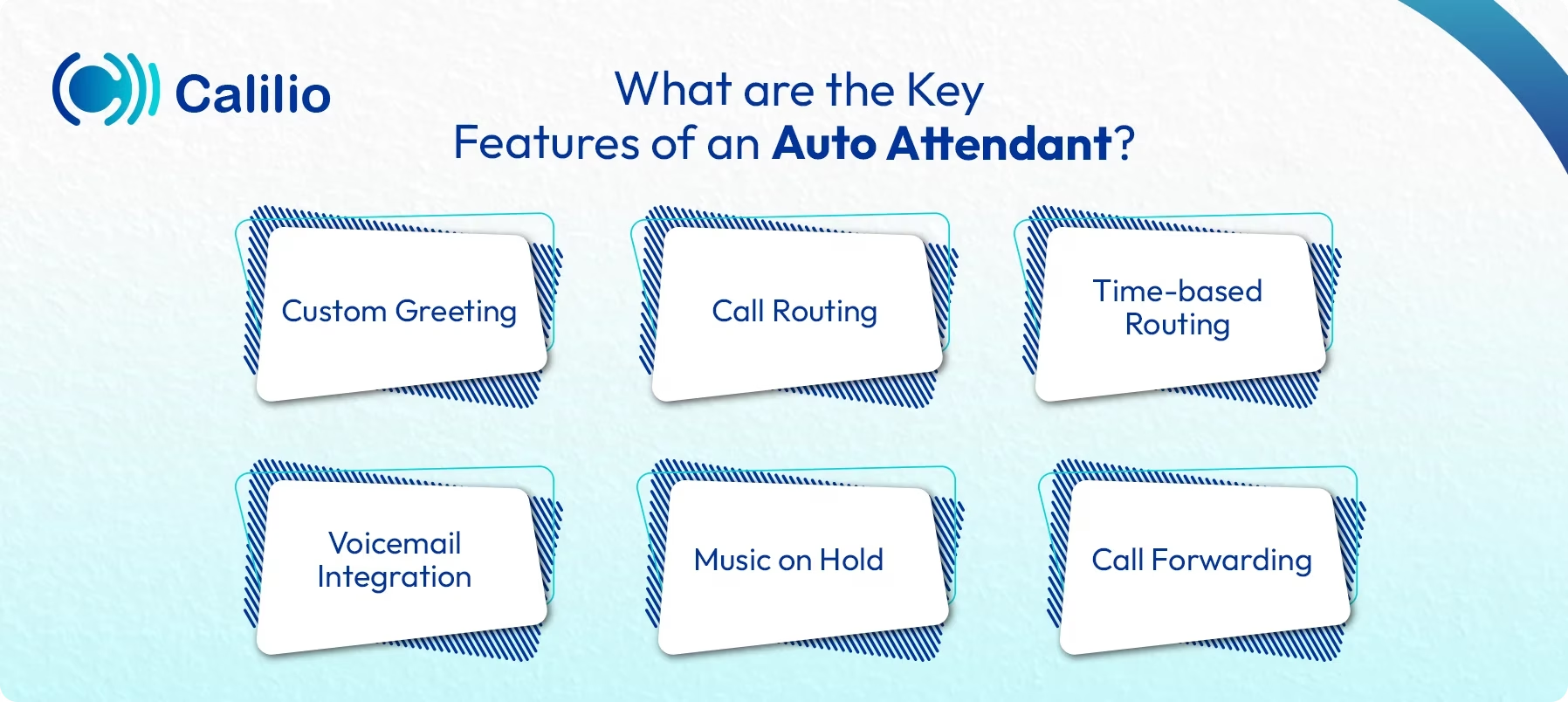
- Custom Greeting: Pre-recorded audio messages that can be customized based on the situation, such as regular greetings, holiday messages, or special requirements.
- Call Routing: Routes calls to the correct department, extension, or person based on the caller's keypad inputs.
- Time-based Routing: Adjusts greeting and routing based on the time of day, handling calls differently during business hours and after hours.
- Voicemail Integration: Allows callers to leave voicemail when no one is available. You can include options like voicemail transcription or separate mailboxes for different departments.
- Music on Hold: Plays music or pre-recorded messages while callers wait in a queue.
- Call Forwarding: An auto attendant can also forward calls to external numbers or mobile devices.
What are the Benefits of Using an Auto Attendant in a Phone System?
An auto attendant saves time and reduces costs by handling calls without the need for a live receptionist. It also improves customer service by reducing wait times and providing 24/7 customer support accessibility.
- Improved Efficiency: Calls are routed quickly to the correct department or person, minimizing wait times and improving overall call handling.
- Cost Savings: Since the automated call answering system handles call routing and menu options, businesses can reduce the need for dedicated receptionists or operators, saving on staffing costs.
- 24/7 Availability: It ensures that callers can leave messages or access information at any time, even outside of business hours, ensuring your business remains accessible around the clock.
- Customer Satisfaction: Automation reduces wait times, provides clear options, and ensures fewer missed calls, enhancing overall customer experience.
- Personalization: The customizable greetings allow businesses to personalize messages when sharing important updates, seasonal information, or promotions.
Unlock Smarter Call Routing with Calilio’s Advanced IVR
How Can You Set Up an Auto Attendant for Your Business?
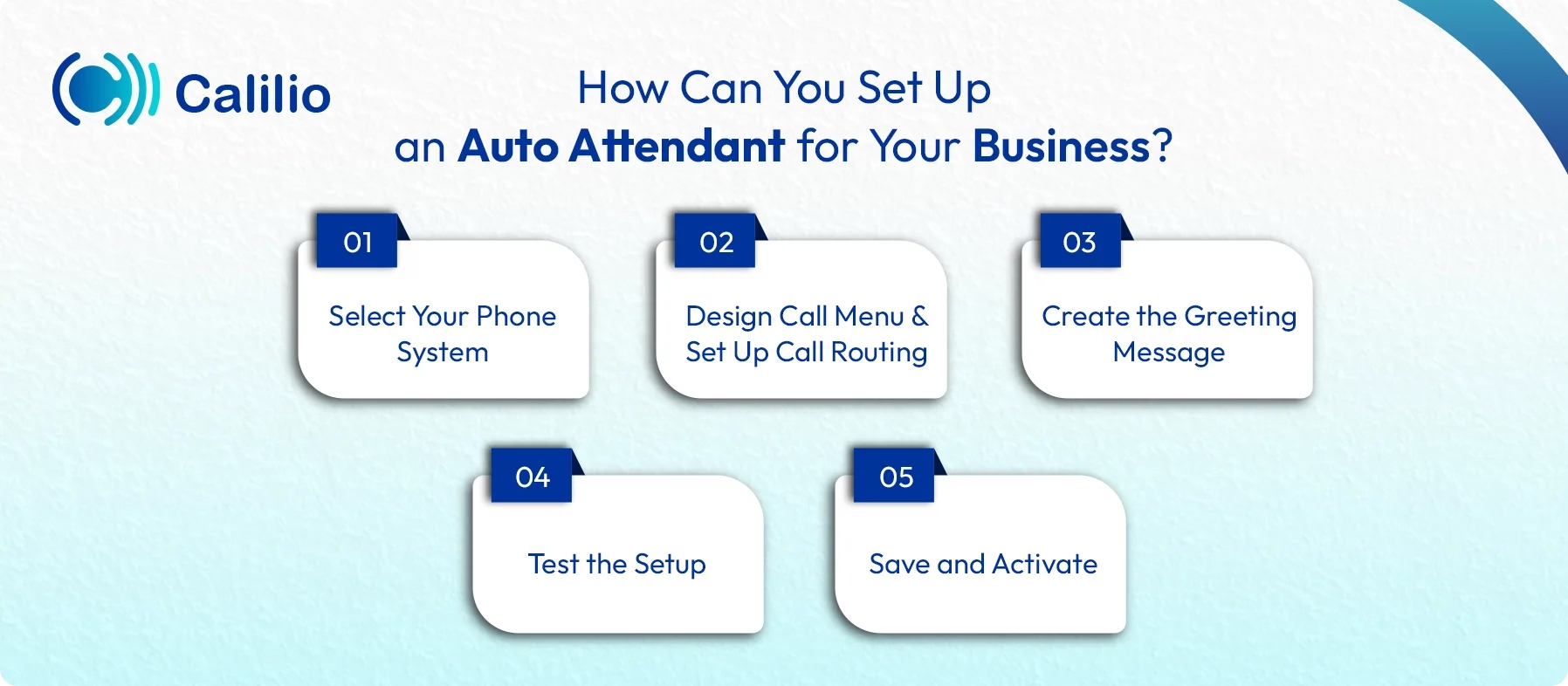
To set up an auto attendant for your business, select a phone system with an automated call answering feature. Then, set up call routing or call flow options, create a greeting message, and test the system before implementing.
1. Select Your Phone System
First, you need to choose a phone system that offers an auto attendant tool. Many modern cloud-based phone systems offer this feature. Select based on your business needs.
2. Design Call Menu and Set Up Call Routing
Decide the types of calls you want to be routed and develop the menu accordingly. Define what happens when a caller selects the particular options. For instance:
- Pressing “1” routes the call to Sales.
- Pressing “2” routes the call to Support.
Here, you can route calls to specific extensions, voicemail boxes, or even an automated response based on the options.
3. Create the Greeting Message
Record a clear and professional greeting message to welcome the caller and guide them through the menu. You can record it using a microphone or upload a professionally recorded audio file.
4. Test the Setup
After configuration, test the system by calling your business number. Ensure the greeting plays correctly, and each option routes to the right destination (department, voicemail, or individual).
5. Save and Activate
Once you are satisfied with the setup, save the changes and activate the auto attendant.
Best Practices for Effectively Implementing an Auto Attendant
For effective use of an auto attendant, always use a professional and friendly greeting, keep menus simple and make sure callers can reach a live agent easily. Also, set up proper after-hours routing and review call flow regularly to keep the system smooth and efficient.
Keep Menus Simple and Clear
Limit the number of menu options to a manageable amount (ideally 4 to 5 options). A complex menu with too many options can confuse callers and make it harder to navigate the system.
Use Professional and Friendly Greetings
The greeting is the first impression callers have of your business. Keep it short and to the point. A well-crafted greeting should clearly introduce the business and set the tone for the call, guiding the caller right from the start.
Provide Easy Access to a Live Agent
Always offer callers a quick way to reach a live representative if needed. Mostly, you can provide the option to press “0” to speak with an operator. Easy access to human support helps reduce frustration during urgent or complex issues.
Set Up After-Hours Routing
Configure the auto attendant to adjust call handling outside of regular business hours. For instance, you can set the system to route after-hours calls to voicemail or an alternative emergency contact number.
Monitor and Adjust Call Flow
As your business grows or changes, review the call pattern and update the menu or routing if needed. This keeps the auto attendant efficient and ensures callers reach the right place without delay, even after changes in business processes or operations.
Conclusion
An auto attendant is an essential tool for any business looking to streamline call handling and improve customer satisfaction. By automatically greeting callers and routing them to the correct department, an auto attendant eliminates the need for a live receptionist.
If you're looking for an automated phone system that can answer calls and direct them to the right agent or department, consider Calilio. It offers advanced IVR that goes beyond the basic call routing of an auto attendant. By integrating it with different CRM and other business tools, you can also allow callers to perform self-service tasks like processing payments, checking information, and more simply through keypad input.
Summarize this blog with:
Frequently Asked Questions
Everything you need to know about Calilio. Can't find your answer? .
No, an auto attendant and IVR (Interactive Voice Response) are related but different. An auto attendant basically answers calls and routes them to the appropriate department. IVR, on the other hand, is a more advanced interactive version, also allowing users to perform complex tasks like processing payments or accessing the business database through keypad or voice commands.
Stay in the loop
Get the latest call insights, trends, and updates delivered straight to your inbox.
By subscribing, you agree to receive updates from Calilio.
You can unsubscribe anytime.
Enter the World of AI Business Phone System with Calilio
Improve your business operation with Calilio's advanced virtual phone system. Join today for a better way to connect.