



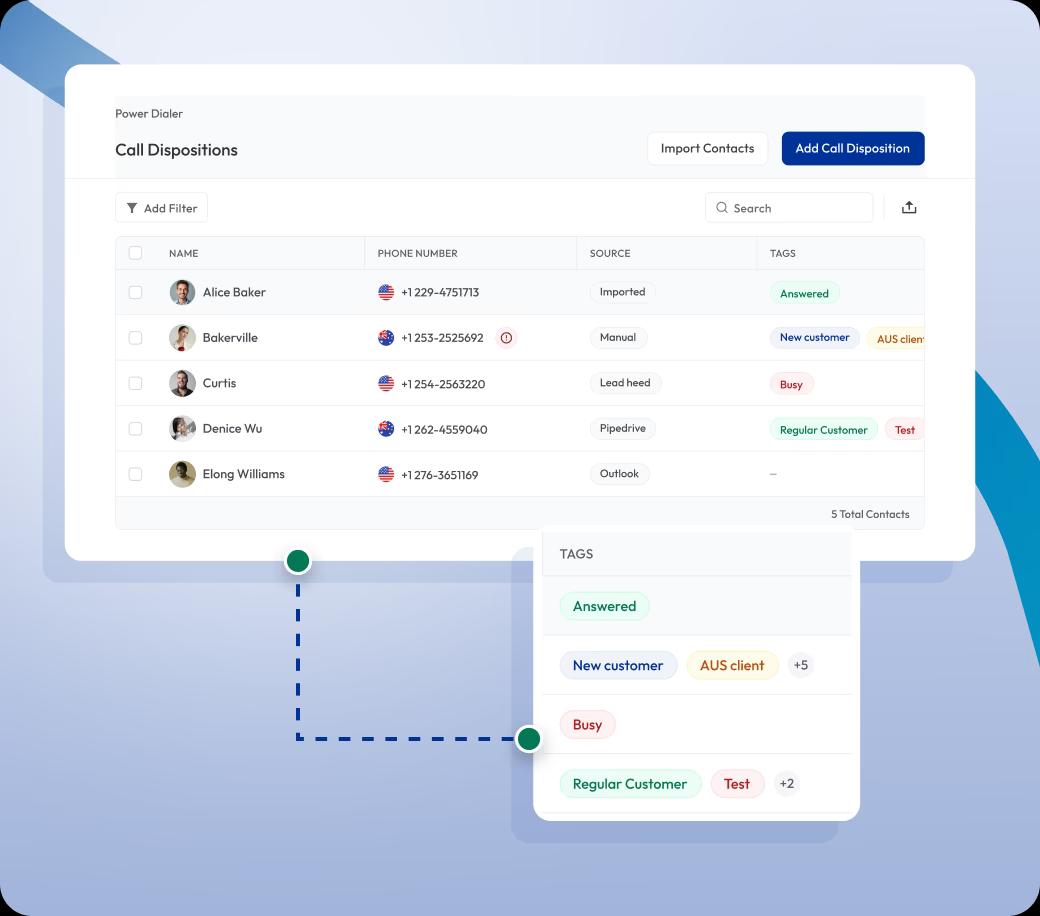

Organize Call Outcomes with Call Disposition
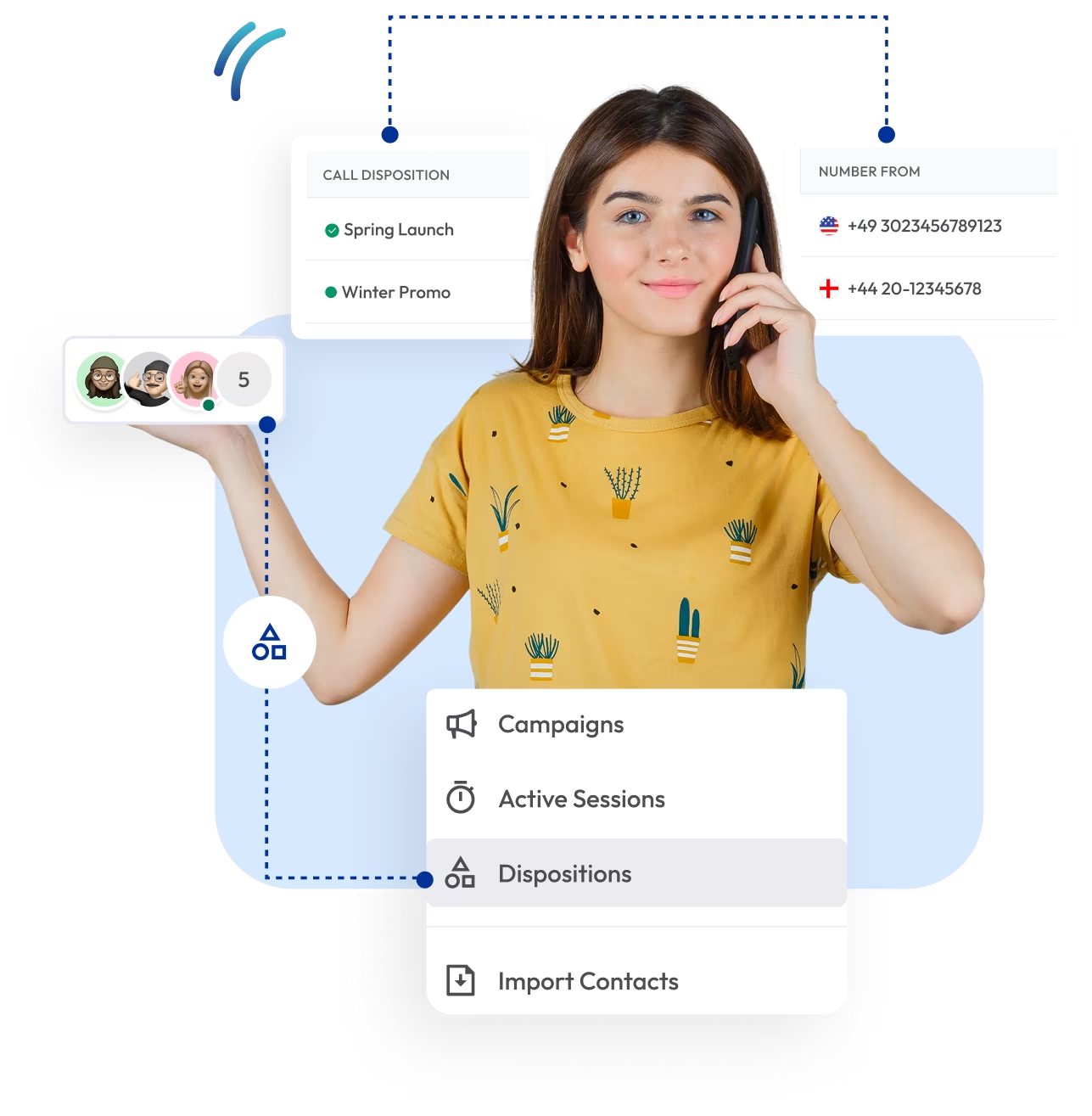
Organize your calls effectively by using call disposition to categorize outcomes, ensuring every interaction is tracked and analyzed. Leverage this tool to improve follow-ups, refine your approach, and drive more impactful customer interactions.

Telephony Partner of 1000+ Businesses Worldwide
Get a Virtual Phone Number with Call Disposition
Get a virtual phone number enriched with power dialer and call disposition features to track every call outcome with precision. Gain full control over your communications and ensure organized follow-ups and efficient management of every call.
Local, mobile, or toll-free numbers—starting from $2 per month.
Your first US or Canada local number is free 🤑 — Claim Now!
Some Numbers May Require Proof Of ID And Address Registration According To Local Laws.
Some Phone Numbers May Not Be Available Through This Search, As They Are Not Generally Offered To Customers. These Numbers Are Available On Order Request. Please Contact Support To Request Them.
Also, you can port your existing number to Calilio, and use the number for outbound calling —Port Your Number Now!

How to Categorize Call Outcomes with Calilio’s Call Disposition?
Calilio allows you to label call outcomes and keep your contacts organized. After signing up for our VoIP service, you activate a phone number (buy or port) to start making calls and categorize them with call disposition.
Get StartedStep 1
Log in to your Calilio dashboard.
Step 2
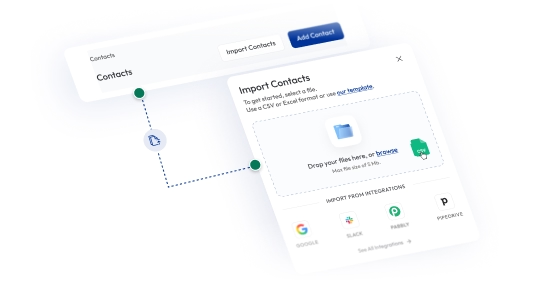
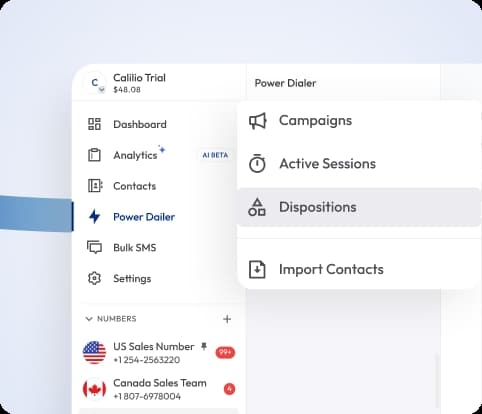
Go to Power Dialer and import your contact list.
Step 3
Click Disposition to add your call dispositions.
Step 4
You then create a New Campaign.
Step 5
Select the imported list of your contacts.
Step 6
Select the number and assign members or a team for the call.
Step 7
Set the Preview Duration (i) and Post-call Duration (i).
Step 8
Select the Call Dispositions and Save the settings.
Step 9
You select the campaign to start auto-dialing the contacts.
Step 10
Label the calls with call dispositions as soon as a call ends.
Import Contact Lists
Easily upload and manage contact lists from CSV files. Validate numbers instantly and prepare campaigns for efficient outbound calling.

Add Call Dispositions
Categorize call outcomes with predefined or custom labels such as Interested, No Answer, or Follow-Up. Keep every interaction organized for informed decisions.
Track Active Sessions
Monitor live calls, connected numbers, failed attempts, and total activity in real time. Gain complete visibility into your team’s call performance.
Create Campaigns
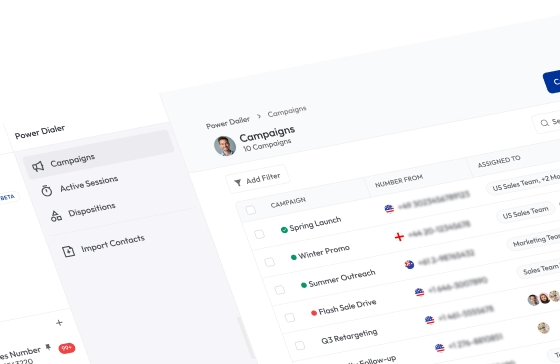
Create and manage calling campaigns with assigned agents. Track progress, pause, or resume campaigns anytime to optimize performance.

What is Call Disposition?
Call disposition is a label or tag assigned immediately after a phone call to describe the outcome or result of that interaction. It provides a brief, standardized summary of what happened during the call, such as "answered," "busy," "left voicemail," or "sale closed", enabling agents and managers to track, analyze, and optimize call performance efficiently.

How Does Call Disposition Work?
Call disposition works by categorizing the outcome of a phone call, typically within customer service, sales, or support teams. After an agent completes a call, they record the call’s result by selecting an appropriate disposition tag or label from a predefined list.
These codes can range from simple outcomes like "answered" or "voicemail," to more complex categories like "issue resolved," "follow-up required," or "sale made." This process allows businesses to efficiently track the status of each call and manage ongoing customer interactions.


Benefits of Call Disposition
Call dispositions help businesses organize conversations, prioritize follow-ups, and analyze performance. Labeling every call outcome lets your teams save time and boost productivity.
Lead Management
Dispositions help prioritize leads based on their level of interest. It ensures your sales team focuses on the most promising prospects first.
Improved Follow-Ups
Accurate Reporting
Better Team Productivity
Enhanced Customer Experience
Who Can Take Advantage of Calilio’s Call Disposition?
Integrate Calilio with CRM Business Tools
Calilio integrates seamlessly with your CRM and other business tools, ensuring every call outcome is tracked and actionable. Agents can log dispositions instantly, and the data flows directly into your existing workflows.
Zapier
Automation
Pipedrive
CRM
Pabbly Connect
Automation
LeadHeed
CRM
HubSpot
CRM
Salesforce
CRM
Mailchimp
Marketing
Krispchat
Sales Automation
Zendesk
Helpdesk
Request Integration
Best Practices for Call Disposition
Call disposition is most effective when outcomes are clear, consistent, and used to guide follow-ups. Following best practices ensures your team stays organized and no lead is missed.
Do’s
Use clear and specific labels like Not Interested, Follow-Up, or Wrong Number.
Customize dispositions to match your business needs and workflows.
Train agents to select dispositions immediately after each call.
Review disposition data regularly to improve sales and support strategies.
Sync dispositions with your CRM to automate follow-ups.
Dont’s
Don’t rely on vague outcomes like “Done” or “OK.”
Don’t skip marking calls — missing data weakens reporting accuracy.
Don’t overload agents with too many disposition options.
Don’t leave dispositions unreviewed — use reports to spot trends.
Don’t treat all call outcomes the same; use them to prioritize leads.
Calilio’s Pricing for VoIP Service with Call Disposition
Calilio has three VoIP plans i.e., Standard Plan ($15 per month), Premium Plan ($35 per month) and a customized plan in which you can pick and choose business telephony features as per your needs.
To use Power Dialer, Call Disposition, and other advanced outbound calling features, you need to sign up for our premium VoIP plan.
Premium Plan
$28 Per user/per month
billed annually at $336
Everything in the Standard Plan, plus:
- All Standard Plan Features
- Unlimited Users
- Advance ReportingComing Soon
- Live Call Monitoring
- Detailed Realtime Dashboard
Enterprise Plan
Custom
Everything in the Premium Plan, plus:
- Queue Call BackComing Soon
- All Call Strategy Features
- Dedicated Account Manager
- Phone and WhatsApp Support
Frequently asked questions
What is the disposition of a call?
The disposition of a call refers to the label or outcome assigned after the call ends, such as Interested, No Answer, or Follow-Up Needed. It helps categorize and track what happened during the conversation.
Why is it important to disposition a call?
What does disposition mean in a call center?
How to disposition a call?
What is an example of a disposition?
What are call disposition codes?
Is call disposition the same as call notes?

Still have questions?
Can’t find the answer you’re looking for? Please chat with our friendly team.
Enter the World of AI Business Phone System with Calilio
Improve your business operation with Calilio's advanced virtual phone system. Join today for a better way to connect.
Phone numbers
Get International Phone Numbers
Singapore
|Australia
|New Zealand