





Call Notes | Track Customer Interactions with Contact Descriptions
Document every customer interaction clearly and efficiently with call notes. Record key details from each conversation to ensure your team has all the context they need for better follow-up. This feature helps improve communication, reduce errors, and ensure no important information is overlooked. Keep your customer interactions organized and actionable, so your team can respond quickly and effectively.

Telephony Partner of 1000+ Businesses Worldwide
Get a Virtual Phone Number to Start Adding Call Notes
Calilio provides virtual numbers from over 100+ countries, allowing you to make and receive calls over the internet while keeping every conversation documented.
Your first US or Canada phone number is free🤑 — Claim Today!
Some Numbers May Require Proof Of ID And Address Registration According To Local Laws.
Some Phone Numbers May Not Be Available Through This Search, As They Are Not Generally Offered To Customers. These Numbers Are Available On Order Request. Please Contact Support To Request Them.
Also, you can port your existing number to Calilio, and use the number for outbound calling —Port Your Number Now!

How to Write Notes for Calls and Contacts on Calilio?
You sign up for Calilio and get or port your phone number to make and receive calls. You can write notes to the contact during the live call or after the call ends. You can also update the notes of the contacts later from your dashboard.
Get StartedStep 1
Log in to Calilio to access your dashboard.
Step 2
Go to Settings > My Numbers.
Step 3
Purchase Number or Port Existing.
Step 4
Once activated, you can make and receive calls from Calilio.
Step 5
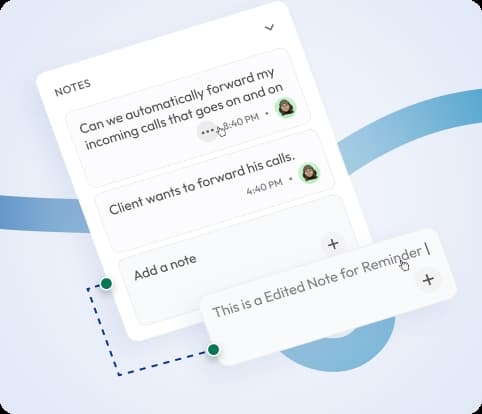
You click on the Notes to document the discussion from the dialer.
Step 6
You can also add notes to the contact after the call ends.
Step 7
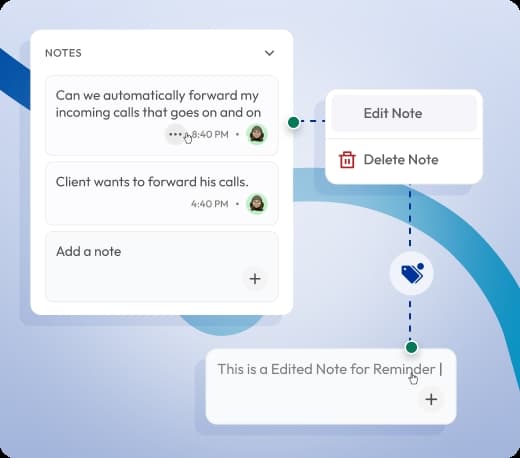
You can edit notes of the contacts later from your dashboard.
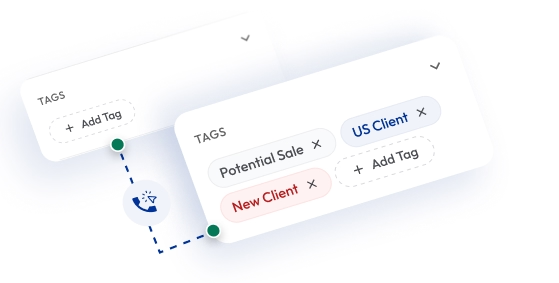
Call Tagging
Add tags to categorize calls by purpose or outcome. Combine call notes and tags to keep records organized and simplify call tracking for teams.

Call Disposition
Label each call outcome as Interested, Follow-up, or No Answer. Use dispositions with notes to organize leads and plan follow-up actions efficiently.
What Are Call Notes?
A call note is a short written summary you add to the contacts after a phone call ends — to record important details about the conversation. Call notes capture key information such as customer requests, issues discussed, follow-up actions, or next steps.
With Calilio, you can add notes to every call to ensure no important detail is missed. Contact notes are securely stored in your dashboard and accessible to your entire team.
For example, you can note details like “Client requested callback tomorrow,” “Payment in process,” or “Product demo scheduled.”

How Does Call Notes Work on Calilio?
Calilio makes adding and managing call notes efficient with its cloud-based phone system. Each time you make or receive a call, you can instantly record key details to keep your contacts organized.
- Make or Receive a Call: Add contacts and handle customer calls directly from your Calilio web app or mobile app.
- Add Notes: Type a short description about the contact, describing the conversation, customer request, or next step.
- Stored in the Cloud: Calilio stores your contact notes securely — your team members can view, edit, and use notes for follow-ups.


Benefits of Adding Call Notes
Adding call notes helps your team stay organized, improve customer service, and make every follow-up more effective. It helps you create a clear contact history for collaboration and fast decision-making.
Capture Key Information Instantly
Record important details during or right after a call. Contact notes help you remember what was discussed and ensure nothing is forgotten.
Improve Team Collaboration
Strengthen Customer Follow-Ups
Save Time and Increase Productivity
Maintain Organized Call Records
Access Anytime, on Any Device
Who Can Use Call Notes?
Call Notes are useful for any business that manages customer interactions regularly. Whether it’s a sales call, support inquiry, or follow-up discussion, call and contact notes help teams document key details.
Integrate Call Notes with CRM & Business Tools
Calilio integrates your call notes with leading CRM platforms to keep all customer data in one place. Each note you add after a call automatically syncs with the related contact or lead in your existing business tools.
Zapier
Automation
Pipedrive
CRM
Pabbly Connect
Automation
LeadHeed
CRM
HubSpot
CRM
Salesforce
CRM
Mailchimp
Marketing
Krispchat
Sales Automation
Zendesk
Helpdesk
Request Integration
Best Practices for Writing Effective Call Notes
Writing clear and structured call notes helps your team save time and maintain accurate records. Keep your notes short, relevant, and easy for anyone to understand.
Do’s
Be concise and specific instead of writing full sentences. Focus on what matters most.
Start notes with the customer name, topic, and action item for quick scanning.
Clearly state follow-up actions such as “Send proposal” or “Schedule demo.”
Mention details like product interest or issue type to help others understand the call purpose.
Edit or complete notes if there are changes after the follow-up.
Dont’s
Don’t skip notes and maintain a complete record.
Don’t use vague terms and generic comments like “Talked to client.
Avoid long paragraphs or unnecessary information.
Don’t delay note-taking – Write notes immediately after the call while details are still fresh.
Calilio’s Pricing for Business Phone System with Call Notes
Calilio offers flexible VoIP pricing plans that include call notes and contact tags features across all tiers — starting from $15 per month.
Premium Plan
$28 Per user/per month
billed annually at $336
Everything in the Standard Plan, plus:
- All Standard Plan Features
- Unlimited Users
- Advance ReportingComing Soon
- Live Call Monitoring
- Detailed Realtime Dashboard
Enterprise Plan
Custom
Everything in the Premium Plan, plus:
- Queue Call BackComing Soon
- All Call Strategy Features
- Dedicated Account Manager
- Phone and WhatsApp Support
Frequently asked questions
What is a call note?
A call note is a written summary of key points discussed during or after a phone call, typically to capture important details, decisions, or action items. It helps individuals or teams retain context, track customer interactions, and ensure consistency in future communication.
How do I take phone call notes on Calilio?
How to write a call note?
Does the iPhone have call notes?
Is there a note-taking app for phone calls?

Still have questions?
Can’t find the answer you’re looking for? Please chat with our friendly team.
Enter the World of AI Business Phone System with Calilio
Improve your business operation with Calilio's advanced virtual phone system. Join today for a better way to connect.
Phone numbers
Get International Phone Numbers
Singapore
|Australia
|New Zealand