




Access Business Calls and SMS on Multiple Devices
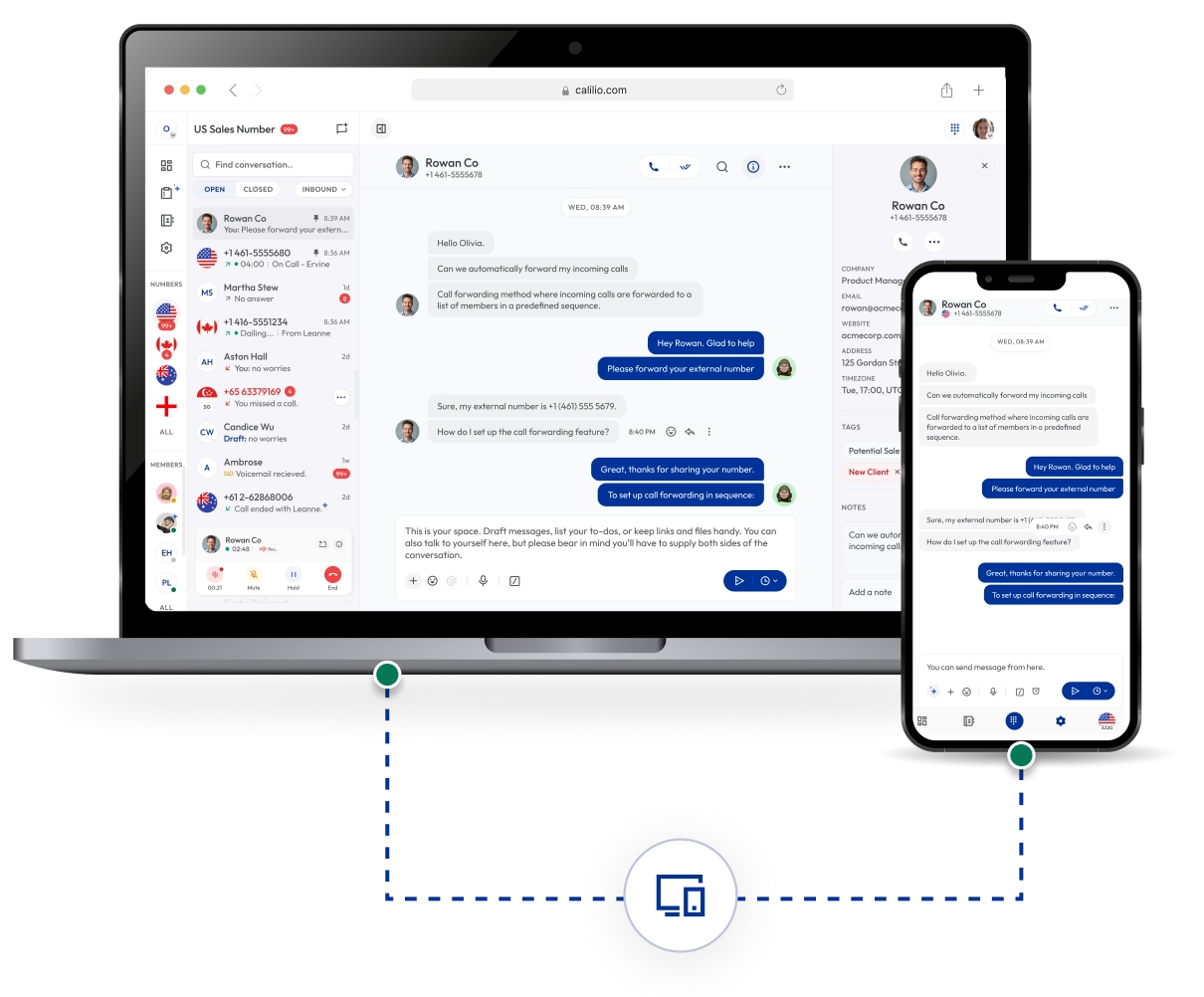
Manage your business calls, SMS, and voicemails across all your internet-connected devices. Calilio lets you make calls and SMS over the internet, from a desktop, smartphone, or tablet.
Our VoIP-powered cloud phone system keeps your customer interactions synced, your workflow uninterrupted, and your team connected from anywhere, whether you’re in the office, at home, or on the move.

Telephony Partner of 1000+ Businesses Worldwide
Get a Virtual Phone Number to Manage Calls in the Cloud
Calilio provides virtual phone numbers from 100+ countries to manage customer interactions in the cloud — it gives you the flexibility to make and receive calls from any device.
Your first US or Canada phone number is free:money_mouth_face: — Claim Today!
Some Numbers May Require Proof Of ID And Address Registration According To Local Laws.
Some Phone Numbers May Not Be Available Through This Search, As They Are Not Generally Offered To Customers. These Numbers Are Available On Order Request. Please Contact Support To Request Them.
Also, you can port your existing number to Calilio, and use the number for outbound calling —Port Your Number Now!

How to Set Up Cloud Telephony for Multi-Device Access
Starting with cloud telephony with Calilio is easy — you sign up for our VoIP service from the web and then purchase or port your number to make and receive calls. You need to install the Calilio app from the Apple store or the Play Store to log in to your account on an iPhone, Android phone or tablet.
Get StartedStep 1
Step 2
Purchase a new virtual number or port your existing one.
Step 3
You can then start managing calls over the cloud.
Step 4
Download the mobile app (iOS or Android).
Step 5
Log in to the app to access your account on the phone.
Unified Callbox
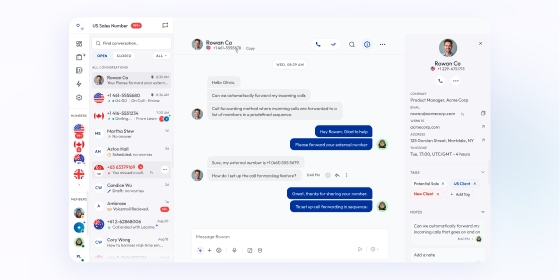
Manage all calls, SMS, and voicemails from one dashboard. Switch between devices while keeping every conversation organized and synced in real time.

AI Call Reports
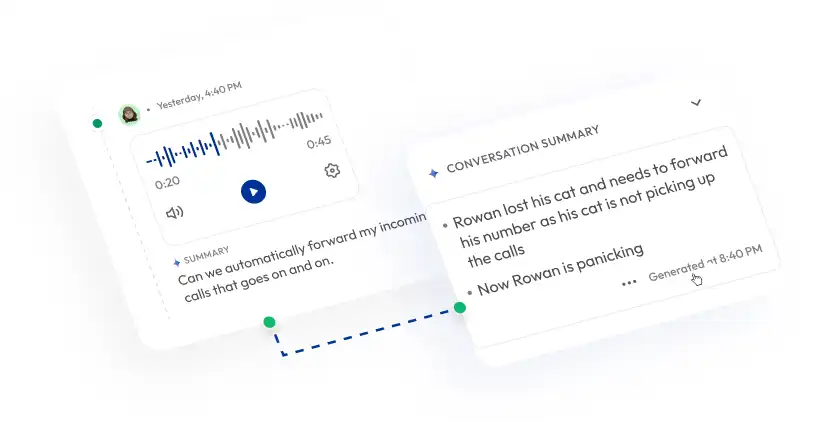
Access AI-generated call summaries, transcriptions, and sentiment analysis from any device. Review insights instantly without losing track of important conversations.

Voicemail Transcription
Read voicemails as text across desktop or smartphones. Save time by reviewing messages without dialing in or switching devices.

Mark as Closed
Close resolved calls and reopen them anytime. Maintain a clean, organized callbox that stays updated across all logged-in devices.
Canned Responses
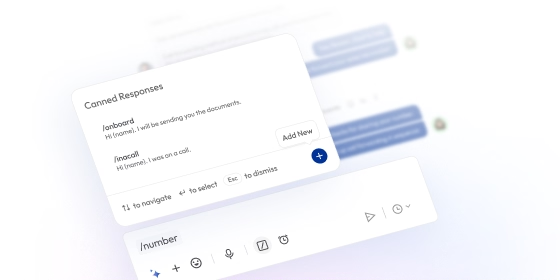
Reply faster with predefined text templates. Send instant responses from PCs, smartphones or tablets without disrupting your workflow.

Who Is Calilio Best For?
Calilio enables your remote and distributed teams to collaborate efficiently. Whether your team works remotely, travels frequently, or operates across multiple offices, our cloud-based phone system keeps every member connected and productive.
Integrate Multi-Device Access with CRM & Business Tools
Calilio integrates effortlessly with your existing CRM and business applications, keeping all your customer interactions synchronized across devices and platforms.
Zapier
Automation
Pipedrive
CRM
Pabbly Connect
Automation
LeadHeed
CRM
HubSpot
CRM
Salesforce
CRM
Mailchimp
Marketing
Krispchat
Sales Automation
Zendesk
Helpdesk
Request Integration
Calilio’s Pricing for Cloud-based Business Phone System
Calilio gives businesses of all sizes the flexibility to manage calls, messages, and voicemails from desktop, mobile, and tablet. Whether you’re a small team or a global organization, you can stay connected and productive anywhere, anytime.
Premium Plan
$28 Per user/per month
billed annually at $336
Everything in the Standard Plan, plus:
- All Standard Plan Features
- Unlimited Users
- Advance ReportingComing Soon
- Live Call Monitoring
- Detailed Realtime Dashboard
Enterprise Plan
Custom
Everything in the Premium Plan, plus:
- Queue Call BackComing Soon
- All Call Strategy Features
- Dedicated Account Manager
- Phone and WhatsApp Support
Frequently asked questions
Can I use Calilio on multiple devices at the same time?
You can log in to your Calilio account on several devices simultaneously. Any action taken — like sending an SMS or updating a note — is instantly reflected across all connected devices.
Does Calilio support both desktop and mobile devices?
Is Multi-Device Access secure?
Will my call history and voicemails sync across devices?
Can multiple team members use the same account on different devices?

Still have questions?
Can’t find the answer you’re looking for? Please chat with our friendly team.
Enter the World of AI Business Phone System with Calilio
Improve your business operation with Calilio's advanced virtual phone system. Join today for a better way to connect.
Phone numbers
Get International Phone Numbers
Singapore
|Australia
|New Zealand