
Top 9 Best Call Center Queue Management Software

With rising customer expectations and increasing call volumes, managing call queues has become one of the biggest challenges for call centers. Without the right system in place, calls stack up, wait times grow, and customers lose patience. This creates uneven workloads for agents and leads to missed opportunities, lowering both customer satisfaction and team performance.
Call center queue management software helps prevent these issues by organizing and prioritizing incoming calls. It distributes calls to the right agents, reduces wait times, and keeps service levels steady even during busy hours.
In this article, we’ll cover the 9 best call center queue management software options in 2026. We’ll outline their key features, strengths, and limitations to help you choose a solution that improves your call flow and delivers a better customer experience.
Methodology: To create this list of the best call center queue management software, we reviewed product documentation, feature sets, pricing models, and real user feedback from platforms like G2 and Capterra. We compared each tool based on its call routing capabilities, ease of use, scalability, integration options, and support for various business sizes and needs.
Key Highlights:
Call center queue management is the process of organizing and routing incoming calls to the right agents or departments efficiently.
Queue management software reduces wait times, connects customers to agents quickly, balances agents' workload and prevents call abandonment.
When choosing queue management software, consider the features like IVR, ACD, skills-based routing, and analytics, and ensure compatibility with your CRM and other business tools.
RingCentral, Nextiva, Five9, 8x8, CallHippo, and Aircall are some of the top leading providers, each offering unique call queue features to enhance call center operations.
Why Does Your Call Center Need a Queue Management Software?
A call center queue management software optimizes call center operations and improves customer experience by automatically routing calls to the right agents and reducing wait times. The software also offers valuable data to optimize staffing and helps cut operational costs through automation.
- Reduces Wait Times: A queue management software automatically routes calls to the next available agent, ensuring customers experience shorter wait times and faster service.
- Agent Efficiency: It distributes calls evenly among agents and routes each call to the most suitable agent based on skills and availability. This improves customer service while keeping workloads balanced.
- Provides Valuable Data: It tracks key metrics like call wait times and agent performance, offering businesses insights needed to optimize staffing and improve operational processes.
- Cost Saving: It automatically transfers the call to the right agent without needing human intervention. This automation helps lower operational costs.
- Scalability: Most queue management solutions come with easy scalability. You can add/remove agents and adjust workflows as your business grows or your call volume increases.
Top 9 Call Center Queue Management Software for Your Business
RingCentral, Nextiva, CloudTalk, Dialpad, Five9, 8x8, Aircall, Vonage, and CallHippo stand out as the best queue management solutions for call centers. Each platform provides advanced features such as real-time analytics, skills-based routing, and queue callbacks to optimize call handling and improve overall service efficiency.
1. RingCentral
RingCentral is a unified communications platform that offers powerful call center queue management software features. It integrates voice, video, and team messaging with advanced routing to match queued calls with the right agents based on their skills.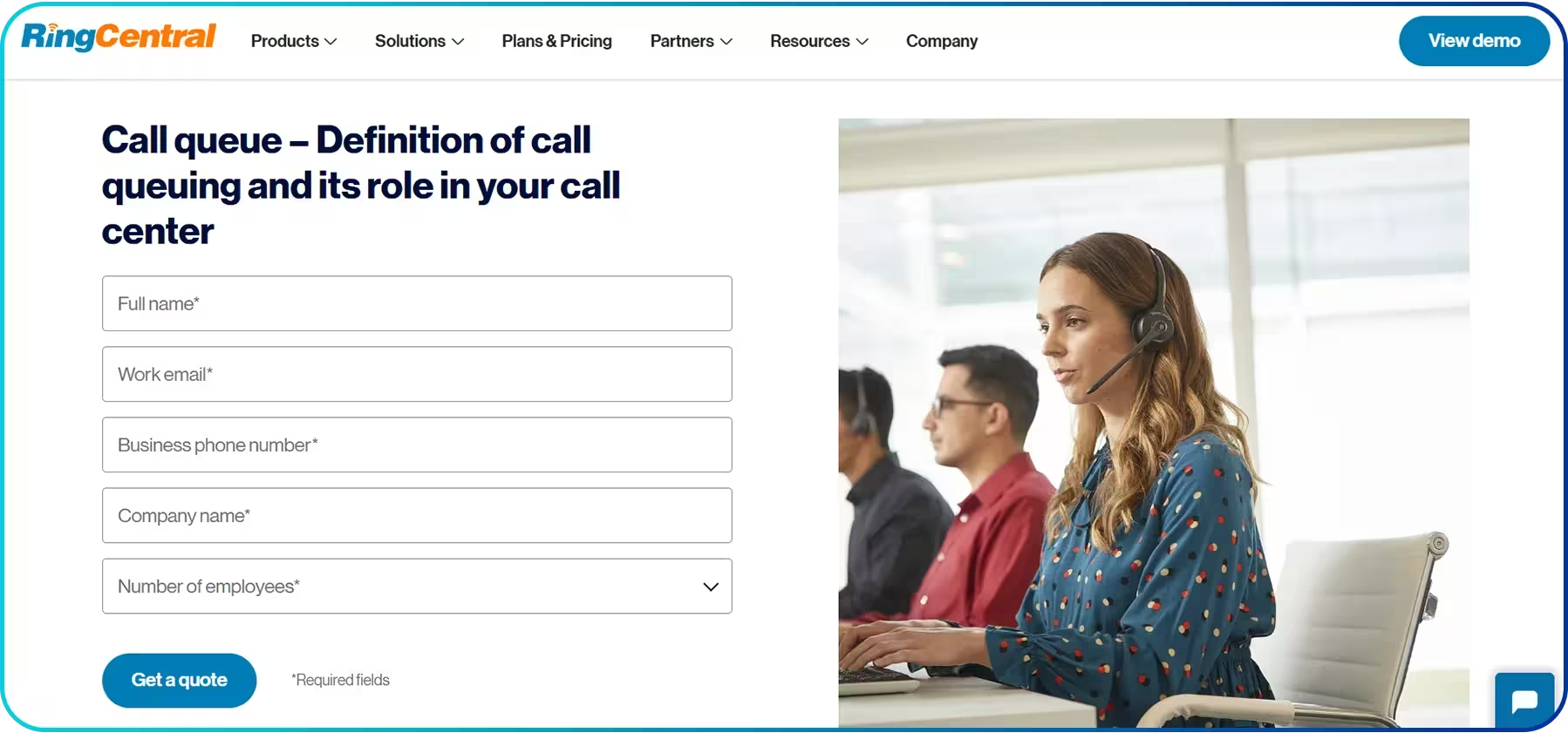 The platform supports omnichannel queuing, allowing businesses to manage not only calls but also SMS, social media, and chat interactions through a single system. Moreover, it offers real-time visibility into metrics such as wait times and Service Level Agreement (SLA) performance, helping managers allocate resources effectively during peak hours.
Key Features
- Skills-based Routing
- AI Receptionist
- Real-time Analytics
- Queue Callback (Virtual Hold)
2. Nextiva
Nextiva is a well-known communication platform that offers a strong set of call management tools for handling high call volumes. Its real-time queue visibility helps supervisors monitor active calls, wait times, and agent status without switching screens. This makes it easier to spot spikes in demand and adjust staffing before queues get too long.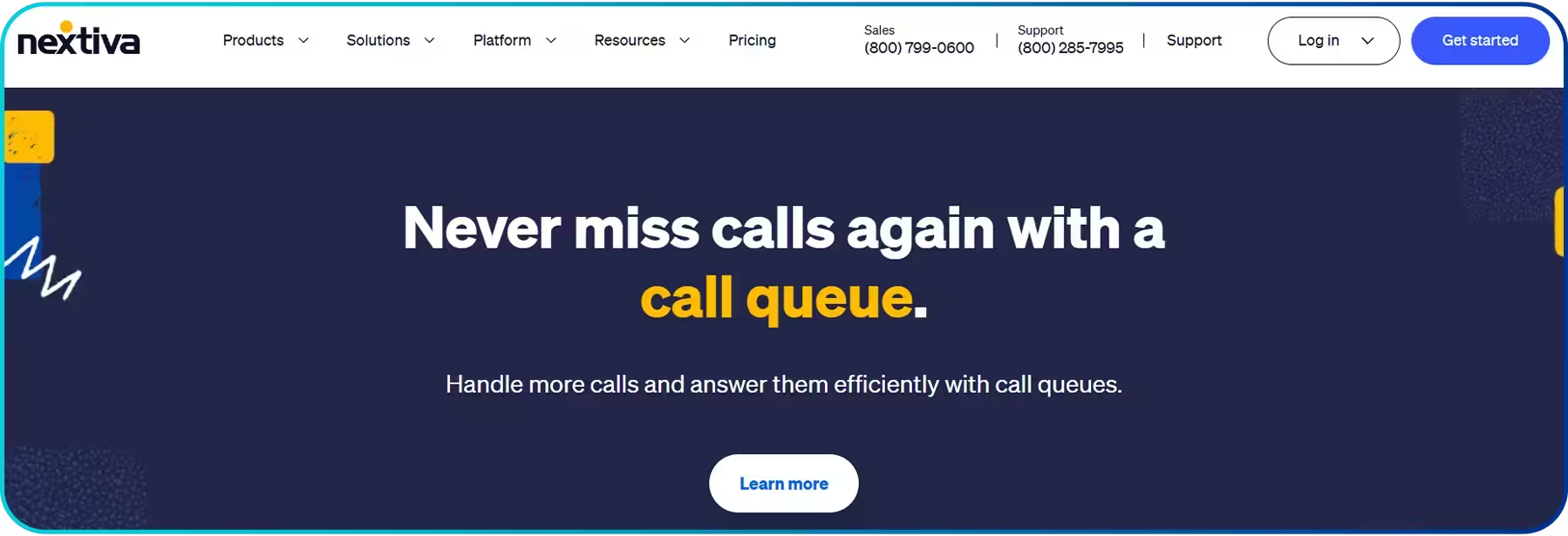 The platform also includes transparent call center queue reporting, giving teams a better view of call patterns and performance across different hours or campaigns. Its in-queue callback option further enhances the experience by letting callers request a callback instead of waiting on hold. This helps reduce frustration and keeps the queue moving smoothly.
Key Features
- Real-time Queue Visibility
- Queue Reporting
- Queue Callback
3. CloudTalk
CloudTalk is a robust call center queue management system that manages call queues with multiple call routing options. It supports Round Robin, Ring All, Lowest Calls, and Random routing to distribute calls based on your workflow. Caller-based routing further improves call accuracy by sending callers to the right agent based on factors like location or purchase history. Its priority call queues add another layer of efficiency by placing high-value callers at the front, ensuring they get quick access to support. With features that focus on speed, fairness, and personalization, CloudTalk brings consistency to busy phone lines and helps support teams stay organized.
Key Features
- Priority Queuing
- Ring Strategy
- Caller-based Routing
4. Dialpad
Dialpad enhances call center queue management with advanced call queue features. It includes the In-Queue Callback option that allows callers to request a callback instead of waiting on hold, which can be easily set up in the platform’s settings. Similarly, VIP queues prioritize high-value callers, ensuring they are handled faster, while calls in the queue are answered based on wait time.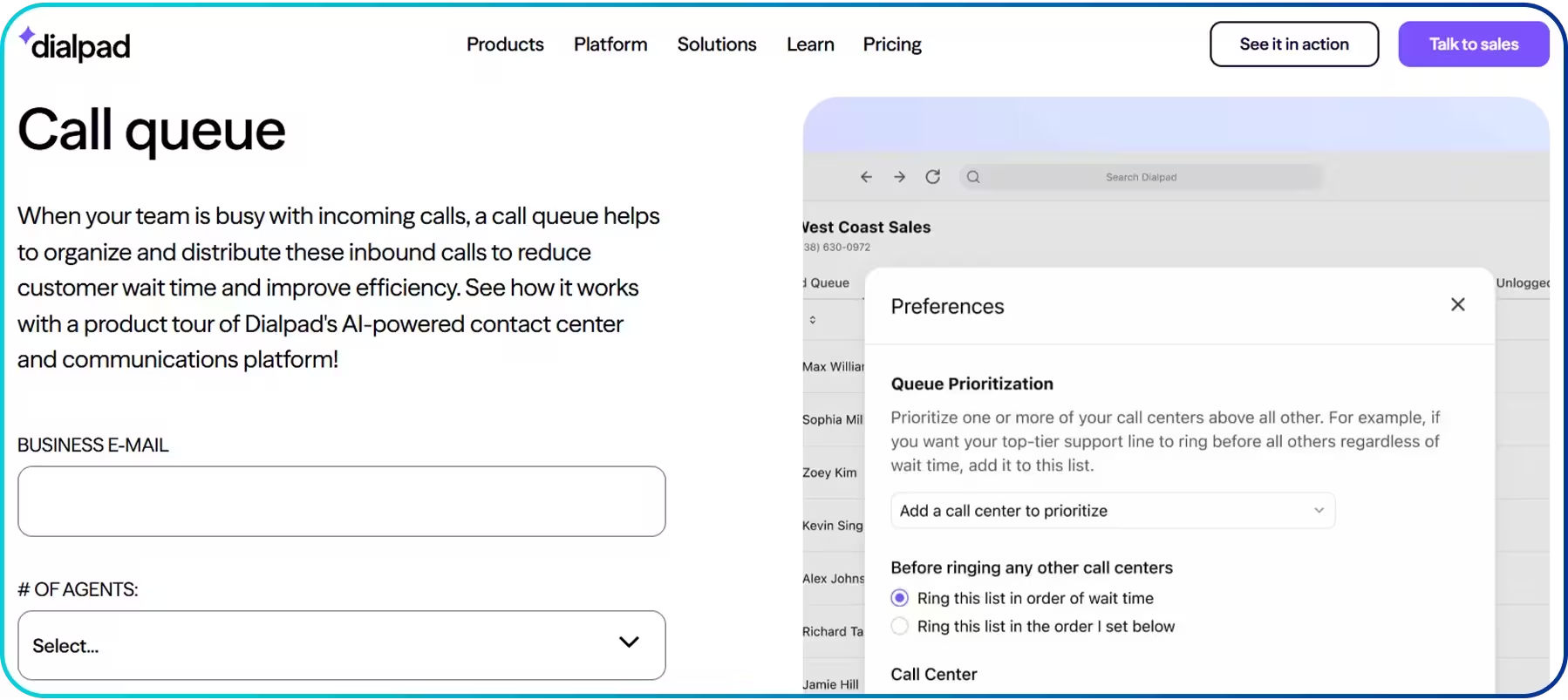 To better manage call volumes, Dialpad lets you customize the hold queue size and wait time. It enables you to set a maximum number of callers allowed in the queue, with support for up to 50 callers and a maximum wait time of up to 300 minutes. Moreover, with the queue health report, Dialpad provides insights into key metrics like wait time and call handle time to optimize performance.
Key Features
- In-queue Callback
- Hold Queue Size
- Queue Health Report
5. Five9
Five9 organizes call center queues into skill groups, ensuring that customer interactions (calls, chats, or emails) are routed to agents based on their expertise. Each interaction is matched to groups like “Technical Support” or “Billing,” and agents are assigned based on their skill sets to improve accuracy and faster resolution.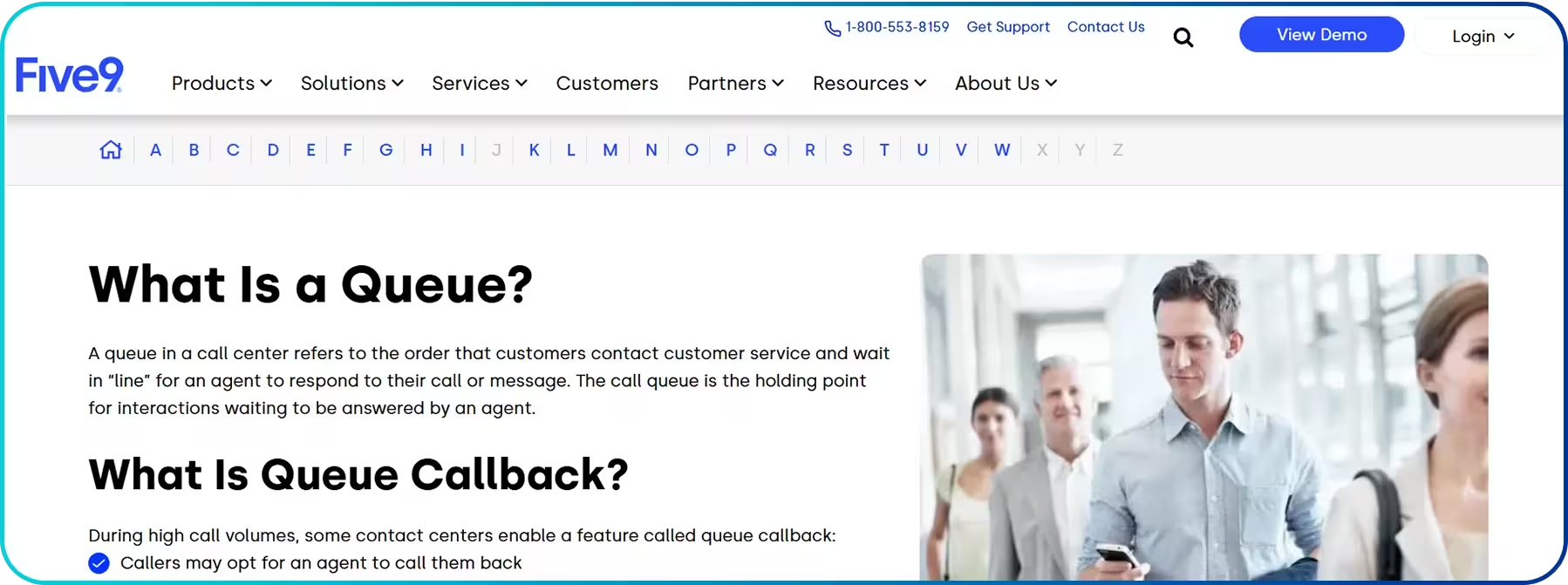 Furthermore, Five9 uses Intelligent Routing through its Automatic Call Distributor (ACD) to direct calls to the most suitable and available agent. Each routing decision is based on factors such as longest idle time, skill level, or priority, ensuring every customer is connected to the right agent at the right time.
Key Features
- Intelligent Virtual Agent
- Web Callback
- Custom Reporting
6. 8x8
8x8 is a cloud-based phone system that comes with a flexible call queue system. The platform lets you set up greetings, messages, and hold music to create a smoother waiting experience. You can also define how many callers can stay in the queue at once (up to 20)—so the system doesn’t get overloaded during peak hours. Agents also have the option to log themselves in or out of the queue based on availability, which helps teams manage staffing more efficiently. The platform distributes queued calls to the next available agent in the order they were received. Agents can also switch between calls when needed, which supports faster handling of complex interactions. With these features, 8x8 helps call centers create a more organized queue structure while giving both supervisors and agents more control during busy periods.
Key Features
- Agent Workspace
- Call Back from Queue
- Interactive Voice Response (IVR)/Self-service Options
7. Aircall
Aircall’s call center queue management solution gives you flexible queue options to shape the caller experience. It lets you set custom hold music or add a short message to keep callers informed while they are on hold. You can also choose how long a call should stay in the queue before it moves to voicemail. This keeps wait times controlled during busy hours and makes it easier to manage call volume.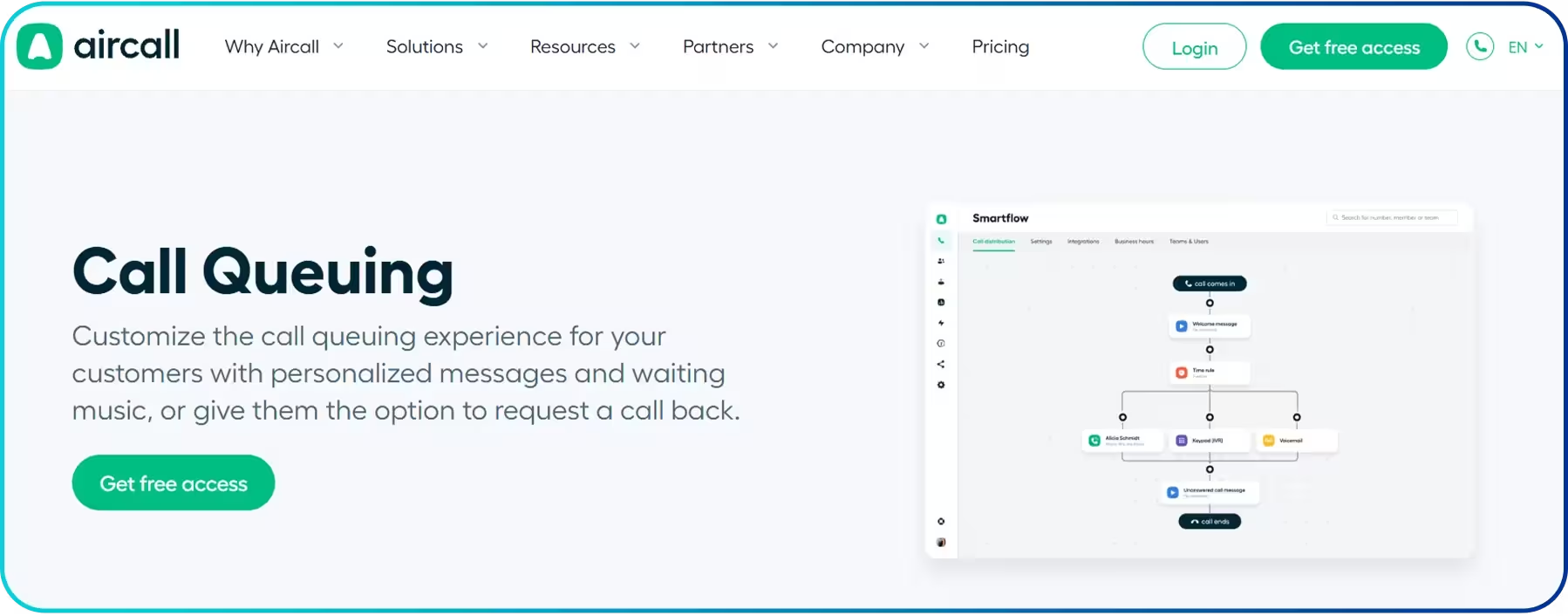 Aircall also includes a queue callback option, allowing callers to request a return call instead of staying on hold. Along with that, you can set clear routing rules, use call extensions, or apply skill-based routing so each caller reaches the person best suited to handle their issue.
Key Features
- Multi-level IVR
- Ring Groups/Parallel Calls
- Time and Date-based Routing
- Virtual Line
8. Vonage
Vonage provides a customizable call center queue management solution that allows businesses to set up queues for specific user extensions. Callers can proceed through a pre-defined sequence, ensuring an organized call flow until an agent answers. The system also lets you customize the hold line audio with options like music, business information, or other prompts, offering a more personalized experience for callers. Additionally, Vonage enables easy monitoring of queue activity and provides detailed reports to help businesses assess performance. The platform also allows you to promote marketing campaigns through phone queue messaging, providing an opportunity to share special offers or updates with customers while they wait.
Key Features
- Call Sequence Routing
- Customizable Hold Line Audio
- Queue Monitoring
9. CallHippo
CallHippo provides reliable queue management features to help teams handle incoming calls efficiently. It supports linear distribution, which routes calls in a fixed order, and circular distribution, which distributes calls in a rotating loop, giving each agent a fair chance.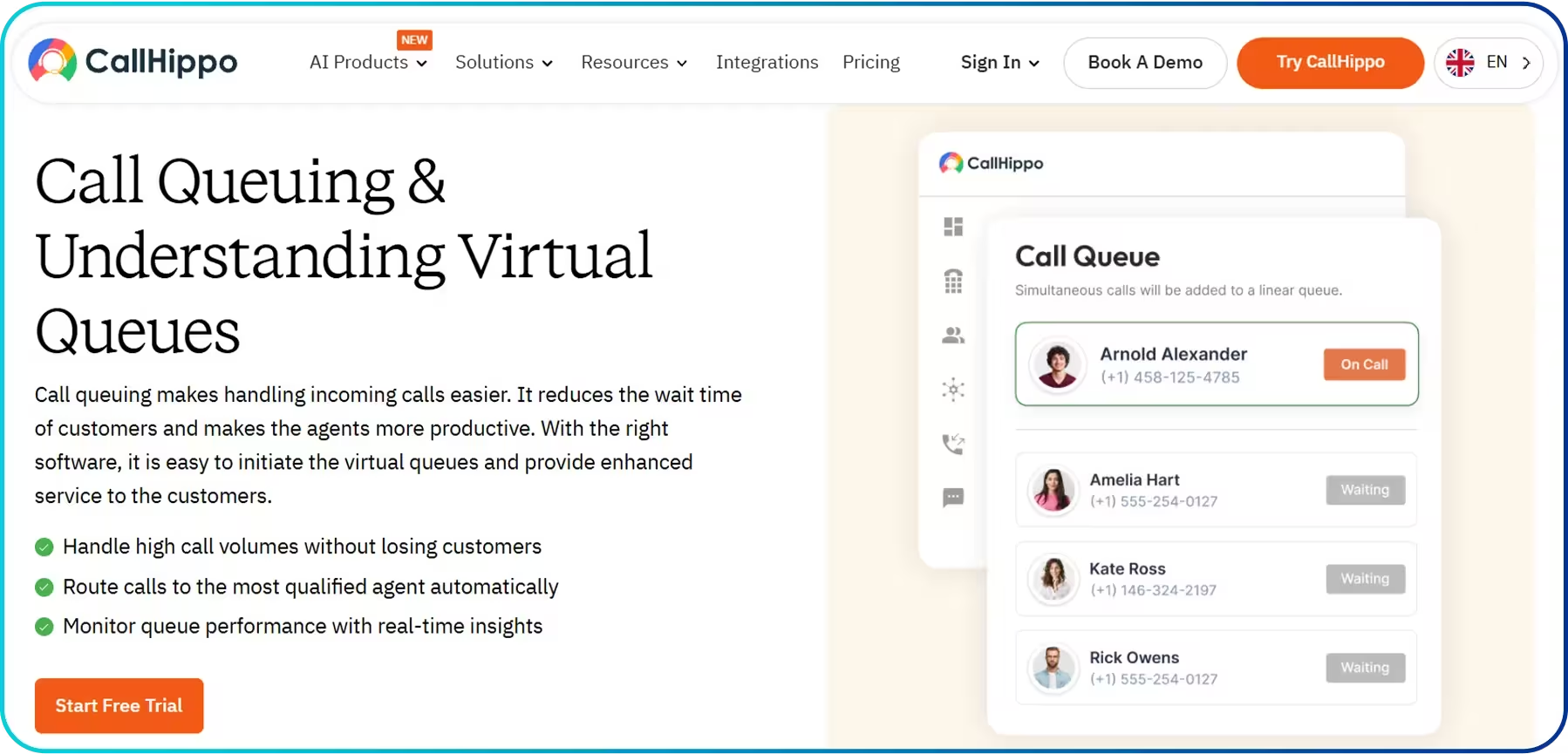 The platform also allows real-time monitoring of key metrics, such as Average Wait Time (AWT), Call Abandonment Rate, and Agent Activity, helping businesses track agent performance. It also connects with major CRM and helpdesk tools, giving agents quick access to customer information for better and personalized service.
Key Features
- Real-time Metrics Monitoring
- Priority-based Routing
- Call Distribution
Quick Comparison Between the Top Call Center Queue Management Software
Provider | Pricing Model | Pros | Cons |
| RingCentral |
|
| Expensive for small, voice-only teams |
| Nextiva |
|
| Setup can be complex |
| Five9 |
|
| High entry cost |
| 8x8 |
|
| Less intuitive UI |
| Aircall |
|
| Lacks deep omnichannel analytics |
| CallHippo |
|
| Inconsistent call quality |
| Dialpad |
|
| Complex setup |
| CloudTalk |
|
| Lack of key features in the mobile app |
| Vonage |
|
| Delays in support response |
Things to Consider When Picking a Call Queue Management Software
When choosing a call center queue management software, ensure it can scale with your business, offers essential features like IVR and ACD, and integrates with your existing tools. Always look for ease of use, reliable support, and good value for the price.
- Call Volume & Scalability: Ensure the software can handle your current call volume and scale as your business grows without performance issues.
- Features & Functionality: Look for features like IVR, ACD, routing options, and wait time predictions, which are essential for the queue management process.
- Integration Capabilities: Ensure the software integrates with other tools you're using to streamline workflows and access customer data.
- Ease of Use & Setup: Choose software with an intuitive user interface and an easy setup process, so both agents and admins can quickly adapt to the system.
- Customer Support & Training: Make sure the provider offers reliable support and training to help you get the most out of the software.
- Cost Structure: Evaluate the pricing model to ensure it fits within your budget and provides good value for the features you need.
- Reliability & Uptime: Ensure the software is reliable and offers a high uptime rate (99.9% or higher) to avoid potential disruptions in your operations.
Conclusion
Choosing the right call center queue management software is essential for reducing wait times, improving agent productivity, and creating a smoother customer experience. With the right platform in place, you can streamline call distribution, maintain consistent service levels during peak hours, and make data-driven improvements across your operations.
As your call center grows, scalability, easy integrations, and reliable uptime become even more critical. By selecting a queue management software that aligns with your business needs, you ensure your team stays efficient, your customers remain satisfied, and your operations run seamlessly, even as demand increases.
Summarize this blog with:
Frequently Asked Questions
Everything you need to know about Calilio. Can't find your answer? .
To choose the best call center queue management software for your business, consider several factors, such as your call volume, business size, budget, and specific feature requirements. Also, look for software with key features like IVR, queue callback, and skill-based routing.
Stay in the loop
Get the latest call insights, trends, and updates delivered straight to your inbox.
By subscribing, you agree to receive updates from Calilio.
You can unsubscribe anytime.
Enter the World of AI Business Phone System with Calilio
Improve your business operation with Calilio's advanced virtual phone system. Join today for a better way to connect.