
How to Get a Virtual Phone Number for Airbnb? (A Simple Guide)
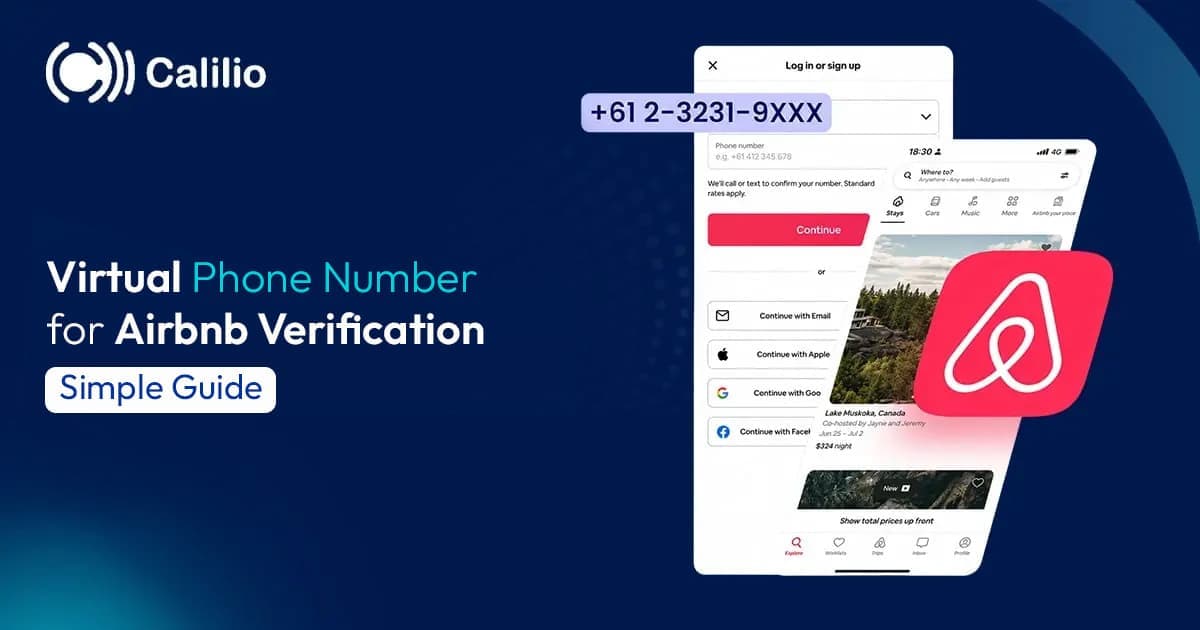

Airbnb makes account access simple by letting users continue with either a phone number or an email address. For both new and existing users, a phone number often works as a more reliable option because it gives quick access to verification codes. On the other hand, email can create small issues, such as delayed codes, missed messages, spam folder errors, or login problems when users no longer have access to their old email.
However, many users still do not want to use their personal phone numbers on Airbnb. Some want to protect their privacy. Others want to keep travel, hosting, and guest communication separate from personal calls. For hosts and property managers, using one personal number for every booking also becomes hard to manage.
This is where a virtual phone number becomes a practical solution. It allows users to receive Airbnb-related calls and messages without exposing their main number. In this guide, we will explain whether you can use a virtual phone number for Airbnb verification, why it is useful, how to get one, what to consider before choosing one, and how Calilio helps.
Key Highlights:
A virtual phone number helps you verify your Airbnb account without using your personal phone number.
It keeps Airbnb bookings, guest calls, and verification messages separate from your personal communication.
Free or temporary virtual numbers are risky because Airbnb blocks them or they are already linked to another account.
To get a virtual number for Airbnb, choose a trusted provider, select your preferred country, activate the number, and use it during sign-up.
If you do not receive the Airbnb verification code, recheck your number, wait before retrying, check your provider’s inbox, or try another dedicated number.
Can You Use a Virtual Phone Number for Airbnb Verification?
Yes, you can use a virtual phone number for Airbnb verification. However, not every virtual number works the same way. Airbnb blocks some VoIP-based numbers because they are often linked with spam, fake accounts, or repeated use.
Free temporary numbers are also risky because many people use the same number. As a result, the numbers are mostly already linked to another Airbnb account or fail to receive the SMS code. Also, if you lose access to that number later, you won’t be able to verify your login, reset access, or recover your Airbnb account.
Therefore, it is better to use a trusted virtual phone number provider that offers a reliable number with SMS support. A premium virtual number gives you better control, more privacy, and long-term access for Airbnb verification and communication.
Why Use a Virtual Phone Number for Airbnb?
Use a virtual phone number for Airbnb to receive verification codes, calls, and booking-related messages without using your personal number. It also helps you keep Airbnb communication separate, access your number while traveling, and avoid common email issues like delayed codes or spam folder errors.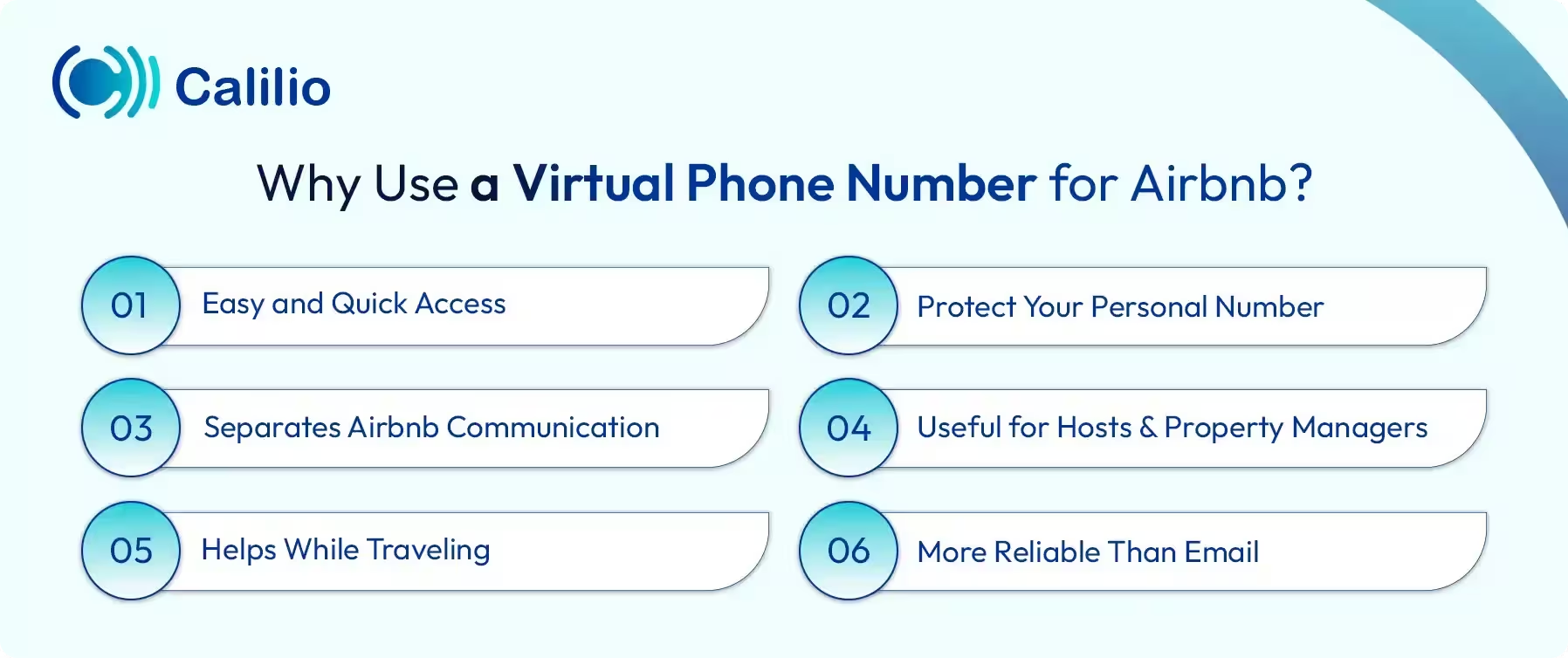
- Easy and Quick Access: A virtual phone number lets you receive Airbnb verification codes and calls online without using a physical SIM card. You can access it from your phone, laptop, or desktop as long as you have an internet connection.
- Protect Your Personal Number: Using your personal number on Airbnb can expose it to unwanted calls or privacy risks. A virtual number helps keep your main number hidden while still allowing Airbnb-related communication.
- Separates Airbnb Communication: If you use Airbnb often, managing guest messages, booking calls, and personal calls on the same number can get confusing. A separate virtual number keeps everything related to Airbnb in one place.
- Useful for Hosts and Property Managers: Hosts and property managers often handle multiple guests, bookings, or listings. A virtual number makes it easier to manage these calls and messages without using a personal contact number.
- Helps While Traveling: A virtual number helps you stay reachable even when you travel abroad. You do not have to depend only on your local SIM or deal with roaming issues.
- More Reliable Than Email: A virtual phone number gives faster access to Airbnb verification codes. Unlike email, SMS codes are less likely to get delayed, missed, or sent to the spam folder.
How to Get a Virtual Phone Number for Airbnb and Use It?
To get a virtual phone number for Airbnb, first choose a reliable provider. Then, sign up with it, select your country or area code, verify your identity, and purchase the number. After that, enter that number on Airbnb when signing up, and check your provider’s app or dashboard for the 6-digit verification code.
- Choose a Trusted Virtual Number Provider: Select a provider like Calilio, Quo, or Aircall, that offers virtual numbers that can receive verification codes.
- Sign Up and Select a Number: Create your account, subscribe to a plan if needed, and choose your preferred country or area code.
- Verify Your Identity: Most virtual number providers ask you to verify your identity or link an email address or an existing phone number.
- Activate the Number: Complete the payment process and activate your virtual phone number.
- Use the Number for Airbnb: When signing up for Airbnb, enter the virtual number you acquired from the provider. Then, check your provider’s app or dashboard for the 6-digit verification code and enter it on Airbnb to complete the process.
Disclaimer: Airbnb controls verification code delivery and may restrict some VoIP or virtual numbers. SMS delivery depends on Airbnb’s system, rules, and security checks.
Things To Consider While Getting a Virtual Number for Airbnb
Before getting a virtual number for Airbnb, make sure it can receive SMS codes, stays active for long-term use, and comes from a dependable provider. Also, compare the price, check hidden charges, review customer support, and avoid free or shared numbers that may already be used on Airbnb.
- Reliability: Choose a provider that offers stable SMS delivery, so you can receive Airbnb verification codes without issues.
- SMS Support: Make sure the virtual number supports SMS, not just calls, as Airbnb verification usually needs a code.
- Dedicated Number: Use a private, dedicated number instead of a shared or free temporary number to avoid security risks.
- Long-term Access: Pick a number you can keep active for a long time, as Airbnb often needs it for login and account recovery.
- Pricing: Check the monthly cost, setup fee, and renewal charges before choosing a provider.
- Transparency: Select a provider that clearly shows its pricing, features, supported countries, and number type.
- Customer Support: Choose a service with reliable support, so you can get help if you do not receive the Airbnb verification code.
- Country Availability: Make sure the provider offers numbers from your preferred country or region, or where Airbnb is functional.
- Provider Reputation: Check reviews and trust signals before buying, as low-quality numbers fail Airbnb verification.
Why Choose Calilio for an Airbnb Virtual Phone Number?
Choose Calilio for a virtual phone number for Airbnb because it covers the key things needed for smooth verification, private communication, and long-term account access.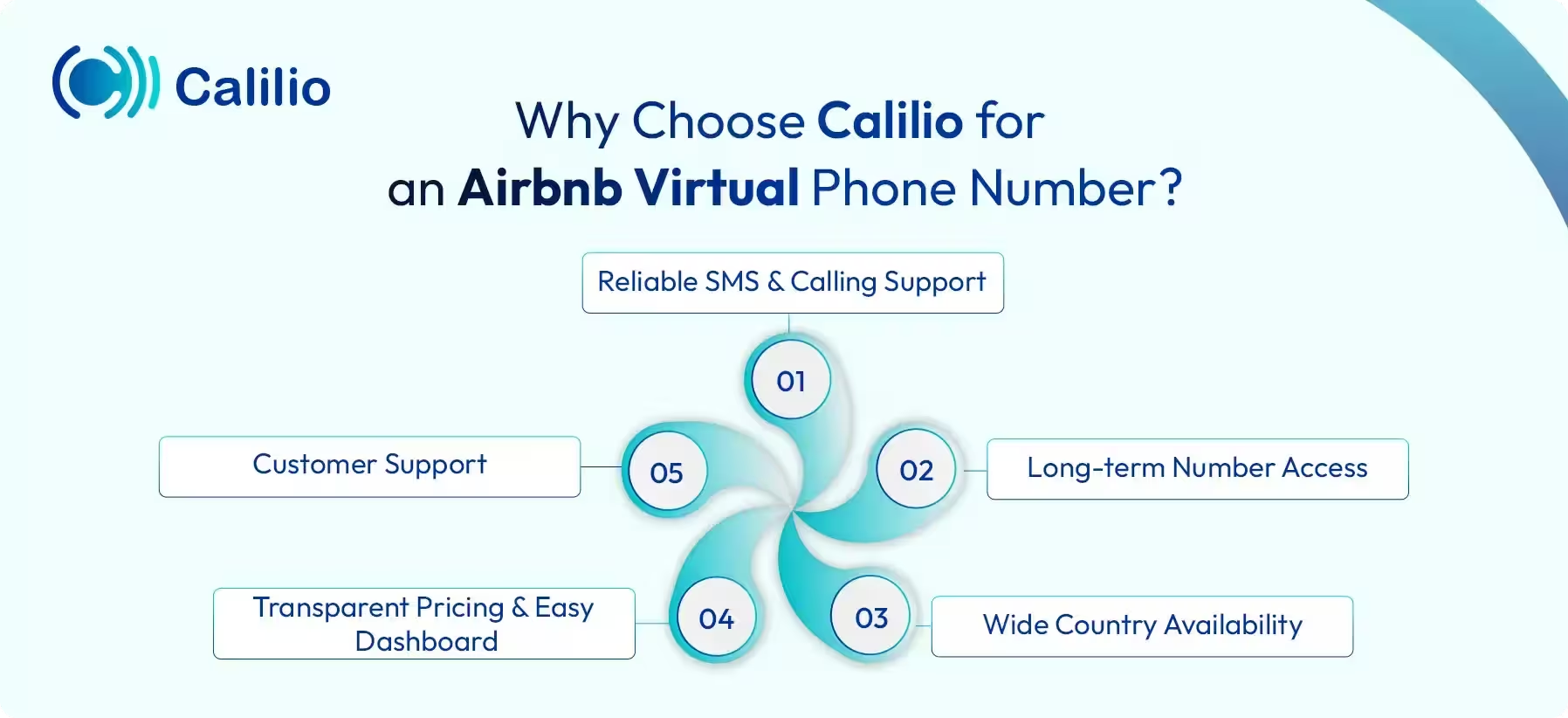
- Reliable SMS and Calling Support: Calilio offers virtual numbers that support SMS, as well as calls. This helps you receive Airbnb verification codes, booking updates, and guest calls in one place.
- Long-term Number Access: You get a private virtual number instead of a shared or temporary one. Keep it active for future Airbnb logins, account recovery, and guest communication.
- Wide Country Availability: Calilio lets you choose virtual numbers from 100+ countries. This is useful for travelers, hosts, and property managers who need numbers based on location or market.
- Transparent Pricing and Easy Dashboard: The VoIP service provider offers clear pricing (virtual numbers starting at $2 and subscription at $15, both per month) and a simple dashboard to manage your number, calls, and messages. So, you know what you are paying for and how to use it.
- Customer Support: Calilio offers support to help you set up and manage your virtual number. This is helpful if you face issues while receiving codes or using the number for Airbnb.
How to Get a Virtual Phone Number from Calilio for Airbnb?
You can acquire a virtual phone number from Calilio for Airbnb by creating your account, choosing a plan, and going to Settings > My Numbers and clicking on “+” from the dashboard. Then, select your preferred country, choose an SMS-enabled number, complete the payment, and activate it.
- Step 1 - Create your Calilio account with your email, basic details, and a suitable subscription plan.
- Step 2 - Settings > My Numbers and click Add a New Number, or click the “+” icon beside Numbers in the left sidebar to purchase a new number.
- Step 3 - Select the country or region that best matches your Airbnb use, travel location, or hosting market.
- Step 4 - Choose a virtual number that supports SMS, so you can receive the Airbnb verification code.
- Step 5 - Finish the required payment and verification process to activate your virtual phone number.
- Step 6 - Go to Airbnb and start the sign-up process.
- Step 7 - Add your new virtual phone number in the sign-up area and click on Continue.
- Step 8 - View your Calilio dashboard to find the Airbnb verification code sent to your virtual number.
- Step 9 - Enter the 6-digit code on Airbnb to complete the phone number verification process.
Why You’re Not Receiving the Airbnb Verification Code on Your Virtual Number?
You are not receiving the Airbnb verification code on your virtual phone number due to an incorrect number, unsupported number type, delivery delay, or Airbnb’s security filters. It also happens if you request too many codes, use a free number, or face app/browser issues.
To fix it, recheck your number, use a dependable virtual number with SMS receiving capability, wait before retrying, and check your provider’s SMS inbox. If it still fails, try another number or contact Airbnb support.
- Incorrect Phone Number: You have entered the wrong number, missed a digit, or used the wrong format.
- – Solution: Recheck the full number before requesting the Airbnb verification code again.
- Unsupported Number Type: Some numbers look valid, but work like landline or call-only numbers.
- – Solution: Use a virtual mobile number that supports SMS verification.
- Blocked by Airbnb: Airbnb blocks many VoIP, free, or temporary numbers to prevent fake accounts.
- – Solution: Use a premium long-term virtual number from a trustworthy provider instead of free public numbers.
- Network or Delivery Delay: Sometimes, verification codes take time due to carrier or provider delays.
- – Solution: Wait 15–30 minutes before requesting a new code.
- Too Many Code Requests: Requesting codes many times in a short period often triggers a cooldown period.
- – Solution: Stop trying for a while and request a new code later.
- Spam or Blocked Messages: Automated SMS codes, at times, land in spam or blocked message folders.
- – Solution: Check your provider’s SMS inbox, spam folder, blocked messages, or message filters.
- App or Browser Issue: Airbnb’s app or browser sessions also fail to send or load the code request.
- – Solution: Try Airbnb on another browser, clear cache, reinstall the app, or use a desktop device.
- Provider Compatibility Issue: Some virtual number providers do not work well with Airbnb verification.
- – Solution: Contact your provider’s support channel or switch to another SMS-enabled virtual number.
- Account Verification Limit: Airbnb may ask for a different verification method if phone verification fails.
- – Solution: Try email verification or contact Airbnb support for manual help.
- Account Looks Suspicious: Airbnb delays or blocks verification if your account activity looks unusual.
- – Solution: Add correct profile details and try again after some time.
Conclusion
A virtual phone number for Airbnb helps you protect your personal number, receive verification codes, and manage booking-related calls in one place. It is also useful for hosts, travelers, and property managers who want safer and more organized communication.
Summarize this blog with:
Frequently asked questions
Can I create an Airbnb account without a phone number?
Yes, you can create an Airbnb account without a phone number by using your email, Gmail, or Apple ID. However, if Airbnb asks for phone verification later, use a virtual phone number to receive the code and not reveal your personal number.
How to verify Airbnb without a phone number?
Why is Airbnb not accepting my phone number?
How to get rid of a phone number on Airbnb?
How to log in to Airbnb without a phone number?

Still have questions?
Can’t find the answer you’re looking for? Please chat with our friendly team.
Stay in the loop
Get the latest call insights, trends, and updates delivered straight to your inbox.
By subscribing, you agree to receive updates from Calilio.
You can unsubscribe anytime.
Enter the World of AI Business Phone System with Calilio
Improve your business operation with Calilio's advanced virtual phone system. Join today for a better way to connect.