
How to Get a Virtual Phone Number for Grab: The Complete Guide

Grab is a popular app for booking rides, ordering food or groceries, and sending packages, all in one place. Because of this wide range of services, it has become a fast and reliable option for millions of users. Similarly, like many other apps, it also requires a phone number when you sign up. It uses your number to verify your identity, send OTP codes, and support smooth communication during rides or deliveries.
However, not everyone feels comfortable sharing their personal number online. Some users want more privacy, while others want to avoid spam or unwanted messages. Thankfully, there is a simple solution. You can use a virtual phone number for Grab instead of your real one.
So, in this guide, you will learn how to get a virtual number step by step. You will also understand what to look for in a provider and how to use it with your Grab account.
Key Highlights:
You can use a virtual phone number to sign up for Grab without sharing your personal number, keeping your privacy safe.
Virtual numbers support OTP verification via SMS or WhatsApp, making account setup smooth and reliable.
You can create and verify your Grab account before traveling, without needing a local SIM card.
Choosing a number from a Grab-supported country improves success rates and reduces verification issues.
Common issues like OTP delays or number rejection can be fixed easily with the right setup and provider.
Why Should You Use a Virtual Number for Grab?
A virtual phone number helps you keep your personal phone number private while still letting you sign up and use Grab easily. It also saves money, avoids spam, and lets you set up your account before you travel without needing a local SIM. In addition, it works across devices and reliably receives OTPs, making your experience more secure and flexible.
- Keep Your Personal Number Private: A virtual number acts as a layer between you and others. It helps you avoid sharing your real phone number with drivers or third parties.
- Setup Before You Travel: Don't wait until you land to deal with local SIM cards. Use a virtual number to get your account verified and ready from the comfort of your home.
- Avoid Extra Costs: You save money on roaming fees and do not need to buy a local physical SIM. Plus, virtual numbers are cheaper and work over the internet, making them more flexible.
- Reduce Spam and Unwanted Calls: Using a separate number keeps your main number clean. You avoid random messages or promotional calls.
- Safer Online Use: A virtual number lowers the risk of exposing your personal details. It adds an extra level of security when signing up for apps.
- Reliable for Verification: You can receive OTP codes and complete account setup easily. It works just like a regular number for most services.
- Device Flexibility: Access your verification codes from any device; smartphone, laptop, or tablet. If you switch phones, you can still access your account without needing a physical SIM swap.
How to Choose the Right Virtual Number Provider?
Choose a provider that reliably supports SMS and WhatsApp OTP delivery, since Grab may use both for verification. Also, go for a private, long-term rental number instead of free or disposable ones, as they are more stable and less likely to be blocked. In addition, pick numbers from Grab-supported regions and ensure the provider offers strong reliability and quick support.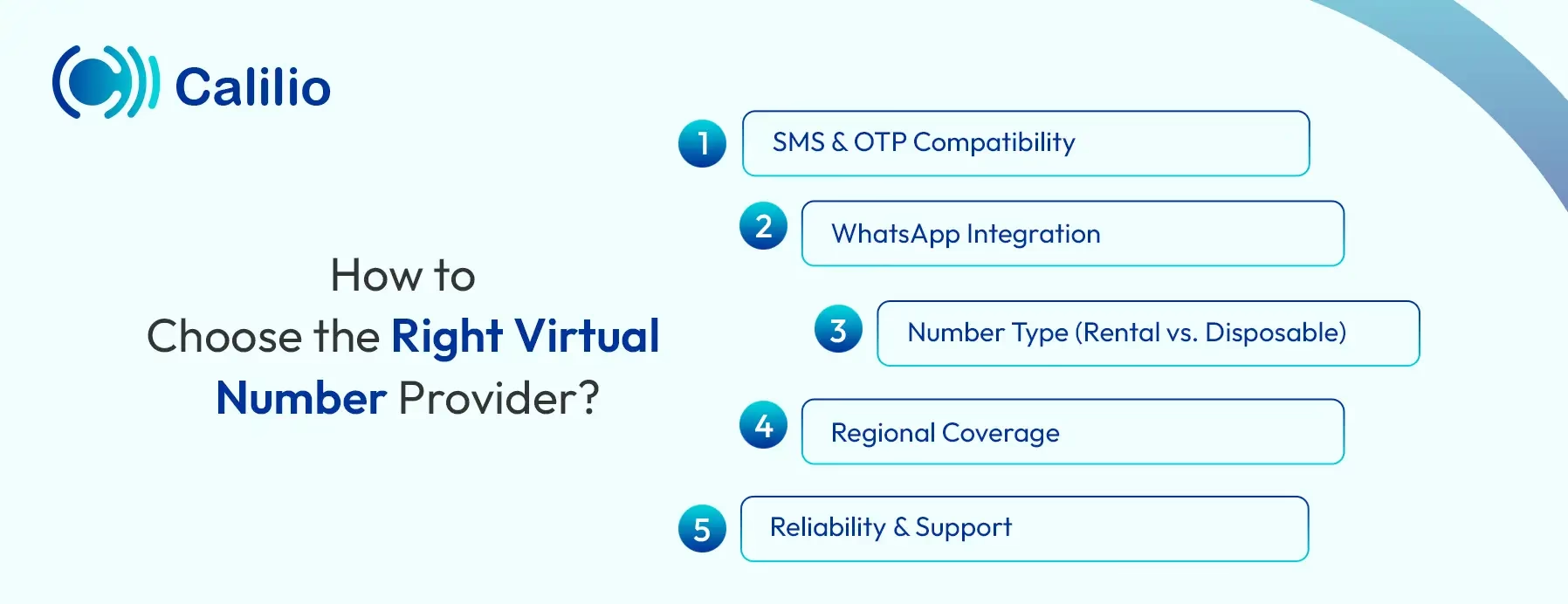
- SMS & OTP Compatibility: Make sure the provider supports OTP messages for app verification. Some VoIP numbers fail to receive codes, so always choose one that works reliably with apps like Grab.
- WhatsApp Integration: In 2026, Grab often sends OTPs via WhatsApp for international country codes (like the US or UK). Choose a provider whose numbers are compatible with WhatsApp registration so you have a backup if the standard SMS fails.
- Number Type (Rental vs. Disposable): Avoid "free" burner numbers found on public websites. These are often blacklisted by Grab. Instead, use a private rental number that you can keep. This ensures you can still log in if you switch devices or need to re-verify your account later.
- Regional Coverage: While international numbers work, choosing a number from a Grab-supported country (like Singapore, Thailand, or Malaysia) can sometimes reduce "flagging" by security filters and ensure faster message delivery.
- Reliability & Support: Go with a trusted provider that has a high success rate for SMS delivery. Also, ensure they offer quick support in case your OTP is delayed.
How to Get a Virtual Phone Number for Grab?
To get a virtual phone number for Grab, start by choosing a reliable provider that supports OTP verification. Then, sign up, select a number from your preferred country, and complete the setup process. Finally, make the payment and activate your number so it can receive verification codes from Grab.
- Choose a Virtual Number Provider: Select a provider that supports SMS and OTP verification. Make sure it works reliably with apps like Grab.
- Sign Up and Create an Account: Register on the provider’s website or app using your email and other credentials. Follow the basic setup process to get started.
- Select Your Number: Choose a number from your preferred country based on where you plan to use Grab. Some providers also ask for basic documents for verification.
- Acquire the Number: Complete the payment process and activate your number. Once done, your number will be ready to receive OTPs from Grab.
How to Acquire a Virtual Phone Number for Grab from Calilio?
To obtain a virtual phone number from Calilio, sign up and subscribe to a plan, then go to Settings > Numbers to choose your preferred country and mobile number. After that, select your number, complete the payment, and activate it to start receiving OTPs for Grab.
- Step 1 - Sign Up with Calilio: Create your account on Calilio using your email and basic details. Then, subscribe to a plan that fits your needs.
- Step 2 - Access Numbers: Go to Settings > My Numbers and click Add a New Number, or click the “+” icon beside Numbers in the left sidebar to purchase a new number.
- Step 3 - Select Country: Choose your preferred country from the available list. Pick a region where you plan to use Grab.
- Step 4 - Number Type: Select a mobile number, as Grab requires mobile numbers for verification. This ensures smooth OTP delivery and account setup.
- Step 5 - Acquire Your Number: Search for your desired number and confirm your choice. Provide any required documents, complete payment, and wait for activation.
How to Set Up Your Grab Account with a Virtual Number?
You can set up your Grab account with a virtual number by downloading the app, signing up with your Gmail, entering your number, verifying it with an OTP, and completing your profile.
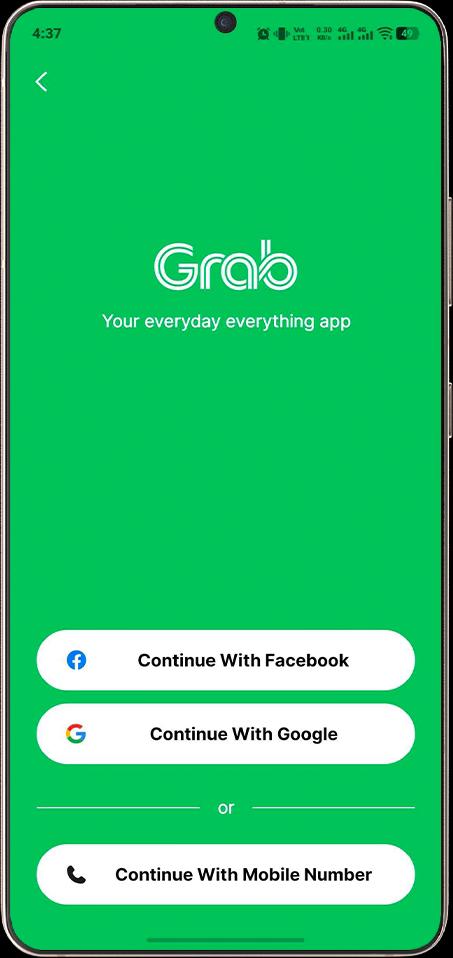
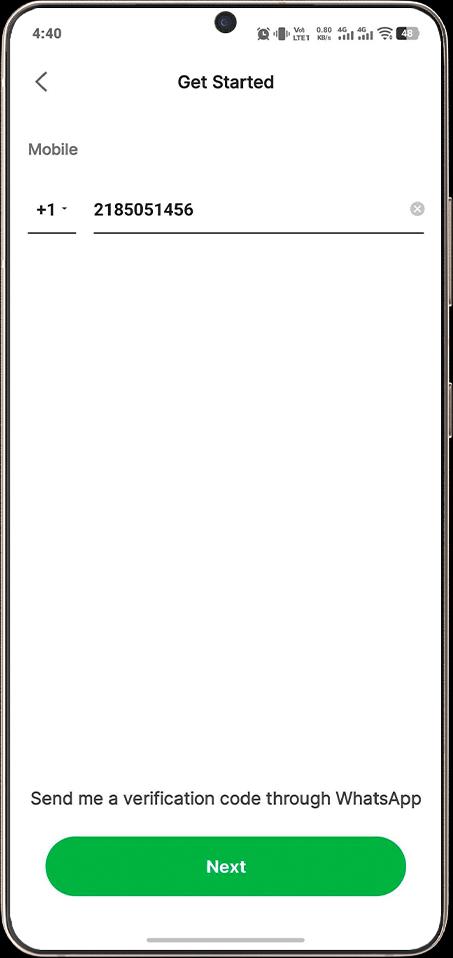
- Download the App: Download/Install the Grab app from Google Play or the App Store on your device and open it.
- Select a Country: Choose a country where you will be using the app, such as Singapore or Indonesia.
- Start Sign Up: Tap on “Sign Up” and select a Gmail account you are already logged into.
- Enter Your Number: Select the correct country code and enter your virtual mobile number. Make sure the number is active.
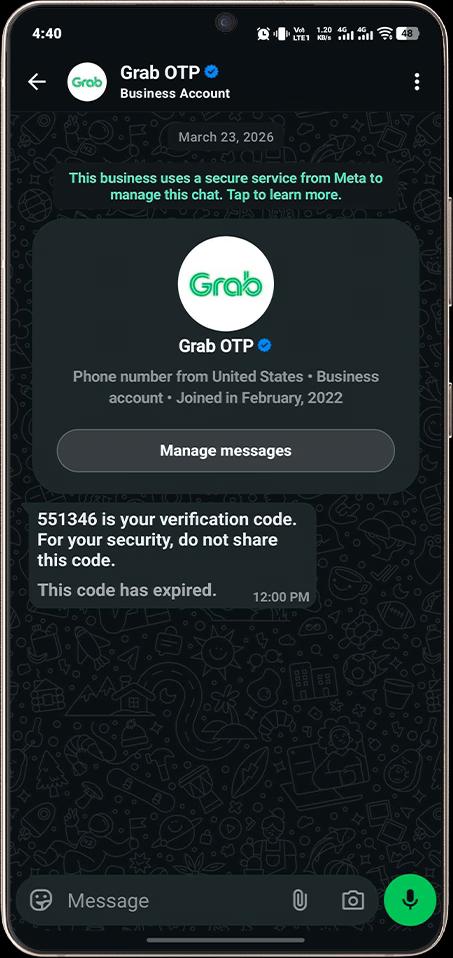
- Verify Your Number: Press “Next” to receive the verification code. If you use a number from a Grab-supported country, you will get SMS; otherwise, you will receive it via WhatsApp.
- Enter the Code: Type in the six-digit verification code you received.
- Complete Your Profile: Enter your full name and tap “Next,” while agreeing to Grab’s terms and finish setting up your account.
Note: Make sure to check your email and confirm your address after setup. Otherwise, you may face service issues later.
Common Issues & How to Fix Them
While setting up Grab with a virtual number, you may face issues like OTP delays, invalid number errors, or account restrictions. However, these can be fixed by checking your connection, using a reliable mobile number, matching country codes, or switching to WhatsApp or call verification when needed.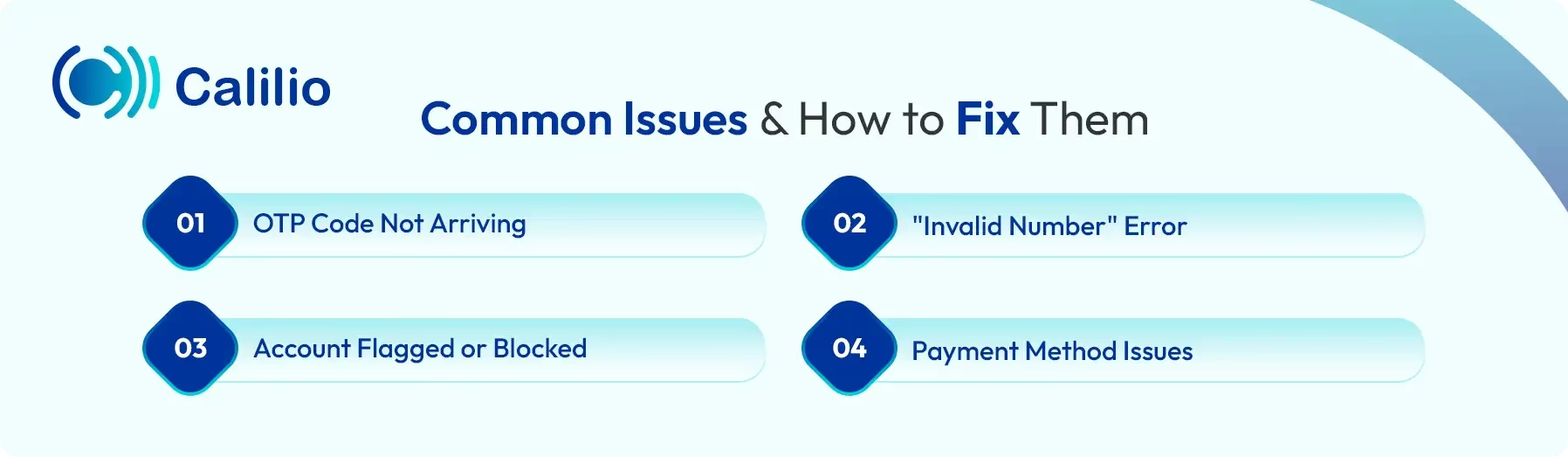
1. OTP Code Not Arriving
This is the most frequent issue. If you don't receive your 6-digit code within 60 seconds:
- Check Your Connection: Ensure your device has a stable internet connection to receive notifications from your virtual number provider.
- Try WhatsApp: If you are using an international number (like a US or UK number), check your WhatsApp. Grab often defaults to WhatsApp for verification codes outside of Southeast Asia.
- Resend via Call: Most Grab versions offer a "Call Me" option after the SMS timer expires. Use this to receive your code via a voice call to your virtual number.
2. "Invalid Number" Error
If Grab rejects your number immediately:
- Verify Number Type: Ensure you haven't entered or acquired a "Landline" number. Grab requires a mobile-reputation number to function.
- Check Country Code: Double-check that the country code in the Grab app matches the origin of your virtual number.
- Avoid Free Public Numbers: If you are using a free "disposable" number from a public website, Grab’s security filter has likely already blacklisted it. Switch to a private rental number from a trusted provider like Calilio.
3. Account Flagged or Blocked
Sometimes, Grab may temporarily flag an account during setup:
- Use a VPN: If you are setting up your account for a trip to Thailand while still in the US, Grab’s security might find the location mismatch suspicious. Use a VPN (Virtual Private Network) to set your location to the country of your virtual number or your destination.
- Add an Email: Always link a verified Gmail or Facebook account. This adds a layer of "trust" to your profile and makes it less likely to be flagged as a bot.
4. Payment Method Issues
You might have trouble adding a credit card to your new account:
- Wait Until You Land: Grab often restricts adding international credit cards until you are physically located in a country where they operate. If it fails now, simply wait until you arrive at your destination to link your card.
Conclusion
Using a virtual phone number for Grab is a simple and practical way to protect your privacy while still enjoying all its services. It helps you avoid sharing your personal number, reduces spam, and lets you set up your account from anywhere. While you may face small issues like OTP delays or number rejection, most of them are easy to fix with the right approach.
Overall, choosing the right provider, like Calilio, makes a big difference in how smoothly everything works. We offer reliable virtual numbers that work properly with Grab and support stable OTP delivery. Whether you need a number from Southeast Asia, where Grab operates, or from another region, you can get it easily since Calilio offers numbers from 100+ countries.
Disclaimer: OTP delivery is controlled entirely by Grab, not Calilio. Successful reception of verification codes depends on Grab’s systems and policies, and it may not send verification codes to VoIP numbers.
Summarize this blog with:
Frequently asked questions
How to create a Grab account without a phone number?
You cannot create a Grab account without a phone number, but you can use a virtual mobile number from a provider like Calilio to fulfill the verification requirement while keeping your personal numbers private.
Do I need a phone number to use Grab in Malaysia?
Can I delete my Grab account and register again?
Can you have two Grab accounts?
Can someone else use my Grab account?

Still have questions?
Can’t find the answer you’re looking for? Please chat with our friendly team.
Stay in the loop
Get the latest call insights, trends, and updates delivered straight to your inbox.
By subscribing, you agree to receive updates from Calilio.
You can unsubscribe anytime.
Enter the World of AI Business Phone System with Calilio
Improve your business operation with Calilio's advanced virtual phone system. Join today for a better way to connect.