
How to Sign Up for Twitch without a Number & Verify It Safely

Whether you are a viewer looking to keep your personal data private or a creator wanting to manage multiple channels, Twitch phone verification can feel like a hassle. This is because sharing your number is not always ideal, as it exposes you to privacy risks and spam. So, you might find yourself asking, “Can I verify a Twitch account without a phone number?"
The short answer is yes. You can verify your Twitch account with an email address and other alternatives. However, account verification is still required for certain features, such as chatting in restricted channels, commenting, or enabling two-factor authentication.
Therefore, let's learn how to verify a Twitch account without a phone number, explore what alternatives are available, and find the best one as per your needs.
Key Highlights:
Twitch asks for account verification to protect your login, recover your account, chat in restricted channels, enable 2FA, or pass suspicious activity checks.
You can verify a Twitch account without using your personal phone number through email, an authenticator app, or a trusted virtual number.
A virtual number from Calilio helps you keep your personal number private while receiving verification calls and SMS online.
You can get a Calilio virtual number by creating an account, choosing a plan, adding a number from the dashboard, and using it for Twitch verification.
Common Twitch verification issues include delayed SMS codes, unsupported numbers, “phone number already in use,” and “too many requests” errors.
When Does Twitch Ask You to Verify Your Account?
Twitch asks for an account verification when extra security or verified access is required, such as protecting your login, recovering your account, or passing suspicious activity checks. You also need a verified account to chat in restricted channels and enable two-factor authentication.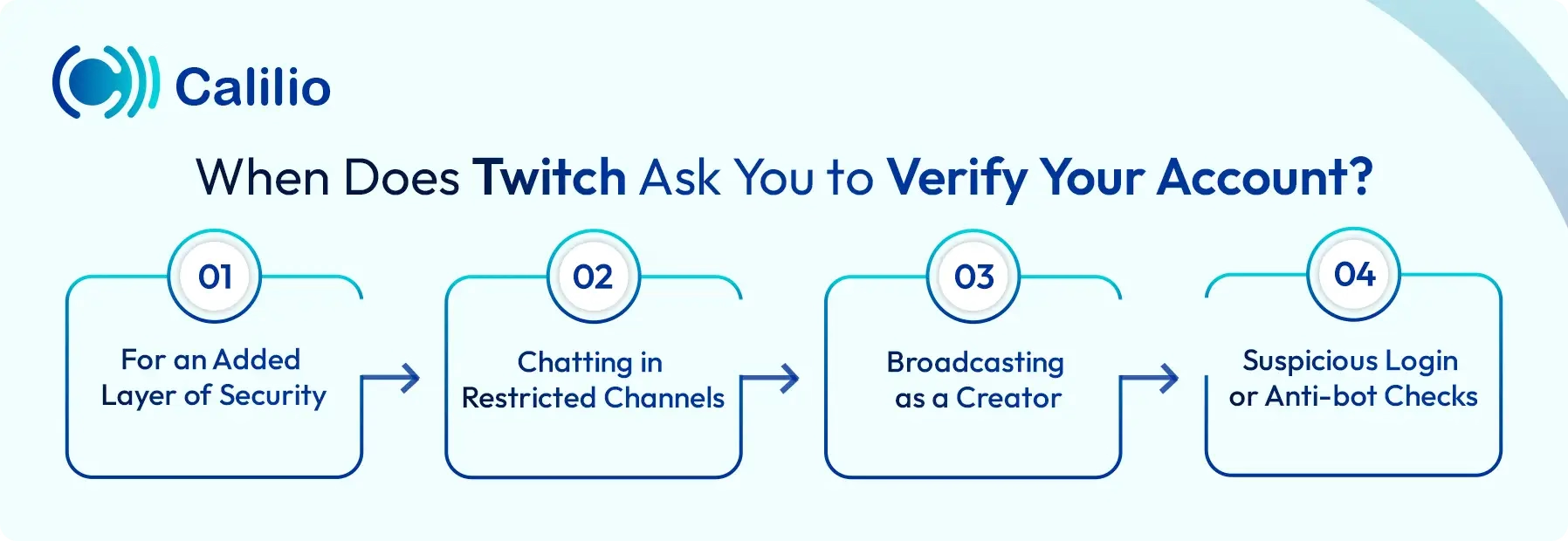
- For an Added Layer of Security: An account verification adds an extra layer of protection, as it helps you secure your login, protect your channel, and recover your account more easily if you lose access.
- Chatting in Restricted Channels: Some creators enable verified account chat to reduce spam, fake accounts, and harmful activity. If this setting is active, you need to verify your account before sending messages in that channel.
- Suspicious Login or Anti-bot Checks: Twitch prompts for phone verification if your account activity looks unusual or if you log in from a new device. This helps protect accounts from bots, spam, and unauthorized access.
How to Verify a Twitch Account without a Phone Number?
To verify a Twitch account without a phone number, you can either use your email address or a virtual number if you are creating an account for the first time. However, once you create an account and enable 2FA, you get an extra option of using an authenticator app.
1. Using an Email Address
The easiest way to verify a Twitch account without a phone number is by using a valid email address. During sign-up, Twitch lets you choose email verification instead of phone verification. Simply, enter your email, receive a verification code in your inbox, and confirm your account without linking a personal phone number.
Your email can also help during security checks. For example, if Twitch detects a login from a new device or location, it sends a verification code to your registered email. This helps you confirm your identity and keep your account secure without depending on SMS verification.
2. Using an Authenticator App
An authenticator app is another way to verify your Twitch account, but it is only available after you enable this feature by going through the settings. You can use apps like Authy or Google Authenticator to generate time-sensitive codes that help secure your login without relying only on passwords.
However, this method does not fully replace Twitch’s phone verification requirements for every feature. Twitch’s 2FA setup is linked with Authy and may still involve a phone number during setup. So, it is best used as an added security layer rather than a complete substitute for phone verification.
3. Using a Virtual Number
Using a virtual number is the most practical option if you want to keep your personal number private while managing your Twitch account. While email verification helps during sign-up, some Twitch features or communities require phone verification. In such cases, a virtual number from a trusted provider helps you receive verification codes online without sharing your private phone number.
However, Twitch does not accept every virtual number, especially free, shared, or low-quality numbers. So, it is important to choose a reliable provider. When accepted, a virtual number gives you a better balance of privacy, accessibility, and account security, making it useful for both creators and viewers.
Why Use a Virtual Number from Calilio for Twitch Account?
Using a virtual number from Calilio lets you complete Twitch verification while keeping your personal contact details private. It also gives you online access to calls and messages, along with 24/7 customer support.
- Protect Your Personal Number: Using a virtual number from Calilio helps you keep your personal number private while signing up or verifying your Twitch account. Since the platform requires phone verification for various reasons, a separate number helps reduce privacy risks linked to sharing your main contact number.
- 24/7 Customer Support: Calilio offers 24/7 customer support to help you with number setup, account access, and service-related questions. This gives you quick assistance if you face issues while using your VoIP number for Twitch verification.
- Easy to Manage Multiple Accounts: A virtual number helps you manage Twitch-related activity separately from your personal number. This is useful if you handle different creator accounts, business profiles, or streaming identities and want better separation.
- Secure & Reliable Virtual Numbers: Calilio provides secure and reliable virtual numbers that you can access online without depending on your physical SIM card. This helps you receive calls and messages through the internet while keeping your personal number private.
How to Get a Virtual Number from Calilio?
To get a virtual number from Calilio, create an account, choose a suitable plan, and add a number from Settings in your dashboard. Once the number is active, enter it on Twitch when verification is required, then copy the received code from your Calilio dashboard to complete the process.
- Create a Calilio Account: Sign up with Calilio using your email address and basic details. Then, choose a plan that matches your needs.
- Access the Dashboard: In Caliio's dashboard, go to Settings > My Numbers. You can view, manage, or add virtual numbers here.
- Add a New Number: Click the “+” icon beside Numbers in the left sidebar to purchase a new number.
- Activate Your Number: Complete the payment and wait until your number is activated. Once active, use it to receive calls and SMS through your Calilio dashboard.
- Add the Number to Twitch: During the account verification, enter your virtual number in the phone number field.
- Enter the Verification Code: You will receive a verification code in the dashboard. Copy the code and paste it on Twitch to complete the process. If you do not receive the code via SMS, check whether Twitch provides a call verification option.
Disclaimer: The delivery of OTP codes is managed by Twitch, not Calilio. Receiving the verification code depends on the application you are signing up for. So, it may not send OTPs to VoIP numbers.
Common Issues While Signing Up for Twitch with a Virtual Number
Common issues while signing up for Twitch with a virtual number include delayed SMS verification codes and “phone number already in use" errors. You may also face "too many requests" warnings or unsupported number errors during verification.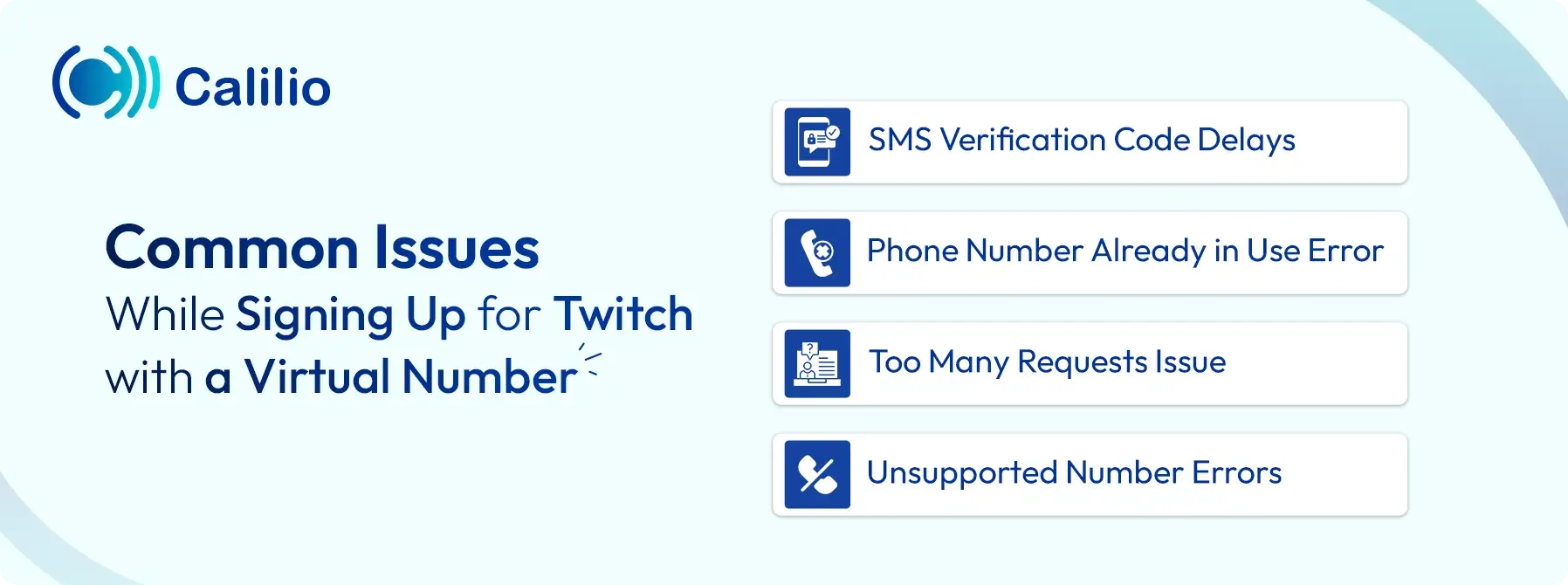
1. SMS Verification Code Delays
Network congestion or aggressive carrier spam filters often delay text delivery. If your Twitch verification code does not arrive within 5 minutes, ensure your number is active and has SMS support. Likewise, check if you have blocked messages from unknown senders. Then, request a new OTP again.
2. "Phone Number Already in Use" Error
This typically means the number is already linked to another account, possibly by a previous owner of that virtual line. To resolve this, use the Twitch Account Recovery Tool to identify accounts linked to that number. If you find an old account you can access, log in to its security settings, and unlink the number entirely.
3. “Too Many Requests” Issue
Making multiple failed verification attempts in a short window triggers a temporary security lock to prevent bot activity. Consequently, you might have to wait 60 seconds for the next attempt, while in some cases, you might have to wait up to 24 hours before the system resets and allows a new request.
4. Unsupported Number Errors
Twitch filters out some number types, like free or shared ones, to ensure account authenticity. To reduce this error, use a dedicated, SMS-enabled virtual number that supports verification messages and is suitable for account security checks.
Conclusion
Creating a Twitch account without a phone number is possible if you only want to complete the initial sign-up with an email address. However, to access certain features, such as restricted chat, two-factor authentication, and creator-related security settings, account verification becomes necessary.
While Twitch uses mobile verification to improve account safety and reduce spam, you do not always have to rely on your personal number. By using a virtual number from Calilio, you can complete Twitch phone verification while keeping your private contact details separate from your streaming activity.
Summarize this blog with:
Frequently asked questions
Can I verify Twitch without a phone number?
Yes, you can verify your account using just an email address for basic functionality. However, please note that while email verification allows you to create an account, you will still need a verified phone number to unlock essential features like participating in phone-verified chats or enabling Two-Factor Authentication (2FA) for streaming.
How to log into Twitch without a phone number?
Can you verify your Twitch account with email?
Does Twitch sell your phone number?

Still have questions?
Can’t find the answer you’re looking for? Please chat with our friendly team.
Stay in the loop
Get the latest call insights, trends, and updates delivered straight to your inbox.
By subscribing, you agree to receive updates from Calilio.
You can unsubscribe anytime.
Enter the World of AI Business Phone System with Calilio
Improve your business operation with Calilio's advanced virtual phone system. Join today for a better way to connect.