
How to Get a Virtual Number for LinkedIn? Easy Steps

LinkedIn is one of the most trusted platforms for professional networking. Whether you are a job seeker, recruiter, freelancer, entrepreneur, or business owner, your LinkedIn profile helps you connect with people, build credibility, and discover new opportunities.
However, you need to verify your account with a phone number during signup or security checks for an extra layer of security. This helps to reduce fake profiles, spam accounts, and suspicious activity on the platform. But for many users, sharing a personal phone number on LinkedIn does not feel safe or practical. Using your private number online exposes you to unwanted calls, spam messages, and privacy risks.
This is where a virtual number for LinkedIn becomes useful. It helps you keep your private information protected while managing your LinkedIn account more securely. So, let’s explore more about why using a virtual number is helpful, how to get one, and what to do if you face verification issues.
Key Highlights:
A virtual number for LinkedIn keeps your personal number private, reduces unwanted outreach, and separates LinkedIn communication from personal calls and texts.
Getting a VoIP number for LinkedIn involves choosing a trusted provider, selecting a number, purchasing it online, and verifying it through SMS or a call if LinkedIn accepts it.
Calilio is a strong choice for LinkedIn because it offers SMS and calling support, numbers from 100+ countries, Unified Callbox, device access, and clear pricing.
You can get an internet-based number from Calilio for LinkedIn verification by signing up, adding a number from Settings, purchasing it, and entering the code on LinkedIn.
Common issues while using a virtual number for LinkedIn include missing codes, rejected numbers, delayed SMS, repeated attempts, or numbers already linked to another account.
Why Use a Virtual Number for LinkedIn?
Use a virtual phone number for LinkedIn to keep your personal number private, avoid spam calls or texts, and manage LinkedIn-related communication separately.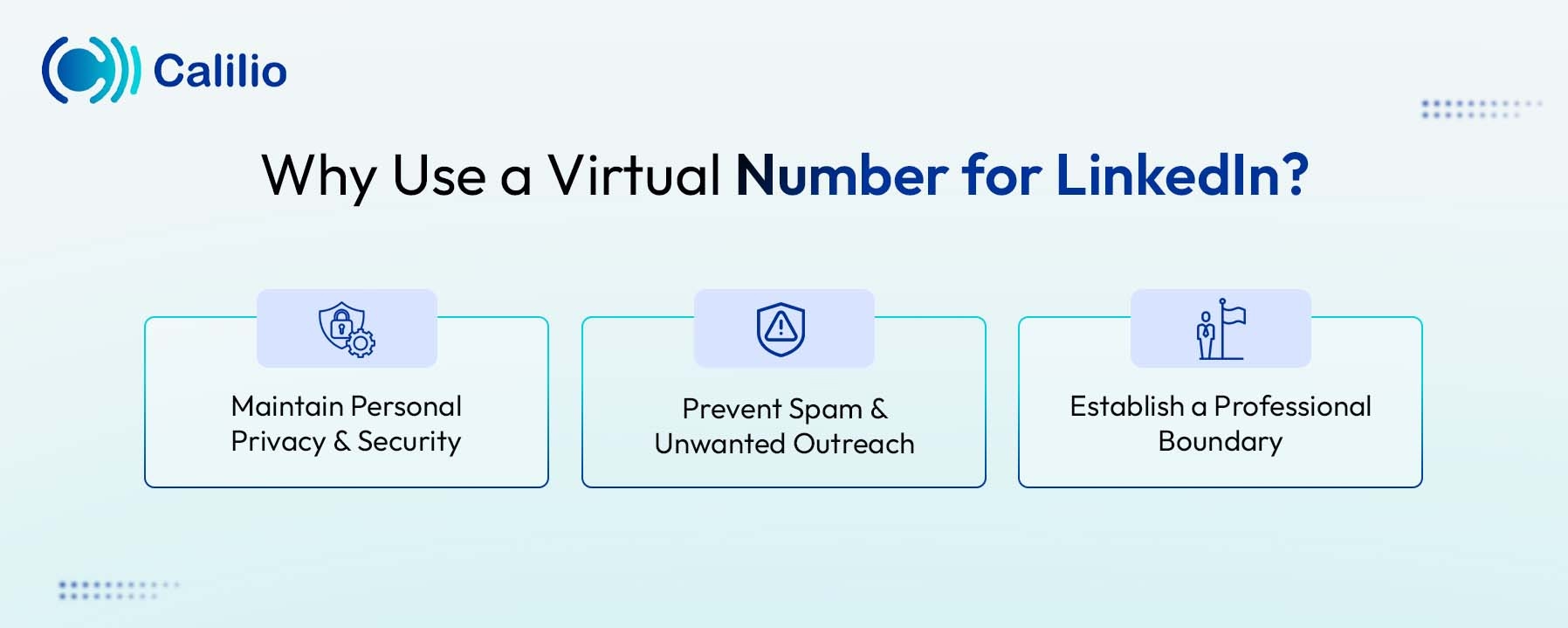
- Maintain Personal Privacy & Security: Your personal number could be linked to banking apps, private accounts, and other sensitive services. Using a virtual number helps keep your main number private and reduces privacy risks.
- Prevent Spam & Unwanted Outreach: LinkedIn is often used for sales, recruiting, and outreach. So, an internet-based number helps you avoid unwanted calls, spam texts, and marketing messages on your personal phone.
- Establish a Professional Boundary: An internet-based number creates a clear line between work and personal life. You can use it only for LinkedIn-related communication without disturbing your private calls and messages.
How to Get a Virtual Number for LinkedIn?
To get a virtual number for LinkedIn, choose a trusted provider, sign up with it, select your preferred country code and number, then activate it online. After that, enter the number on LinkedIn when required and verify it using the SMS code or call option, if LinkedIn accepts the number.
- Choose a Reliable Provider: Select a trusted virtual number service provider, like Calilio, RingCentral or 8x8, that offers secure VoIP numbers.
- Sign Up & Select a Number: Create an account with your chosen provider and select the country code and the number you want.
- Activate Your Number: Pay the necessary fees and wait for the number activation. Once activated, you can manage the number through the provider’s app or web dashboard.
- Enter the Number on LinkedIn: Sign up for LinkedIn and enter the virtual number when prompted for the phone number verification.
- Verify via SMS: If LinkedIn accepts the number, it will send a verification code via SMS, or you can choose the "call me" option. Open the dashboard or answer the call, get the code, and enter it on LinkedIn to complete the process.
Disclaimer: The delivery of OTP codes is managed by LinkedIn, not Calilio. Since sending the verification code depends on the platform, it may not send OTPs to VoIP numbers that are flagged unreliable.
How to Select the Top Virtual Number Provider for LinkedIn Verification?
Choose the best virtual number provider for LinkedIn verification by checking for SMS and call support, strong privacy protection, clean dedicated numbers, stable service, and global number availability.
- SMS/Call Verification Support: Make sure the provider supports both call and SMS verification since LinkedIn offers both options.
- Privacy Features: Choose a provider that protects your personal data and keeps your messages private. Avoid public temporary number websites where verification codes are mostly seen by other visitors.
- Number Reputation: Use a dedicated number instead of a shared one. A clean and private number is less likely to be already used, flagged, or rejected during verification.
- Reliability and Uptime: Pick a provider with stable service, so you can receive verification codes, login alerts, or account recovery messages when needed.
- Global Reach: If you work with international clients or manage a global professional presence, choose a provider that offers numbers from multiple countries. This helps you select a number that matches your business location or target market.
Why Calilio’s Virtual Number is the Best for LinkedIn?
Calilio’s virtual number for LinkedIn is best because it supports SMS and call verification, lets you choose a number from 100+ countries, and lets you manage calls, texts, and voicemails in one Unified Callbox. Plus, you can access it from any device and choose a clear pricing plan instead of buying a second SIM or paying roaming charges.
- SMS and Calling Support: Calilio supports SMS and calls, making it useful for LinkedIn-related verification and professional communication. If LinkedIn accepts the number, you can receive verification codes through your Calilio dashboard.
- Numbers from 100+ Countries: Calilio offers virtual numbers from 100+ countries, making it easy to choose a number that matches your target market or professional location.
- Unified Callbox for Easy Management: Calilio’s Unified Callbox keeps your calls, SMS, voicemails, and conversations in one place. This helps you manage LinkedIn-related communication when you are contacting clients and employers outside the platform.
- Access from Any Device: You can access your Calilio number from your smartphone, laptop, or desktop. This is useful if you travel often or manage LinkedIn communication remotely.
- Affordable and Transparent Pricing: Calilio offers clear pricing, so you know what you are paying for before getting started. It is a practical alternative to buying a second SIM card or paying roaming charges.
How to Get a Virtual Number from Calilio for LinkedIn Verification?
To get a virtual number from Calilio for LinkedIn verification, sign up on Calilio, choose a suitable plan, go to Settings > My Numbers, and add your preferred number. Once activated, enter the number during LinkedIn signup, then verify it using the OTP code from your Calilio’s dashboard.
- Sign up on Calilio: Create your Calilio account using your email and basic details. Then, subscribe to a plan that matches your personal or business communication needs.
- Go to My Numbers: Go to Settings > My Numbers and click Add a New Number, or click the “+” icon beside Numbers in the left sidebar to purchase a new number.
- Add a New Virtual Number: Click the “+” icon to buy a new number. Then, select the country and your preferred virtual number.
- Activate Your Number: Complete the payment and wait until your number is activated. Once active, use it to receive calls and SMS through your Calilio dashboard.
- Add the Number to LinkedIn: During the sign-up process, LinkedIn will prompt you for a mobile number. Enter the purchased number there.
- Enter the Verification Code: You will get a verification code via SMS. Check your Calilio dashboard for SMS, copy the code, and enter it on LinkedIn to complete the process. In case you don’t receive the code via SMS, you can select the “Call Me” option for call verification.
Common Issues When Using a Virtual Number for LinkedIn
Common issues when using a virtual number for LinkedIn include missing verification codes, rejected numbers, delayed SMS, too many code requests, or numbers already linked to another account.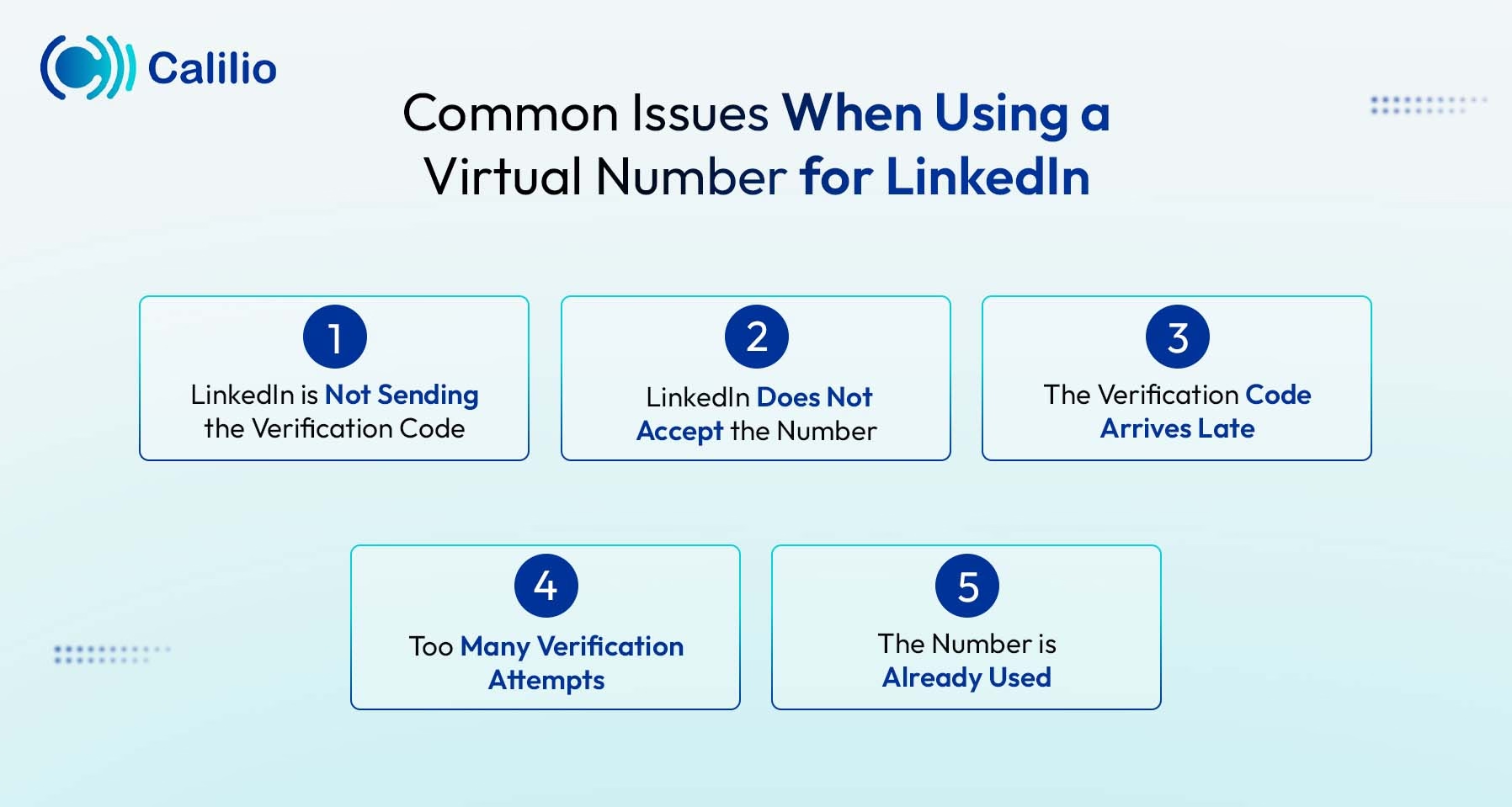
1. LinkedIn is Not Sending the Verification Code
This happens if the number does not support SMS, the country code is incorrect, or LinkedIn does not accept that number type. So, to solve this issue, double-check the country code and make sure your number receives SMS. Also, avoid requesting multiple codes in a row, as it delays or blocks the verification process.
2. LinkedIn Does Not Accept the Number
Some virtual numbers are flagged by LinkedIn’s security filters, especially if they are free, public, or shared by many users. To avoid this issue, use a dedicated and secure virtual number from a trusted provider like Calilio, which improves your chances of successful verification.
3. The Verification Code Arrives Late
Sometimes SMS delivery is delayed because of carrier routing, network congestion, or LinkedIn’s own verification system. Wait a few minutes for the latest code before requesting a new one, as the previous code becomes invalid once a new code is generated.
4. Too Many Verification Attempts
Requesting verification codes repeatedly within a short time triggers LinkedIn’s security checks or a temporary cooldown period. Wait before trying again, and make sure your number, country code, and internet connection are correct before your next attempt.
5. The Number is Already Used
If a virtual number is previously linked to another LinkedIn account, LinkedIn rejects it during verification. Choose a dedicated number instead of a public temporary number, and contact Calilio’s support team if you need help selecting another suitable number.
Conclusion
Your personal privacy should not be the price you pay for professional networking. However, LinkedIn has a compulsory phone number verification for sign-ups and security checks to reduce fake profiles, spam, and bot activity. So, using a virtual number for LinkedIn has become a practical way to protect your personal data while keeping your account secure.
With a dedicated virtual number from Calilio, you get to keep your personal phone number away from online platforms and public databases. You can manage LinkedIn-related calls and SMS online, receive verification codes where supported, and create a more professional presence for clients, recruiters, and business contacts. It also helps you separate your work communication from your private life.
Summarize this blog with:
Frequently asked questions
Is it safe to use a virtual phone number for LinkedIn verification?
Yes, using a virtual phone number for LinkedIn verification is safe if you choose a trusted and dedicated provider like Calilio. Also, avoid free or public virtual numbers, as they are often shared, flagged for spam, and may put your account security at risk.
Can I use the same virtual phone number for multiple LinkedIn accounts?
Can two people use the same LinkedIn account at the same time?

Still have questions?
Can’t find the answer you’re looking for? Please chat with our friendly team.
Stay in the loop
Get the latest call insights, trends, and updates delivered straight to your inbox.
By subscribing, you agree to receive updates from Calilio.
You can unsubscribe anytime.
Enter the World of AI Business Phone System with Calilio
Improve your business operation with Calilio's advanced virtual phone system. Join today for a better way to connect.