
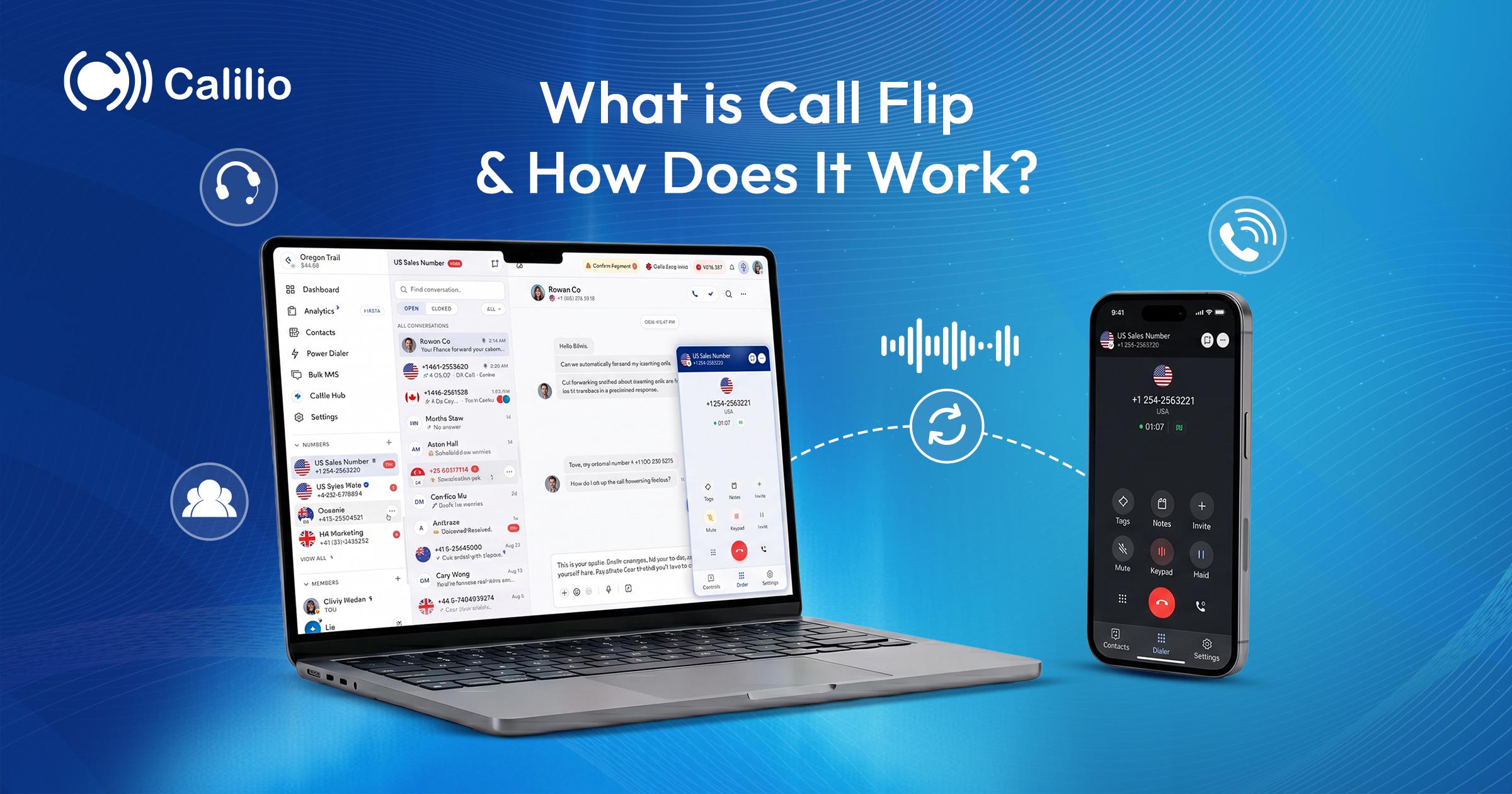

You are on a call at your desk and you need to leave for a meeting. Without call flip you have two options: stay put and be late, or apologise and promise to call back. Call flip removes that choice. The conversation moves to your phone and keeps going.
It is one of those features nobody asks about in a demo and everybody uses twice a week once they have it. Here is exactly what it does, how it differs from the transfer and forwarding options you already know, and what to check before you rely on it.
THE SHORT ANSWER
Call flip is a phone system feature that moves an active call from one of your devices to another without hanging up. You start on your desk phone or laptop, flip it, and keep talking on your mobile. The person on the other end stays connected and usually notices nothing more than a one-second pause.
→ Flip moves the call between your own devices. Transfer moves it to another person.
→ The caller is never put on hold and never has to redial.
→ It only applies to a call already in progress, not to routing new calls.
→ The name varies by vendor: call flip, call move, call handoff or device switch.
How Call Flip Works
Your business number is not tied to a single handset. In a cloud phone system it belongs to your account, and your account can be signed in on several devices at once. Flipping a call simply tells the system which of those devices should carry the audio from this second onward.
You are on an active call
The call is connected on one device — a desk phone, a desktop app, or a browser tab.
You trigger the flip
Depending on the system this is a button in the app, a star code dialled from the handset, or simply answering on the second device.
Your other device picks up
The system rings or activates your second device. You answer it and the audio moves across.
The first device drops off
The original device leaves the call. The conversation continues uninterrupted on the new one.
What actually happens technically: The connection between the phone system and the outside caller never drops. Only the leg between the phone system and your device is torn down and rebuilt on the new device. That is why there is no ringback, no hold music and no need to redial.
Call Flip vs Call Transfer vs Call Forwarding
# | Call Flip | Call Transfer | Call Forwarding |
| What moves | The call moves to another of your devices | The call moves to another person or team | Incoming calls go elsewhere before you answer |
| Who is talking | The same person continues | A different person takes over | Whoever answers the destination |
| When it happens | During an active call | During an active call | Before the call is answered |
| Caller experience | Brief pause, no hold | Usually brief hold, then a new voice | Rings through, unaware |
| Typical use | Leaving your desk mid-conversation | Escalating to the right department | Covering a line you cannot answer |
When You Actually Use It
Call flip is not a feature you plan around. It is one you reach for the moment something changes mid-conversation, which is why it looks unremarkable on a feature list and becomes indispensable in practice.
Leaving the office mid-call
A conversation that started at your desk carries on in the car park, the lift and the car — without a “can I call you right back?”
Moving to a quieter room
A call that turns sensitive or hard to hear can move from an open-plan laptop to a mobile in a private room.
Switching to better audio
If your Wi-Fi or headset is struggling, flipping to a mobile on cellular usually fixes the problem faster than troubleshooting mid-call.
A battery about to die
Rather than the call cutting off without warning, you move it to the device that still has charge.
Field and site visits
Technicians, agents and drivers can pick up a call at a desk and take it with them to the vehicle.
Moving to your own screen
A call that starts on your mobile can be flipped to your desktop when you need the CRM, notes and call history in front of you.
Why It Matters More than It Sounds
Moving a call between devices sounds like a convenience. The reason it earns its place is what it prevents: broken conversations, personal numbers leaking out, and call records split across two entries.
- No callbacks: The biggest saving by far. Every “let me call you back” is a delay, a missed connection, and sometimes a lost deal.
- One business identity: Because the call stays on your business number, your personal mobile number never appears on the caller’s screen.
- One unbroken record: The call remains a single entry in your call history, with one duration, one recording and one set of notes.
- Fewer dropped calls: When a network or a device is failing, moving devices is faster and less disruptive than restarting the conversation.
What to Check Before You Rely on It
Flip is straightforward but it is not magic. These are the practical limits worth knowing before you build a habit around it.
Both devices must be signed in to the same account and reachable at the moment you flip.
If your second device is on a poor cellular signal, the flip inherits that quality.
Some systems ring the second device rather than switching silently, which adds a few seconds.
Flip usually works for standard calls but not every call type — conference legs and monitored calls can behave differently.
The name and the trigger differ by vendor, so a team switching providers needs a short retraining note.
Moving Calls Between Devices on Calilio
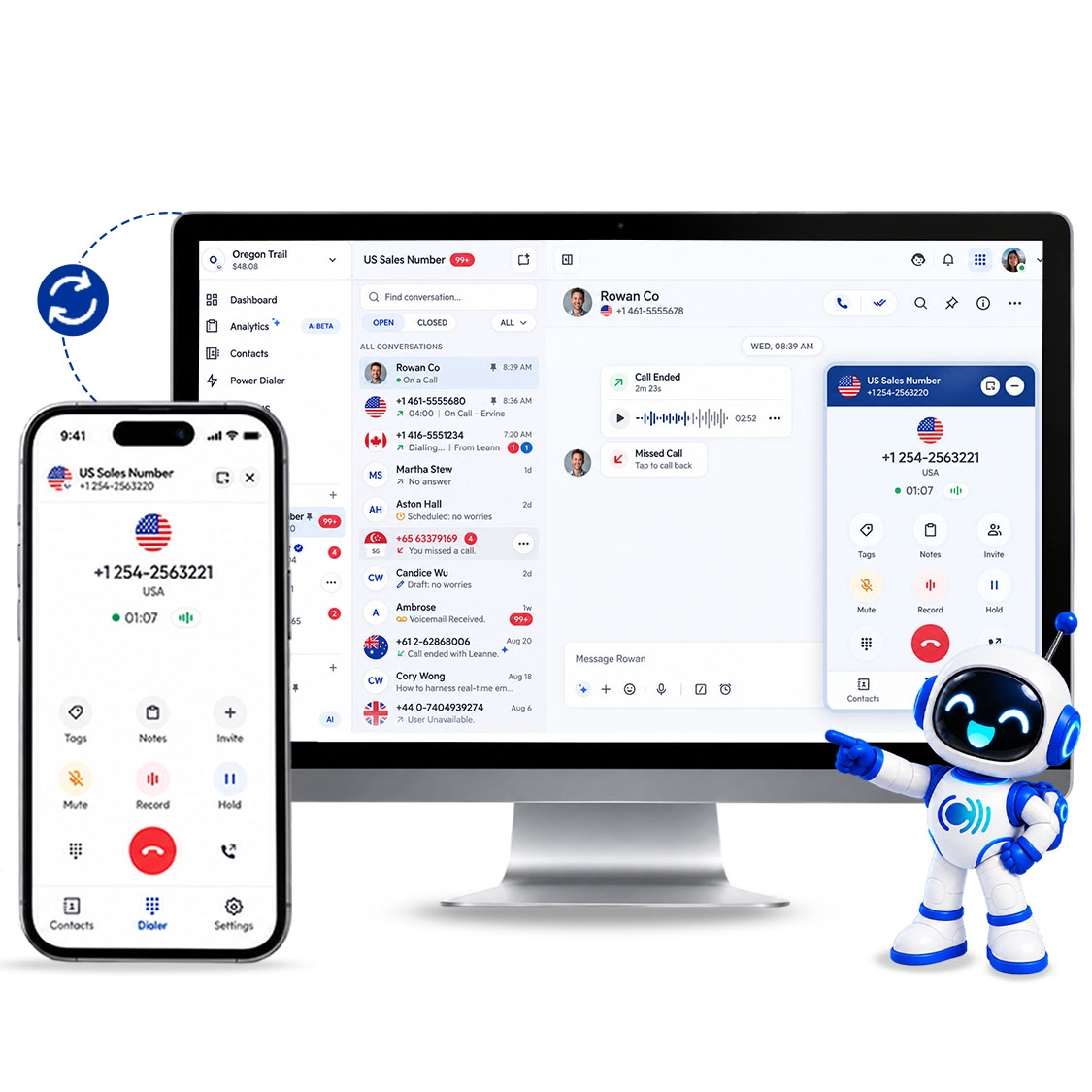
Calilio is a cloud phone system, so your business number lives on your account rather than on a handset. You can be signed in on desktop, mobile and tablet at the same time, and place or take calls from whichever device you are at — using the same business number and the same caller ID every time.
For a live call that needs to change hands rather than change devices, Calilio has call transfer and hold. For calls you cannot take at all, call forwarding sends them to a mobile or another team before they ring out. If device-to-device flipping mid-call is a hard requirement for your team, ask us where it sits on the roadmap before you commit — it is a fair question and we would rather answer it up front.
Take Your Business Line Wherever You Work
Desktop, mobile and tablet on one account, with call transfer, forwarding, hold and recording included. Plans start at $12 per user per month with a 14-day money-back guarantee.
Summarize this blog with:
Frequently asked questions
What is call flip?
Call flip is a phone system feature that moves an active call from one of your devices to another without hanging up. You can start a call on your desk phone or computer and continue it on your mobile, or the reverse, while the person on the other end stays connected throughout.
What is the difference between call flip and call transfer?
Is call flip the same as call forwarding?
Can I flip a call to a colleague?
Does the caller know when you flip a call?
Do I need call flip if my phone system already has apps on every device?
Does flipping a call break the recording or call history?
Why is call flip called different things?

Still have questions?
Can’t find the answer you’re looking for? Please chat with our friendly team.
Stay in the loop
Get the latest call insights, trends, and updates delivered straight to your inbox.
By subscribing, you agree to receive updates from Calilio.
You can unsubscribe anytime.
Enter the World of AI Business Phone System with Calilio
Improve your business operation with Calilio's advanced virtual phone system. Join today for a better way to connect.