
How to Create a Tinder Account without a Phone Number?
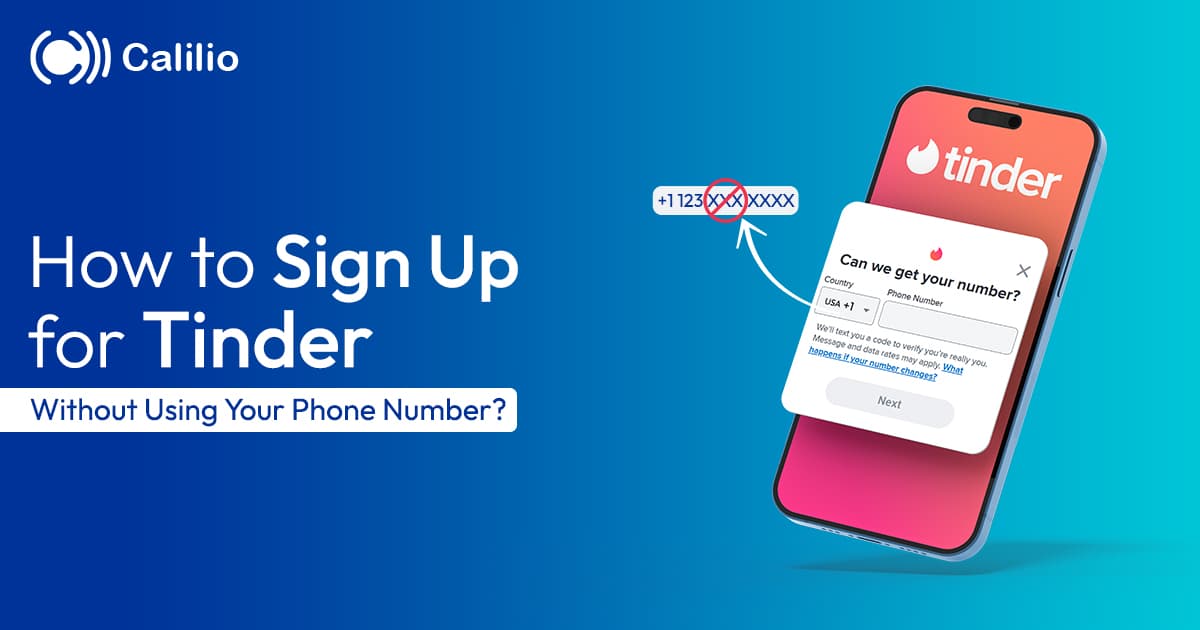

Tinder is one of the most popular dating apps worldwide, known for its simple swipe-based matching and quick profile setup. Whether you want to meet new people, build connections, or explore casual dating, Tinder makes it easy to get started within minutes.
However, during the signup process, Tinder asks for a number to verify your account. While this step helps with security, it is risky to share your personal number due to privacy concerns, spam risks, or the need to manage multiple accounts separately. So, is it possible to use Tinder without a phone number?
Find a clear answer to that question here in this blog. Also, explore why a virtual number is the best alternative to protect your privacy, the stepwise process to get a virtual number, and the top providers in 2026.
Key Highlights:
You cannot use Tinder completely without a phone number, but you can avoid using your personal number by choosing an alternative option.
Getting a VoIP number involves choosing a provider, creating an account, selecting a number, and using it for Tinder verification.
Providers like Calilio, Yesim, 5Sim, and GrizzlySMS offer different options based on features, pricing, and verification success rates.
A virtual number from Calilio provides added benefits like security, long-term usability, and support for both SMS and call verification.
Can You Use Tinder without a Phone Number?
No, Tinder requires a phone number to complete account verification. Even if you choose to sign up using Google or Apple ID, the platform will still ask you to add a phone number later in the process to verify your identity.
This requirement is mainly used to reduce fake accounts, prevent spam, and improve overall user security. Without completing phone number verification, you won’t be able to access or use Tinder’s features fully.
However, you don’t have to use your personal number for this step. Many users prefer using an alternative option, such as a virtual phone number, to complete verification while keeping their private number secure.
This approach is especially useful if you want to protect your privacy, avoid unwanted contact, or manage multiple Tinder accounts without linking them to your personal phone.
How to Get a Virtual Phone Number for Tinder?
To get and use a virtual phone number for Tinder, choose a reliable provider, create an account, purchase and activate a number, then use it for creating a Tinder account.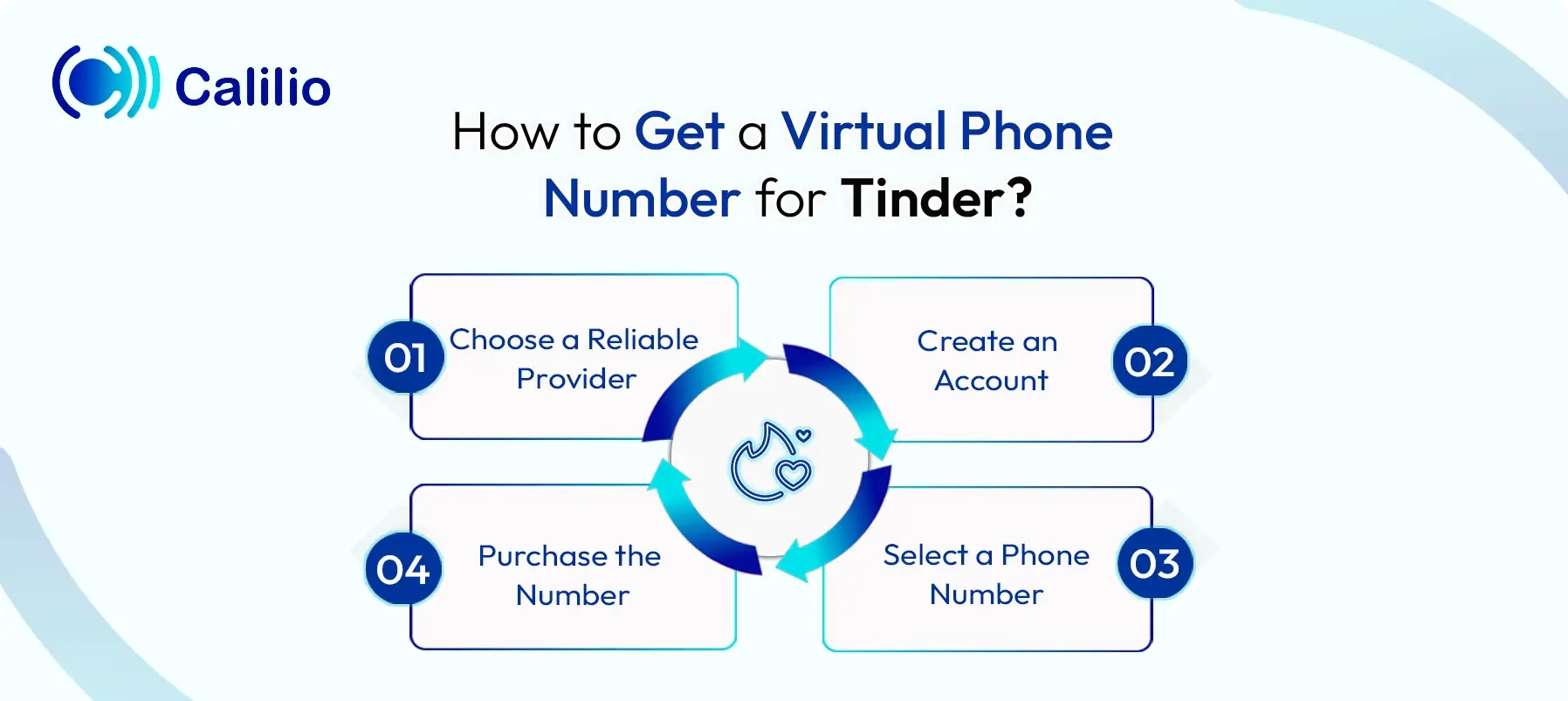
- Choose a Reliable Provider: Choose a trusted virtual phone number provider like Calilio, Yesim, or 5SIM that supports SMS verification.
- Create an Account: Sign up on their website or app by providing the necessary details. Subscribe to a plan if needed.
- Select a Phone Number: Select the preferred country and number.
- Purchase the Number: Complete the payment process to activate the number. Then, use the number for Tinder’s verification.
Disclaimer: The delivery of OTP codes is handled by Tinder, not Calilio. Receiving the verification code depends on Tinder’s system, and in some cases, the dating platform may not send OTPs to virtual numbers.
Top Virtual Number Providers for Tinder
1. Calilio (Best for Reliability)
Calilio stands out as a leading AI-powered cloud phone system, offering virtual numbers in over 100 countries with plans starting at $15/month. Likewise, it includes a free US or Canadian number along with a unified callbox for instant access to OTP codes.
2. Yesim (Best for Travelers and Dual-Use)
Yesim is positioned as a versatile eSIM-based provider that offers VoIP numbers, which are able to receive OTPs from platforms like Tinder and other similar apps. It provides a secure second line without requiring a physical SIM card or KYC verification. And, unlike disposable services, it allows longer-term number usage, making it a practical option if you need to re-verify your Tinder account later.
3. 5Sim (Best for Global Coverage and Flexibility)
5Sim is widely recognized as a flexible platform for internet-based phone numbers, delivering SMS activation services across multiple countries and mobile operators. It lets you filter numbers by country and carrier to improve OTP success rates.
4. GrizzlySMS (Best for App-Specific Verification)
GrizzlySMS is considered a top choice for app-based SMS verification, categorizing numbers specifically for platforms like Tinder, with pricing varying by country. It enables instant OTP delivery directly to your dashboard and includes a refund policy for failed attempts.
5. Quackr (Best for Free and Trial-Based Access)
Quackr is known as one of the few providers offering both free and paid virtual numbers. However, since free numbers are publicly used and often flagged, they have lower success rates for Tinder. So, the paid option is a more dependable choice for verification.
Why Use a Virtual Number from Calilio for Tinder?
Using a virtual number from Calilio for Tinder gives you a private and reliable way to verify your account, with dedicated numbers and support for both SMS and call OTPs. You also get continued access for future logins, plus easy number management and support if any issues occur.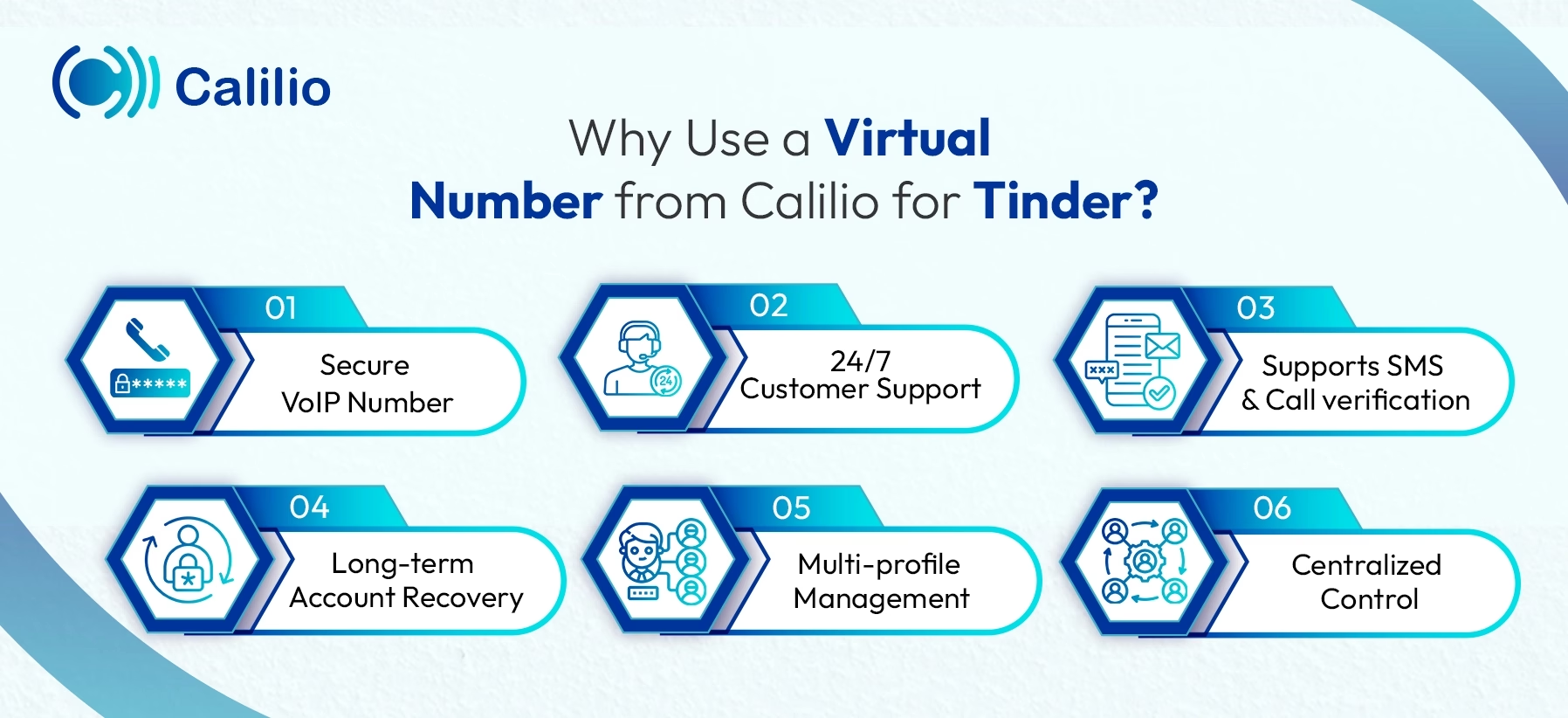
- Secure VoIP Number: Calilio follows strict standards to keep your number secure. Unlike shared or free numbers from burner sites, it applies a cooling period before reassigning numbers. This lowers the risk of previous usage issues or account pre-bans.
- 24/7 Customer Support: You get round-the-clock support via live chat and email. If a number fails to receive a Tinder OTP due to carrier restrictions, the support team can help troubleshoot or assist with switching to another number.
- Supports SMS & Call verification: Tinder may offer OTP delivery through a call if SMS fails. Likewise, Calilio supports both incoming SMS and voice calls, giving you a backup option to receive your verification code.
- Long-term Account Recovery: Your number stays active as long as your plan is active. This allows you to reuse the same number for future logins or re-verification, avoiding account lockouts common with temporary numbers.
- Multi-profile Management: You can manage multiple numbers from one account using Calilio. This is helpful if you need to handle different profiles while keeping them separate from your personal number.
- Centralized Control: All messages and verification activity are managed in one dashboard, so your Tinder activity stays separate from your personal messaging apps.
How to Get a Virtual Number from Calilio & Register on Tinder?
To get a virtual number from Calilio and register on Tinder, start by creating a Calilio account, selecting a suitable number, and completing the purchase so it becomes active. Then, use this number during Tinder signup to receive the verification code and continue setting up your profile by entering your details and completing the required steps.
- Create a Calilio Account: Sign up for Calilio using your email address and basic details. Then, choose a subscription plan that fits your needs.
- Open the My Numbers Section: Go to Settings > My Numbers and click Add a New Number, or click the “+” icon beside Numbers in the left sidebar to purchase a new number.
- Choose a Virtual Number: Select a country that works well for Tinder verification and choose a number that can receive verification codes.
- Complete Purchase and Activation: Finish the payment process and complete any required verification so your number becomes active.
- Open Tinder: Launch the Tinder app or website and begin the sign-up process.
- Enter Your Phone Number: When prompted with “Can we get your number?”, select a preferred country code, enter the acquired virtual number in the field, and tap Next to receive the verification code.
- Complete Verification: Check your dashboard or inbox for the Tinder verification code. Then, provide the necessary details and set up pins to complete the verification process.
Conclusion
Since it is not possible to sign up for Tinder without a phone number, using a virtual phone number is a practical solution. It allows you to verify your account without linking your personal number, which helps reduce unwanted contact and keeps your data separate.
However, you can face some common issues while using virtual numbers, such as not receiving OTP codes, number rejection, or temporary blocks due to repeated attempts. These problems often occur when you use shared or low-quality numbers, which affects your verification success.
Summarize this blog with:
Frequently asked questions
How long should I keep the virtual number after Tinder verification?
You should keep the virtual number as long as you plan to use your Tinder account, since it is needed for security checks or account recovery later.
Do virtual numbers from all countries work for Tinder?
Is it safe to use a virtual phone number for Tinder?
What should you do if your virtual number gets rejected?

Still have questions?
Can’t find the answer you’re looking for? Please chat with our friendly team.
Stay in the loop
Get the latest call insights, trends, and updates delivered straight to your inbox.
By subscribing, you agree to receive updates from Calilio.
You can unsubscribe anytime.
Enter the World of AI Business Phone System with Calilio
Improve your business operation with Calilio's advanced virtual phone system. Join today for a better way to connect.