



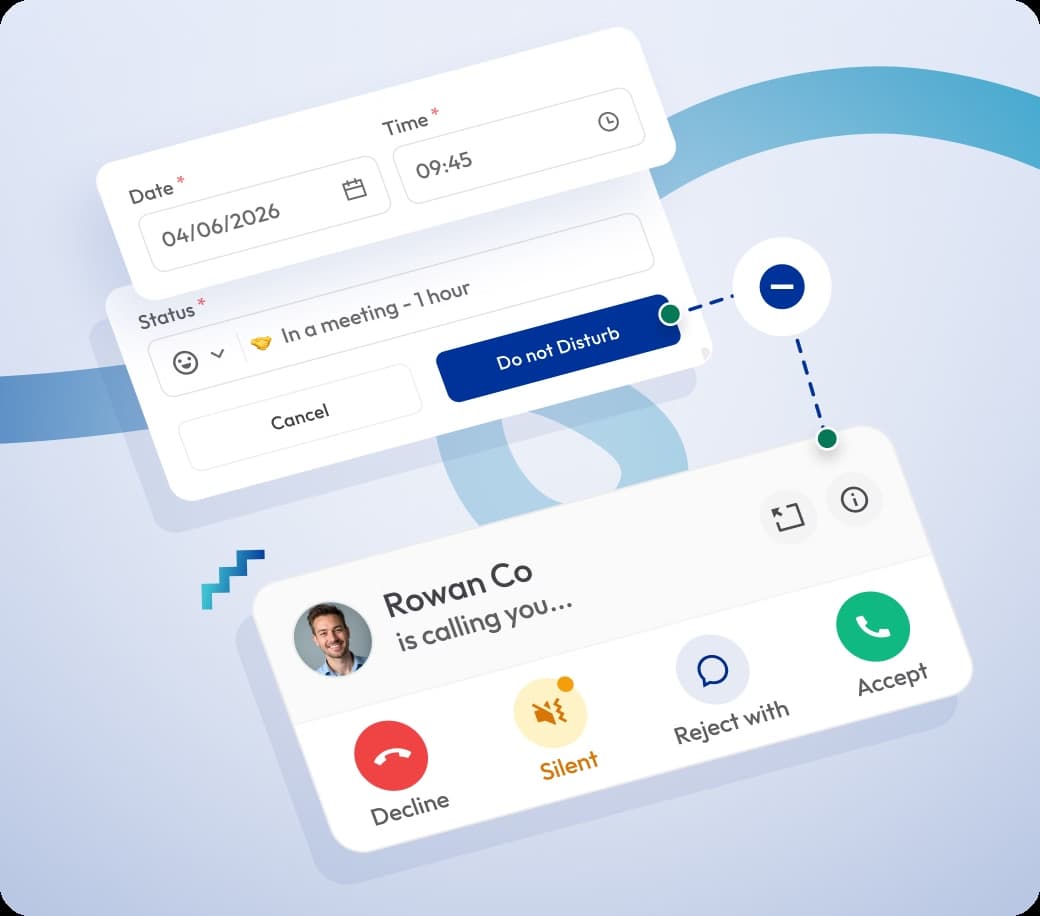

Do Not Disturb — Work without Call Interruptions
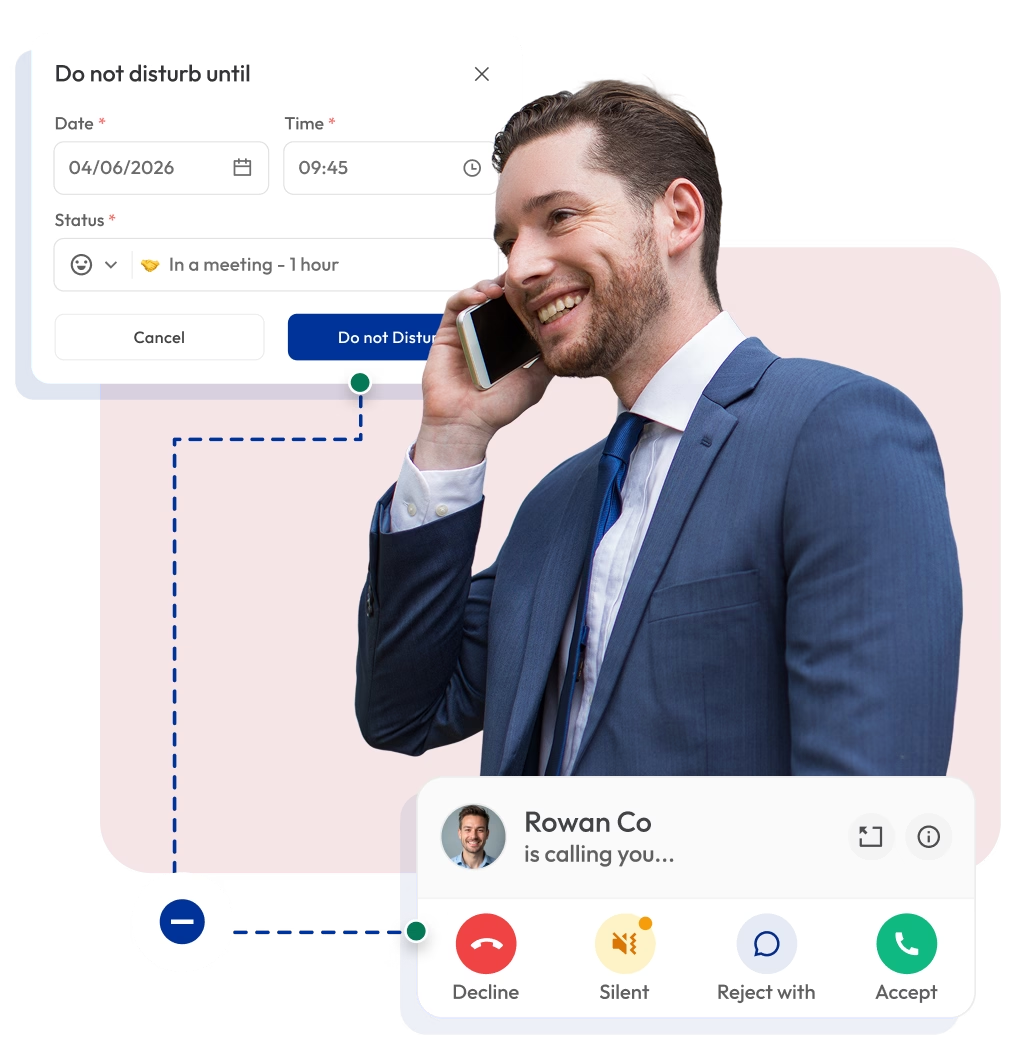
Take control of your availability with Do Not Disturb. Stop alerts, notifications, rings, and vibrations for incoming calls and messages when you need to focus. Stay focused and return to calls when you’re ready.

Telephony Partner of 1000+ Businesses Worldwide
Get Virtual Phone Numbers with the Do Not Disturb Feature
Choose from local, mobile, or toll-free numbers from above 100 countries. Access a wide range of call management features, including Do Not Disturb, to take control of your incoming calls.
No Numbers Found
Some numbers require ID and address verification under local laws. Certain numbers also require A2P 10DLC registration to send SMS or MMS to the United States. Moreover, some numbers may not appear in this search because they are not generally offered to customers and are available only on request. Please Contact Support for assistance.
Also, you can port your existing number to Calilio, and use the number for outbound calling —Port Your Number Now!

How to Set Yourself Away with Do Not Disturb on Calilio?
To enable Do Not Disturb on Calilio, open your dashboard and click your profile at the bottom of the left panel. Then, select “Set yourself as away” to choose how long you want to stay away or set a custom schedule based on your availability.
Get StartedStep 1
Sign up and log in to your dashboard.
Step 2
From the navigation panel on the left side of the dashboard, click your profile picture or name at the bottom.
Step 3
Click on the “Set yourself as away” button.
Step 4
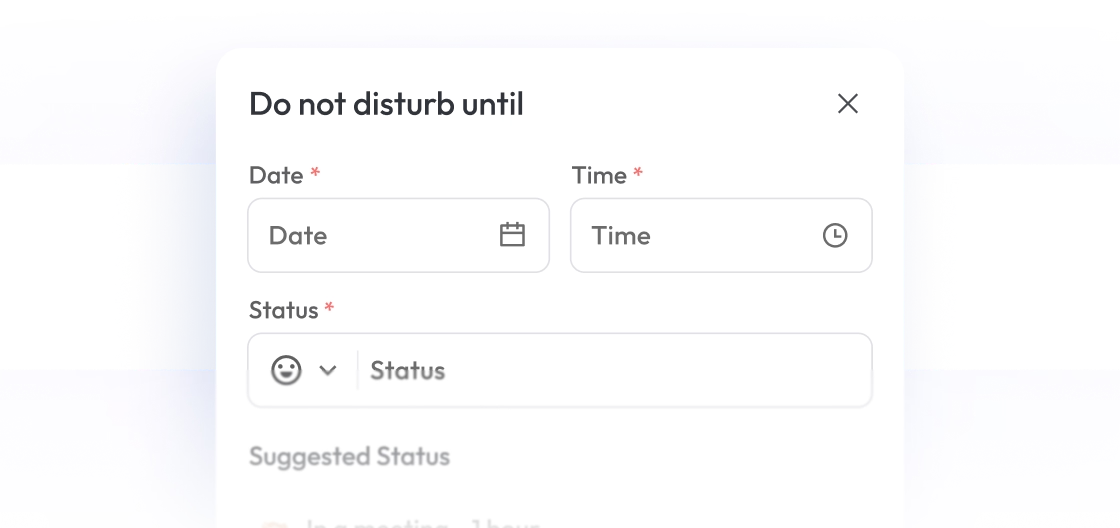
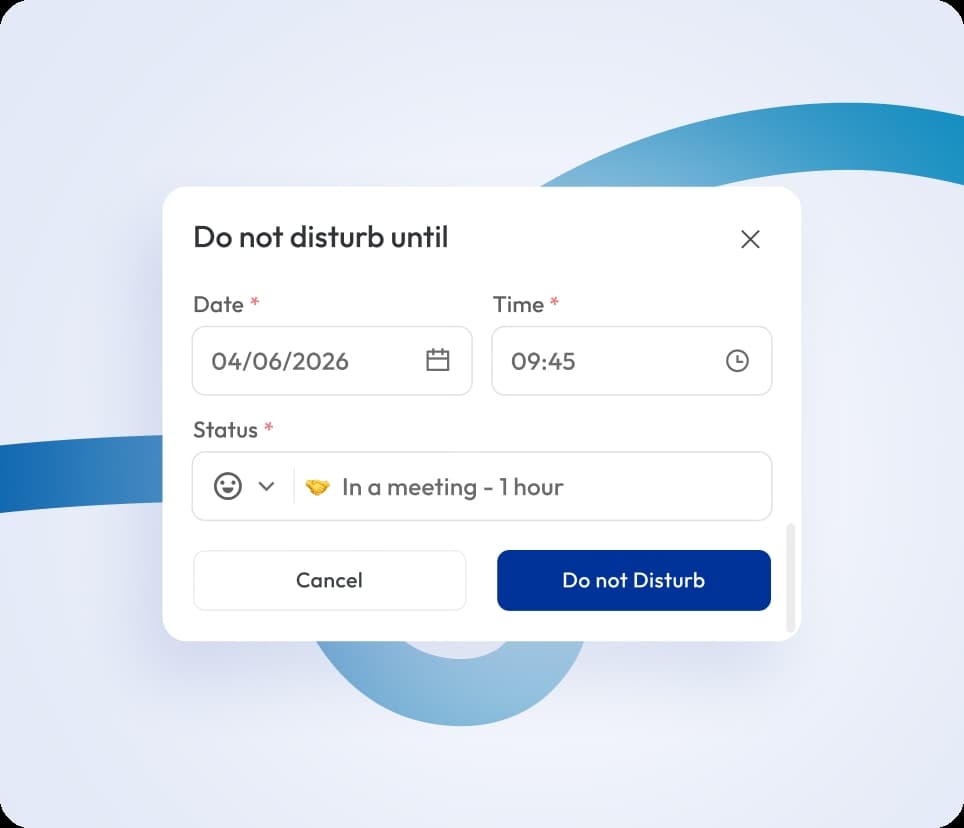
Choose how long you want to remain in DND mode. Select from the dropdown (30 minutes, 1 hour, until tomorrow), or select Custom to set a specific date and time for DND.
Step 5
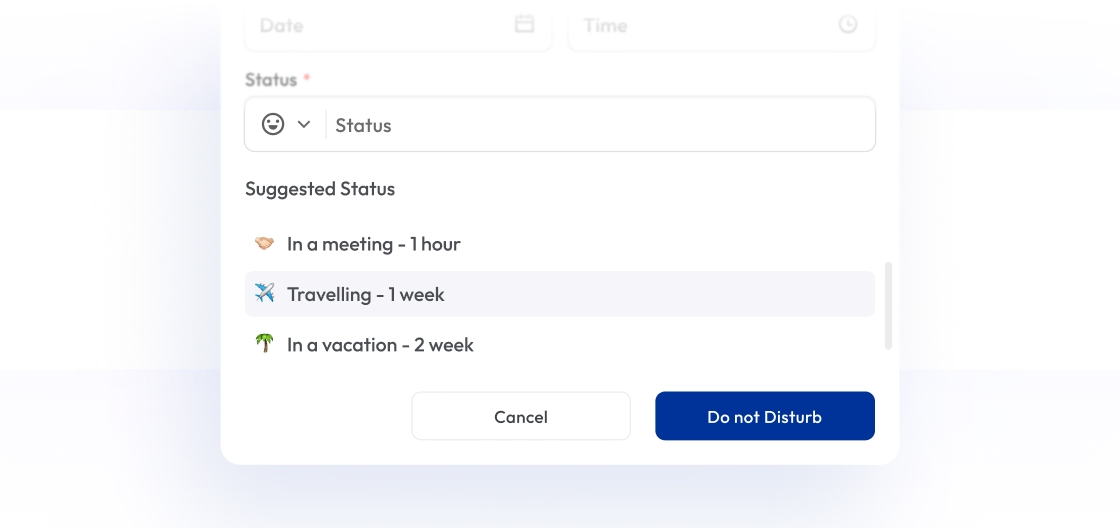
Add a custom status message or select from suggested options like “In a meeting” or “Traveling.”
Step 6
Click the blue Do Not Disturb button to finish the setup.
Step 7
Once activated, a crescent moon icon will appear next to your profile.
Customize How Do Not Disturb Works for You
Status Message
Add a custom message to show your availability or current status. It helps others understand whether you are busy, available, or unavailable.

Status Message
Add a custom message to show your availability or current status. It helps others understand whether you are busy, available, or unavailable.

Custom Date and Time
Set specific dates and times to mark yourself away until the mentioned date. It automatically switches your status back to active on its own, so you don’t have to go back and change settings again.

What is Do Not Disturb?
Do Not Disturb (DND) is a telephony feature that stops incoming calls or messages from ringing on your device for a set time. When you turn on DND, your phone still receives calls, SMS, and notifications, but it won’t ring or vibrate. This helps you stay focused during meetings, work sessions, or rest time without being interrupted by constant alerts.
You can turn on DND automatically during specific hours, or whenever you need quiet time, so your device remains silent only when you need it.

How Does Do Not Disturb Work on Calilio?
Do Not Disturb works by stopping your phone from ringing or vibrating for incoming calls and notifications. You won’t hear anything, so you can stay focused on your work without interruptions.
From the caller’s side, nothing changes. They still hear the normal ringing tone and won’t know that you have silenced your calls.
At the same time, calls are not ignored at all. Calilio handles them based on your settings for unanswered calls. For example, calls can go to voicemail, be forwarded to another number, or be routed to a teammate.
You can check all missed calls later from your dashboard and respond when you are available. This way, you stay undisturbed while still keeping your communication organized.


What are the Benefits of Do Not Disturb?
Better control over your availability
You decide when you are available and when you are not. This gives you full control over your schedule without constantly adjusting settings.
Improved Productivity
Stay focused
Manage work-life balance
Who Can Use the Do Not Disturb Feature?
Integrate Do Not Disturb with Your CRM and Business Tools
Integrate Do Not Disturb with your CRM and business tools to manage your time without missing important interactions. When you’re focused on tasks like updating records, handling support tickets, or reviewing deals, DND prevents incoming calls from interrupting your workflow.
Zapier
Automation
Pipedrive
CRM
Pabbly Connect
Automation
LeadHeed
CRM
HubSpot
CRM
Salesforce
CRM
Mailchimp
Marketing
Crisp
Customer Support
Zendesk
Helpdesk
Request Integration
Best Practices for Do Not Disturb
Using Do Not Disturb the right way helps you stay focused without missing important communication. Instead of turning it on randomly, set it based on your work schedule, tasks, and availability. When used properly, it keeps interruptions low while making sure urgent calls are still handled.
Do's
Set clear schedules for meetings, deep work, or after-hours.
Allow priority contacts or urgent calls when necessary.
Review missed calls and follow up on time.
Use a clear status message so others know you’re unavailable.
Don'ts
Don’t leave it on all the time without checking for missed updates.
Don’t ignore urgent notifications that require attention.
Don’t forget to turn it off after your focus time ends.
Don’t activate it randomly without informing your team.
Affordable Pricing Plans for Businesses of All Sizes
Calilio offers flexible pricing for businesses of all sizes, with a standard plan starting at $15, a premium plan at $35, and custom plans for advanced needs. Each plan includes a Do Not Disturb (DND) feature, including other essential call management features.
Standard Plan
- 200 minutes Outbound
- 100 minutes Inbound
- 100 SMS Outbound
- 100 SMS Inbound
$12 Per user/per month
billed annually at $144
Get Started with:
- User Limit: 10
- Free 1 Local NumberUS or Canada
- Free Bundled Calls & SMS (Saver Lite Package)
- Basic Realtime Dashboard

Premium Plan
- 1000 minutes Outbound
- 500 minutes Inbound
- 500 SMS Outbound
- 500 SMS Inbound
$28 Per user/per month
billed annually at $336
Everything in the Standard Plan, plus:
- CRM Integration
- Unlimited Users
- Live Call MonitoringComing Soon
- Free Bundled Calls & SMS (Saver Pro Package)
- Detailed Realtime Dashboard

Enterprise Plan
Custom
Everything in the Premium Plan, plus:
- Developer Support
- All Call Strategy Features
- Dedicated Account Manager
- Phone and WhatsApp Support

Frequently asked questions
How to call someone with DND mode on?
You can make calls as usual, even when DND is enabled. The feature only controls incoming alerts, so it won’t affect your ability to place calls or communicate with others when needed.
Can I schedule Do Not Disturb?
Can I turn off DND anytime?
Does DND block all notifications?

Still have questions?
Can’t find the answer you’re looking for? Please chat with our friendly team.
Enter the World of AI Business Phone System with Calilio
Improve your business operation with Calilio's advanced virtual phone system. Join today for a better way to connect.