
How to Use Claude Without a Phone Number in 2026

Claude requires phone number verification, and you cannot skip this step during sign-up. However, many users still look for ways to access the platform when they face issues with verification. If you are one of them, you have come to the right place.
Thankfully, there are a few practical ways you can use Claude without a phone number. In this guide, let’s learn how, along with simple solutions for errors like “phone_number_temp_blocked” and verification failures.
Key Highlights:
You cannot officially skip Claude’s phone verification, but alternative signup methods can help you access the platform.
Using “Continue with Google” can bypass phone verification, as it provides a verified identity signal.
Joining a Team or Enterprise workspace via an invite link allows access without the standard signup process.
A high-quality virtual phone number can help you complete verification when direct methods fail.
Common issues like “phone_number_temp_blocked” or unsupported number errors often depend on number quality and usage behavior.
Choosing a reliable provider reduces verification failures and improves OTP delivery success.
Claude blocks VoIP and low-trust numbers, so selecting the right number type is important for successful signup.
Why Does Claude Need Your Phone Number?
Claude needs your phone number to prevent spam and abuse, enforce usage limits, and keep the platform secure. It also supports account recovery and ensures only users from supported regions can access the service. In addition, it helps meet legal and policy requirements in different countries.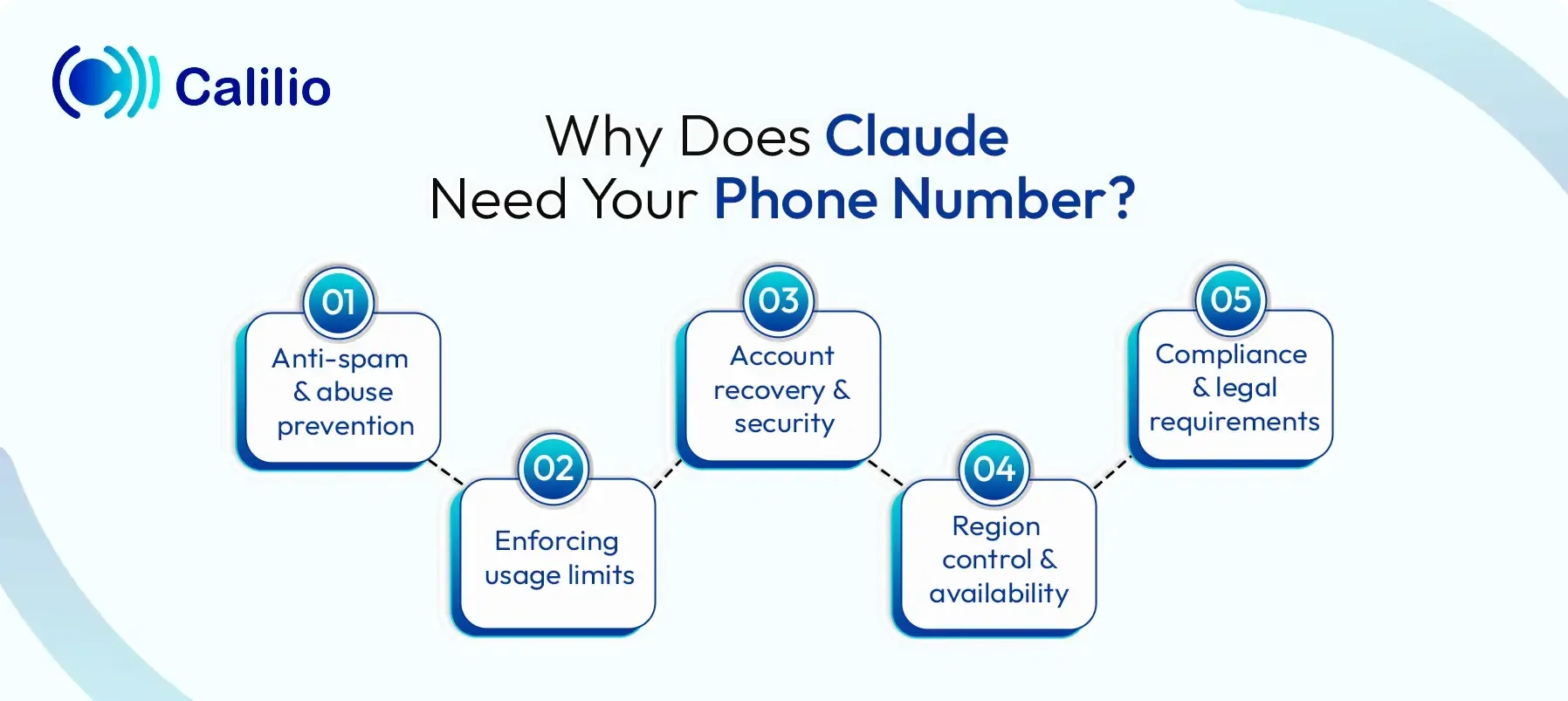
- Anti-spam and abuse prevention: Claude uses phone verification to reduce fake account creation. It makes it harder for bots or automated scripts to sign up in bulk. This helps protect the platform from misuse.
- Enforcing usage limits: Each account is linked to a unique number. This prevents users from creating multiple accounts to bypass free limits or trial restrictions. As a result, usage stays fair for everyone.
- Account recovery and security: Your phone number helps you regain access if you get locked out. It also supports future security features like two-factor authentication, adding an extra layer of protection to your account.
- Region control and availability: Claude is not available in every country. Phone verification helps ensure that only users from supported regions can sign up. It also aligns with service availability policies.
- Compliance and legal requirements: Some regions require platforms to verify users for age and policy reasons. Phone numbers act as a basic identity check. This allows Claude to follow global regulations and platform rules.
Can You Use Claude without a Phone Number?
Yes, you can use Claude AI without a phone number. But it depends on how you sign up. The large language model usually asks for phone number verification when it cannot confirm your identity, as it uses this step to prevent spam and misuse.
However, this requirement is not always enforced in the same way. In some cases, you can avoid the phone number step by choosing the right signup method.
How to Sign up for Claude without a Phone Number (Working Method)
The simplest way to create your Claude account without a phone number is to use the “Continue with Google” option instead of entering your email manually. When you sign in through Google, Anthropic (Claude AI’s founding company) receives a verified authentication signal, which removes the need for phone verification.
However, when you type your email, Anthropic cannot directly verify that you own that account, so it asks for a phone number as a fallback.
Here are the steps to sign up for Claude, which won’t ask for your number:
- Visit claude.ai
- Click “Continue with Google”
- Select your Google account and allow access
- Start using Claude without entering a phone number
Alternative Method for Claude AI Sign Up without a Phone Number
Another way to access Claude without entering a phone number is by joining a Team or Enterprise workspace through an invite link. In this setup, an admin shares a link that lets you join the organization directly. Once you click the link and sign in, you get access without going through the standard individual signup flow.
However, this method comes with a few conditions. First, you must have access to a valid invite link from an existing organization. Your email domain also needs to match the organization’s allowed domains. In addition, Team and Enterprise plans are paid offerings, so this option is usually limited to businesses or teams rather than individual users.
If you do not have access to an invite link or a team account, you will need another option. In that case, using a virtual phone number becomes the next practical approach to complete your Claude signup.
A virtual number lets you receive the required OTP without using your personal number. This makes the signup process more flexible, especially if you face region or privacy issues.
How to Get a Virtual Phone Number to Create Your Claude Account?
To get a virtual phone number for Claude, sign up with a provider, select a number from a supported country, and complete the payment or required verification. Once the number is active, use it during the Claude signup to receive the OTP.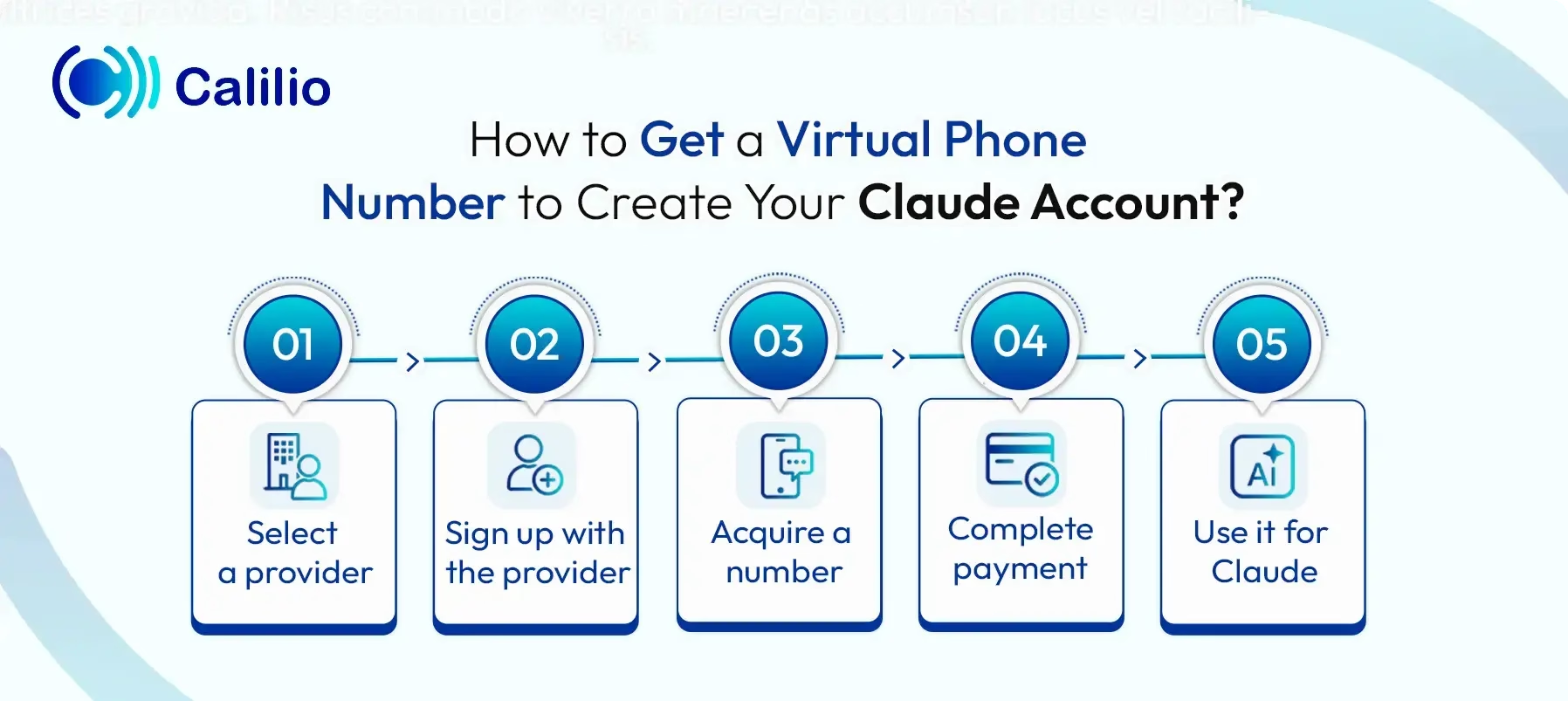
- Select a provider: Start by choosing a reliable virtual number provider, like Calilio, Quo, or RingCentral. Look for services that provide numbers from regions where Claude works, such as the US, UK or Australia.
- Sign up with the provider: Create your account using your email and basic details. Some providers may ask you to choose a plan or subscribe before you can access numbers.
- Acquire a number: Go to the number purchasing section and select a country where Claude offers its services. Then, choose an available number that receives SMS for OTP.
- Complete payment: Proceed with payment using available methods like card, PayPal, or others. In some cases, providers require basic ID verification before activating the number.
- Use it for Claude: Once your number is active, use it when signing up for Claude. Some numbers activate instantly, while others may take a few minutes, so wait until it is activated.
Disclaimer: OTP delivery is controlled entirely by Anthropic, not Calilio. Successful reception of verification codes depends on Claude’s systems and policies, and it may not send OTPs to VoIP or virtual numbers.
Common Claude Phone Verification Errors (+ Fixes)
Using a phone number for Claude verification seems simple, but it often leads to unexpected issues. You might face errors due to repeated attempts, unsupported number types, or network-related problems.
Understanding these common errors and their fixes helps you complete the signup process without unnecessary delays.
1. “phone_number_temp_blocked” Error
This “phone_number_temp_blocked” error usually appears when Claude detects too many verification attempts in a short time. If you keep clicking “Resend,” the system flags it as unusual activity. It can also happen if the number is already linked to another account or if an unreliable VoIP number is detected.
Fix: Wait at least 15–30 minutes before trying again. If the issue continues, wait longer or acquire a dependable virtual phone number. You can also contact Anthropic support using your account email if you remain stuck.
2. Unsupported Phone Line Type Error
This error appears when you use a number that Claude cannot recognize as a valid mobile line. The system states it only accepts SIM-based numbers, so it rejects VoIP, temporary, or internet-based numbers. It usually occurs when the number comes from low-quality or disposable sources that are easy to generate in bulk.
Fix: Use a legitimate mobile number from a supported region. If you want an alternative, choose a high-quality virtual number that provides real mobile (non-VoIP) lines instead of temporary or internet-based numbers.
3. Claude Not Sending Verification Code
This issue occurs when the verification SMS is delayed or blocked before it reaches your phone. It often happens due to carrier filtering, repeated code requests, or network interference like VPN (Virtual Private Network) usage. In some cases, the number may already be linked to another account, which prevents new codes from being sent.
Fix: Check your spam or junk SMS folder first. Then wait 15–30 minutes before requesting the code again, and avoid clicking “Resend” multiple times. You can also disable your VPN temporarily or try a different number.
4. Number Already Used Too Many Times
This error appears when the phone number is already linked to an existing Claude account. Since Claude AI allows only one account per number, it blocks reused numbers even if the account was created earlier or by someone else.
Fix: Use a different number that has not been used before. Alternatively, try logging into the original account linked to that number or contact Anthropic support if you think it is an error.
Well, most of these verification issues often come down to the type and quality of the numbers you use. If your number gets flagged, reused, or blocked, the signup process fails again and again. That’s why you need a provider that offers stable, SMS-ready numbers.
How to Get a Virtual Phone Number for Claude AI from Calilio and Use It
You can get a virtual phone number from Calilio by creating an account, choosing a plan, and purchasing an SMS-enabled number from a supported country. Once the number is active, enter it during Claude’s signup, receive the OTP in your dashboard, and complete the verification process.
- Step 1 - Create your account with Calilio by providing the required details and verifying your email.
- Step 2 - Subscribe to your desired plan, such as Standard or Premium.
- Step 3 - Access the dashboard, go to Settings > My Numbers and click Add a New Number, or click the “+” icon beside Numbers in the left sidebar to purchase a new number.
- Step 4 - Select a country where Claude is available and choose a number that can receive SMS.
- Step 5 - Provide any required details and complete the payment process.
- Step 6 - Wait for the number to activate.
- Step 7 - Visit Claude’s site and enter the number when prompted.
- Step 8 - Access the OTP from the Calilio dashboard.
- Step 9 - Enter the OTP in Claude, complete the remaining details, and finish setting up your account.
Summarize this blog with:
Frequently asked questions
Can I skip Claude's phone verification?
No, you cannot skip phone verification when creating a new Claude account. As of 2026, Anthropic requires it for all users to reduce spam, limit abuse, and meet regional compliance requirements.
Does Claude accept virtual numbers?
Why doesn't Claude accept my phone number?
Does Claude keep my information private?
How do I remove my phone number from Claude?

Still have questions?
Can’t find the answer you’re looking for? Please chat with our friendly team.
Stay in the loop
Get the latest call insights, trends, and updates delivered straight to your inbox.
By subscribing, you agree to receive updates from Calilio.
You can unsubscribe anytime.
Enter the World of AI Business Phone System with Calilio
Improve your business operation with Calilio's advanced virtual phone system. Join today for a better way to connect.